
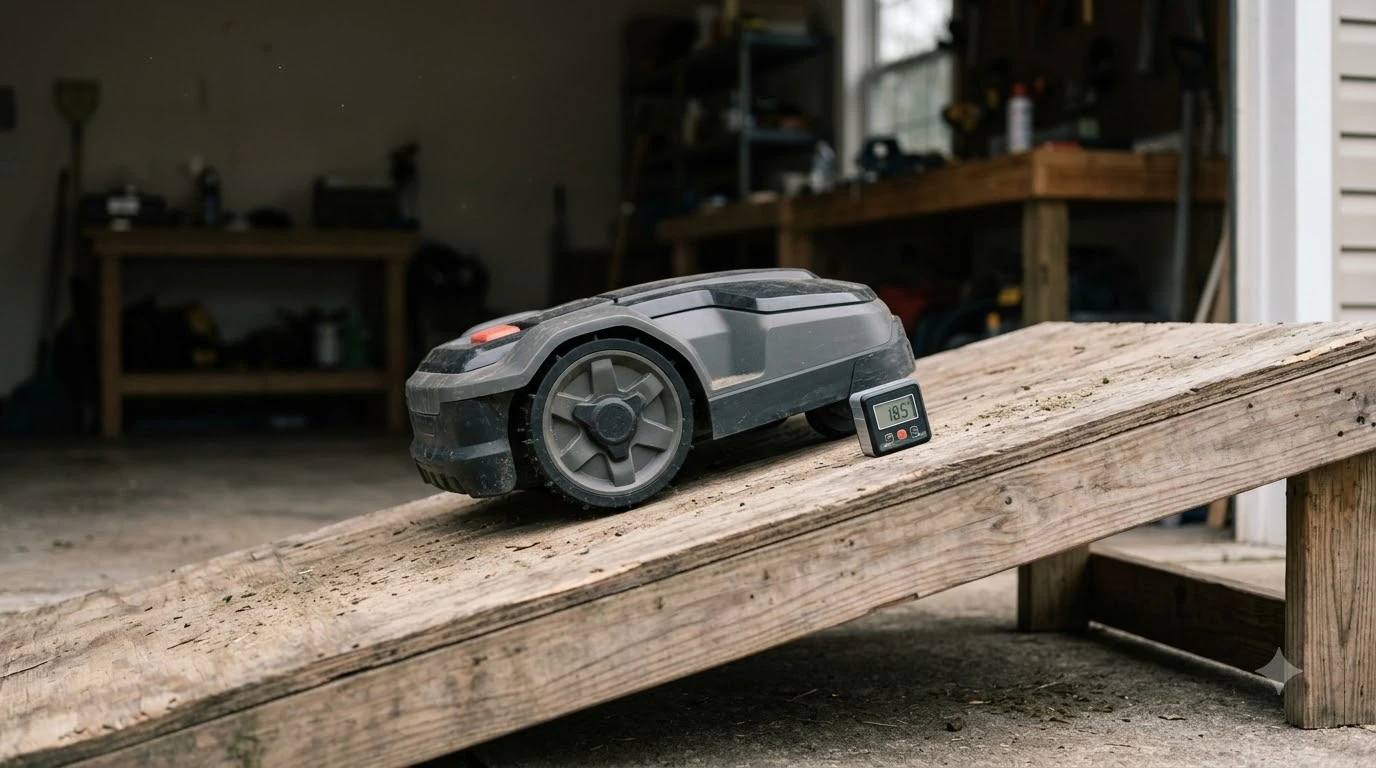

How to reduce static electricity buildup on a robot mower? Schedule mowing sessions when relative humidity is higher, apply an anti-static plastic treatment to the outer shell, and clean dust and dry clippings off the chassis regularly. Friction between a polymer mower body, rubber wheels, and dry grass blades creates a surface charge that pulls pollen, fine dust, and dry clippings onto the shell and sensor windows. Adjusting your mowing schedule and surface care routine keeps that charge from accumulating without risking damage to onboard electronics.
The short answer
- Shift mowing to higher-humidity hours: Running the mower during early morning or evening hours increases ambient moisture, which helps surface charges dissipate naturally into the air.
- Treat the shell with an anti-static spray: Topical anti-static sprays lower the surface resistivity of insulating plastics so dust and pollen do not cling as tightly.
- Wipe down sensors and body panels regularly: Removing dry dust, pollen, and fine clippings with a damp microfiber cloth clears existing static-attracted buildup and discharges the surface.
- Keep blades sharp and deck clear: Clean cuts produce fewer powdery grass fragments that easily cling to charged plastic housings.
- Avoid homemade grounding wires: Attaching unapproved metal drag straps or DIY ground wires to a battery-powered robot risks shorting charging contacts or interfering with boundary signals.
Why robot mowers build up static electricity
Static electricity accumulates on a robot mower because its insulating plastic housing and rubber tires repeatedly contact and separate from dry grass blades and soil particles.
In physics and materials engineering, this process is known as triboelectric charging. Whenever two different materials touch and separate, electrons transfer from one surface to the other. Unlike metal-deck walk-behind mowers that can conduct charge away more easily, modern robot mowers rely on lightweight ABS, polycarbonate, or polypropylene shells to protect internal electronics from weather and impacts. Because plastics are electrical insulators with high surface resistivity, transferred electrons remain trapped on the outer shell rather than flowing away.
Low ambient humidity makes the problem noticeably worse. According to Bondline Electronics, plastic surfaces generate and retain substantially more electrostatic charge in dry air because there are fewer water molecules available to conduct charge off the surface. On a dry, breezy afternoon, a robot mower patrolling a dusty lawn acts like a slow-moving magnet for fine soil, yellow spring pollen, and pulverized grass tips.
While a mild surface charge on the outer shell rarely harms sealed internal circuit boards during normal operation, heavy dust accumulation creates practical headaches. Charged dust coats optical cameras, ultrasonic sensor lenses, and LiDAR windows, which can cause obstacle-avoidance false positives or docking alignment errors. Thick layers of static-bound debris around wheel arches and charging strips can also trap moisture when dew falls overnight.
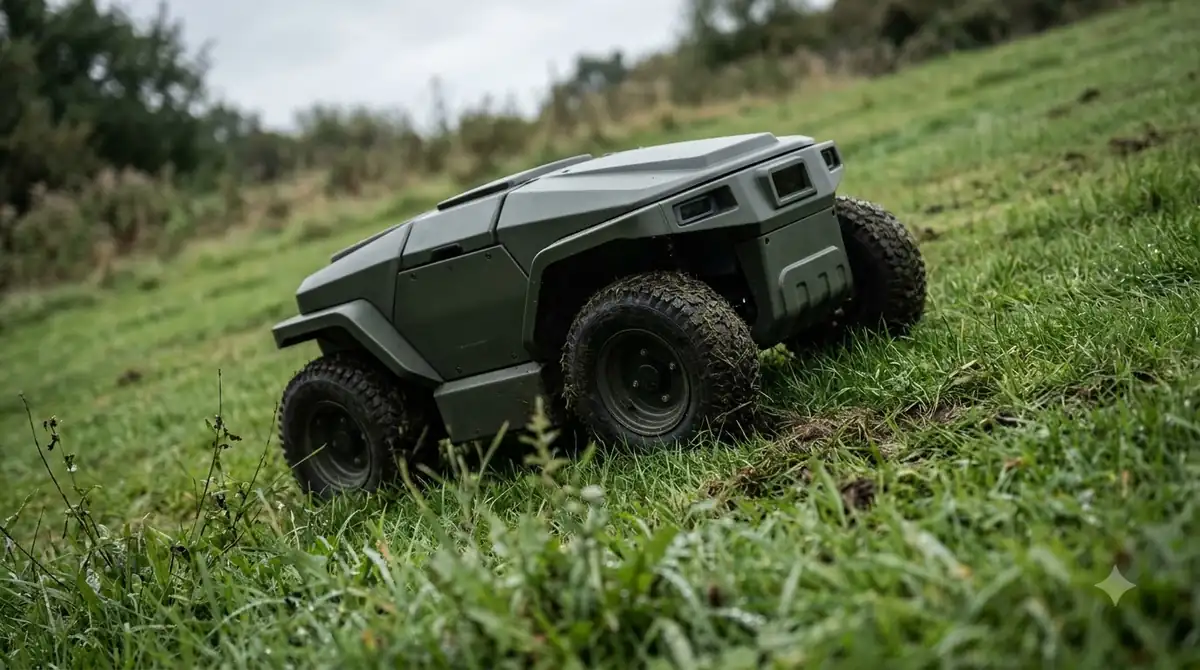
Practical ways to reduce static buildup on your mower
You can dramatically cut down static attraction by combining smarter mowing schedules with safe surface treatments and routine mechanical upkeep.
| Method | How it works | Best frequency | Safety note |
|---|---|---|---|
| Mow during higher-humidity hours | Ambient moisture increases air conductivity so surface charges bleed off naturally | Daily schedule adjustment | Wait until heavy dew dries if grass clumps under the deck |
| Apply plastic-safe anti-static spray | Lowers surface resistivity on insulating shells so dust and pollen repel instead of stick | Every few weeks in dry weather | Spray onto a cloth first; keep away from camera lenses and charging contacts |
| Damp microfiber wipe-down | Moisture neutralizes trapped surface electrons while lifting fine pollen and dust | Weekly during peak dry spells | Power off the unit first; never use a pressure washer |
| Replace dull blades on schedule | Clean shearing creates larger grass tips instead of powdery, airborne chaff | Every 1 to 2 months | Replace all blades and screws as a balanced set |
Adjusting the mowing window is the easiest zero-cost change. Midday sun dries out both the turf canopy and the air directly above it, creating peak conditions for triboelectric charging. Shifting your schedule to late afternoon or early evening—after afternoon heat peaks but before heavy overnight dew forms—gives the mower higher relative humidity without forcing it to slog through soaking wet grass.
Surface care matters just as much. Manufacturer maintenance guides, including the Husqvarna Automower cleaning guide, recommend wiping the body and chassis with a damp cloth and mild soap solution rather than blasting the unit with high-pressure water. For owners dealing with persistent pollen or fine clay dust in arid climates, applying a plastic-safe anti-static spray or manufacturer-approved plastic polish helps reduce static cling between washings.
Heads up
Do not bolt homemade metal chains, drag wires, or exposed copper strips onto a robot mower chassis to ground it. A dragging metal conductor can snag on perimeter wires, bridge the exposed charging plates on the nose or rear of the robot, or create electrical interference with low-voltage boundary signals.
Step-by-step routine to clean and treat a static-prone mower
Following a consistent cleaning and anti-static prep routine removes existing charged debris and slows down new dust accumulation.
- Power down and isolate the mower. Turn off the main power switch and engage the safety isolator key or PIN lock so the cutting disc cannot spin while you handle the chassis.
- Brush off loose dry debris. Put on protective gloves and use a soft dry brush to sweep dry clippings and soil off the undercarriage, wheel wells, and bumper seams before introducing moisture.
- Wipe the shell with a damp microfiber cloth. Lightly dampen a clean microfiber cloth with water and a drop of mild dish soap, then wipe down the entire top cover and side skirts to discharge trapped static and lift fine pollen.
- Clean optical sensors and charging contacts separately. Use a clean, lint-free cloth on camera lenses or ultrasonic sensors, and polish metal charging strips with a fine abrasive pad if oxidation or baked-on grime is present.
- Apply anti-static treatment to dry plastic panels. Once the outer shell is completely dry, mist a plastic-safe anti-static spray onto a fresh cloth and buff the upper housing, avoiding sensor lenses, vents, and metal contacts.

Common mistakes that make static and dust worse
Several well-intentioned cleaning habits actually increase surface friction or strip away protective finishes on robot mower plastics.
- Dry-wiping with standard paper towels or synthetic rags: Rubbing a dry plastic hood with a dry towel generates fresh triboelectric charge immediately, causing floating dust to snap right back onto the shell moments after you finish.
- Using harsh household solvents or degreasers: Alcohol-heavy cleaners, acetone, or strong petroleum solvents can dry out and micro-etch polycarbonate and ABS plastics, increasing surface roughness and making dust stick even harder.
- Mowing excessively dry, scalped turf: Setting the cutting height too low during hot, dry weather kicks up bare soil particles and pulverizes brittle grass tips into fine dust that easily carries a static charge.
- Ignoring internal electrostatic precautions during repairs: If you ever open a charging tower or mower housing to replace a battery or circuit board, technicians recommend wearing an electrostatic discharge (ESD) wrist strap so static from your own body does not damage exposed electronics.
Frequently asked questions
Can static electricity damage a robot mower’s circuit board?
Normal static buildup on the outer plastic shell from mowing dry grass rarely harms internal electronics because the main control boards sit inside sealed, shielded enclosures. The main risk of static damage occurs when an owner opens the housing or charging station to service internal components without using proper electrostatic discharge protection.
Why does my robot mower attract yellow pollen and red dust so badly?
Insulating plastic body panels build up a static charge as the mower brushes against dry grass blades, turning the shell into an electrostatic magnet for lightweight airborne particles like pollen and fine clay dust. Because dry air prevents that charge from dissipating, the dust clings tightly until washed off by rain or a damp cloth.
Is it safe to use dryer sheets on a robot mower shell?
Wiping a dry plastic shell with a used dryer sheet can temporarily reduce static cling, though many dryer sheets leave behind waxy softening agents that attract dirt over time. A dedicated plastic-safe anti-static spray or a simple wipe with a damp microfiber cloth cleans more effectively without leaving greasy residue.
Will rain wash away static buildup on a robot mower?
Yes, rain and high outdoor humidity naturally neutralize static charges on the mower’s exterior and rinse away loose pollen and dust. However, you should still inspect and brush off wet clippings underneath the deck afterward so damp debris does not cake onto the blades or wheels.
Sources
- How to clean Husqvarna Automower and CEORA (Husqvarna Support): referenced for official robotic mower cleaning steps, mild soap and damp cloth guidance, and sensor/charging contact maintenance.
- Why Plastic Surfaces Generate Static Electricity & Increase ESD Risk (Bondline Electronics): referenced for triboelectric charging behavior on insulating plastics, the effect of low relative humidity, and topical anti-static spray mechanisms.
- Robot Lawn Mower Common Faults & Solutions (LawnMaster / Cleva): referenced for preventative maintenance practices, avoiding high-pressure water, and cutting height/blade care in dry conditions.
 Up next7 min readLearnHow Much Electricity Does a Robot Mower Use per Month? kWh GuideUpdated Nov 13, 2026
 8 min readLearnHow to Prevent Grass Buildup Inside Robot Mower Wheel WellsUpdated Nov 19, 2026
 7 min readLearnDoes a Robot Mower Reduce Ticks in the Yard?Updated Nov 12, 2026
 8 min readLearnDo Robot Mowers Cause Thatch Buildup? What Extension Sources SayUpdated Nov 11, 2026
 7 min readLearnHow to Reduce Robot Mower NoiseUpdated Nov 11, 2026
 9 min readLearnWhy Does My Robot Mower Beep Three Times on the Dock?Updated Nov 19, 2026