
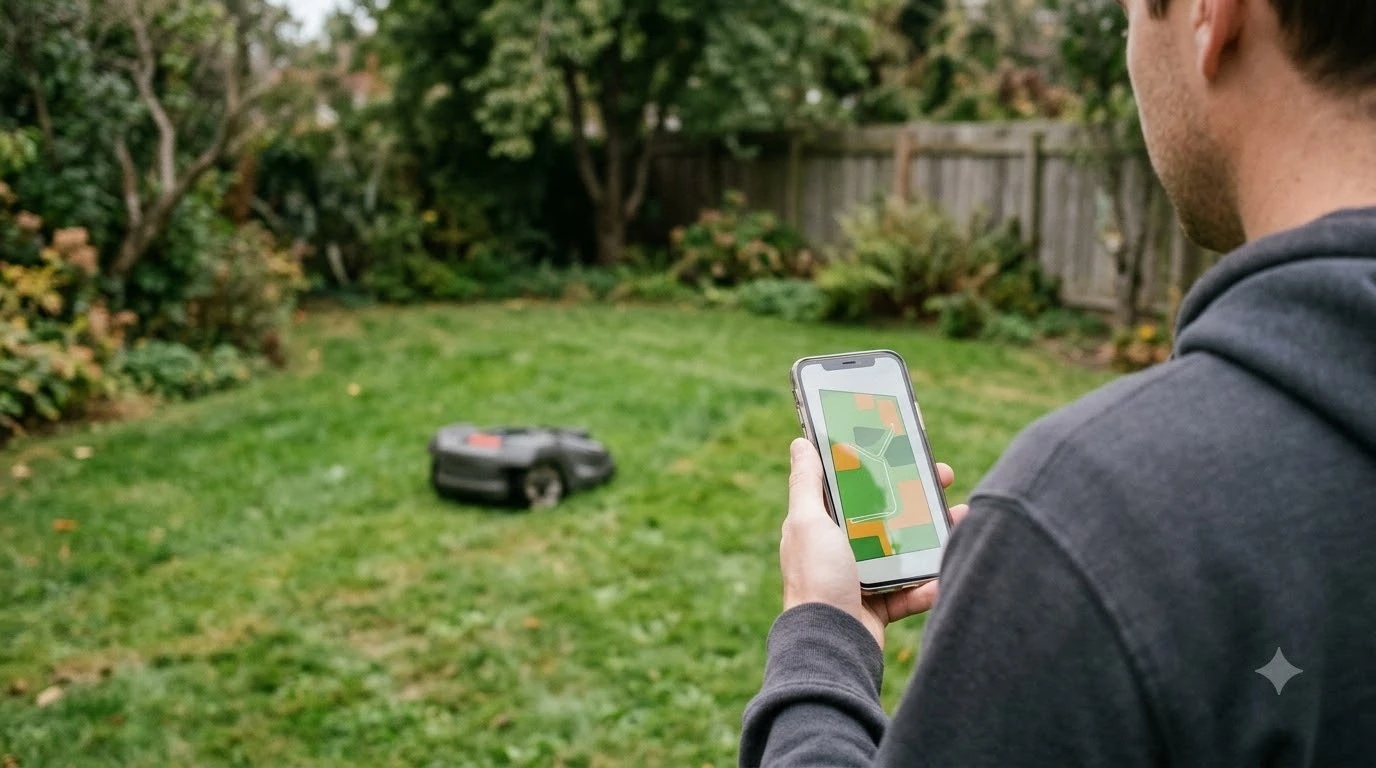

The best robot lawn mower that works with Google Home depends on the brand’s own app and cloud account. Several mowers can be controlled by Google Assistant, but the setup differs for each one. As of 2026-11-10, the Husqvarna Automower has the most complete official Google Home guide we could read. Mammotion publishes a linking article with voice commands, and Segway Navimow’s official route is a Home Assistant integration rather than a Google Home guide. This page shows what each brand’s support material says, what it leaves out, and what to confirm before you buy.
The short answer
- Husqvarna Automower: works through Google Home’s “Works with Google” setup. You need an Automower Connect account, and the model needs Wi-Fi or mobile connectivity or an Automower Connect kit.
- Mammotion: an official support article explains how to link Google Home and lists start, pause, dock and status commands. The article refers to a model called “YUKA”, so confirm your own model first.
- Segway Navimow: we found an official Home Assistant integration but no official Google Home guide.
- Before you buy: check the brand’s current Google Home page for your exact model, and plan around the PIN and STOP-button limits described below.
How Google Home control works with a robot mower
Google Home does not usually talk to a mower directly. In the Husqvarna process, you add the brand as a service in the Google Home app and authorize Google to reach the brand’s cloud account. Mowers linked to that account then appear as Google Home devices. Our reading is that Google Home compatibility depends on the manufacturer’s cloud account and the mower’s connectivity, not only on the mower’s name.
Husqvarna Automower: the most documented setup
Husqvarna publishes the clearest Google Home steps we found, with a connectivity rule for models. Its Canadian support page says to add the mower to Google Home first, name the mower in the Automower Connect app, and set a four-digit Google PIN in that app. Google Assistant asks for the PIN when you start or resume the mower. The UK support page gives the Google Home path: tap the plus icon, choose “Set up device”, select “Works with Google”, search for Husqvarna Automower, and authorize access.
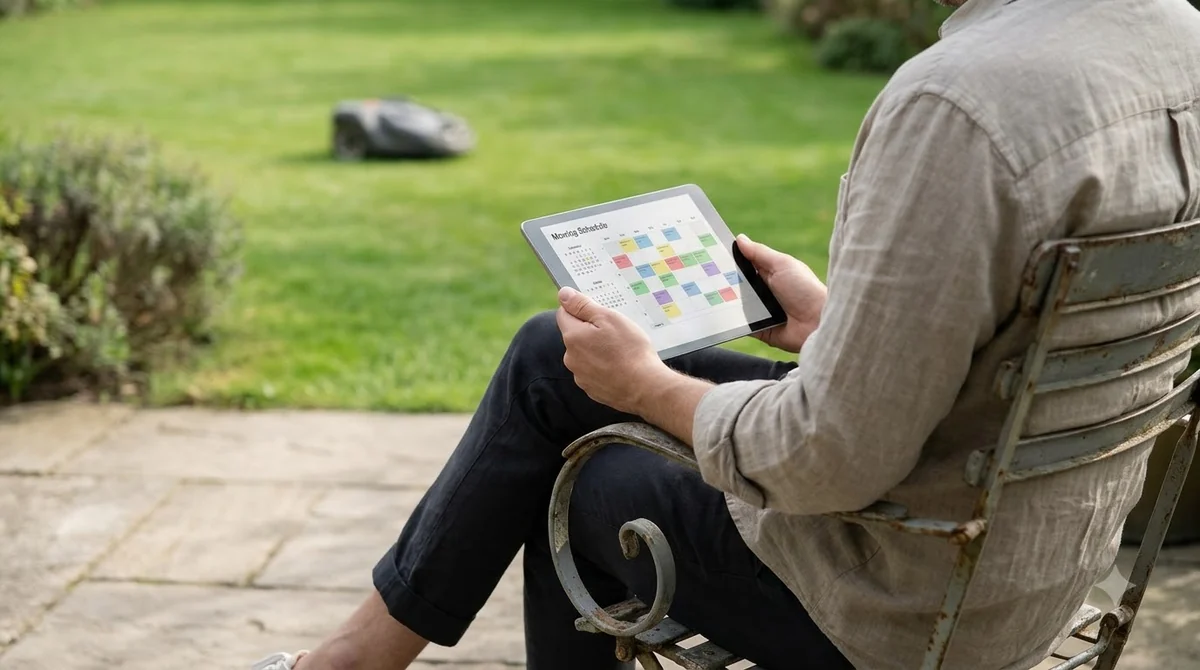
On models, Husqvarna’s UK compatibility page says “All Automower® models with Wi-Fi or mobile connectivity can be controlled by these services,” and that other models can join when they are equipped with an Automower Connect kit. The same page says the Automower is currently the only Husqvarna product that works with these services. The pages we read do not list model names, so check your model number against the connectivity rule before you buy.
Mammotion: an official guide with voice commands
Mammotion’s support site has a Google Home linking article with clear voice commands. The steps are to go to the Me page in the app, tap Google Home, tap Link Google Home, and follow the authorization steps. The commands begin with “Hey Google” and cover starting, pausing, continuing, stopping, sending the mower back to its dock, and checking whether it is running.
The article also says at least one task must exist before a voice-started job, and that voice commands are supported in English, German and French. It does not name a Mammotion model in its text. It refers only to “YUKA”, so it does not confirm that a particular LUBA model is covered.
Heads up
Treat the Mammotion article as proof of the linking steps and commands, not as proof for every model. Check the product page or ask Mammotion support about your exact model before you rely on voice control.

Segway Navimow: what we could and could not confirm
Segway publishes an official Home Assistant integration for Navimow on its GitHub repository. It needs Home Assistant 2026.1.0 or later, sign-in with your Navimow account, and a mower that is connected to your home network and reachable from Home Assistant. The repository does not mention Google Assistant and does not list supported models.
Some third-party reviews say certain Navimow models work with Google Home and Alexa. We did not confirm those claims on Segway’s own pages. Community posts about routing Navimow through Google Assistant are old and unofficial. Our reading is that a Navimow owner who wants Google Home control should ask Segway support for the current options before buying.
Setup limits for a robot lawn mower that works with Google Home
Husqvarna’s voice-command guide lists the limits that matter most at home, and they are about the PIN, the STOP button and naming. If someone has pressed STOP on the mower, Google Assistant cannot restart it. A person must enter the PIN on the mower keypad and close the hatch. Husqvarna also recommends a mower name that is easy to pronounce, and says “Automower” or “mower” works only when you have one mower.
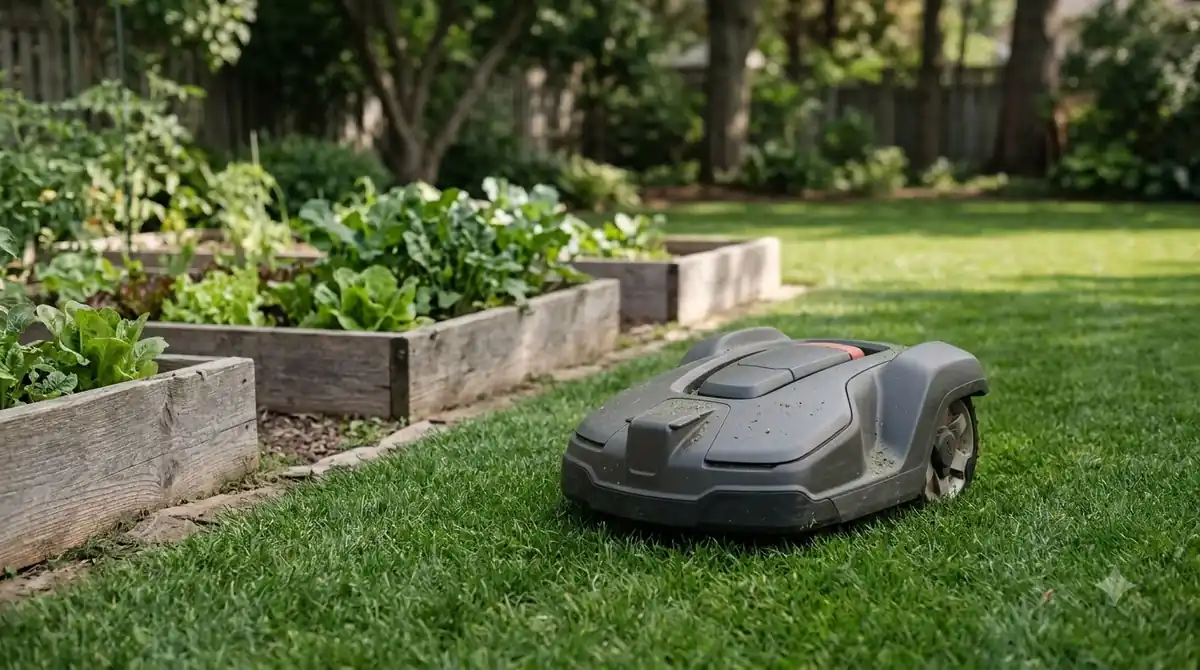
Husqvarna also recommends parking the mower instead of pausing it for more than 25 minutes. It says Automower works with Google Assistant and Amazon Alexa, but not with Siri.
What to check before you buy a robot lawn mower that works with Google Home
The checks below apply to any brand. Each one comes from a support page we read, or from a gap we found in those pages.
- Connectivity. Confirm that your exact model has Wi-Fi or mobile connectivity, or that the brand’s connect kit is available for it.
- Cloud account. Confirm which brand app and account must be linked, since Google Home reaches the mower through that account.
- Tasks and language. Mammotion requires at least one task before a voice-started job, and lists English, German and French for voice commands.
- Recovery at home. Decide who can reset a mower that someone has stopped with the STOP button, and who knows the PIN.
Comparing the best robot lawn mower that works with Google Home
The table below compares only what the official pages we opened say. It does not include prices or model rankings.
| Brand | Official Google Home path we found | Model or connectivity rule | Main caveat |
|---|---|---|---|
| Husqvarna Automower | “Works with Google” setup with an Automower Connect account | Wi-Fi or mobile models, or models with a Connect kit | PIN required; STOP button blocks restart by voice |
| Mammotion | Me page, Google Home, then Link Google Home | Not stated for LUBA; the article refers to “YUKA” | At least one task needed before voice-started jobs |
| Segway Navimow | No official Google Home guide found | Official Home Assistant page lists no models | Ask Segway support for current Google Home options |
Who each option suits (our reading)
If you want a robot lawn mower that works with Google Home and has documented setup and a clear connectivity rule, Husqvarna’s pages are the most complete we found. If you want a support article with listed voice commands, Mammotion’s article is useful, but confirm your model first. If you already run Home Assistant, Navimow’s official integration is the route to check, although it is not a Google Home guide.
Frequently asked questions
Can a robot lawn mower that works with Google Home run without the brand’s app?
Based on the pages we read, no. Each brand’s setup runs through its own app and cloud account. Husqvarna requires an Automower Connect account, and Mammotion links Google Home from the Me page in its app.
Does every Husqvarna Automower work with Google Assistant?
Husqvarna’s UK page says models with Wi-Fi or mobile connectivity can be controlled, and that other models can join when fitted with an Automower Connect kit. Check your model against that rule before buying.
Why won’t Google Assistant restart my mower?
Husqvarna says that if someone has pressed the STOP button on the mower, Google Assistant cannot restart it. A person must enter the PIN on the mower and close the hatch before voice control works again.
Does Segway Navimow have an official Google Home link?
We did not find an official Google Home guide on Segway’s pages. Segway does publish an official Home Assistant integration, and that is the only official route we confirmed. Contact Segway support for the current Google Home options.
Sources
- Control Automower with Google Assistant (Husqvarna): setup steps, Google PIN, STOP-button and naming limits, and the 25-minute pause advice.
- Adding an Automower robotic lawn mower to Google Home (Husqvarna): the “Works with Google” steps and the Automower Connect account requirement.
- Which Husqvarna products are compatible with Google Home, Amazon Alexa, IFTTT or open API? (Husqvarna): the connectivity rule and the statement that Automower is the only Husqvarna product on these services.
- AI Voice Control: Link Your Google Home Account (Mammotion support): linking steps, voice commands, the task requirement, and the language list. The article refers to “YUKA”.
- NavimowHA (Segway Navimow, GitHub): the official Home Assistant integration requirements and sign-in note. It does not cover Google Assistant.
 Up next6 min readBest Robot MowersBest Budget Robot Lawn Mower That Actually Works: What to CheckUpdated Nov 11, 2026
 8 min readBest Robot MowersBest Robot Mower That Works in the Rain: What to Check Before You BuyUpdated Nov 11, 2026
 8 min readBest Robot MowersBest Robot Lawn Mower That Works With Alexa: What the Brands DocumentUpdated Nov 11, 2026
 9 min readBest Robot MowersBest Robot Lawn Mower for New Construction Homes: Setup FirstUpdated Nov 10, 2026
 9 min readBest Robot MowersBest Robot Lawn Mower for Vacation Homes: What to CheckUpdated Nov 11, 2026
 8 min readBest Robot MowersBest Robot Lawn Mower for Suburban Homes: What to Check FirstUpdated Nov 11, 2026