
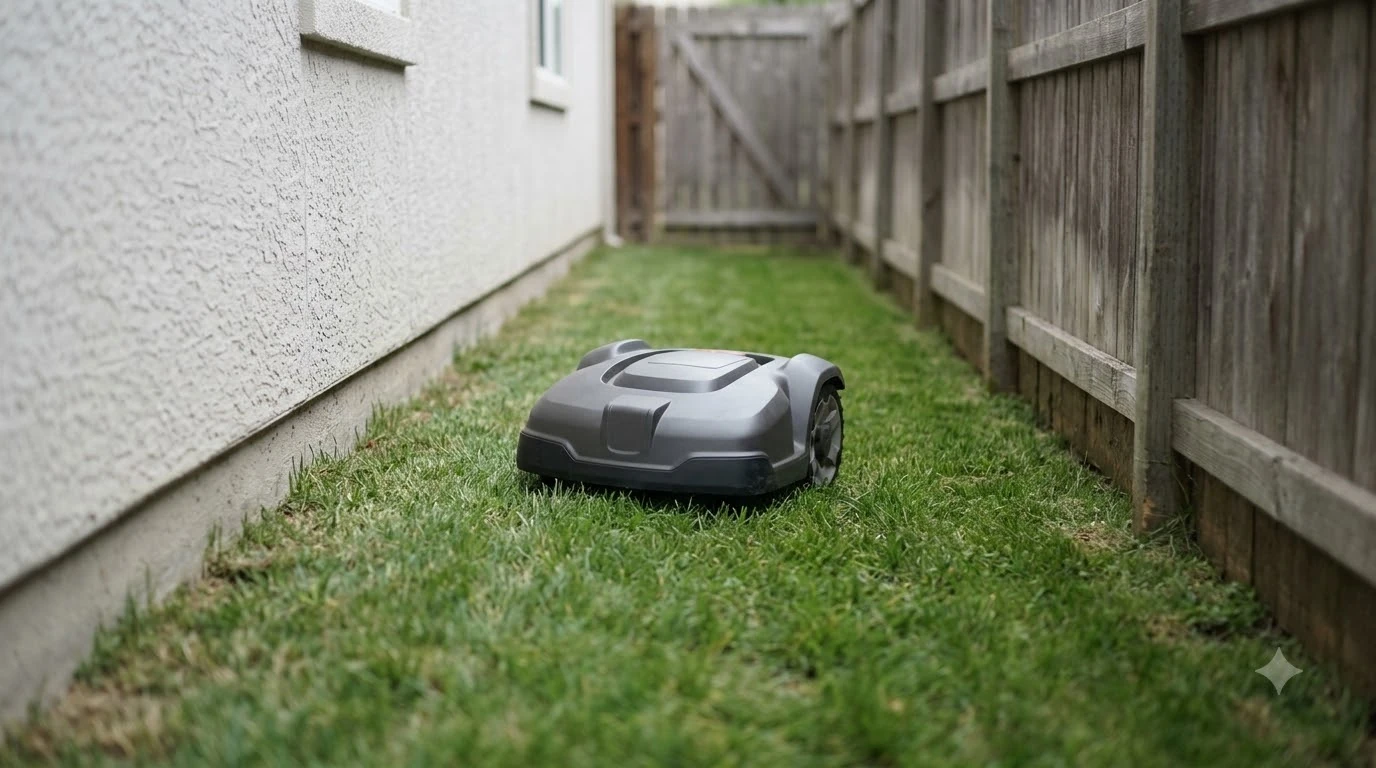

A robot mower losing signal near house walls usually has an RTK receiver that cannot hold a fix, because the wall hides low satellites and reflects others. The first sign is a drop from Fix to Float, most often in narrow side yards and corners next to the house. The causes below come from vendor support pages and a satellite positioning guide, read as of 2026-11-10.
When a robot mower loses signal near house walls, the mower itself is rarely the first thing to change. Start with the status shown in the app, walk the zone next to the wall, and move the base station before you edit the boundary.
The short answer
- Cause: a house wall blocks satellites near the horizon and can reflect signals so they arrive late.
- Symptom: when a robot mower loses signal near house walls, the app shows Float or Single instead of Fix, and the mower hesitates near the edge.
- First check: the base station view, which should be open sky with no nearby structure.
- Last resort: move the boundary away from the obstruction or mark a no-go zone.
Why a robot mower losing signal near house walls happens
When a robot mower loses signal near house walls, the wall does two things at once: it hides satellites that sit low in the sky, and it reflects signals from satellites that remain visible. Trimble’s RTK critical factors page says obstructions limit the number of visible satellites and can also induce multipath. An RTK solution needs at least four continuously tracked satellites, and initialization needs at least five common satellites at both base and rover.
Multipath is the reflection problem. Trimble puts multipath error at about 1 to 5 cm for phase measurements, which is small, so the bigger risk for a mower is a sudden jump rather than a slow drift. Sunseeker’s RTK guide lists heavy tree cover, walls, and roof overhangs as causes of weaker accuracy. Our reading is that when a robot mower loses signal near house walls, the wall removes part of the sky the mower needs, and reflections from that same wall make the signal that remains less reliable.
Heads up
Multipath from flat metal is covered in Trimble’s page, but the same page does not give a wall distance rule. Treat any fixed number of metres from a wall as a vendor guideline, not a measured limit.
How to read the app status near the house
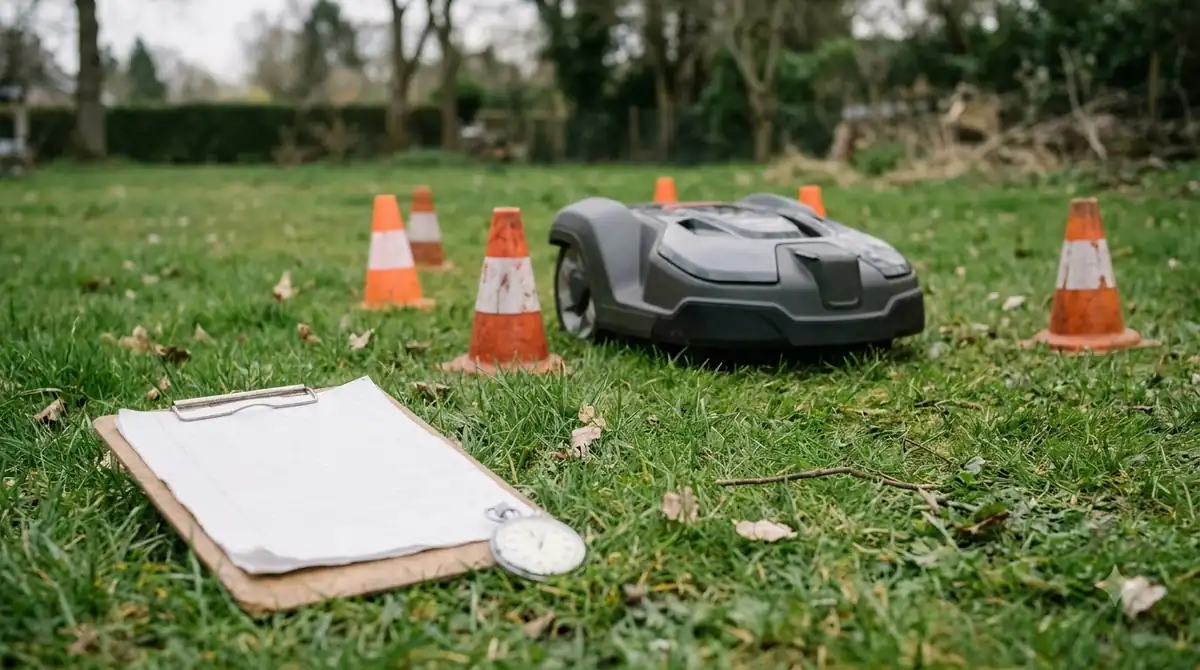
Fix is the state you want, and a robot mower losing signal near house walls usually drops to Float or Single. Mammotion’s support article gives the status ranges for its LUBA models. As of 2026-11-10, Fix is accurate to under 10 cm, and up to 2 cm in a good open-sky area. Float runs about 50 to 200 cm, and Single is meter-level. Mammotion says the mower cannot auto mow in Float, Single, or None.
| Status (LUBA) | Accuracy | Auto mowing |
|---|---|---|
| Fix | Under 10 cm, up to 2 cm in open sky | Yes |
| Float | About 50 to 200 cm | No |
| Single | Meter-level | No |
| None | No positioning | No |
Watch the signal quality line too. Mammotion notes that when signal quality shows WEAK or BAD, the mower can show Float or Single even with more than 20 satellites visible. That is the wall at work: the satellite count looks healthy, but the signals that arrive are poor. Other brands use their own labels, so check your app’s wording before you compare numbers.
Check the base station before blaming the wall
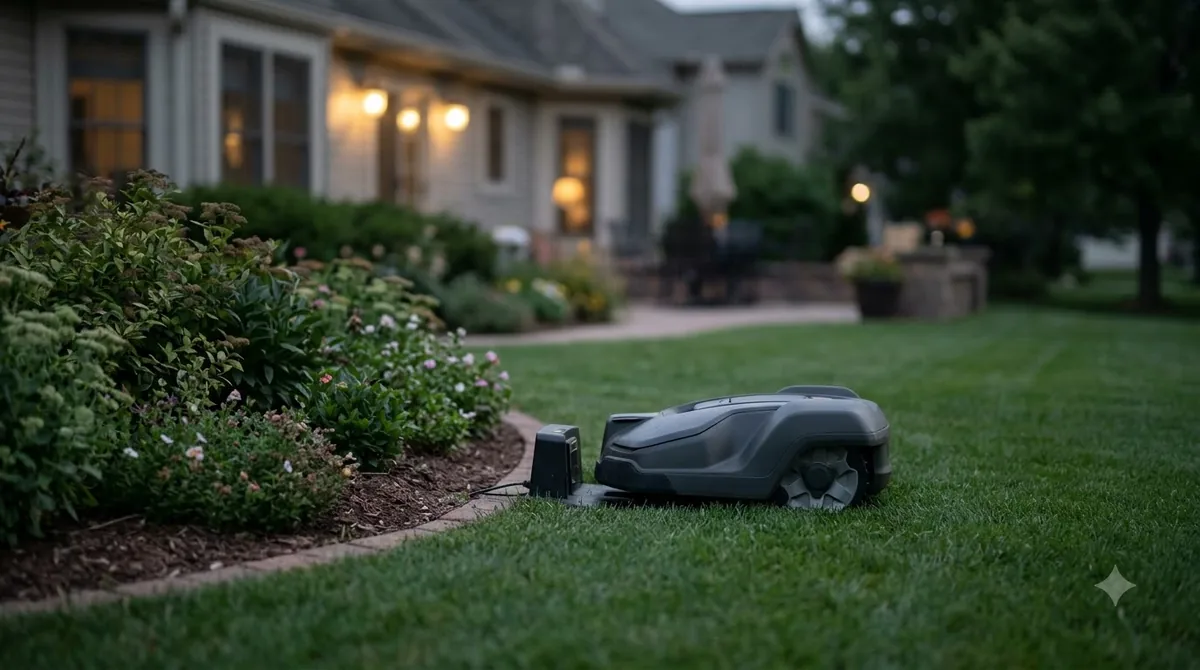
For a robot mower losing signal near house walls, the base station is the first thing to move, because a base beside the house can lose the sky view the mower needs. Sunseeker advises placing the base on a wall, fence, or pole with the clearest possible view of the sky, away from dense tree cover and roof eaves. Its guide gives one figure: the base should ideally have a 160-degree vertical view of the sky.
Mammotion’s guidance for its reference station is more direct. It asks for open sky with no coverage within at least 5 m, or a mount on a wall or roof. If the signal is weak, raise the station or move it to a clearer spot. Both vendors agree on the core point: the base must see the sky, not just the lawn.
| Base position | Sky view | Our reading |
|---|---|---|
| Under the roof eave on the house wall | Eave blocks the upper sky | Usually the weakest spot; raise it above the eave line if the mount allows |
| On a fence post away from the house wall | Wall side is clear of the base | Often a better choice, if the post is clear of metal |
| Open lawn stake away from structures | Widest view | Best option when the cable run allows it |
These rows are our reading of the vendor rules above, not measured results. The usual mistake is mounting the base under an eave because the wall is convenient, and then blaming the mower for a fault that starts at the base.
Edit the boundary and add no-go zones
If a robot mower losing signal near house walls still struggles in one spot after the base is fixed, move the boundary away from the obstruction or mark a no-go zone. Mammotion says that if the LUBA sits at the edge of the work area, you can use the modify boundary function to move the boundary or corner away from the obstruction. Inside the work area, obstacles such as trees or metal furniture can be set as no-go zones.
Sunseeker treats excluding a spot as a last resort. Use it for a small area that keeps losing the fix, and keep the lawn edge sharp elsewhere so the mower still covers the yard.
Do LiDAR or vision mowers avoid the wall problem?
LiDAR and vision mowers depend less on satellites, so a wall that blocks GPS does not stop them from finding the lawn edge. Ecovacs states that LiDAR is not affected by shade or structures, although fog and heavy rain can scatter its beams. Anker notes that LiDAR sensors may need cleaning after rain, mud, or dust, and that open lawns give fewer reference points.
Lymow claims that its vision system takes over for up to 10 minutes when GPS weakens under dense cover. That is a vendor claim with no test data in the page, so treat it as a planning number. The trade-off is cost: Ecovacs says LiDAR is generally more expensive than basic vision or RTK setups. If you are choosing a new mower and a robot mower losing signal near house walls is your main worry, these sensors are the category to compare.
A near-wall checklist before you reinstall
Walk the wall line at mowing height and note where the sky view opens up. That is where a robot mower losing signal near house walls is likely to start dropping out. These steps follow the vendor checks above and do not replace the manufacturer’s installation guide.
- Read the status. Note whether the app shows Fix, Float, Single, or None when the mower is near the wall.
- Check the signal quality. Look for WEAK or BAD readings near the house and compare them with the open lawn.
- Move the base. Lift it above the eave line or relocate it to a fence post or open spot with the widest sky view.
- Edit the zone. If the problem stays in one corner, move the boundary or add a no-go zone around it.
Frequently asked questions
Why does a robot mower lose signal near house walls in only one area?
A robot mower losing signal near house walls usually does so in the zone where the wall blocks the most sky. The wall can hide low satellites and reflect signals that arrive late, which weakens the RTK fix in that zone. Mammotion notes that obstacles can weaken the signal even when satellites are visible.
Is a base station mounted on the wall a problem?
It can be, if the wall or an eave blocks the upper sky. Sunseeker advises a spot with the clearest view of the sky, away from roof eaves. Mammotion also allows a wall or roof mount, so the height and clearance of the mount matter more than the mounting surface.
Can I fix a robot mower losing signal near house walls without moving the base?
Sometimes. Mammotion suggests moving the boundary or corner away from the obstruction, or marking a no-go zone around it. These changes keep the mower out of the weak spot, but they reduce the area it covers, so check that the lawn still gets cut evenly.
Does a LiDAR mower need a base station?
Not for LiDAR positioning itself. Ecovacs says LiDAR is unaffected by shade or structures. Some LiDAR models still pair with RTK or other positioning, so check the product’s specification before you assume the base is absent.
Sources
- Trimble RTK critical factors (manufacturer): obstructions, multipath, satellite counts, and elevation mask.
- Sunseeker, what is RTK technology (vendor): base spot away from walls and eaves, 160-degree sky view.
- Mammotion positioning status and troubleshooting (vendor): status ranges, signal quality, base clearance, boundary edits.
- Ecovacs, LiDAR vs RTK robot lawn mowers (vendor): LiDAR and shade, fog, cost.
- Anker, LiDAR robot lawn mower (brand): sensor cleaning and open lawn reference points.
 Up next8 min readBy YardRobot Mower for Yard With Retaining Walls: What to CheckUpdated Nov 11, 2026
 8 min readBy YardRTK Robot Mower Near Tall Buildings: What Affects AccuracyUpdated Nov 11, 2026
 8 min readBy YardRobot Mower for Lawn Next to a Two-Story House: What to CheckUpdated Nov 11, 2026
 9 min readBy YardCan a Robot Mower Work in a Lawn on Both Sides of the House?Updated Nov 11, 2026
 8 min readBy YardOne Third Rule for Mowing Grass: How It Works and Why It MattersUpdated Nov 11, 2026
 8 min readBy YardWhy Does My Robot Mower Stop on a Slope? Causes and FixesUpdated Nov 14, 2026