
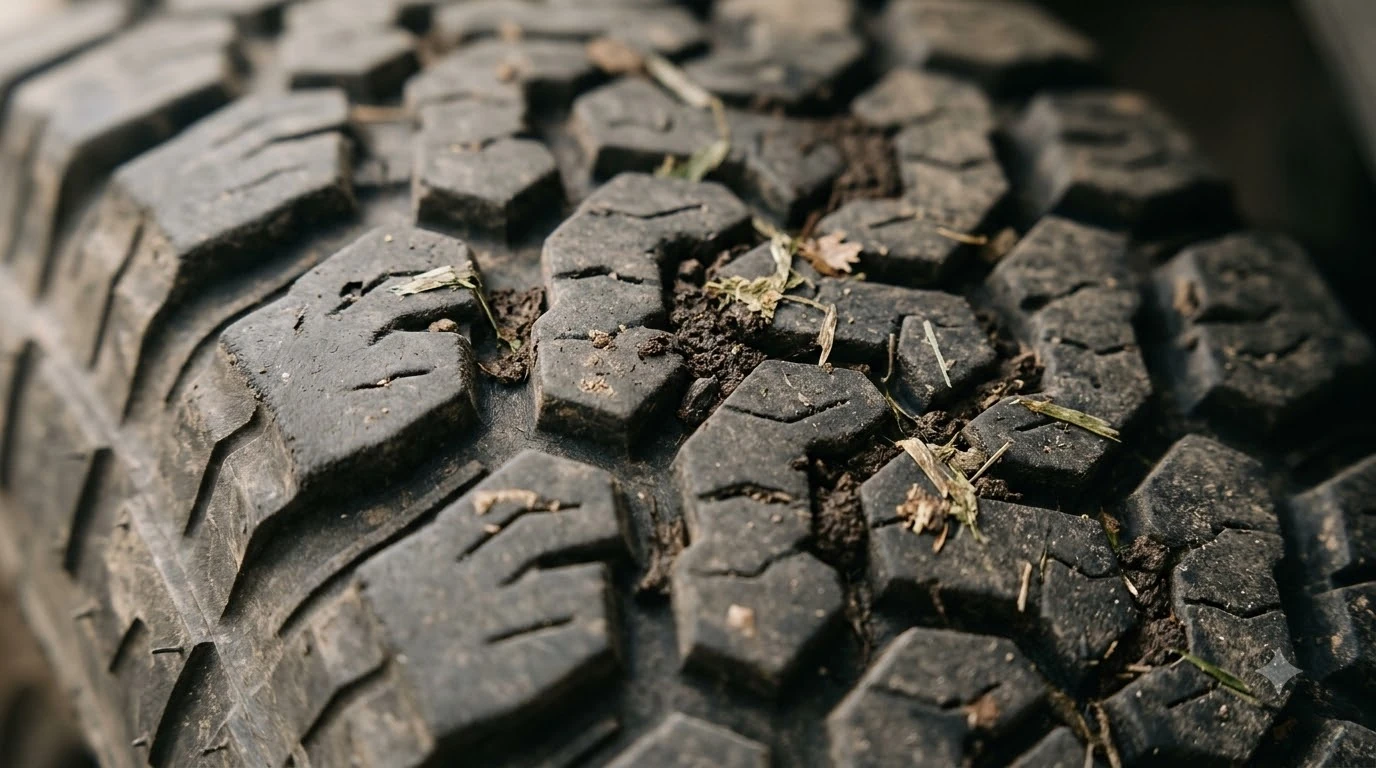

A robot mower stuck in the same spot usually has a local cause, such as a wheel-lifting root, soft ground, debris in the blades, or an obstacle it keeps bumping. Manufacturer support pages list the same few causes and fixes, so you can check the spot yourself before calling a dealer. The fix depends on what is at that exact location.
The short answer
- The Trapped error means the mower logged multiple loop or collision events in a short time, according to Husqvarna.
- Most repeat stops come from one of five local causes: an obstacle, soft or wet ground, roots or pavers, a drop, or grass chunks in the blades.
- Trim, clear and fill first by cutting grass below 10 cm, removing loose items, and filling small holes at the stop point.
- Use a no-go zone around a spot that keeps catching the mower, and enlarge it if the mower still collides.
What the Trapped error means
The Trapped message is the mower’s way of saying it cannot get out of an area on its own, which is the usual story behind a robot mower stuck in the same spot. Husqvarna describes it as appearing after “multiple loop or collision events within a short period of time.” That wording matters, because it means the robot is repeatedly running into the same thing rather than failing once.
The same Husqvarna support page lists four common triggers: obstacles such as outdoor furniture, narrow passages, grass that is too long, and grass chunks that stop the blade disc from turning. Each of these can make a mower return to one spot again and again. Our reading is that if the mower stops in the same place every time, the trigger is most likely physical and local, not a random software fault.
Robot mower stuck in the same spot: five common causes
Eufy’s troubleshooting blog groups the usual causes of a stop into a handful of ground and obstacle types. Walk to the stop point and check which of these matches what you see.
| Cause | Why it traps the mower | Source |
|---|---|---|
| Soft or wet soil | Wheels slip and sink, especially after summer rain or sprinkler use | Eufy blog |
| Low hidden objects | Sprinkler heads, hose fittings and pegs sit below the detection height, often hidden in long grass | Eufy blog |
| Roots and pavers | Exposed tree roots can lift one wheel, and uneven pavers, steel edging or raised borders can catch it | Eufy blog |
| Narrow side access | Bins, bikes or a partly open gate leave no room to turn | Eufy blog |
| Grass and debris | Long grass, grass chunks in the blade disc, and piles of leaves or stones | Husqvarna and Ecovacs support |
Drops such as retaining walls, drainage channels, pool surrounds and sunken courtyards are also named by Eufy as spots that need deliberate boundaries. Thick layers of wet leaves can reduce traction and hide small obstacles, so a robot mower stuck in the same spot after a storm may be reacting to something that was clear on a dry day. For more on ground conditions, see robot mower on wet grass and robot mowers under trees, where roots are common.
Fixes to try first
Most stops in one place can be fixed without changing any settings. Ecovacs lists a short set of steps that address the most common causes, and each one costs little more than time.
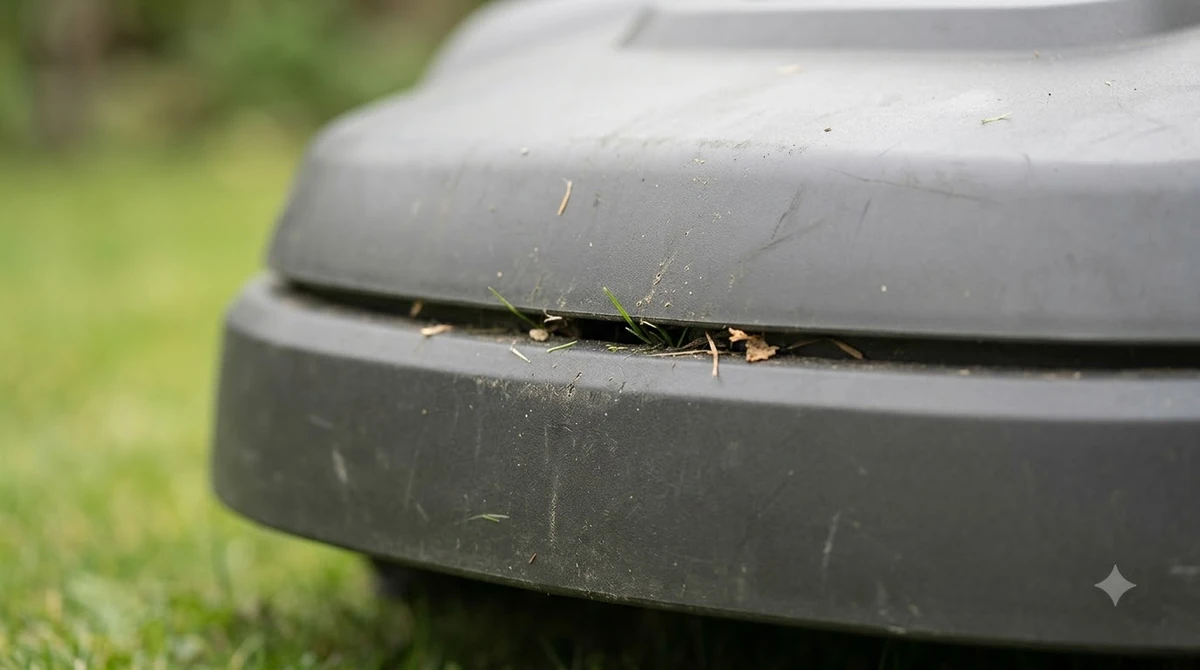
- Trim the grass first. Ecovacs advises trimming the lawn with a normal mower to lower than 10 cm before the robot runs.
- Clear the obstacles. Remove piles of leaves, stones, toys, fruit and loose wires that could trap the robot, as Ecovacs’ FAQ on robots getting stuck while mowing recommends. Our guide to how robot mowers avoid obstacles explains what the sensors can and cannot detect.
- Fill the small holes. Find the spots where the robot gets stuck and fill any small holes there.
- Mow when the lawn is dry. Turn on the rain sensor and set a delay if your model has one.
- Check the grass height limit. Husqvarna publishes a maximum cut height per model, such as 4 cm for the Aspire R4, 105 and 305, 6 cm for several NERA and V models, and 10 cm for most other Automower models. Keep grass under your model’s limit.
Clean the blade disc on a regular schedule as well, using our steps for how to clean a robot mower. Husqvarna names grass chunks as a direct cause of the Trapped message, so a clean disc removes one of the most common triggers when a robot mower is stuck in the same spot.
Use a no-go zone for a repeat spot
For a robot mower stuck in the same spot, Husqvarna advises creating a stay-out zone or island around that spot when the mower keeps colliding there. If the mower still collides after the restart, the same guidance says to enlarge the isolated area.
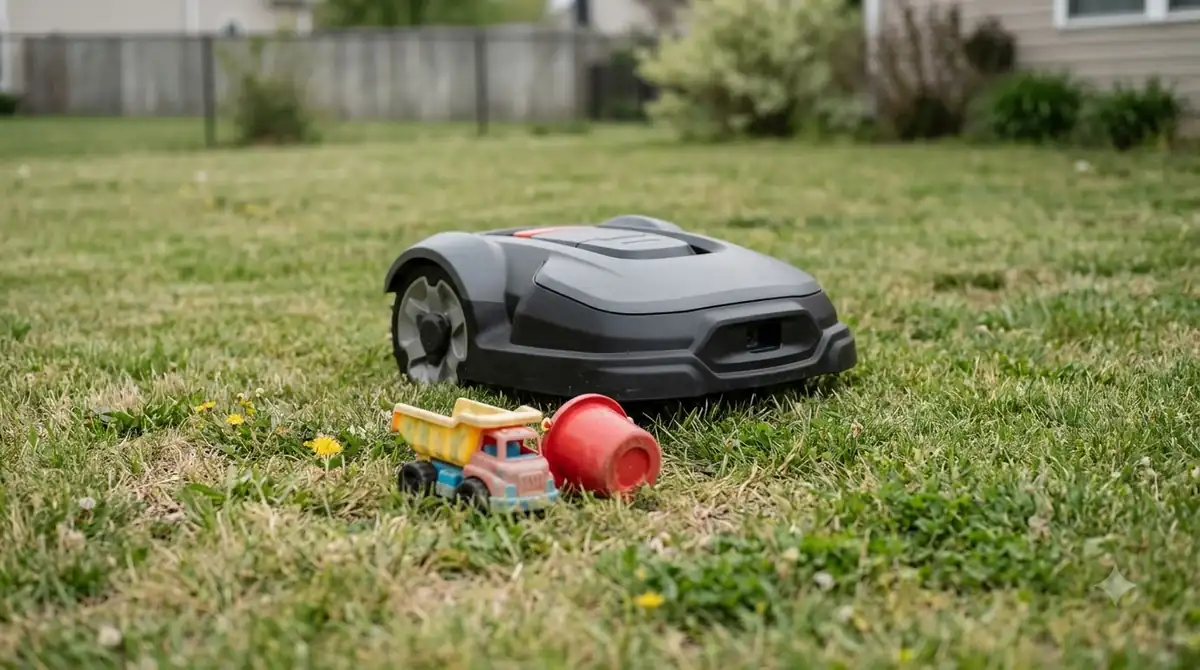
- Mark the stop point. Note the exact spot where the mower stops, for example with a peg or marker placed there.
- Create the zone. Set a no-go zone or island around the spot, following your app’s steps.
- Restart and watch. Restart the mower and observe the next few runs. Eufy suggests watching the robot for several minutes after a restart.
- Enlarge if needed. If it still collides, widen the zone. Ecovacs also recommends setting areas where the robot often gets stuck as restricted areas, then mowing them manually with its manual control.
Eufy recommends No-Go Zones around drops and exposed pipes as well. Those are the spots where a mistake costs the most, so they belong in the zone list even when the mower has not stopped there yet.
When to widen the boundary and when to stop
For a boundary-wire installation, Husqvarna says to move the wire to widen the gap between the wire and an island or object. The same page gives no distance for that gap, so measure the clearance you actually have and widen it in small steps. Wire layout around trees and other obstacles is covered in laying boundary wire around trees and obstacles.
Husqvarna advises contacting a local dealer if the problem persists. Our reading is that a dealer visit is worth it when a robot mower stuck in the same spot keeps stopping after you have cleared debris, trimmed the grass, filled holes and added a zone.
Frequently asked questions
What does the Trapped error mean on a robot mower?
Husqvarna says the Trapped message appears after multiple loop or collision events within a short period of time. It usually means the mower is repeatedly bumping into an obstacle or stuck in a narrow area, so check the spot where it stops.
Should I mow the spot manually?
Ecovacs suggests setting recurring trouble areas as restricted areas and then mowing them manually with its manual control. That keeps the grass in those spots controlled while you fix the cause, such as a hole, a root or a low object.
Does the rain sensor help with stops?
It can. Ecovacs says to mow when the lawn is dry and to turn on the rain sensor with a delay if your model has one. Wet grass and soft soil are named causes of slipping, so a dry schedule reduces stops.
Is long grass a common cause of getting stuck?
Yes. Husqvarna lists grass that is too long as a trigger, and Ecovacs says to trim the lawn below 10 cm before the robot runs. Check your model’s maximum cut height, because the limit differs between Automower models.
Sources
- Husqvarna support: Trapped error message (manufacturer): Trapped meaning, causes, repeat-spot zones, wire gap and grass height limits.
- Ecovacs support FAQ on robots getting stuck (manufacturer): 10 cm trim, obstacle list, hole filling, dry mowing and restricted areas.
- Eufy blog on robot lawn mower stuck causes and fixes (manufacturer): soft ground, hidden low objects, roots, drops and no-go zones.
 Up next8 min readLearnMammotion Luba Stuck at Charging Station: Causes and FixesUpdated Nov 11, 2026
 8 min readLearnSegway Navimow Vision Fence Not Working: Causes and FixesUpdated Nov 11, 2026
 9 min readLearnAnthbot M5 RTK Station Setup Problems: Causes and FixesUpdated Nov 11, 2026
 9 min readLearnWorx Landroid No Wire Signal: Causes and FixesUpdated Nov 11, 2026
 8 min readLearnHusqvarna Automower No Loop Signal: Causes and FixesUpdated Nov 11, 2026
 9 min readLearnRobot Mower Lifted Error Keeps Appearing: Causes and FixesUpdated Nov 11, 2026