
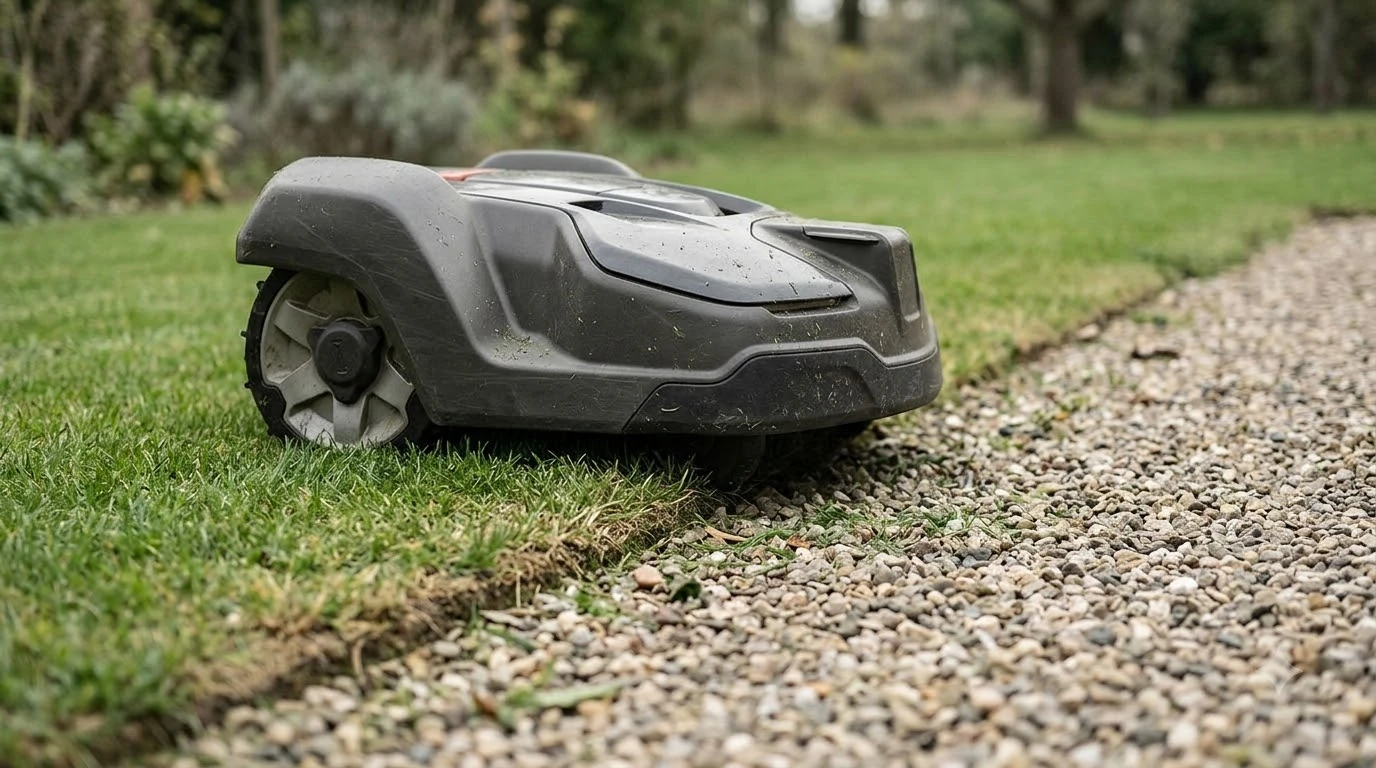

A Husqvarna Automower no loop signal error means the charging station cannot establish a complete boundary wire loop. The fix depends on the light color on the station, so read that light first. Husqvarna’s support pages list several causes, from a loose connection to a broken wire, and some of them you can check yourself.
This guide covers each cause of a Husqvarna Automower no loop signal error that Husqvarna names, the checks it recommends, and the points where a dealer is needed. The facts come from Husqvarna’s support articles as checked in November 2026, and our reading of them is labeled as such.
The short answer
- Flashing blue: the station cannot form a complete loop, usually because of a loose connection or a broken wire.
- Wire resistance: about 0.8 ohm per 100 m is the expected reading, according to Husqvarna. Several hundred ohm points to a break.
- Flashing yellow: a guide wire problem on Aspire R4 and older models.
- Solid red: disconnect power for 30 seconds, then reconnect. If the light stays red, contact a dealer.
- After any service or part replacement: create a new loop signal in the app or on the mower.
What the light means in a Husqvarna Automower no loop signal error
Each light color on the charging station points to a different part of the system. The color narrows the search before you touch any cable, so it is the first thing to check. Our reading is that a minute spent on the light saves more time than a search along the lawn.
Flashing blue means the station cannot establish a complete loop. Solid blue means the station detects the wire but the installation has a fault. Solid green means the station sends its signal but the mower cannot detect it.
| Light | What Husqvarna says it means |
|---|---|
| Flashing blue | The station cannot establish a complete loop; check the wire and connections |
| Solid blue | The station detects the wire, but the installation has a fault |
| Flashing yellow | Guide wire issue, on Aspire R4 and older models |
| Solid green | The signal is sent, but the mower cannot detect it |
| Flashing green | ECO mode: the loop signal is off when the mower is not scheduled |
| Solid red | Possible power supply unit or circuit board failure |
| LED off | No power: check the power supply unit, cables and outlet |
Solid red and LED off are power questions first. Husqvarna says to check for a power cut or a tripped residual-current device before assuming the station has failed.
Check the connections and the boundary wire ends
A loose connection is the first cause to rule out in any Husqvarna Automower no loop signal case. Husqvarna’s advice is to confirm that the boundary wire is properly connected at the charging station, with both wire ends fully inserted and the contacts clean and secure. Start here before running any longer test.
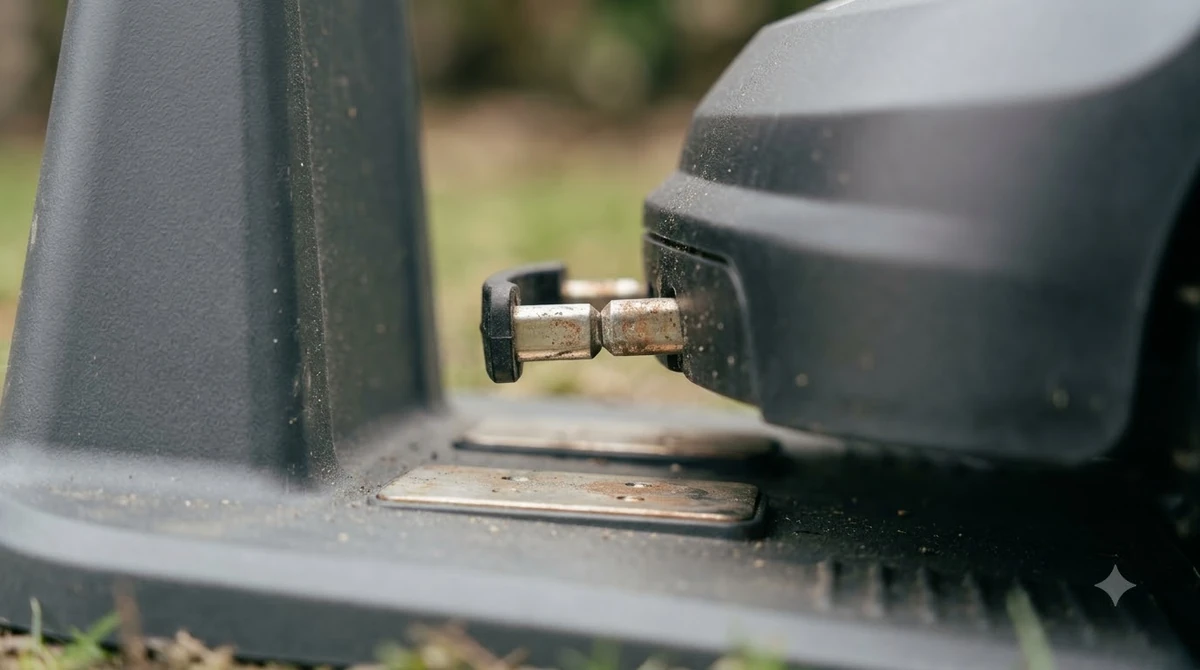
Wire length matters too. Husqvarna states that the total boundary wire length must not exceed 800 m (2,625 ft). If your installation has grown over the years, add up the total length of all the wire before you assume the wire is faulty. For a sense of scale, see how much boundary wire a yard needs, and for the laying basics see installing a robot mower boundary wire.
Measure the wire resistance with a multimeter
A multimeter test shows whether the wire itself is broken. Disconnect the boundary wire from the charging station, then measure across its two ends. Husqvarna’s no loop signal article gives an expected value of about 0.8 ohm per 100 m of wire, so a 200 m loop should read about 1.6 ohm.
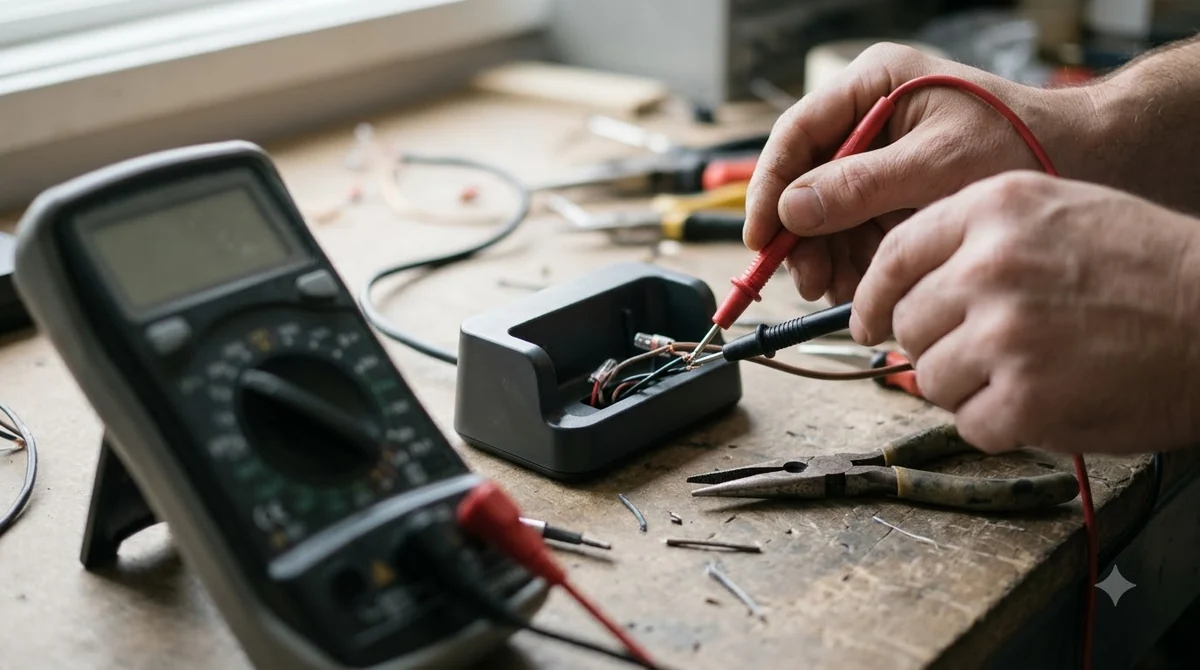
A reading of several hundred ohms indicates a break or damage in the wire. If the resistance is in the expected range and all connections are secure, Husqvarna says the charging station circuit board may be at fault, and the advice is to contact a dealer. Our reading is that this test separates a wire fault from a station fault in a Husqvarna Automower no loop signal case, before anyone digs up the lawn.
Find a break with the swap and halving tests
When the resistance points to a break in a Husqvarna Automower no loop signal case, Husqvarna’s manual search narrows the damage by halving the wire. The method only works with ECO mode switched off. Turn ECO mode off under Settings with the mower in the charging station. A wire break detector saves time and avoids cutting, but Husqvarna notes it is less effective on partial breaks.
- Swap the connectors. Swap AL and G1 at the charging station. A solid green lamp means the break is between AL and the guide-wire junction. Models with G2 or G3 can repeat this step.
- Halve the suspect section. Disconnect the suspect wire and connect a new loop wire to a free AL or AR slot.
- Cut midway and reconnect. Cut the suspect section in the middle and join the new wire to the end that is still connected. A green lamp means the break is in the disconnected half.
- Repeat until the section is short. If the lamp keeps flashing blue, repeat the cut until a short section remains. Replacing a short section can be easier than repairing it.
For the repair, Husqvarna’s wire break article says to trim about 60 centimeters (2 feet) from each end of the damaged wire. Join the ends with an original Husqvarna coupler, push one wire end into each hole, check that both are fully seated, then press firmly with pliers. Our reading is that replacing a very short section is simpler than repairing a long one. A boundary wire repair kit covers the connectors and tools, and general steps for finding a wire break explains the search for other brands.
Guide wire and stay-out zones on AIM models
On AIM Technology models, a stay-out zone can block the guide wire, and the mower then stops and turns at the zone’s edge. Husqvarna’s guide wire article says this applies only to installations with a physical boundary wire, and only to AIM models that support it.
Husqvarna offers two fixes. You can edit the stay-out zone so it no longer covers the guide wire, or move the guide wire and remap the lawn. Our reading is that editing the zone is the quicker option, because moving the wire means remapping the lawn. Check the model list in Husqvarna’s article before you change the map. Our separate guide to Automower guide wire problems covers the docking side in more detail.
Power, distance and interference problems
Some no loop signal errors come from the power supply or the layout rather than the wire. Check for a power outage or a tripped residual-current device first. Husqvarna gives a maximum distance from the charging station to the wire: 35 m (115 ft) for most models and 15 m (50 ft) for Aspire R4.
Interference is the other common layout issue. Fences, reinforcing steel, or buried cables near the charging station or the boundary wire can disturb the signal. Move the station or the wire away from them, and confirm the station is installed according to the manufacturer’s instructions.
After a thunderstorm, Husqvarna advises checking the LED and the wiring first, because power surges can damage internal parts even when the wire looks intact. If the light is solid red, disconnect power for 30 seconds and reconnect. If the red light stays on, contact a dealer.
Create a new loop signal after service
After a Husqvarna Automower no loop signal repair, Husqvarna says a new loop signal is needed after service or after a component is replaced, so run this step after any repair. The menu path differs between the app and the mower.
- In the app: More, then Settings, Security, New loop signal, and Create new loop signal. This requires Bluetooth.
- On older models with a keypad: Security, then Advanced, then New loop signal.
A flashing green light means the loop signal is off because ECO mode is on and the mower is not scheduled to mow. If you start the mower manually in the work area, Husqvarna says to press STOP first to enable the loop signal before you remove it from the charging station.
Frequently asked questions
Does a Husqvarna Automower no loop signal error mean the mower is broken?
Not necessarily. Husqvarna lists loose connections, a broken wire, interference, power problems and ECO mode as causes, and the light color helps narrow them down. If the light still flashes blue after these checks, contact a local Husqvarna dealer.
What does a flashing blue light mean on the charging station?
It means the charging station cannot establish a complete loop. Husqvarna suggests checking the connections first, then measuring resistance, which should be about 0.8 ohm per 100 m of wire.
Do I need a new loop signal after a repair?
Yes. Husqvarna says one is needed after service or after a component is replaced. In the app it is under More, then Settings, Security, and New loop signal.
Why does the wire search not work on my mower?
The halving method fails while ECO mode is on. Turn ECO mode off under Settings before you start the search, with the mower in the charging station.
Sources
- No loop signal on Automower: causes and solutions (Husqvarna): light meanings, resistance test, distance limits, loop signal steps.
- How to find and repair a wire break (Husqvarna): swap and halving tests, 60 cm trim, coupler.
- AIM guide wire and stay-out zone article (Husqvarna): stay-out zone blocking the guide wire, and the two fixes.
 Up next9 min readLearnWorx Landroid No Wire Signal: Causes and FixesUpdated Nov 11, 2026
 8 min readLearnHow to Update Husqvarna Automower 430X FirmwareUpdated Nov 11, 2026
 9 min readLearnAnthbot M5 RTK Station Setup Problems: Causes and FixesUpdated Nov 11, 2026
 8 min readLearnSegway Navimow Vision Fence Not Working: Causes and FixesUpdated Nov 11, 2026
 8 min readLearnMammotion Luba Stuck at Charging Station: Causes and FixesUpdated Nov 11, 2026
 9 min readLearnRobot Mower Lifted Error Keeps Appearing: Causes and FixesUpdated Nov 11, 2026