
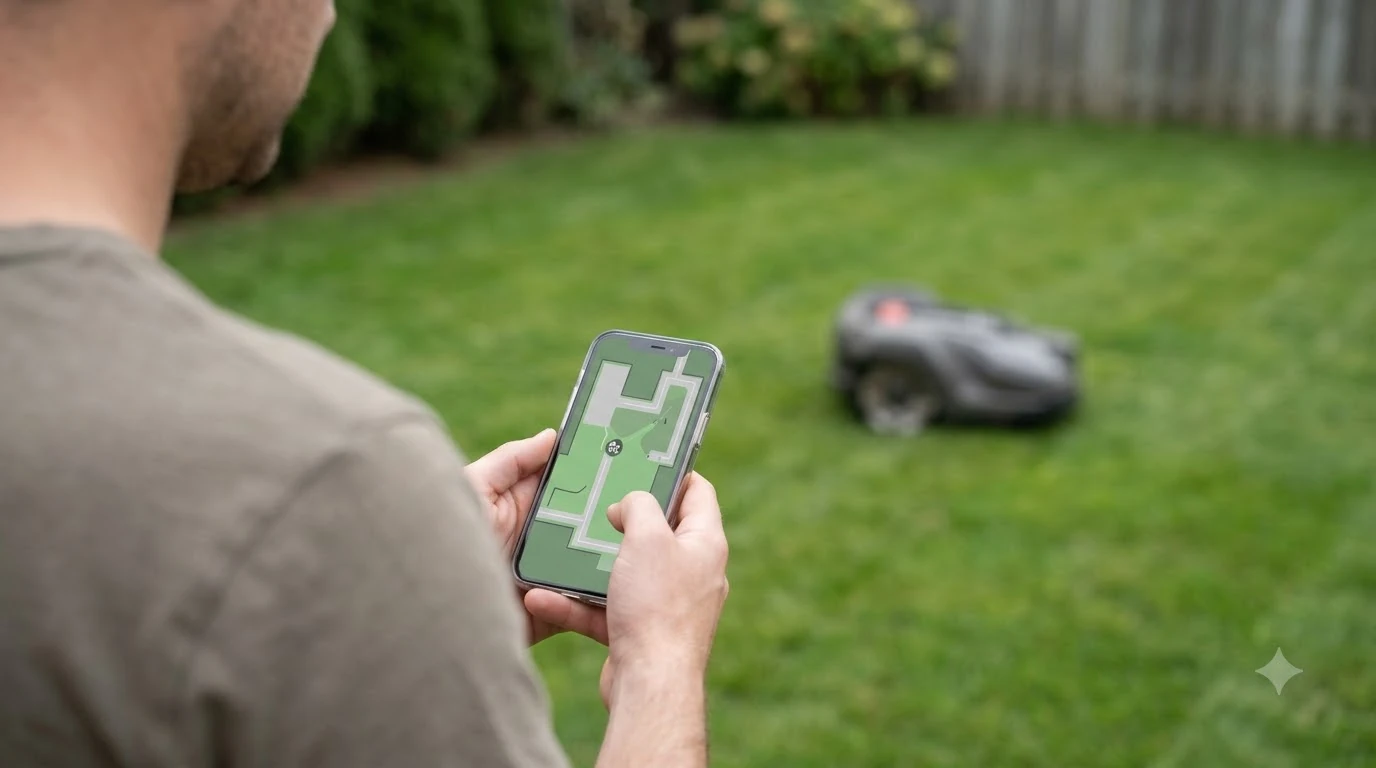

To learn how to update Husqvarna Automower 430X firmware, open the Automower Connect app, go to More, then My mowers, then Mower details, and tap Install firmware update when the notification appears. The 430X uses over-the-air (FOTA) updates, so you do not need a cable or a computer. The mower must be charged and parked before installing.
The short answer
- Supported: the Automower 430X NERA is on Husqvarna’s FOTA model list.
- Before you start: charge the mower, park it on the charging station, and keep the Connect app up to date.
- Install: tap Install in the notification, or go to More, My mowers, Mower details, then Install firmware update.
- Time: Husqvarna says the download typically takes 15 to 30 minutes.
Does the Automower 430X support over-the-air updates?
Yes. The 430X NERA appears on Husqvarna’s list of models that support Firmware Over The Air (FOTA). The 430X product page also lists “Firmware Update: FOTA” in its specifications. Husqvarna says that if a model is not on that list, the owner should contact a local Husqvarna dealer for firmware updates. If you are still deciding between models, see how the Automower 430X NERA and 450X NERA compare.
The 430X is marked as discontinued on Husqvarna’s support site. Discontinued models still get firmware releases on the support pages, so the update path below still applies. Our reading is that you should confirm the model number on the mower or in the app before you assume an update is available.
What you need before installing
Husqvarna lists a short set of requirements. Most of them are about the app and the charge level, not about the mower’s hardware.
- Charge and park. The mower must be charged and parked before you install an update.
- Automatic checks on. The “Check for firmware updates” option should be enabled in the Automower Connect app. Husqvarna says it is on by default.
- Latest app. Husqvarna recommends the latest version of the Automower Connect app and suggests turning on automatic app updates in your phone’s app store. If you are weighing app quality across brands, our guide to which robot mower brand has the best app covers it.
- Wi-Fi or mobile data. Wi-Fi-only models need the charging station in “strong Wi-Fi range” to download, so a weak signal at the dock may call for a Wi-Fi extender for a robot mower. Models with mobile connectivity do not need Wi-Fi, though Wi-Fi can speed up the download, and cellular versus Wi-Fi connectivity is worth understanding before you buy. Husqvarna says downloads on mobile-connected models use the mobile data plan at no extra cost.
To see the version currently on the mower, open the app and go to More, then My mowers, then Mower details, then Overview. Compare the version shown there with the release information for your model.
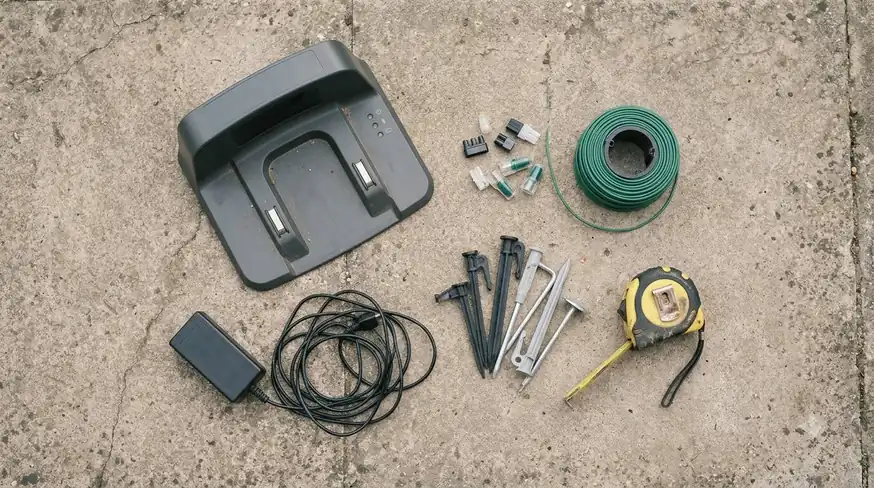
Step by step: how to update Husqvarna Automower 430X firmware
The update flow is short. The app does most of the work once the mower is ready, and you only confirm the install. These are the steps Husqvarna lists, and they are the whole answer to how to update Husqvarna Automower 430X firmware.
- Check the version. Open the Automower Connect app and go to More, My mowers, Mower details, Overview to see the current firmware.
- Confirm automatic checks. Make sure “Check for firmware updates” is on in the same area of the app.
- Wait for the download. The mower checks for updates once a week. When an update is found, the download starts automatically while the mower stays parked.
- Open the notification. When the download finishes, the app sends a notification. Tap Install in the notification, or go to More, My mowers, Mower details.
- Tap Install firmware update. Then wait while the mower installs.
- Tap Done. Husqvarna’s page says to tap Done when the install finishes.
What happens during the download and the install
During the download the mower stays in its parked position. If mowing is scheduled, the app notifies you, and mowing resumes after the download completes. Husqvarna describes the download as typically taking 15 to 30 minutes.
During the install, the mower disconnects from the app for a while and then reconnects on its own. Husqvarna does not give a fixed install duration for regular updates. For automatic critical installs, the company says the mowing pause is typically 15 to 30 minutes.
Heads up
Husqvarna’s page does not say what happens if power is lost mid-install, so that is an open question. Our reading is to leave the mower on the charging station, undisturbed, until the app reports that the install is complete.
Critical security updates and the 7-day rule
Husqvarna separates critical security updates from regular firmware releases. For a critical update, you have 7 days to install it manually. If you do not, the update installs automatically. When that happens, the mower parks, mowing pauses, and you receive notifications when the install starts and finishes.
Husqvarna recommends installing when you get the notification so that your mowing schedule is not interrupted. Our reading is that a 7-day window is short for a mower on a busy schedule, so it is worth checking the app once a week. Learning how to update Husqvarna Automower 430X firmware before a critical notice arrives means you can pick the install time yourself.
Recent firmware releases for the 320, 430X and 450X NERA
Husqvarna publishes a release history for the NERA range. The table below uses the German support page, which lists the newest version as 112.3. Regional pages do not always show the same newest version, so compare with the version in your app.
| Version | Published | What Husqvarna lists |
|---|---|---|
| 112.3 | 2026-07 | No new features. Fixes an issue caused by entering the password incorrectly several times. Installation not mandatory, but strongly recommended. |
| 112.2 | 2026-06 | Blade disc switches off while the mower is moving. Improved EPOS with a reference station. General fixes. |
| 98.4 | 2026-02 | A transport path can connect multiple work areas. Better systematic mowing on slopes. Simplified PIN code use. |
| 90.3 | 2025-11 | A “Fernbedienung” (remote control) setting enables appDrive mode. EPOS fixes. |
| 79.4 | 2025-09 | No new features. General behaviour, connectivity and operational fixes. |
| 79.2 | 2025-06 | Improved slip detection. A progress bar appears during installation. No PIN is needed on the display if Bluetooth is already connected. |
Two points stand out for an owner. First, the 112.3 release fixes a problem with repeated password entry, and the listed changes do not claim any mowing gains. Second, the 98.4 and 90.3 releases added or changed PIN and remote-control behaviour, so check those settings after a major update.
If the update fails
Husqvarna gives a short recovery sequence. Follow the steps in order.
- Restart the mower. Turn the mower off and on again.
- Reconnect over Bluetooth. Open the app and reconnect to the mower.
- Check the version. Go to Mower details, Overview, and compare the version with the latest release.
- Try again. If the new version is not installed, start the installation again.
If the install still fails after these steps, contact Husqvarna support or a local dealer. Keep the version number and the date of the failure ready.
What this means for a used or discontinued 430X
If you are buying a used unit, check whether the seller can show the update status before you learn how to update Husqvarna Automower 430X firmware yourself.
A discontinued mower can still be updated if it is on the FOTA list and the app can connect to it. If you are also thinking about selling a mower, see whether you can sell a used robot mower and what buyers look for. The main risk for a used unit is that the previous owner may not have kept the Connect app or the account in order. Our reading is that you should ask the seller to confirm that the mower appears in the Automower Connect app and shows a firmware version before you buy it.
If the mower will not show up in the app at all, start with the connection. For a Wi-Fi-only model, check that the charging station is in strong Wi-Fi range, and reconnect to the mower over Bluetooth as in the failure steps above.
Frequently asked questions
Can I update the firmware on my Automower 430X without the app?
Husqvarna’s update process for FOTA models runs through the Automower Connect app. The support pages describe the steps in the app, and they do not describe a manual alternative for this model.
How long does a Husqvarna firmware update take?
Husqvarna says the download typically takes 15 to 30 minutes, and the mower stays parked during it. The support page does not give a fixed install time for regular updates. For automatic critical installs, the mowing pause is typically 15 to 30 minutes.
What if my Automower 430X is not on the FOTA list?
Husqvarna says models not on the FOTA list need firmware updates through a local Husqvarna dealer. Contact the dealer and give them the model and the version shown in the app.
Do I have to install every firmware update?
For regular releases, Husqvarna describes installation as not mandatory but strongly recommended, as in the 112.3 note. Critical security updates are different: after 7 days they install automatically.
Sources
- How to update your Automower firmware (Husqvarna): steps, requirements, download time, critical update rule, failure steps.
- Which Automower models support FOTA firmware updates (Husqvarna): confirms 430X NERA on the list and the dealer route for other models.
- Automower 430X NERA support page (Husqvarna): FOTA spec, app listing, discontinued status.
- Firmware release notes for Automower 320, 430X and 450X NERA (Husqvarna): version history table.
 Up next8 min readLearnHow to Update Robot Mower Firmware: 5 Safe StepsUpdated Nov 11, 2026
 8 min readLearnHusqvarna Automower No Loop Signal: Causes and FixesUpdated Nov 11, 2026
 8 min readLearnIs It Legal to Run a Robot Mower at Night?Updated Nov 11, 2026
 9 min readLearnHow Long Does the Mammotion LUBA 3 Battery Last?Updated Nov 11, 2026
 7 min readLearnWhat Is a Boundary Wire on a Robot Mower? How It WorksUpdated Nov 11, 2026
 8 min readLearnDo Robot Mowers Have Blade Stop Sensors? What Lift and Tilt Sensors DoUpdated Nov 11, 2026