
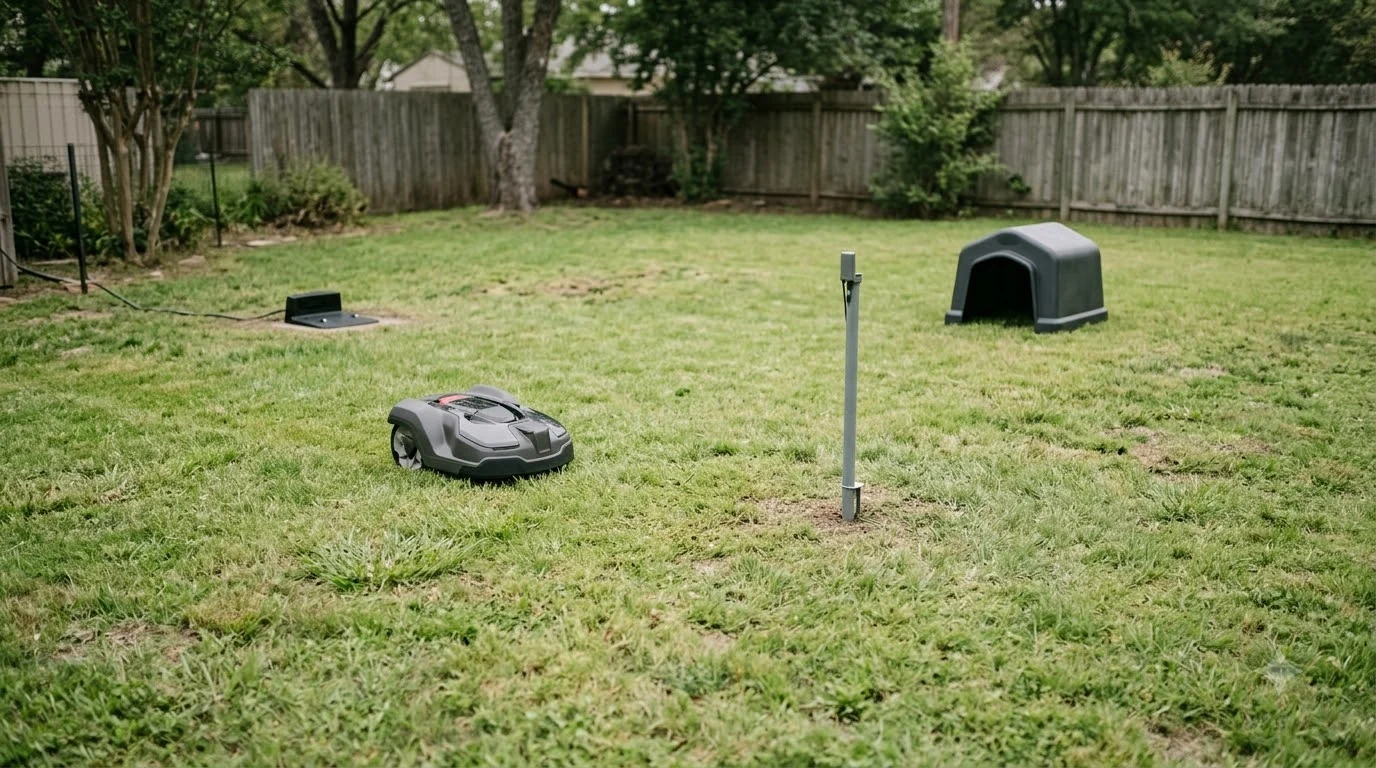

Do I need a wifi extender for my robot mower? Usually not, if it follows a boundary wire. Husqvarna’s support page says a boundary-wire mower keeps mowing when wifi drops. Wire-free and RTK models work differently, so the installation decides the answer.
The short answer
- Boundary-wire mowers: Husqvarna says mowing continues normally when wifi is lost, so an extender is not needed for mowing.
- Wire-free Wi-Fi models: Husqvarna says Wi-Fi is essential for wire-free navigation, and the mower stops and searches when the link drops.
- Band: Husqvarna’s Wi-Fi mowers connect on 2.4 GHz only, so any extender must support 2.4 GHz.
- RTK over internet: Mammotion says that mode relies on a stable 4G network, which a home extender does not change.
Boundary-wire mowers keep mowing without wifi
On a boundary-wire installation, the mower follows the buried wire, not a wifi signal. Husqvarna’s troubleshooting page states that for boundary wire installations, “Automower® continues mowing normally” when the connection is lost. That makes an extender a convenience for the app, not a requirement for cutting grass. If your mower is wire-based, a weak signal at the far end of the yard does not stop it from working. For a wire-based mower, the answer to do I need a wifi extender for my robot mower is usually no. The wire-free versus boundary wire mowers comparison explains the two navigation types.
Wire-free models depend on the wifi link
Wire-free installations are different. For Wi-Fi-only models, Wi-Fi is essential for wire-free navigation through the Husqvarna Cloud and for firmware updates. On these installs, Husqvarna says the Automower “stops and searches for a signal” when the link fails. The page also says the mower stops if Wi-Fi is lost, because Wi-Fi is required to communicate with the reference station.
Husqvarna’s Wi-Fi setup guide adds a key requirement for this type. It says EPOS installs need “continuous Wi-Fi coverage across the entire work area” to receive correction data for navigation. If the connection is not recovered, the mower stops mowing, searches for a signal, and shows an error message. Husqvarna’s troubleshooting page adds that models using a reference station also stop if the Wi-Fi connection is lost, because Wi-Fi is how they communicate with that station.
This is the situation where an extender can matter. Our reading is that you should check the signal first, in the Automower Connect app, rather than buying hardware for a yard the router already covers.
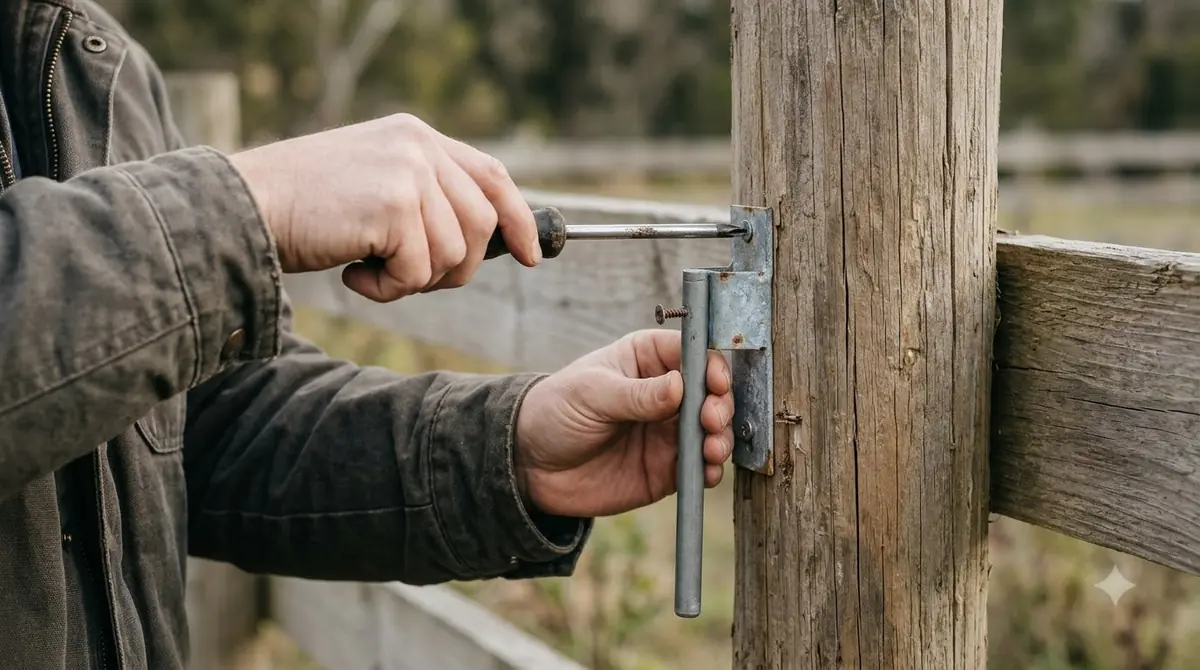
Do I need a wifi extender for my robot mower? When one helps and what to check
An extender helps only when the mower sits beyond your router’s reach. It must also support the band that Husqvarna’s Wi-Fi mowers use, which is 2.4 GHz. Husqvarna’s setup guide also says the network name must be visible, not hidden, and that you should have the Wi-Fi password ready before you start. During setup, the mower is placed near the router, and if the network does not appear, moving the mower closer to the router is the first fix the page suggests.
- Confirm the band. Husqvarna says 5 GHz and 6 GHz networks are not supported. Some routers need 2.4 GHz switched on in their settings before the mower can connect.
- Choose matching hardware. Husqvarna says any extender or mesh system must support 2.4 GHz, since that is the only frequency its mowers connect to.
- Buy outdoor-rated units for outdoor use. Husqvarna recommends extenders designed for outdoor conditions, placed close to the lawn or near windows facing the work area.
- Measure before you buy. In the Automower Connect app, open More, then Settings, then Automower Connect (enter your PIN), and select Wi-Fi to see signal strength at the mower’s location. That shows whether the far corners really are weak.
When you do place a router or extender, Husqvarna’s troubleshooting page advises putting it “as close as possible to the lawn or near windows facing the work area.” It also warns against placing the router near thick walls, metal objects or other electronics that can block signals.
Husqvarna’s page gives no Wi-Fi range or signal strength figures. The only distance it lists is 30 m (98.4 ft), and that applies to Bluetooth, not Wi-Fi. A range number for your own yard should come from your own signal check, not from a product claim.
Dedicated radio links as an alternative
Worx sells a RadioLink kit that creates a direct radio connection between a Landroid and your router, as an alternative to a standard extender. According to Worx’s RadioLink product page, setup is plug-and-play. You connect the transmitter to your router and place the receiver on the mower. The page lists compatible models WR140, WR150 and WR155.
The page also says RadioLink is “limited by its connection to your Wi-Fi connection.” So it does not remove the need for a working router link. Its range claims also conflict. One line says up to 0.62 miles (3,280.84 feet), while a FAQ answer says upwards of 546 yards. Treat either figure as a vendor claim and test your own yard before you buy.
RTK models may rely on a cellular link
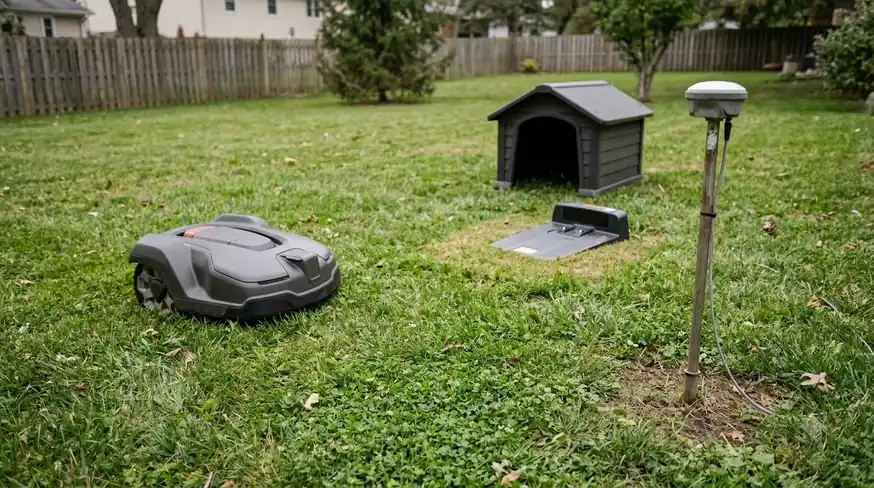
Some RTK mowers use a network correction link instead of a home wifi connection (see cellular versus wifi mowers for the difference). Mammotion’s RTK Link Mode support article states that RTK over Internet “relies on a stable 4G network,” and that it is “crucial to ensure that the robot maintains a reliable 4G connection.” The same article says the robot and the RTK reference station must be bound to the same account.
Navimow describes its Network RTK in the same way. Its H2 support article says the antennas “send the correction data to the mower via the 4G network,” and that Network RTK works “instead of requiring users to install their own GNSS antenna.” The article does not describe regional limits, so check availability for your country before you buy.
A wifi extender in your house does not change a cellular link. So for RTK models, the answer to do I need a wifi extender for my robot mower starts with which positioning mode your model uses, so read the positioning section of your manual before you spend money on network hardware. If you run an RTK base at home, its sky view matters more than wifi; see mounting an RTK base station. For other ways to get a poor signal under control, read about wifi, Bluetooth and 4G connectivity, or the mowers that cope best with poor wifi.
Frequently asked questions
Do I need a wifi extender for my robot mower if wifi drops?
It depends on how the mower navigates. Husqvarna says boundary-wire installations keep mowing normally, while wire-free Wi-Fi installations stop and search for a signal when the link is lost.
What wifi band do robot mowers use?
Husqvarna’s Wi-Fi Automower models support only 2.4 GHz. The page says 5 GHz and 6 GHz networks are not supported, and some routers need 2.4 GHz turned on in their settings.
Can a mesh system replace a wifi extender?
Yes, as long as it supports 2.4 GHz. Husqvarna says any extender or mesh system must support that band, and outdoor areas need hardware designed for outdoor use.
Is a dedicated radio link better than an extender?
It depends on your model and yard. Worx lists RadioLink for WR140, WR150 and WR155, and says it is limited by the router’s Wi-Fi connection. Check your own signal before choosing.
Sources
- Troubleshooting Wi-Fi issues on Automower robotic lawn mowers (Husqvarna): wire and wire-free behavior, 2.4 GHz requirement, extender placement.
- Landroid Radio Link (Worx): RadioLink setup, compatible models, range claims.
- RTK Link Mode (Mammotion): RTK over Internet and the 4G requirement.
- Navimow H2: What is Network RTK (Segway Navimow): 4G correction delivery and no local base antenna.
- How to connect your Automower robotic lawn mower to Wi-Fi (Husqvarna): router requirements, coverage, connection loss behavior.
 Up next8 min readGearCan I Upgrade My Robot Mower Battery?Updated Nov 11, 2026
 9 min readGearWhat Accessories Do I Need for a Robot Mower?Updated Nov 11, 2026
 8 min readGearDoes a Robot Mower Need a Garage?Updated Nov 11, 2026
 8 min readGearRobot Mower Camera Lens Cleaning Kit: Do You Need One?Updated Nov 11, 2026
 7 min readGearRobot Mower Accessories Not Worth It: What to Skip FirstUpdated Nov 11, 2026
 8 min readGearGPS Tracker for Robot Mower Theft: What Works and What to CheckUpdated Nov 11, 2026