
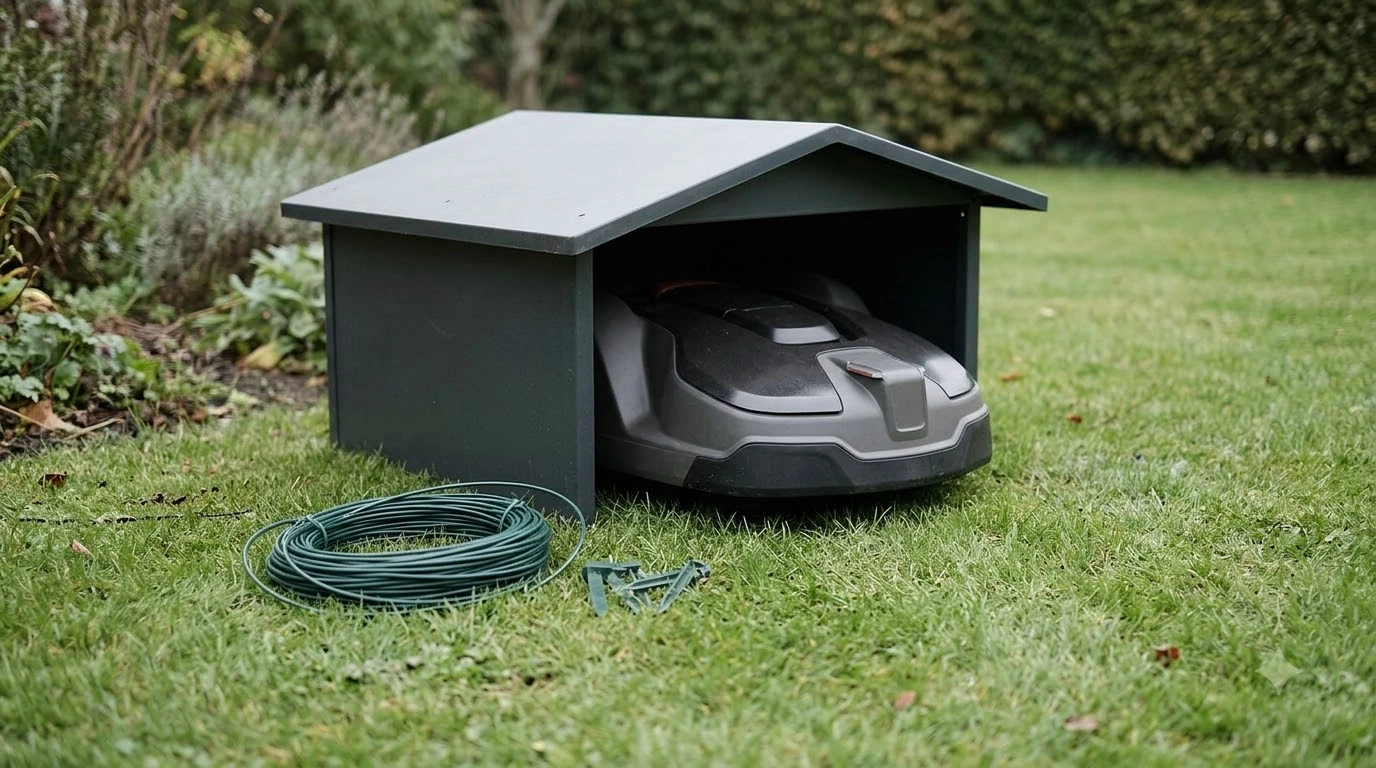

A GPS tracker for robot mower theft helps you find a stolen mower, but it does not stop a thief on its own. Built-in GPS, add-on modules and standalone tags work differently and have different limits. The sections below explain what each one does and what to check before you buy.
The short answer
- Tracking: a GPS tracker shows where the mower is, which helps recovery after a theft.
- Alarm: Husqvarna’s GeoFence alarm sounds on the mower itself and triggers even when the mower is not connected to a network.
- Coverage: Wi-Fi tracking usually stops at your property, while mobile tracking can continue wherever mobile coverage exists.
- SIM terms: Worx’s Find My Landroid module includes a SIM prepaid for three years, then a small annual renewal fee.
- Limit: a tag hidden in the chassis will not stop a theft in progress, according to one robot mower theft guide.
What a GPS tracker for robot mower theft can and cannot do
A GPS tracker answers one question: where the mower is now, or where it was last seen. It does not lock the mower, sound a siren or make it harder to carry away. Those jobs belong to a PIN lock, a lift alarm and a geofence alarm, which are separate features on most models.
Husqvarna describes its GeoFence as a GPS-based virtual fence that triggers an alarm on the mower when it leaves the area you set. The Husqvarna support page says this alarm triggers even if the mower is not connected to the network. Live location is a different feature, and it needs a signal to report anything.
Our reading is that a tracker works best as the recovery layer, alongside the PIN and lift alarm covered in our guide to robot mower theft protection. One robot mower theft guide puts it plainly: a tag may help recover a stolen unit, but it won’t stop a theft mid-act.
Built-in GPS, add-on kits and standalone tags compared
A GPS tracker for robot mower theft comes in three main forms, and each one has different connection and SIM terms. Some Husqvarna Automower models have built-in connectivity, most other Husqvarna models take an Automower Connect kit as an accessory, and Worx sells a module for Landroid models only. Standalone tags are a fourth option, but the sources reviewed do not document their specifications.
| Option | Connection | SIM or subscription | Compatibility and limit |
|---|---|---|---|
| Built-in GPS on Husqvarna Automower | Wi-Fi or mobile, with a map in the Automower Connect app | Not stated on Husqvarna’s support page | Only on models with built-in connectivity |
| Husqvarna Automower Connect kit | Wi-Fi or mobile, with the same map view | Not stated on Husqvarna’s support page | Accessory for most other Husqvarna models |
| Worx Find My Landroid module | GPS plus cellular (2G, NB-IoT and Cat. M1) | Prepaid SIM for three years, then a small annual fee | Landroid models only, not Vision models |
| Standalone Bluetooth or GPS tag | Not documented in the sources reviewed | Not documented | Placement inside the chassis is one guide author’s suggestion |
A Bluetooth-only connection is not enough for tracking. Husqvarna states that Bluetooth-only setups have no GPS tracking and no map view, so a mower that only pairs by Bluetooth cannot show its position. Check the connection type before you buy any option in this table, and read how Wi-Fi, Bluetooth and 4G connections differ on a robot mower.
How live GPS tracking works and where it fails
Live tracking on a Husqvarna Automower with GPS sends a position about every 30 seconds, but only while the mower has a Wi-Fi or mobile connection. On the 420 and 440, updates come every 5 minutes while mowing and every 14 minutes while the mower sits in the charging station. Husqvarna says positions are accurate to about 10 metres, depending on GPS signal strength and map accuracy.
Range is the main limit. Husqvarna says Wi-Fi tracking works only within Wi-Fi range, which is typically your property. Mobile tracking can continue beyond the property wherever mobile coverage exists. A mower parked in a weak mobile area may not report a current position, so check coverage at the spot where you keep it. If the signal is weak near the garage, see whether you need a Wi-Fi extender for the mower.
The map can differ slightly from the true location, so read it as a close guide rather than an exact fix. Our reading is that the signal path matters more for recovery than the update interval, and it is the part to confirm before you rely on a GPS tracker for robot mower theft.
Check the SIM, subscription and power before you buy
A GPS tracker for robot mower theft that uses cellular data brings a SIM card and a renewal cost, and the terms differ by product. The Worx Find My Landroid module uses a multi-IMSI SIM that works with several telecom providers. The included SIM is prepaid for three years and can be renewed for a small annual fee, according to Worx’s product page, which also says GPS keeps working even if the main battery is removed.
- SIM terms: ask what happens after three years and what the renewal fee covers in your country.
- Connection type: confirm whether the model uses Wi-Fi, mobile or both, because Wi-Fi alone stops at your property.
- Price and battery: Worx’s page shows a link to prices but no amount, and it does not state the module’s battery life or update interval.
- Compatibility: Worx says the module fits Landroid models only, and the model lists on its page do not match each other, so confirm your exact model number with the seller.
Husqvarna’s support page does not state a subscription or SIM requirement for its own GPS, so read the account terms in the app before you buy. Any price you find should be checked with the seller on the day you buy, because prices change.
Set a geofence that alerts you without false alarms
On Husqvarna models with GeoFence, the fence radius can be set up to 500 metres, and changing the settings requires the PIN. Set the fence to cover your lawn and little more, so a neighbour’s path or a passing car does not trigger it.
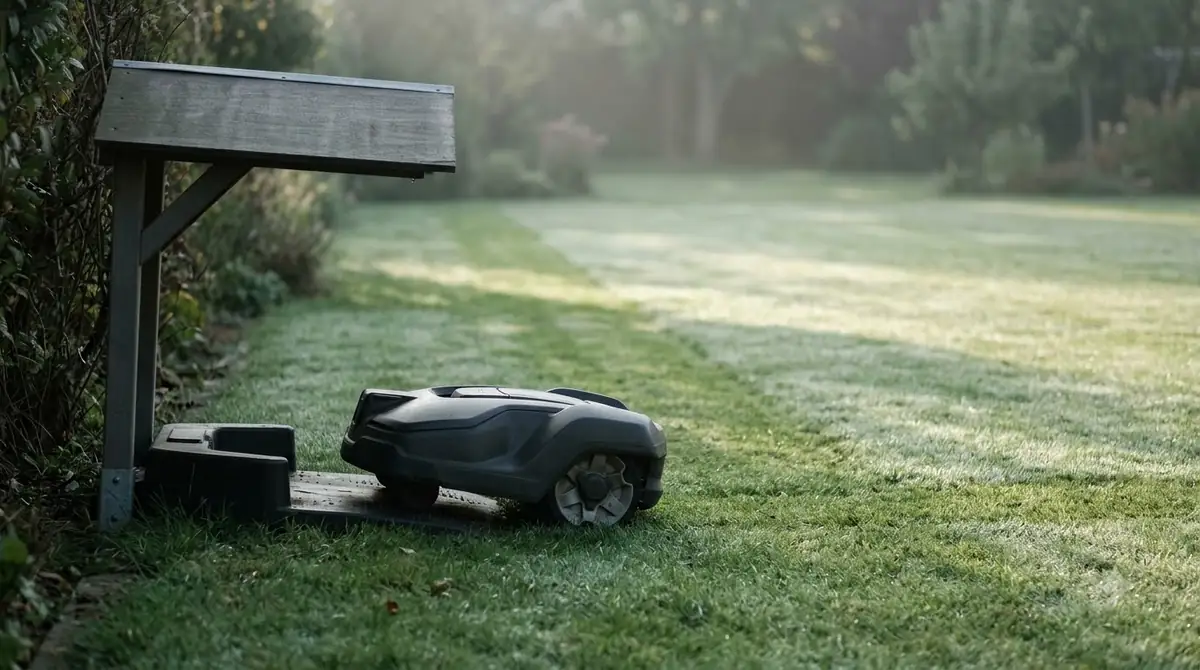
- Open the setting. Connect to the mower by Bluetooth in the Husqvarna app, then go to More, then Settings, then Security, then GeoFence, and toggle it on.
- Set the radius. Use the slider to set the radius, then save. Husqvarna’s page describes a centre point and a radius that you control.
- Adjust sensitivity if it triggers too easily. Husqvarna’s troubleshooting advice is to lower sensitivity or increase the radius, and to reset the centre point.
- Turn it off before you move the mower. Husqvarna advises disabling GeoFence before you move the mower on purpose outside the work area.
Alert options vary. Husqvarna’s page describes SMS alerts on some models, with up to three phone numbers and a limit of 10 messages per month. Worx describes instant notifications on your smartphone when the mower leaves its geofence. Our reading is that the alert channel matters as much as the radius, because an alert you never receive does not help.
Where a tracker fits next to the PIN, alarm and storage
A tracker works best as one layer next to the PIN lock, the lift alarm, a well-placed charging station and indoor storage at night. Each layer covers a different gap, and no single item is enough on its own. Whether a mower can stay out overnight at all is covered in can robot mowers be left outside.
Our reading is that a tracker only helps when the mower has a signal, so check the connection status in the app before the mowing season starts. Choose a GPS tracker for robot mower theft by its connection type and SIM terms rather than by brand name alone.
Frequently asked questions
Does a GPS tracker stop a robot mower from being stolen?
No. A tracker reports where the mower is, which helps recovery. On Husqvarna models, the GeoFence alarm sounds on the mower itself, and the PIN and lift alarm are separate protections that a tracker does not replace.
Do I need a subscription or SIM for GPS tracking on a robot mower?
It depends on the product. Worx’s Find My Landroid module includes a prepaid SIM for three years, then a small annual renewal fee. Husqvarna’s support page does not state a subscription or SIM requirement for its GPS, so check the account terms before you buy.
Can a Bluetooth tag replace GPS on a robot mower?
Not for live location. Husqvarna says a Bluetooth-only connection gives no GPS tracking or map view. The range and update rate of standalone tags are not documented in the sources reviewed, so do not assume a tag matches built-in GPS.
Does robot mower tracking work away from home?
Only if the mower has mobile coverage. Husqvarna says Wi-Fi tracking works within Wi-Fi range, which is typically your property, while mobile tracking can continue wherever coverage exists.
Sources
- How to enable GeoFence and GPS tracking on your Automower (Husqvarna): GeoFence radius, alarm without network, 30-second position updates, Wi-Fi and mobile range, Bluetooth-only limit.
- How does the Automower theft protection system work? (Husqvarna): GPS unit as an accessory for most other models, alarm timing.
- Find My Landroid GPS for WA0862 (Worx): cellular technologies, prepaid SIM terms, Landroid-only compatibility, geofence notifications.
 Up next9 min readGearBest Anti-Theft Lock for Robot Mower: What Actually Protects ItUpdated Nov 11, 2026
 8 min readGearBest Garden Fence for Robot Mower No-Go Zone: What Works and What Doesn’tUpdated Nov 11, 2026
 7 min readGearBest Landscape Edging for Robot Mower Borders: What Works and What to AvoidUpdated Nov 11, 2026
 7 min readGearRobot Mower Wheel Replacement: When to Swap and What to CheckUpdated Nov 11, 2026
 10 min readGearRobot Mower Charger Not Working? Check These Causes FirstUpdated Nov 11, 2026
 8 min readGearUniversal Robot Mower Blades: What Fits and What to CheckUpdated Nov 11, 2026