
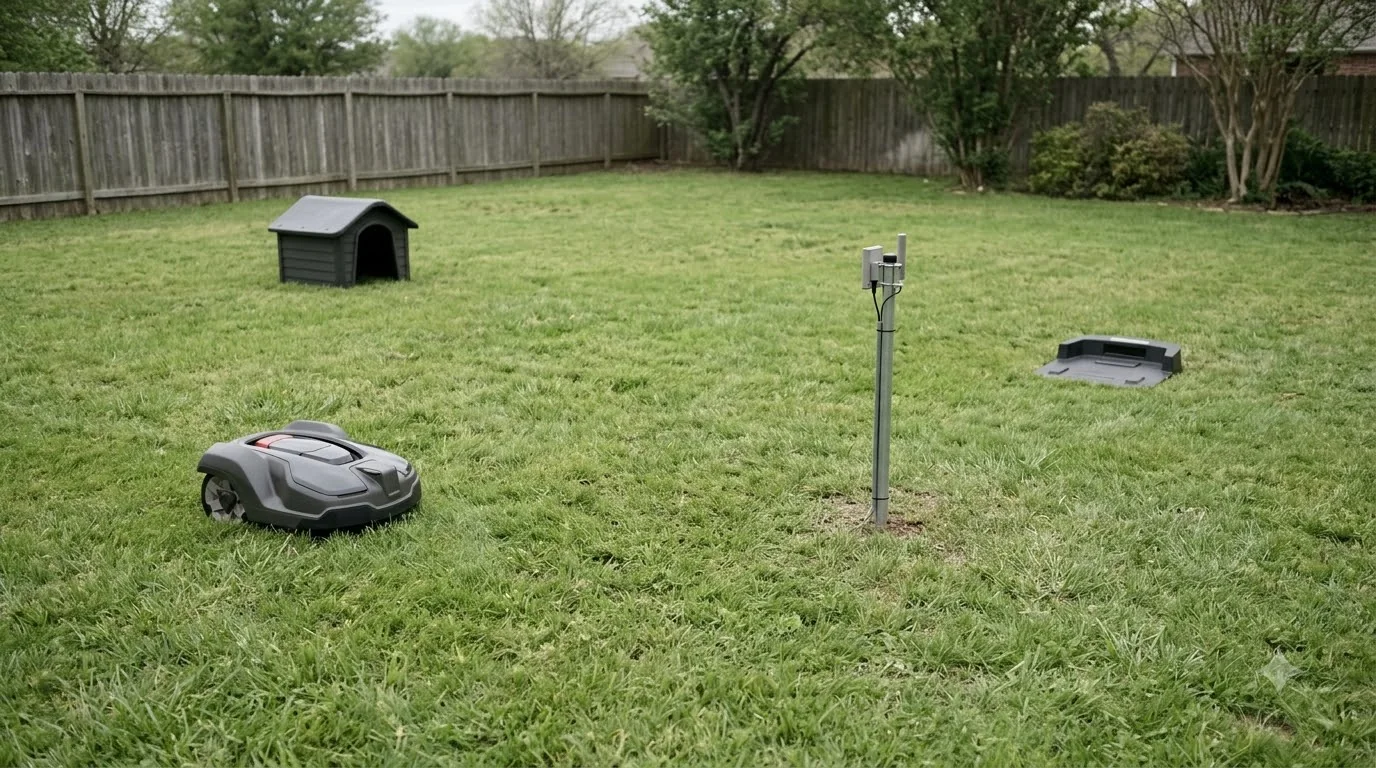

Where to mount RTK base station: put it on open ground or an unobstructed wall or roof, keep it at least 10 feet from any tree or wall, and set it upright near the charging station. Mammotion’s install guide gives those rules. Husqvarna asks for a wider sky view, so the exact spot depends on the brand and the manual for your model.
The short answer
- Open sky: Husqvarna asks for a clear view of at least 135 degrees. Mammotion’s blog gives 90 degrees for its own stations.
- Distance: keep at least 3 m (10 ft) between the station and any wall or tree.
- Height: Husqvarna says at least 2 m (6.5 ft) high.
- Mount: a pole pushed into the lawn for a floor mount, or bolts into a wall for a wall mount.
- Check: the app shows satellites received and signal strength before you finish the install.
Where to mount RTK base station: pick an open sky spot
An RTK base station (here is what RTK stands for) needs an open view of the sky, and the minimum angle depends on the brand. Mammotion’s install guide allows flat open ground or an unobstructed wall or roof. It also warns against L-shaped building corners, narrow paths between two structures, and spots under trees. The sky-view figures from the two vendors are different, as the table shows.
| Source | Sky view | Height | Other limit |
|---|---|---|---|
| Husqvarna EPOS support | At least 135 degrees | At least 2 m (6.5 ft) | Mower less than 100 m (330 ft) away |
| Mammotion blog (vendor marketing) | At least 90 degrees over the lawn | Not stated | Not recommended if tall walls or trees cover more than 30% of the lawn |
Our reading is to use the number in your own manual. If you have a choice of spots, the stricter 135-degree figure from Husqvarna’s satellite troubleshooting guide is a safer target.
Keep 10 feet from trees and walls
For most yards, distance from trees and walls is the first thing to check when you decide where to mount RTK base station. Mammotion’s install guide asks for at least 3 m (10 ft) between the station and any wall or tree. That gap keeps branches and masonry from blocking the satellite view above the station. Husqvarna sets a benchmark that is easy to check: dense trees with a crown wider than 4 m (about 13 ft) obstruct the sky view.
Our reading is to measure from the edge of the tree crown, not the trunk, because the branches are what reach toward the sky. Avoid these spots when you choose the location:
- An L-shaped building corner.
- A narrow path between two structures.
- Under a tree, or anywhere the canopy sits over the spot.
Mount on a post or a wall
Where to mount RTK base station hardware comes down to two options: a post or a wall. A floor mount uses a pole pushed into the lawn near the charging station. A wall mount bolts the station to a wall or eave, and Husqvarna asks that the top of the station sit above the wall line. Mammotion’s guide covers both routes, so choose the one that fits your yard before you buy extra hardware.
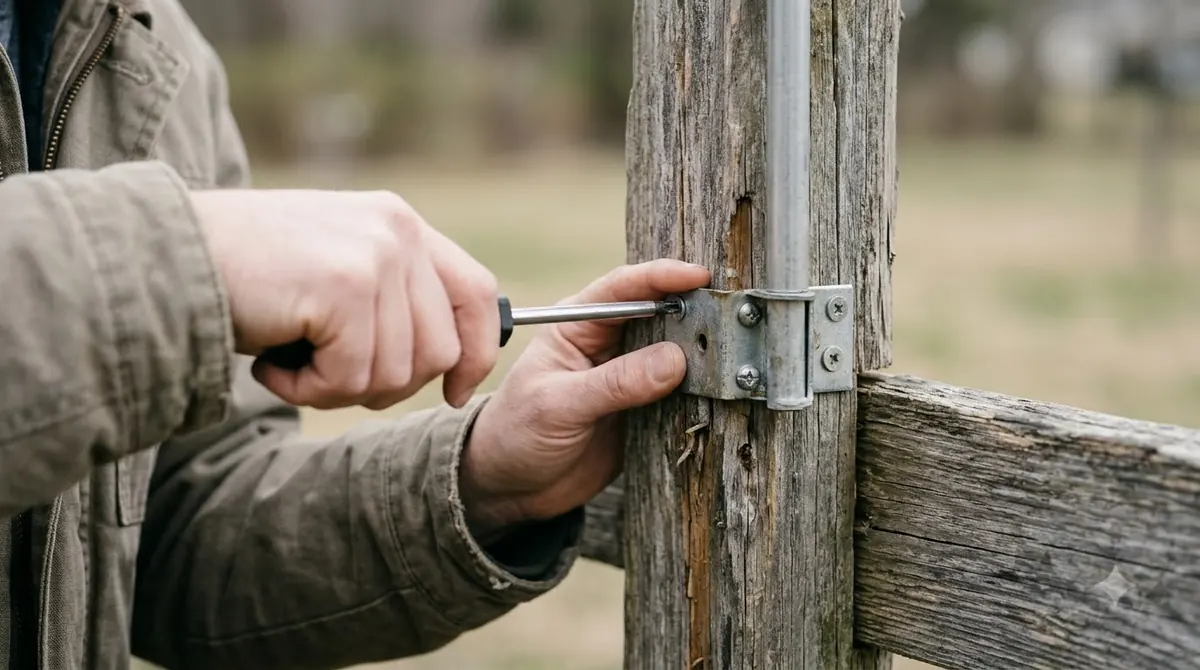
- Floor mount. Push the mounting pole firmly into the lawn near the charging station. Adjust the knob until the station is upright and stable.
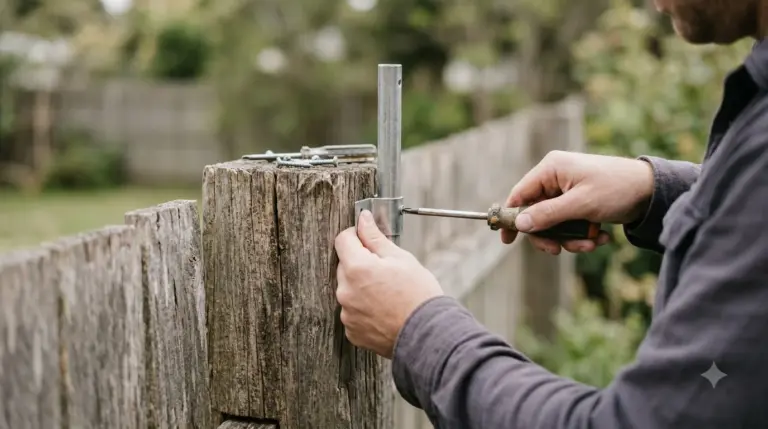
- Wall mount. Choose a pole length to match your eave width. Drill four holes measuring 10 x 40 mm, install expansion bolts, and attach the station with four M8 x 50 bolts.
- Power it. On a wall mount, plug the power supply into a wall socket and secure the cable to the pole with a cord tie.
Our reading is that a wall mount keeps the pole out of the lawn, which matters if you mow around the base. Mammotion’s guide recommends a wall or roof for O-shaped and U-shaped lawns, and for yards with more than one lawn.
Power and cable: keep the run tidy
A wall-mounted station plugs into a wall socket, while a floor-mounted one connects to the charging station cable. Mammotion’s guide secures that join with a cord tie and a cable peg, so the connection does not pull apart in the weather.
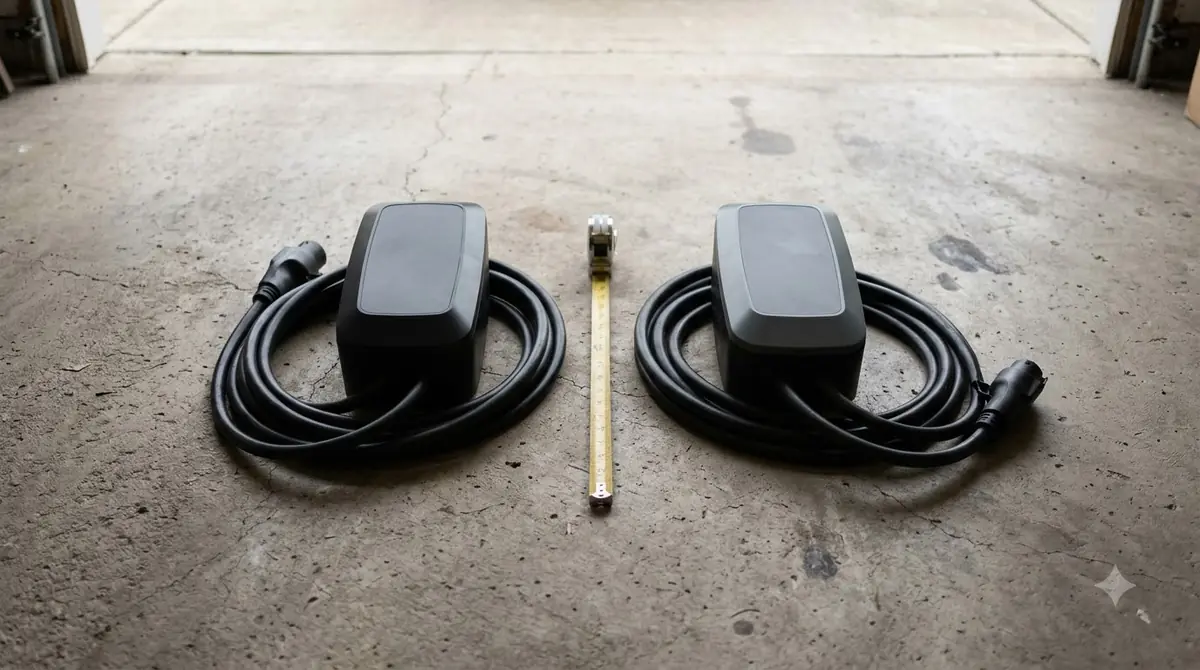
The guide does not give a maximum cable length, so measure the run from the planned station position to the power or charger before you buy cable. Our reading is to keep cables off the mower’s route, so the mower does not catch them as it turns.
Charging dock is a separate piece
Where to mount RTK base station hardware and where to place the dock are two decisions. The base station and the charging dock are separate hardware, so each needs its own placement check (see charging station placement for the dock). Mammotion’s floor-mount steps put the pole near the charging station, which lines up with the shorter charging-station cable in the guide, but the guide does not make that placement a rule.
Our reading is to check the sky view for the station on its own, even when the dock sits in a sunny spot. A dock in a shaded corner does not tell you whether the station has a clear view, and the station is the piece that needs the satellite signal.
Check the signal in the app before you finish
Once the station is powered on (how an RTK robot mower works explains why the signal matters), the Mammotion app shows how many satellites it receives and its signal strength. That gives you a quick check of the spot before you finish the install.
- Power on. The station turns on automatically when you connect power.
- Add the station. In the app, select Add and follow the onscreen steps to connect the station and set up its network.
- Read the status. Open Settings, or tap the status bar on the station’s page, to see satellites received and signal strength. You can also update firmware from the same place.
Our reading is to check the signal again after the mower has run for a day or two in its normal area, since the guide does not describe a separate test at the mower’s farthest point.
Heads up
These figures come from vendor documents and vary by model and market. Check the manual for your exact station before you drill a bolt or set a pole.
Common mistakes that weaken the signal
When you settle where to mount RTK base station hardware, metal fences, narrow lanes between structures, and tall trees over much of the lawn are the obstacles vendor guides name for weak satellite signal. Each one is easy to miss on a first look at the yard.
- Metal fences. Husqvarna says to check for metal objects that may interfere with the signal, such as metal fences.
- Narrow lanes. Mammotion’s blog says lanes under 3 m wide and over 5 m long, with tall trees or walls on both sides, are not recommended if they make up more than 30% of the lawn.
- Tall trees. Husqvarna lists dense trees with a crown wider than 4 m (about 13 ft) as an obstruction to the sky view.
When one corner of the lawn sits under a tree line, a wall-mounted station on a higher point is often the practical fix. Mammotion recommends a wall or roof for O-shaped, U-shaped or multi-lawn yards, which tells you where the station belongs before you start digging. For tall buildings in particular, see RTK mowing near tall buildings, and for the full setup see setting up an RTK robot mower.
Frequently asked questions
Can the base station sit on the ground, or does it need a wall?
It can sit on open ground. Mammotion’s guide allows flat open ground, an unobstructed wall, or a roof. For O-shaped or U-shaped lawns, or several separate lawns, the guide recommends a wall or roof.
Does the base station have to sit next to the charging dock?
No. Mammotion’s floor-mount steps put the pole near the charging station, but the two are separate pieces of hardware. Each needs its own placement check, and the station needs its own clear sky.
How far can the mower be from the station?
Husqvarna says to keep the mower less than 100 m (330 ft) from its reference station. Objects between the two can reduce that distance.
What if the spot cannot meet the sky-view rule?
Move the station to the most open spot you can reach, then check the satellite count and signal strength in the app. Husqvarna asks for 135 degrees and Mammotion’s blog gives 90 degrees, so use the figure in your own model’s manual.
Sources
- How to Install RTK Reference Station (Mammotion support): open-ground placement, the 3 m (10 ft) distance rule, floor and wall mount steps, and app signal status.
- Troubleshooting satellite connection and internet coverage issues in EPOS wire-free installations (Husqvarna support): 135-degree sky view, 2 m height, 100 m mower distance, metal fences, and tree crown benchmark.
- Can LUBA Get Well RTK Signal In My Lawn? (Mammotion blog): 90-degree sky view, the 30% tree and wall limit, and narrow-lane guidance. This is vendor marketing.
 Up next10 min readGearRTK Base Station Power Cable Outdoor: What to Check FirstUpdated Nov 11, 2026
 8 min readGearBest Weatherproof Enclosure for RTK Base Station: 6 Checks Before You BuyUpdated Nov 11, 2026
 9 min readGearRTK Antenna Wall Mount Bracket: What to Check Before You BuyUpdated Nov 11, 2026
 7 min readGearWhere to Buy Robot Mower Parts in the US: A Buyer’s GuideUpdated Nov 11, 2026
 7 min readGearWhat a Robot Mower Apple AirTag Mount Can and Cannot DoUpdated Nov 11, 2026
 9 min readGearRobot Mower Charging Station Power Requirements ExplainedUpdated Nov 11, 2026