

How to set up an RTK robot mower comes down to four steps: place the base station with a clear view of the sky, mount it at least 2 m off the ground, pair it in the app, and map the boundary. Brands publish different sky-view numbers, so this guide gives each figure with its source and shows where the sources disagree. The steps draw on Mammotion and Yarbo setup guidance and one third-party RTK guide. If you are new to the technology, start with how an RTK robot mower works.
The short answer
- Placement: flat open ground or an unobstructed wall or roof, at least 3 m (10 ft) from any wall or tree, according to Mammotion.
- Height: at least 2 m (about 6.5 ft) off the ground, according to Yarbo.
- Sky view: 90 degrees in Mammotion’s LUBA guidance and 120 degrees in Yarbo’s, so check your model’s manual.
- Pairing: the station turns on when powered; tap Add in the app and follow the onscreen steps.
- After mapping: check satellite signal strength and leave the base where it is.
Where to put the base station
The base station needs a wide, unobstructed view of the sky and at least 3 m (10 ft) of clearance from any wall or tree. Mammotion’s RTK reference station install guide says to place the station “on a flat, open ground or on an unobstructed wall or roof,” and to make sure no roofs or trees could block satellite signals.
The same guide warns against three spots: the corner of an L-shaped building, a narrow path between two structures, and a spot under a tree. For O-shaped, U-shaped or multiple lawns, it recommends a wall or roof.
| Source | Sky view | Other placement rules |
|---|---|---|
| Mammotion (LUBA article, 2023) | At least 90 degrees of open sky over the lawn | Signal covers up to 45,000 square meters |
| Yarbo (base station guide) | At least 120 degrees in all directions | Within 200 m of the mowing area |
| RTKdata accuracy guide (third party) | Clear sky above roughly 15 degrees from the horizon | Avoid sites within 30 m of structures taller than the antenna, citing NGS guidance |
These figures do not measure the same thing, so they cannot be compared directly. Our reading is that the strictest figure is the safest target, and that you should confirm the requirement for your own model before choosing a spot.
Heads up
Reflective surfaces can bounce satellite signals and weaken the fix. RTKdata lists metal sheds, parked cars, brick walls, large windows and metal fences as sources of this bounce. Yarbo advises keeping the base away from glass, water features and metal sheds.
Mounting the base station
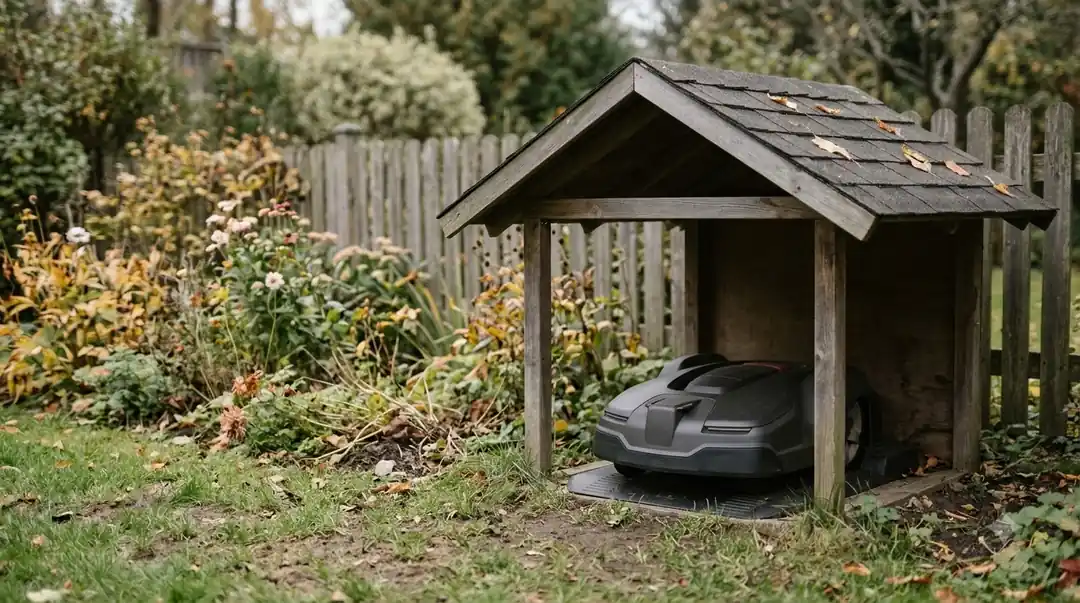
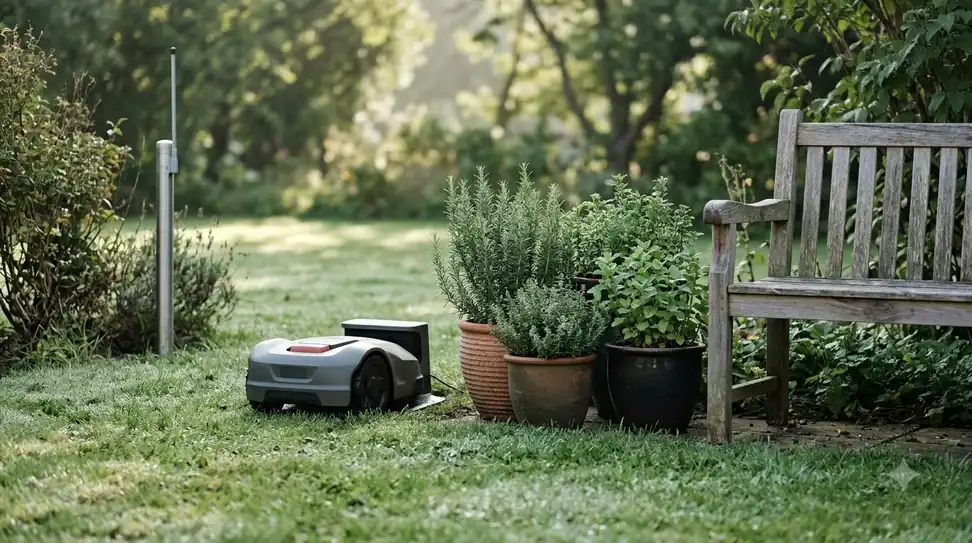
Mount the base at least 2 m off the ground, on a pole, a tripod or a wall, and keep it close to the charging dock. This is the part of how to set up an RTK robot mower that most affects accuracy. Yarbo advises mounting the base at least 2 m (about 6.5 ft) off the ground, with a pole or tripod for extra height, and says the base is typically placed on the property near the mower’s charging dock. For a deeper look at the choice, see where to mount an RTK base station.
Mammotion’s floor-mount guide follows this sequence:
- Assemble the poles. Put together the two mounting poles.
- Attach the antenna. Fix the radio antenna to the station.
- Add the stake. Screw the long stake into the base of the mounting pole.
- Mount the station. Attach the station to the pole.
- Set it upright. Push the pole firmly into the lawn near the charging station, then adjust the knob until the station is upright and stable.
- Connect the cable. Link the station cable to the shorter charging station cable.
- Secure the cable. Fasten it with the cord tie and cable peg.
For a wall mount, the same guide has you drill four holes, fix the station with expansion bolts and M8 bolts, plug in the power supply, and tie the cable to the pole. Choose the pole length to suit the width of your eave.
Power it on and pair it in the app
The station switches on as soon as it has power, and you add it in the app. Mammotion’s guide says the station “will turn on automatically” once it is powered, and the setup then runs through the app. If your mower gets correction data over the internet instead of from a local base station, see what NTRIP is for robot mowers.
- Power the station. Plug it in and wait for it to start.
- Add it in the app. Select Add.
- Connect and set the network. Follow the onscreen instructions to connect the station and set up its network.
- Check the readings. In Settings, or by tapping the status bar on the station page, view the satellites received, the signal strength, and any firmware update.
How to set up an RTK robot mower: map the boundary and check signal
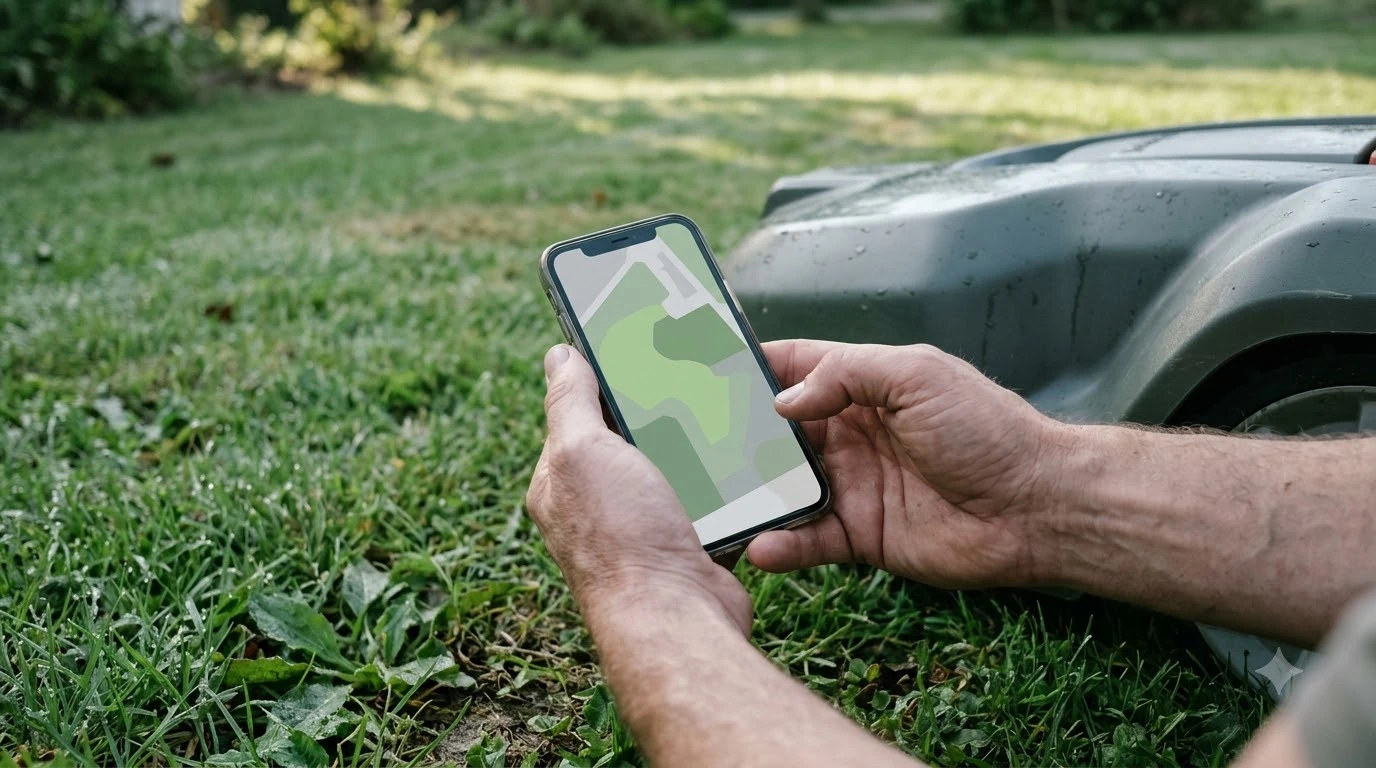
After pairing, trace the lawn boundary in the app, then check satellite signal strength and re-edit any section where reception is weak. This last step of how to set up an RTK robot mower is also where the work differs most from a wire loop, which our comparison of boundary wire vs RTK installation time covers. Mammotion’s LUBA guidance says to check signal strength in the app and edit the boundary where reception is poor.
If signal drops, the mower can move to an open-sky area to restore satellite navigation, or you can drive it out manually to edit the boundary in the app. Mammotion also advises setting no-go zones around static obstacles such as trees, flower beds, large holes and swimming pools. A tree with a crown more than 2 m wide needs a no-go zone that follows the edge of its crown.
Mistakes that weaken an RTK setup
The costliest mistake in how to set up an RTK robot mower is moving the base after mapping, because RTKdata says shifting the reference point shifts every boundary.
- Moving the base after mapping. Every mapped boundary shifts with it, so our reading is that a moved base should be followed by a new mapping.
- Placing it near reflective surfaces. Metal sheds, glass and parked cars are the sources RTKdata and Yarbo name.
- Using a spot under a tree or in a narrow gap. Mammotion’s install guide lists both as places to avoid.
- Ignoring the signal readings. Check strength in the app before you trust the boundary.
- Expecting RTK to suit a heavily shaded lawn. See RTK vs LiDAR vs vision robot mowers for options. Mammotion’s LUBA guidance lists lawns where tall walls or trees cover more than 30% of the lawn as not recommended, and lawns under 200 square meters.
Frequently asked questions
Where should an RTK base station go?
Place it on flat open ground or an unobstructed wall or roof, at least 3 m (10 ft) from any wall or tree, according to Mammotion’s install guide. Avoid the corner of an L-shaped building, a narrow path between two structures, and a spot under a tree.
How high should an RTK base station be mounted?
Yarbo advises at least 2 m (about 6.5 ft) off the ground, with a pole or tripod for extra height. Mammotion’s floor mount uses two poles and a stake pushed into the lawn near the charging station.
Can I move the base station after mapping the boundary?
RTKdata advises against it, because shifting the reference point shifts every boundary you mapped. Our reading is that if the base must move, the lawn should be mapped again.
Why is my robot mower’s satellite signal weak?
Check the satellite signal strength in the app, then edit the boundary where reception is poor. Mammotion says the mower can drive to an open-sky area to restore navigation, and that the base and mower each need at least 90 degrees of open sky over the lawn.
Sources
- How to Install RTK Reference Station (Mammotion support): placement surfaces, 3 m clearance, power-on, app setup, floor and wall mounts.
- Can LUBA get a good RTK signal in my lawn (Mammotion): 90 degree open-sky figure, signal check, no-go zones, lawn limits.
- Yarbo GPS lawn mower signal guide (Yarbo): 2 m mounting height, 120 degree sky view, 200 m distance, reflective surfaces.
- Wire-free Robot Mower RTK Accuracy Guide (RTKdata, third party): 15 degree sky elevation, 30 m rule as cited from NGS, multipath, not moving the base after mapping.
 Up next8 min readLearnHow to Set Up No-Go Zones on a Robot MowerUpdated Nov 11, 2026
 9 min readLearnAnthbot M5 RTK Station Setup Problems: Causes and FixesUpdated Nov 11, 2026
 7 min readLearnWhat Does RTK Stand for on a Robot Mower?Updated Nov 11, 2026
 8 min readLearnMammotion Luba Stuck at Charging Station: Causes and FixesUpdated Nov 11, 2026
 7 min readLearnHow to Set a Robot Mower Schedule (and Why It Might Not Run)Updated Nov 11, 2026
 7 min readLearnRobot Mower Not Charging? How to Fix It Step by StepUpdated Nov 11, 2026