
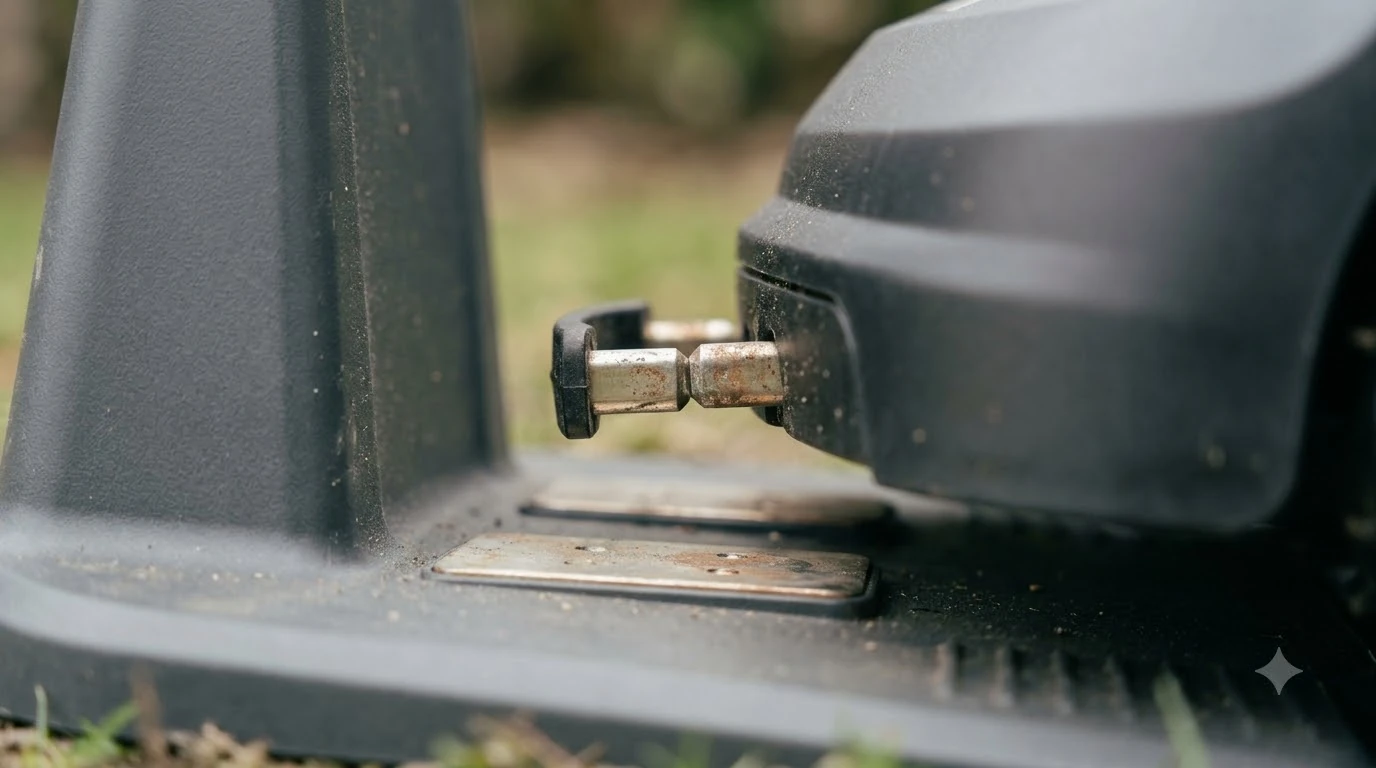

A robot mower not charging fix usually comes down to one of four causes: no power at the dock, dirty or corroded contacts, a misaligned or bent charging pole, or an obstacle in the docking path. Check those in that order before you suspect the battery. Power the mower off before you touch any contacts.
The short answer
- First: confirm the charging base has power and an intact cable.
- Second: clean the mower’s charging port and the base contact plates.
- Third: check that the mower docks squarely and the base pole is not bent.
- Fourth: clear the docking path and level the ground under the station.
- If it still fails: contact the manufacturer or a dealer. Do not open the mower or base yourself.
Robot mower not charging fix: check the dock power first
If the charging base has no power, the mower cannot charge however well it docks. Start with the outlet: plug in another device to confirm it works. Then check the power cable between the supply and the base for damage, and make sure the connection at each end is firm.
Worx’s troubleshooting page for the Landroid Classic says the base LED going off or flickering can point to a power problem. The page does not list specific light colors, so check your model’s manual for what each light means. If the light stays off after you have checked the connections, Worx says the charging base or power supply may need servicing. For a view of the other end of the process, see how robot mower docking works, and check the charging station power requirements if you are unsure the supply suits your model.
Heads up
On Husqvarna Automowers, the support page says to unplug the station before inspecting its connections, then re-fit any loose connectors.
Clean the charging contacts on the mower and the dock
Dirt, debris and corrosion on the contacts are a common reason a mower will not charge, so cleaning is often part of any robot mower not charging fix. Clean both sides, and power the mower off first. Worx adds that regular cleaning helps, because dirt and oxidation can interfere with charging. For wider upkeep, see how to clean a robot mower.
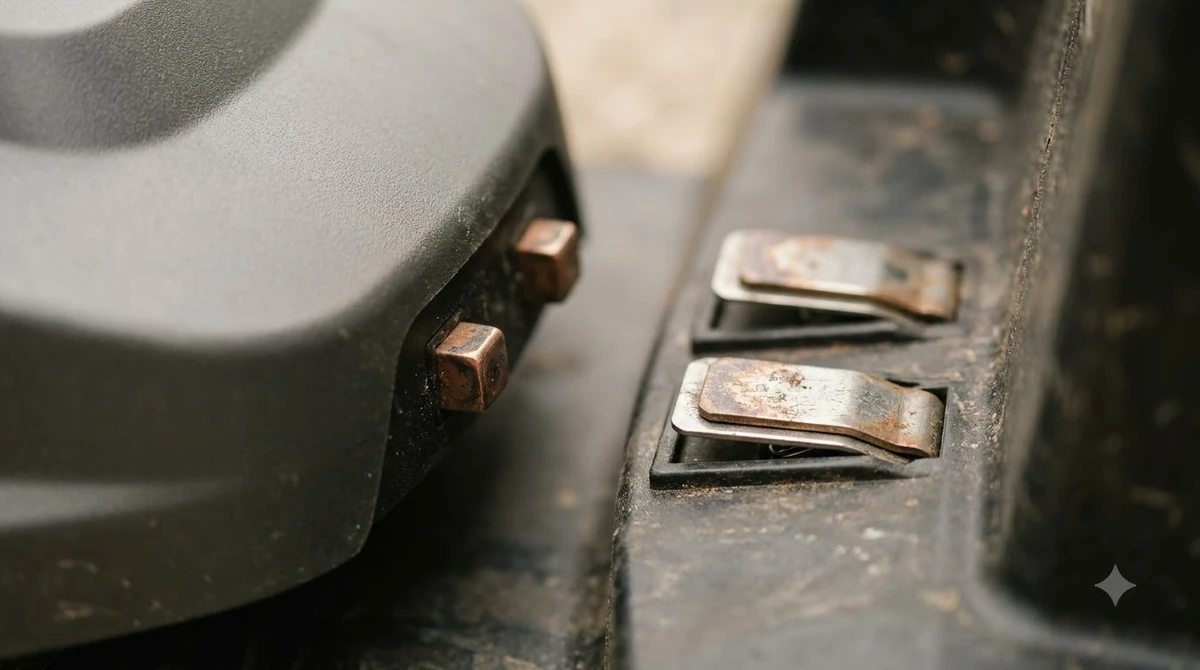
- Power off the mower. Eufy’s support article says to switch it off completely before you work on the charging port.
- Remove debris. Use a flashlight to look into the charging port, then clean it with a dry cotton swab or soft brush.
- Clean the base. Unplug the base’s power cord. Wipe the electrode with a cloth moistened with a small amount of isopropyl alcohol, as Eufy describes.
- Deal with rust carefully. For oxidized or rusty contacts, Eufy says to polish lightly with sandpaper and avoid excessive abrasion. Husqvarna’s page likewise suggests a fine abrasive pad or contact cleaner for oxidation on the plates.
Avoid water and heavy abrasives. The aim is clean metal that makes full contact, not removing the surface.
Check alignment and a bent charging pole
When the mower docks, its charging port and the base pole need to connect fully. Worx says the contact pins should line up with the base’s charging contacts. Eufy adds that a bent base pole can keep the connection from being complete. Worx also suggests examining the charging station itself for defects or loose components.
If you see a bent pole, Eufy says to reposition it gently with tweezers after the base is unplugged. Do not force it. Our reading is that a pole which is badly out of shape is a sign to contact support rather than to bend it back yourself.
Clear the path and level the ground under the station
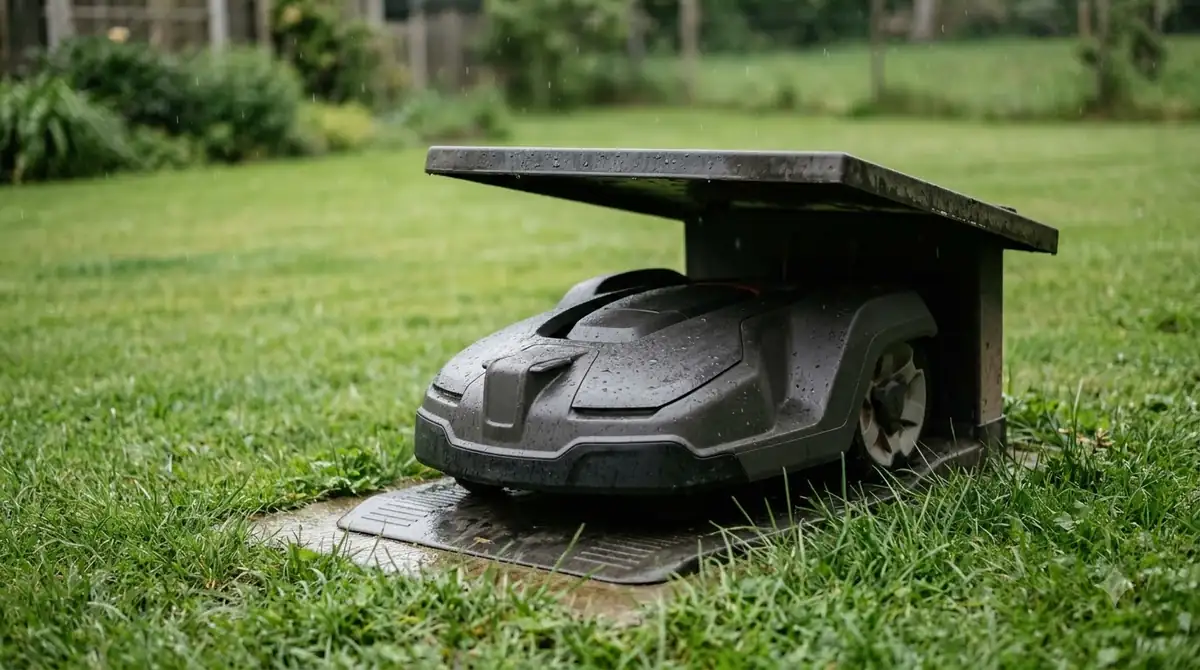
Docking can fail before the mower reaches the contacts. Husqvarna’s support page names two physical causes: objects in the docking path, such as leaves, toys or garden debris, and a station on uneven ground.
- Clear the path: remove anything the mower could hit on its way to the station.
- Level the ground: Husqvarna notes that even slight dips can misalign the baseplate. Level the area under the station with sand or soil if needed, and make sure the baseplate is not bent.
- Check the guide wire (boundary wire installations only): Husqvarna says to lay the guide wire in a straight line at least 2 m (7 ft) in front of the station, and to check the guide wire connections underneath the station, refitting any loose connectors.
Our reading is that these checks cost little, so they are worth doing early in any robot mower not charging fix, especially if the mower bumps around the dock without settling onto it. Our guide to where to put the charging station covers choosing a good spot in the first place.
Use the manual charge when the battery is fully drained
If the battery is completely discharged, the mower may not start charging on its own (see how long a robot mower battery lasts for what to expect from the battery itself). Worx’s page says to dock the mower by hand on the charging station. The emergency charge then starts automatically. Once charging finishes, switch the mower on again to resume normal operation.
Reading the charging light and the error message
Some mowers report the problem with an error message instead of a light. Husqvarna’s “charging station blocked” error appears when the mower cannot dock after several attempts. Its cause is usually poor contact between the charging strips and the station plates, or an obstacle in the docking path.
The same Husqvarna page warns that the station’s circuit board may be damaged if the error keeps returning after you have cleaned the contacts and cleared the path. At that point the page says to contact a Husqvarna dealer for inspection and possible replacement.
When to contact the manufacturer
If the robot mower not charging fix above does not work, contact the manufacturer. Give the model and a clear description of the problem. Eufy’s article suggests sending clear photos of the charging port and the base pole with your request.
Worx recommends saving a support log before you call. Turn on the mower, enter the PIN, and insert a FAT32 USB drive of 2 to 8 GB. Wait for the beep or “USB” message, remove the drive, and open the file named LOG_xxxx.htm on your computer. Send that file along with your description.
Heads up
Eufy says not to open or disassemble the mower or the base station yourself, because that can void the warranty and create safety risks.
Frequently asked questions
Why is my robot mower not charging?
The most common causes in manufacturer guidance are no power at the charging base, dirty or corroded contacts, a bent or misaligned charging pole, and an obstacle in the docking path. A fully drained battery can also stop charging, and Worx covers a manual docking step for that case. A robot mower not charging fix works best in that order: power, contacts, alignment, then the path.
Should I clean the charging contacts with water?
No. Eufy describes a dry cotton swab or soft brush for debris, and a cloth with a small amount of isopropyl alcohol for the base electrode. Power off the mower first, and avoid water or heavy abrasives.
Can I open the mower or base station myself?
Eufy advises against it because it can void the warranty and create safety risks. Contact the manufacturer or an authorized dealer instead.
What does “charging station blocked” mean on a Husqvarna?
Husqvarna’s support page says it means the mower could not dock after several attempts. Look for poor contact on the charging strips or an obstacle in the docking path, and contact a Husqvarna dealer if the error keeps coming back.
Sources
- The mower gets no power or battery does not charge (Worx, Landroid Classic troubleshooting): power checks, contact checks, manual docking for a drained battery, base LED, support log.
- How do I solve the issue of my Robot Lawn Mower not charging properly? (Eufy support): causes, cleaning steps, bent pole, not opening the unit.
- Charging station blocked, Automower error message KA 01449 (Husqvarna support): error meaning, docking path, level ground, contact cleaning, dealer escalation.
 Up next8 min readLearnMammotion Luba Stuck at Charging Station: Causes and FixesUpdated Nov 11, 2026
 7 min readLearnDreame Robot Mower LiDAR Error: What It Means and How to Fix ItUpdated Nov 11, 2026
 8 min readLearnWho Should Not Buy a Robot Mower?Updated Nov 11, 2026
 7 min readLearnHow to Set Up an RTK Robot Mower: Base Station StepsUpdated Nov 11, 2026
 8 min readLearnSegway Navimow Vision Fence Not Working: Causes and FixesUpdated Nov 11, 2026
 9 min readLearnRobot Mower Payback Period vs Lawn Service in 4 StepsUpdated Nov 11, 2026