
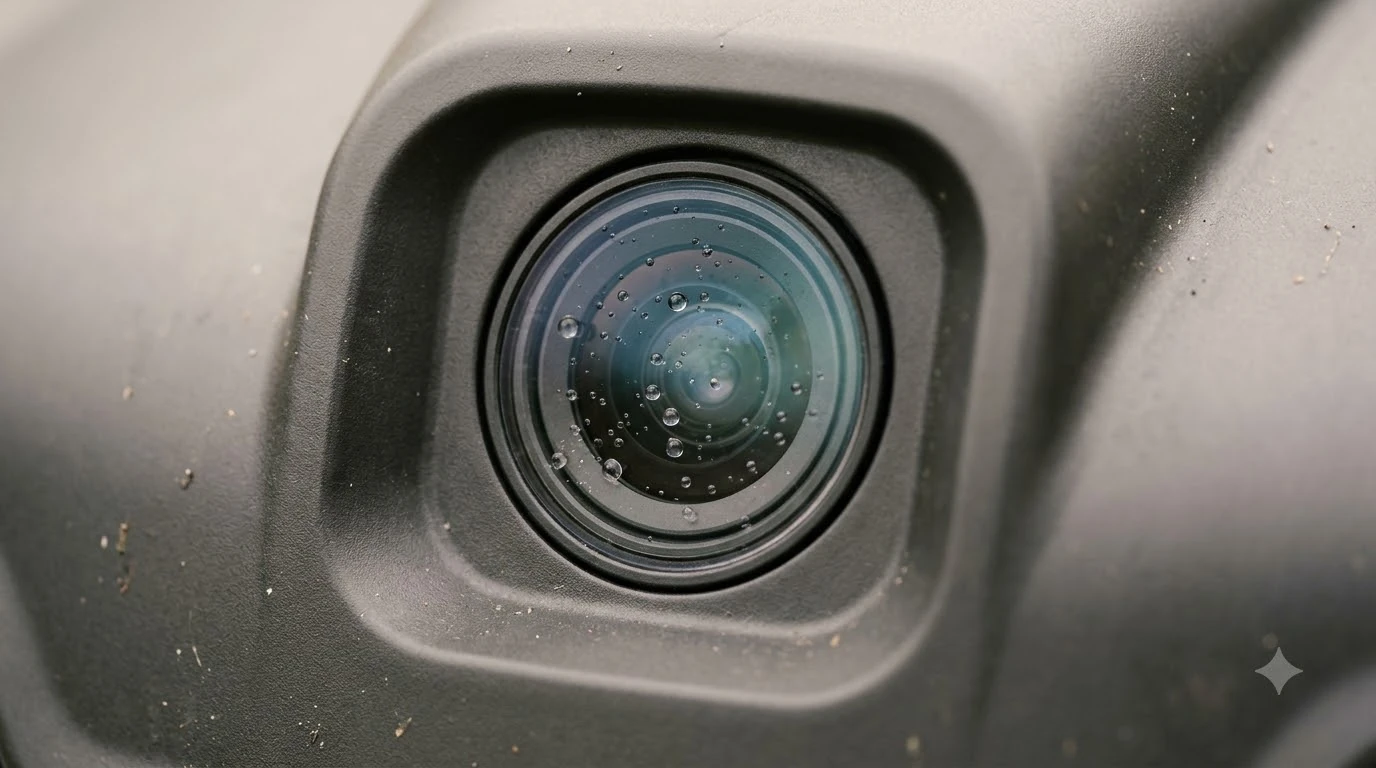

A Dreame robot mower LiDAR error means the sensor cannot read the yard reliably right now. In the maker tables we read, most LiDAR messages point to a dirty sensor, rain or fog, or a cramped spot, so cleaning, a restart and a firmware check come first. This guide explains what the common messages mean, what to check in order, and when to contact the maker.
The short answer
- Clean the sensor: wipe the LiDAR surface gently with a soft cloth.
- Restart: power the mower off and on, then run it again.
- Check the weather: cancel the schedule in rain or fog and retry when it is dry.
- Update firmware: install the newest version if the message says the lidar is recovering.
- Contact support: if the message says the lidar has failed or returns after these steps.
What a Dreame robot mower LiDAR error means
In general, a Dreame robot mower LiDAR error means the mower’s sensor cannot match what it sees to the map it has built. The sensor sits on top of the mower and rotates for a 360 degree scan. It emits laser pulses and times their return to build a 3D picture of the yard, as Anker’s LiDAR mower guide and Resident’s explainer both describe. For a fuller explanation of the sensor, see how LiDAR navigation works on a robot mower.
When that picture stops lining up, the mower may pause, stop, or ask for help. Anker also notes that sensors need cleaning after rain, mud or dust, and that very open lawns give fewer reference points for the sensor to lock onto.
Our reading is that a LiDAR error is usually about what the sensor can see, not about the blades or the motor. A few messages do point to hardware, and those are covered below.
The error messages you are most likely to see
Most messages behind a Dreame robot mower LiDAR error fall into three groups: map or position loss, a dirty or damaged sensor, and a hardware failure. Sunseeker’s support table lists messages like these. Sunseeker is a different brand, so Dreame’s wording may differ. Match the exact text in your app against the manual.
| Message (LCD or app) | What it means | Fix the maker lists |
|---|---|---|
| Out of boundary | The radar indicates the mower is outside its mapped area. | Wipe the surface, cancel the schedule in rain or fog, check for radar damage. |
| Mapping failed | Map creation did not finish. | Same three checks as out of boundary. |
| Locationing failed | The lidar cannot determine the mower’s position. | Wipe the surface, move out of narrow passages or under bushes, check for rain or fog, check for radar damage. |
| Lidar recovering. Please wait | The lidar has a fault and is trying to recover on its own. | Update to the newest firmware. |
| Robot lidar error (ReSTART, contact support if needed) | The lidar has failed. | Restart, and contact support if the message remains. |
| Lidar dirty or scratched | The sensor is too dirty or damaged to read correctly. | Wipe the surface, check for rain or fog, check for radar damage. |
Lift and collision messages look similar, but they come from the lift sensor and the bumper rather than the LiDAR. The same table lists magnet and sensor checks for both, so they are worth a quick look if the message does not mention lidar.
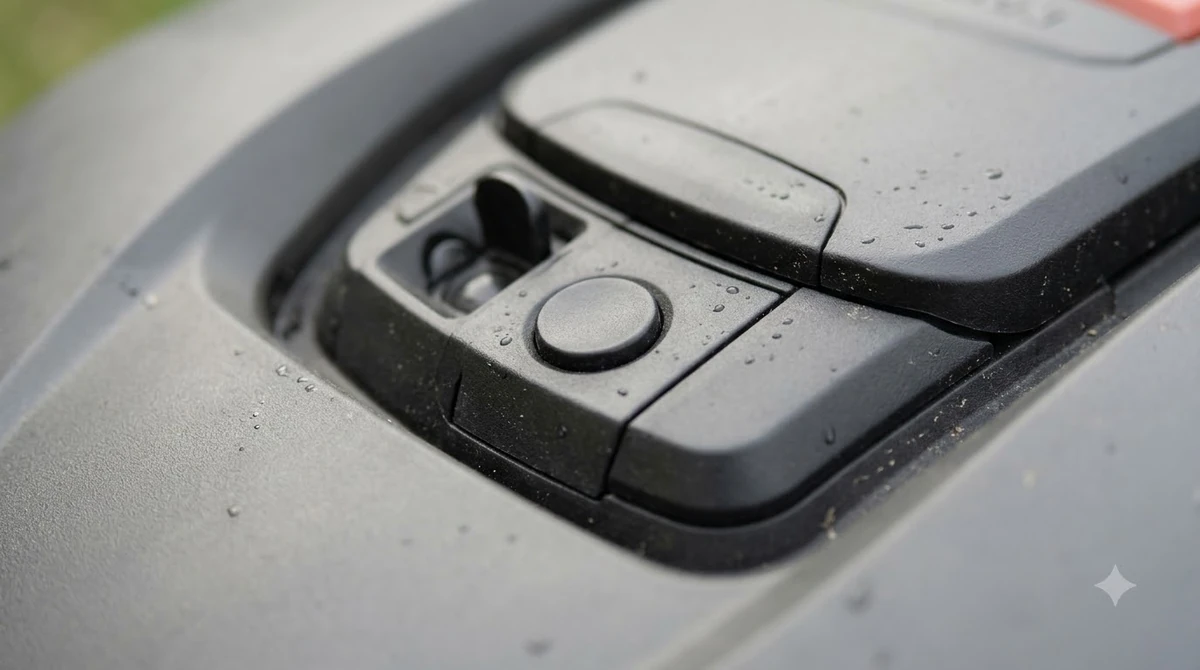
Five causes of a Dreame robot mower LiDAR error, in order
Check dirt and weather first, then the mower’s location and firmware. Treat a message that says the lidar has failed as a hardware case. Restart the mower after each check, since Ecovacs’ laser sensor guide also ends with a shutdown and restart.
Work through the list in this order, and run the mower again after each step to see whether the message clears.
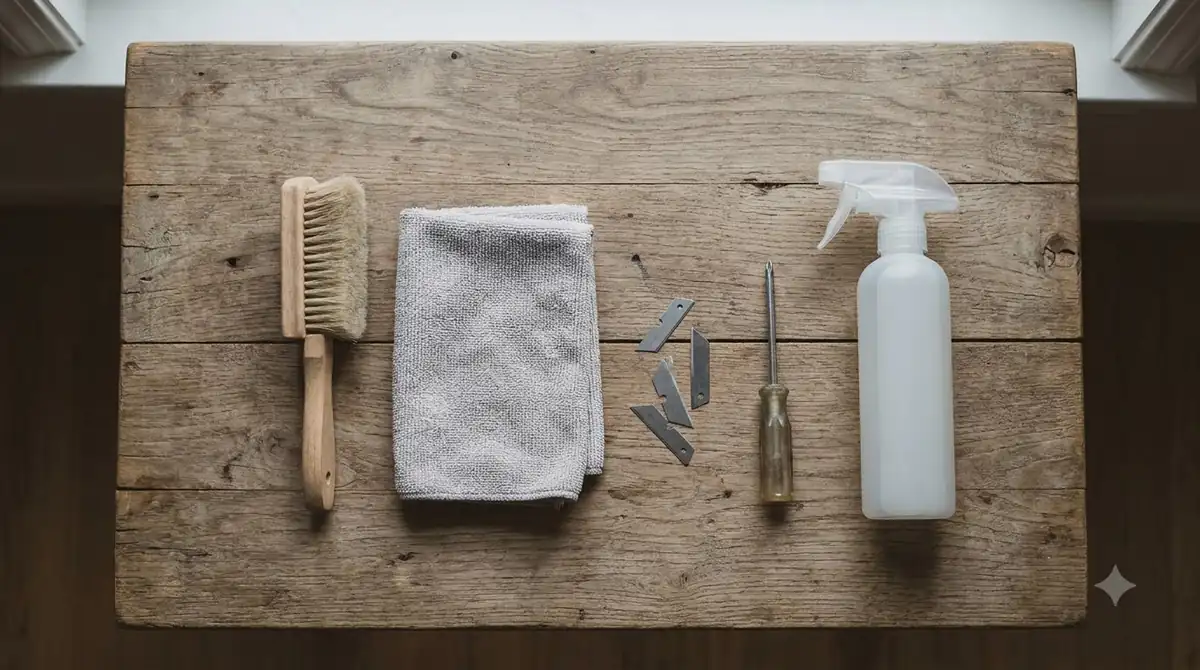
- Clean the sensor. Sunseeker’s fix for dirty and out-of-boundary messages is to wipe the radar surface. Ecovacs’ laser sensor steps add that you can toggle the laser assembly and wipe it with a small brush.
- Check the weather. Fog and heavy rain can scatter and absorb laser beams, according to Ecovacs. Sunseeker advises canceling the schedule in such weather.
- Check the location. Locationing can fail in narrow passages or under bushes. Move the mower out of tight spots and retry. Dense tree cover is covered in LiDAR mowers for wooded lots.
- Update the firmware. For a message that says the lidar is recovering, Sunseeker’s only listed fix is to install the newest firmware.
- Treat “lidar has failed” as hardware. A robot lidar error message means the lidar has failed. Sunseeker’s table says to restart and contact support if the message remains.
What the Dreame A1 Pro documents about its LiDAR
The Dreame A1 Pro uses OmniSense 3D LiDAR for navigation, with no boundary wire, no RTK and no GPS. Its charging station has a brush that cleans the sensor each time the mower enters or leaves the station, according to the Notebookcheck review of the A1 Pro. The same review notes that a PIN is needed each time the cover is opened. If you own that model, first-time Dreame A1 Pro setup and how the A1 Pro compares with the A2 cover the basics and the model differences.
We could not read Dreame’s own error-code list or support articles for this guide, so the messages above come from other makers’ guides, not Dreame’s. The Dreame app shows the exact text for your mower, and that text is the best starting point.
As a practical check, if a LiDAR message repeats, confirm the station brush area is clear and the sensor is clean before trying anything else. This is our reading, not a Dreame instruction.
When to stop troubleshooting and contact support
Contact the maker when the message returns after cleaning, a restart and a firmware check, or when it says the lidar has failed. Support can match the message to a cause much faster if you come prepared.
Before you call about a Dreame robot mower LiDAR error, write down the exact text from the app, the date it appeared, and whether it happened in rain, fog or a narrow spot.
- The exact message text and any error screen on the mower
- The firmware version shown in the app
- The weather and the place the mower was when it happened
- Your purchase date and proof of purchase for warranty checks
Our reading is that a sensor housing is best left to the maker. A misaligned sensor is hard to fix at home, so avoid opening it unless support asks you to.
Frequently asked questions
Does a Dreame robot mower LiDAR error always mean the sensor is broken?
No. In the maker tables we read, the usual causes are dirt, rain or fog, narrow spots, and firmware. Only messages that say the lidar has failed point to hardware, so check the exact text before assuming the worst.
Can rain or fog cause a LiDAR error?
They can. Ecovacs says fog and heavy rain may scatter and absorb laser beams, and Sunseeker advises canceling the schedule in such weather. Run the mower again once conditions are dry and clear.
Do I need a firmware update to fix a LiDAR error?
Sometimes. Sunseeker lists installing the newest firmware as the fix for a message saying the lidar is recovering. If no update is available and the message persists, restart the mower and contact support.
Is there a Dreame-specific list of LiDAR error codes?
Not in this guide. Dreame’s support pages could not be read for it, so use the exact text shown in the Dreame app and the manual, and contact Dreame support if the message keeps returning.
Sources
- Sunseeker support: error message table (maker): lidar, radar and sensor messages with listed fixes.
- Ecovacs support: laser sensor abnormal (maker): toggle and wipe the laser assembly, then restart.
- Ecovacs: LiDAR vs RTK robot lawn mowers (maker): fog and heavy rain can scatter laser beams.
- Anker: LiDAR robot lawn mower guide (maker): sensor cleaning after rain, mud or dust; open lawns.
- Resident: LiDAR in robot lawn mowers (publisher): how the rotating sensor and laser pulses work.
- Notebookcheck: Dreame A1 Pro review (reviewer): OmniSense LiDAR, charging station brush, PIN after cover opens.
 Up next9 min readLearnRobot Mower Lifted Error Keeps Appearing: Causes and FixesUpdated Nov 11, 2026
 7 min readLearnRobot Mower Not Charging? How to Fix It Step by StepUpdated Nov 11, 2026
 8 min readLearnAre Robot Mowers Expensive to Repair? What to ExpectUpdated Nov 11, 2026
 8 min readLearnIs a Robot Mower Cheaper Than a Lawn Service?Updated Nov 11, 2026
 9 min readLearnRobot Mower Payback Period vs Lawn Service in 4 StepsUpdated Nov 11, 2026
 9 min readLearnAre Robot Mowers Tax Deductible for Rental Property?Updated Nov 11, 2026