


Which robot mower works best with poor wifi? No single model wins, but a mower that does not need a live connection to keep mowing fits a weak signal best. Husqvarna’s support guidance shows that a boundary-wire installation keeps mowing when Wi-Fi drops, while wire-free models stop. Cellular backup is the other option, as of 2026-11-10.
The short answer
- Boundary-wire mowers keep mowing normally when Wi-Fi drops, according to Husqvarna.
- Wire-free models that rely on Wi-Fi for positioning stop and search for a signal.
- Cellular backup lets a Wi-Fi model switch to mobile data when the home network fails.
- Check first: walk the lawn with a phone and confirm the signal before you buy.
What happens to mowing when Wi-Fi drops
The installation type decides whether a Wi-Fi outage stops the mower. Husqvarna’s troubleshooting page lists how its Automower models behave in each setup, so the mowing result depends more on the design than on the brand name alone.
| Installation or model type | What happens when Wi-Fi drops |
|---|---|
| Boundary wire | Keeps mowing normally |
| Wire-free (EPOS, via Husqvarna Cloud) | Stops and searches for a signal |
| Reference station (Aspire R6, 312V, 308V) | Stops, because it needs Wi-Fi to talk to the station |
| AI vision models | Keeps navigating on the camera for a short time or distance, then stops |
| Wi-Fi plus cellular | Switches to the mobile network automatically |
On Wi-Fi-only models, the app stops responding remotely, but Bluetooth stays connected within about 30 metres (98 feet). Husqvarna also says firmware updates cannot download while the connection is down. That makes Bluetooth useful for a quick pause nearby, not for remote control.
The table shows that a poor connection is not the same risk for every mower. Boundary-wire models do not depend on the network to find their route, and our guide to whether robot mowers need boundary wire covers that choice. Our reading is that a yard with weak Wi-Fi should start by ruling out wire-free models unless the signal reaches the whole lawn. So for the question of which robot mower works best with poor wifi, the first filter is how the mower navigates.
Why a weak signal stops some mowers
Weak coverage is most often a problem in the far corners of a yard, not at the router. Wire-free positioning relies on a connection that reaches every part of the lawn. Husqvarna says the mower needs a Wi-Fi connection in all areas where it should mow, in order to receive positioning data. Without that data, the mower cannot tell where it is and will stop.
A robot mower that needs Wi-Fi for positioning is a different case from one that only uses it for the app. Wi-Fi mainly runs the app. Sunseeker’s glossary says a Wi-Fi mower depends on the app for setup, schedules, map edits, alerts and software updates. It also says the mower should continue its local schedule if internet access is temporarily unavailable. That means a dropped connection can stop remote commands and updates even when the mower keeps cutting. Check the app’s offline status before you rely on it.
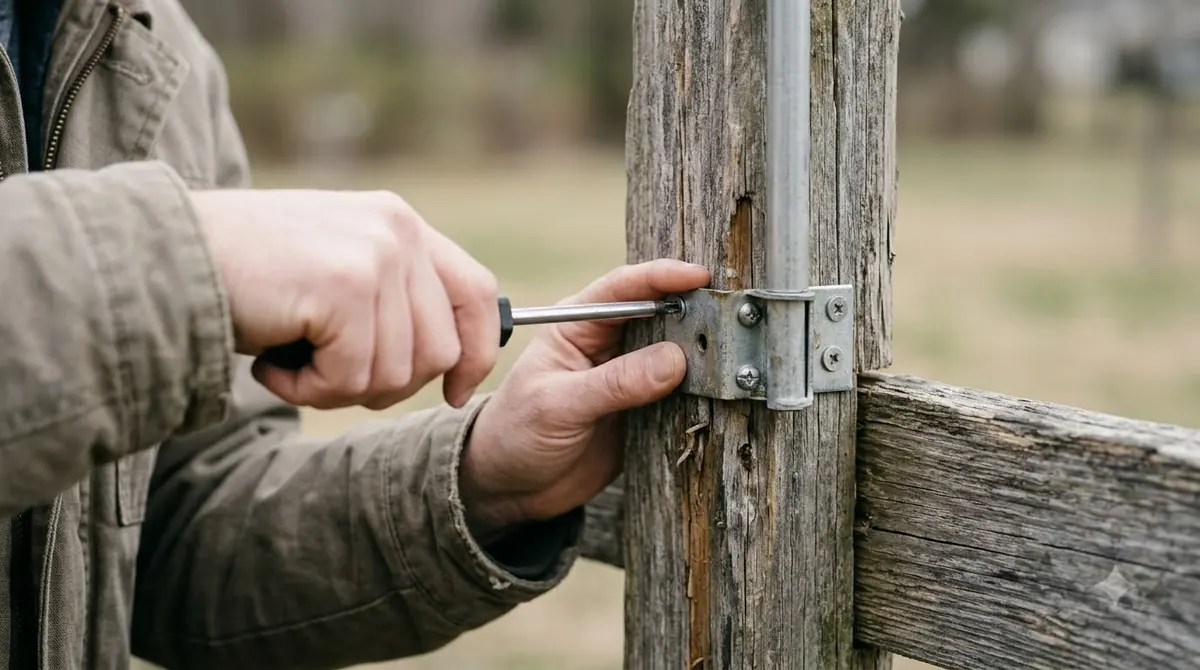
Cellular backup and dealer options
A cellular connection is the most direct fix for a weak home network, because it does not depend on your router at all, and our cellular vs Wi-Fi robot mower comparison weighs the trade-offs. For a weak home network, which robot mower works best with poor wifi may simply be a model with a cellular option. Husqvarna says Wi-Fi plus cellular models switch to the mobile network on their own when Wi-Fi fails. For compatible models, a dealer can also fit an Automower Connect kit that adds mobile connectivity.
- Automatic switch: the mower moves to mobile data without you changing settings.
- Dealer kit: Husqvarna lists the Automower Connect kit as an option for lawns with weak coverage.
- Reference station: the EPOS RS1 provides positioning data to the mower, but it is a separate purchase and install.
- Network RTK: as explained in how an RTK robot mower works, Navimow says its Network RTK needs no local antenna and includes the cellular data at no extra cost, where the service is available.
Check whether a cellular plan adds a recurring cost for the model you are considering. Trees and shade are a separate question. Navimow’s RTK page gives no explicit limit on satellite signal under tree cover or in shaded corners, so a shaded yard needs its own test before you decide on RTK navigation. Cellular is not available everywhere. Before you buy, confirm that the plan and coverage exist for your ZIP code. Some vendors limit RTK availability by region, so check the service map before you buy.
Checking your signal before you buy
Before you decide which robot mower works best with poor wifi in your yard, test the signal where the mower will actually work, not only at the router. A phone walk around the lawn gives a quick first answer. Husqvarna advises at least one bar on the phone for reliable operation.
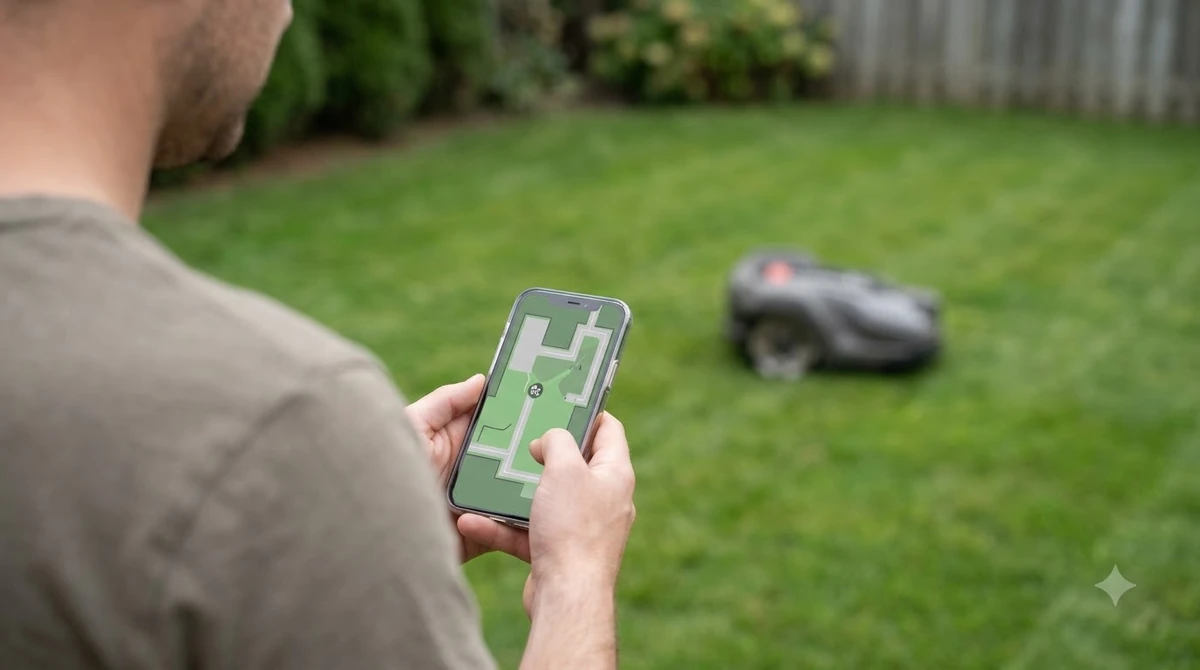
- Walk the lawn. Carry a phone to every zone the mower should cover, including the far corners and any shaded strip.
- Confirm the band. Husqvarna says Wi-Fi models support only 2.4 GHz networks, and 5 GHz and 6 GHz networks are not supported.
- Read the mower’s signal in the app. Husqvarna lists the path as More, then Settings, then Automower Connect, then Wi-Fi, after you enter the PIN.
- Place the router well. Husqvarna says to put the router as close as possible to the lawn or near windows that face the work area, and to keep it away from thick walls and metal objects.
Husqvarna’s page does not say how a mower resumes once the signal returns, so check that behaviour in your model’s manual before you buy. Its page on AI vision models says those units stop if they do not recover the Wi-Fi signal.
If the signal is weak, Husqvarna suggests an extender or mesh system. Both must support 2.4 GHz, and outdoor areas need outdoor-rated units, as our guide to whether you need a WiFi extender for your robot mower explains. Our reading is that an extender helps the Wi-Fi-only models most, but it does not change how a wire-free mower behaves if the signal drops at the far end of the lawn.
Which robot mower works best with poor wifi in practice
Asked plainly, which robot mower works best with poor wifi depends on the setup. For a poor Wi-Fi yard, a boundary-wire mower gives the most stable mowing, since it keeps running through an outage. A Wi-Fi model with cellular backup is the next best choice. Wire-free models with a strong signal can work, but they need the coverage check before you commit.
| Setup | Keeps mowing if Wi-Fi drops? | Main condition |
|---|---|---|
| Boundary wire | Yes, per Husqvarna | Wire must be installed and kept intact |
| Wi-Fi plus cellular | Switches to mobile data | Mobile plan and coverage at your address |
| Wire-free EPOS | No, stops and searches | Wi-Fi must reach every mowing zone |
| Reference station | No, stops | Needs Wi-Fi to reach the station |
The trade-off is effort against reliability. Boundary wire takes more setup work, while wire-free models are easier to install but depend more on the network, a trade-off we cover in wire-free vs boundary wire robot mowers. Choose the setup that matches the signal you measured, not the one with the best spec sheet.
Frequently asked questions
Does a robot mower need Wi-Fi to mow?
It depends on the installation. Husqvarna says boundary-wire mowers keep mowing normally when Wi-Fi drops. Wire-free models use Wi-Fi for positioning and stop when the connection is lost across the lawn.
Is cellular better than Wi-Fi for a weak signal?
Cellular is useful as a backup because a Wi-Fi plus cellular model switches to mobile data when Wi-Fi fails. Coverage and plan availability vary by address, so confirm both before you buy.
Do Wi-Fi extenders fix a robot mower’s signal?
They can help when the extender supports 2.4 GHz. Husqvarna recommends outdoor-rated units for outdoor areas and says to check signal strength in the app after the change.
What should I check before buying a robot mower for a weak signal?
Our reading is that the answer to which robot mower works best with poor wifi starts with this check. Walk the lawn with a phone and confirm at least one bar in every zone. Confirm the router runs 2.4 GHz, and check whether the model uses boundary wire, cellular or a wire-free setup that depends on Wi-Fi.
Sources
- Troubleshooting Wi-Fi issues on Automower robotic lawn mowers (Husqvarna): mowing behaviour by installation type, 2.4 GHz rule, signal check path, router placement.
- Why do I need Wi-Fi coverage on my lawn? (Husqvarna): positioning needs Wi-Fi across the mowing area, one-bar check, dealer options.
- Wi-Fi robot lawn mower glossary (Sunseeker): what the app controls and how the local schedule continues offline.
- How do robotic lawnmowers without boundary wires work (Navimow): Network RTK needs no local antenna and uses cellular data.
 Up next9 min readBest Robot MowersDo Robot Mowers Need Wifi or Cellular?Updated Nov 11, 2026
 8 min readBest Robot MowersDo Robot Mowers Work in the Rain? Sensors, Delays and LimitsUpdated Nov 11, 2026
 9 min readBest Robot MowersHow Do Multi Zone Robot Mowers Work?Updated Nov 11, 2026
 7 min readBest Robot MowersMulching Robot Mower Explained: How It Works and When It FailsUpdated Nov 11, 2026
 8 min readBest Robot MowersHow Do Vision Robot Mowers Work?Updated Nov 11, 2026
 8 min readBest Robot MowersHow Do Robot Lawn Mowers Work? Wire, Sensors and Docking ExplainedUpdated Nov 11, 2026