
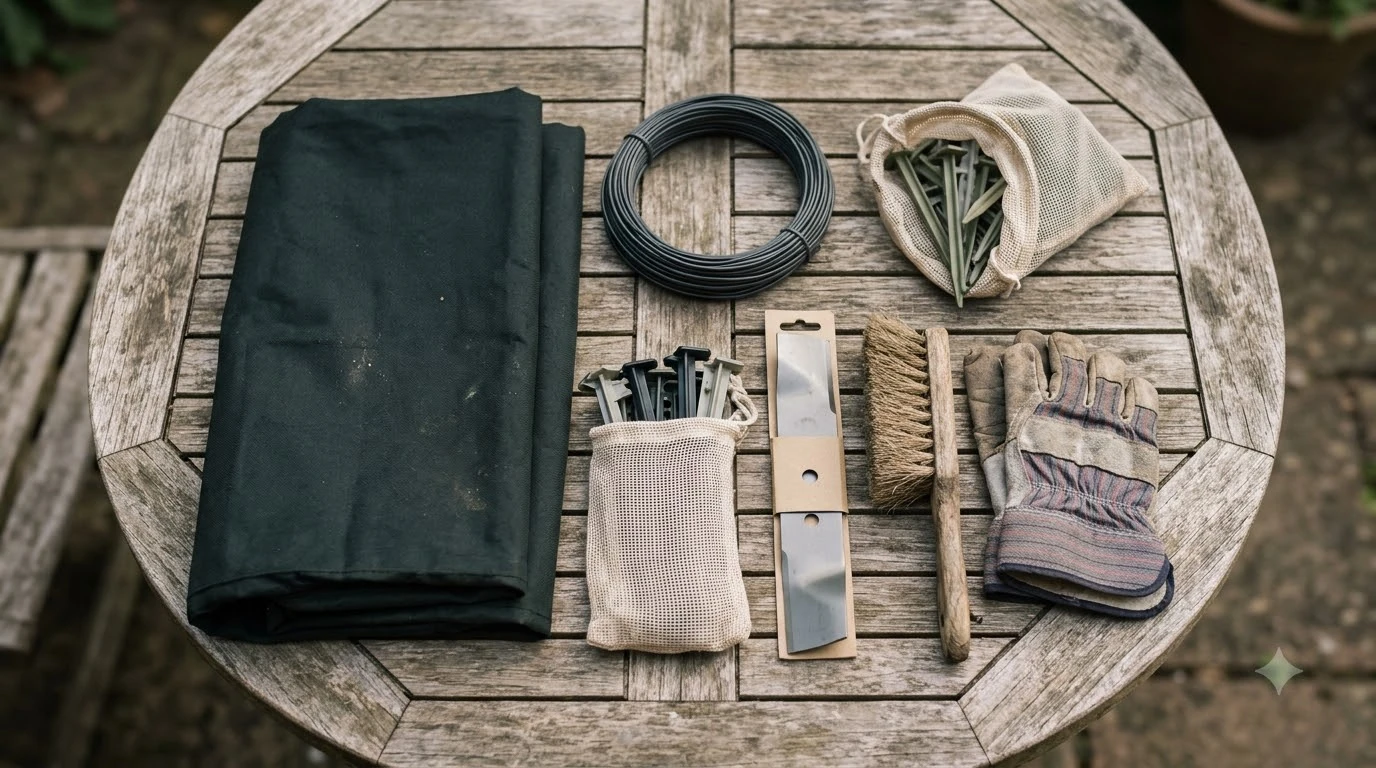

What accessories do I need for a robot mower? Most setups need a charging station with its power supply, a boundary wire held in place by stakes and joined with connectors, and a spare set of blades. A garage or shelter is optional but useful, and the rest depends on your model.
The short answer
- Charging station and power supply: the mower returns here to charge, so it is required.
- Boundary wire, stakes and connectors: required to define the mowing area.
- Replacement blades: you will need them; the manual gives a normal life of 4 to 7 weeks.
- Garage, cover and extras: optional, and model-specific.
What accessories do I need for a robot mower? Start with the charging station
The charging station is the one accessory you cannot skip, because the mower returns to it to charge. The McCulloch ROB R600, R800 and R1000 operator’s manual asks for at least 3 m (9.8 ft) of free space in front of the station and at least 1.5 m (4.9 ft) on each side. Place it near an outdoor power outlet, on a level surface, in the lowest section of the work area, and away from irrigation systems. Our guide to where to put a robot mower charging station covers the layout in more detail.
The power supply needs its own planning, and our charging station power requirements guide explains the electrical side. The manual says to put it under a roof with protection from sun and rain, at least 30 cm (12 in) off the ground, and with good airflow. It also recommends a residual-current device (RCD) at the outlet. Two warnings matter when you plan cable runs:
- Do not cut or extend the low-voltage cable, because the manual warns of a risk of electrical shock.
- Do not coil the low-voltage cable or lay it under the charging station plate, since the coil can interfere with the signal from the station.
If your yard is far from an outlet, the manual notes that low-voltage cables of different lengths are sold as accessories. Buy the length you need rather than cutting one down.
Boundary wire, stakes and connectors
The boundary wire is a loop around the work area, and the mower’s sensors detect it and turn the mower away. Most owners need a kit sized to the perimeter, plus stakes or a burial plan to hold the wire in place. If you are unsure how much to buy, see how much boundary wire you need. The manual allows either option, but it says to bury the wire if you plan to run a dethatcher over the area.

The manual sets clearances from obstacles. Keep the wire 25 cm (10 in) away from any obstacle taller than 5 cm (2 in), 20 cm (8 in) away from obstacles between 1 and 5 cm (0.4 to 2 in) high, and 5 cm (2 in) away from obstacles under 1 cm (0.4 in). Where the lawn borders water, a slope, a precipice or a public road, the manual calls for a protective wall at least 15 cm (6 in) high next to the wire.
Two other items are on most setup lists. A guide wire leads the mower from the boundary to the charging station, and the manual asks for it to run in a straight line at least 2 m (7 ft) in front of the station and at least 30 cm (12 in) from the boundary wire. A passage between two work areas must be at least 60 cm (24 in) wide, and a passage narrower than 2 m (6.5 ft) needs a guide wire through it.
Worx sells a boundary wire extension kit that adds 165 feet to the boundary, along with a five-piece pack of outdoor-rated wire connectors and a 3-inch stake kit. Worx describes its connectors as joining two boundary wires at the press of a button, which is useful when you extend or repair a run. For wet ground, read about waterproof wire connectors. Worx also describes its stake tip as made for tough soil, so check stake length against your ground before buying a large pack.
Replacement blades and cleaning
Blades are the accessory you will buy most often. Our robot mower blade replacement guide covers the swap itself. The McCulloch manual gives a normal blade life of 4 to 7 weeks under favorable conditions, and says the real life depends on operating time, the type of grass, soil and sand, and the number of objects such as toys, stones and roots in the lawn. Inspect the blades once a week when the mower is new, and increase the interval if wear stays low.

Replace all three blades and their screws at the same time. The manual says this keeps the cutting system balanced, and it warns that reusing a worn screw can let a blade come loose during mowing. Worx sells packs of 10 normal blades, 10 long-life blades and a 12-piece replacement kit with screws. The manual also says blunt blades give a poorer cut and that more energy is needed to mow the same area.
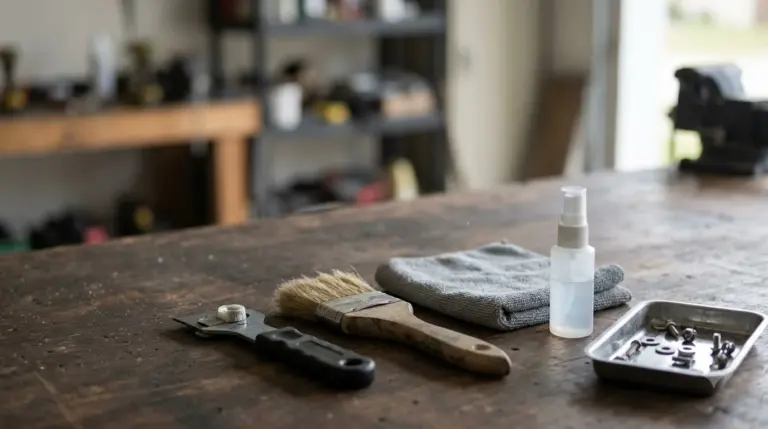
Cleaning is the other routine task. The manual says to clean the blade disc, chassis and wheels with a brush, and never with a high-pressure washer or running water. Grass stuck to the wheels hurts the mower’s performance on slopes, and the charging station must stay clear of grass, leaves and twigs so the mower can dock. McCulloch offers a cleaning and maintenance kit as an accessory, and the manual says to switch the mower off and wear gloves before any maintenance.
Garage, cover and shelter
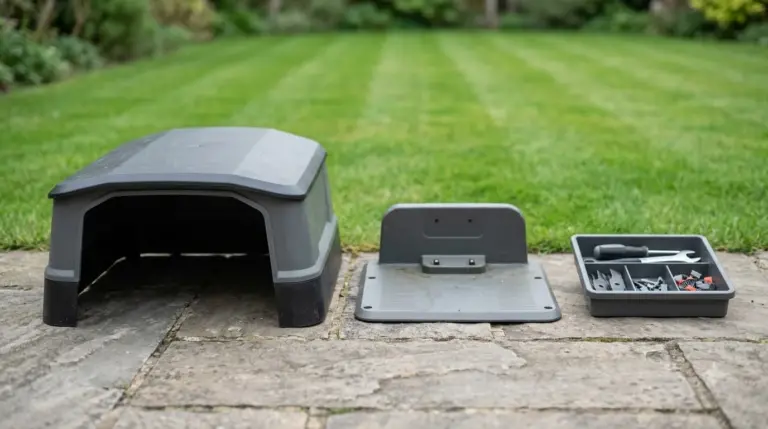
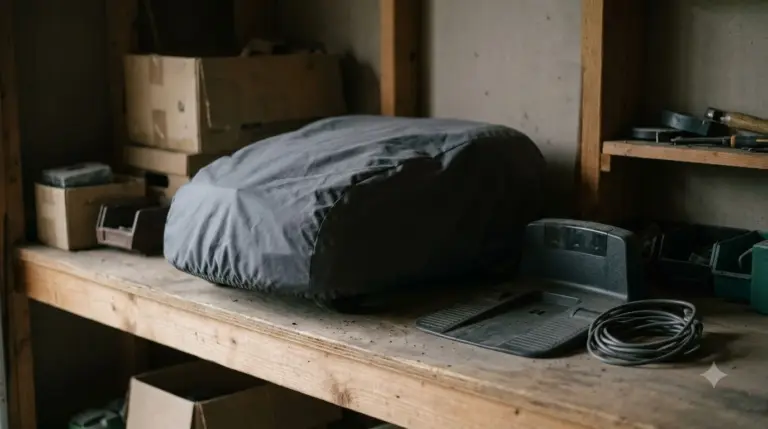
A garage or shelter is optional, but it is the accessory that most directly protects the mower and dock from weather. Worx sells a Garage with Lift-Top that its catalog describes as giving the mower “extra protection against the elements.” Separate garages exist for the Vision Cloud, Vision Cloud 4WD and Landroid Vision models, so the garage must match your model.
| Option | What it protects | What to check |
|---|---|---|
| Power supply under a roof | Power supply from sun and rain | Required by the manual, not a separate product |
| Lift-top garage | Mower and charging station from weather | Model-specific fit |
| Protective wall at risky edges | Keeps the mower away from water, slopes and public roads | At least 15 cm (6 in) high next to the wire, per the manual |
| Cleaning and maintenance kit | Keeps the chassis and blade disc clear | Offered as an accessory by McCulloch |
Winter is the other time an accessory matters. The manual says the battery must be fully charged before winter storage, and it recommends winter service with blades and bearings checked before the mower goes into storage.
Optional extras and compatibility
When people ask what accessories do I need for a robot mower, the honest answer is that most other accessories are optional, and they depend on the model. Before buying any wheel, expansion kit or sensor strip, match it to the model in the manufacturer’s catalog. Examples from the Worx catalog include:
- Tough Terrain wheels for the WR147, WR155 and WR165 models.
- Charging station expansion kits in large and small-and-medium sizes.
- Magnetic strips and RFID tags for Landroid Vision models only.
Compatibility also depends on original parts. The McCulloch manual says to use original spare parts and installation material, and the blade section says to use original blades only. If a third-party part is cheaper, check it against your model’s manual first, because the manual ties safety to original blades and a mismatched part can create a safety risk.
Worx’s catalog page shows a placeholder price for every accessory, so it cannot be used for price comparison. Check current prices on the manufacturer’s official store before you buy.
What to check before you buy
To settle what accessories do I need for a robot mower in your own yard, you can answer most questions with a short checklist. Each item below ties back to a number in the manual.
- Find your model number. Accessories are sold per model series, so start there.
- Mark the charging station spot. Keep 3 m in front and 1.5 m on each side clear, with an outlet nearby.
- Measure the perimeter. Note any gap that a 165 ft extension kit would need to cover, and plan passages of at least 60 cm.
- Count obstacles. Plan clearances of 25, 20 or 5 cm depending on height.
- Check the slopes. Slopes steeper than 15% at the outer edge need boundary wire.
- Plan the blade set. Keep one spare set of three blades and screws for when the first set reaches the 4 to 7 week range.
In short, what accessories do I need for a robot mower comes down to three required items, the charging station, the boundary wire kit and a spare blade set, plus optional extras that match your model.
Frequently asked questions
Do I need a garage for a robot mower?
Not strictly. The McCulloch manual requires the power supply to sit under a roof, but it does not require a garage for the mower itself. A garage or shelter adds protection from the elements, and Worx sells model-specific garages. Check which garage fits your exact model before buying.
Can I use a boundary wire or blades from another brand?
The McCulloch manual says to use original spare parts and installation material, and it warns that only original blades can guarantee safety. Compatibility varies by model, so check your manufacturer’s parts list before buying third-party parts.
How often should I replace robot mower blades?
The McCulloch ROB manual gives a normal blade life of 4 to 7 weeks under favorable conditions. The real interval depends on operating time, grass type and debris in the lawn. Replace all three blades and their screws together, and inspect them weekly when the mower is new.
How far should a boundary wire be from obstacles?
The manual specifies 25 cm (10 in) from obstacles taller than 5 cm (2 in), 20 cm (8 in) from obstacles 1 to 5 cm high, and 5 cm (2 in) from obstacles under 1 cm. Passages between work areas need at least 60 cm (24 in) of width.
Sources
- McCulloch ROB R600, R800, R1000 operator’s manual (McCulloch, Husqvarna Group): charging station and power supply placement, boundary wire clearances, guide wire and passage rules, blade life, blade replacement, cleaning and winter service.
- Worx Landroid robotic mower accessories (Worx): boundary wire extension kit, wire connectors, stake kit, blade packs, garage options, wheels and expansion kits.
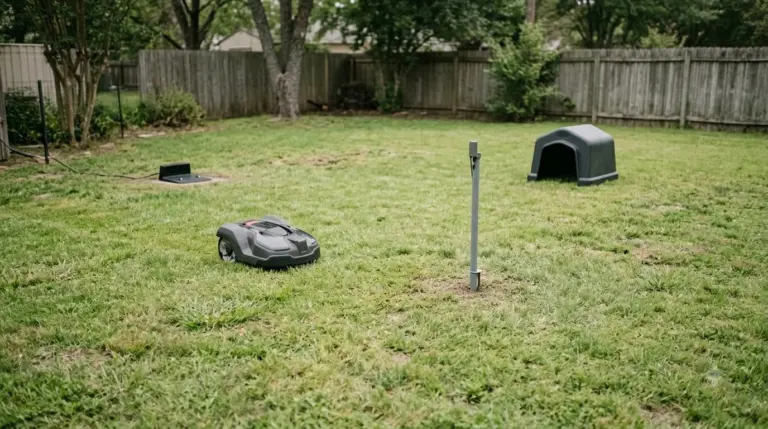 Up next7 min readGearDo I Need a Wifi Extender for My Robot Mower?Updated Nov 11, 2026
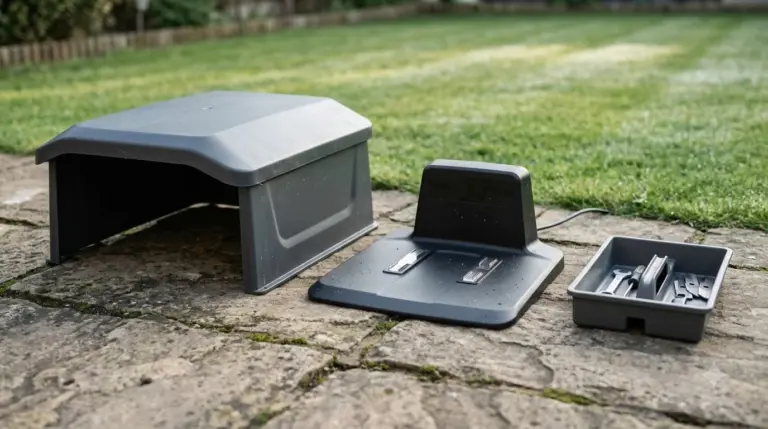 8 min readGearRobot Mower Accessories Worth Buying: What to Get and What to SkipUpdated Nov 11, 2026
 8 min readGearCan I Upgrade My Robot Mower Battery?Updated Nov 11, 2026
 7 min readGearRobot Mower Accessories Not Worth It: What to Skip FirstUpdated Nov 11, 2026
 8 min readGearDoes a Robot Mower Need a Garage?Updated Nov 11, 2026
 8 min readGearRobot Mower Camera Lens Cleaning Kit: Do You Need One?Updated Nov 11, 2026