
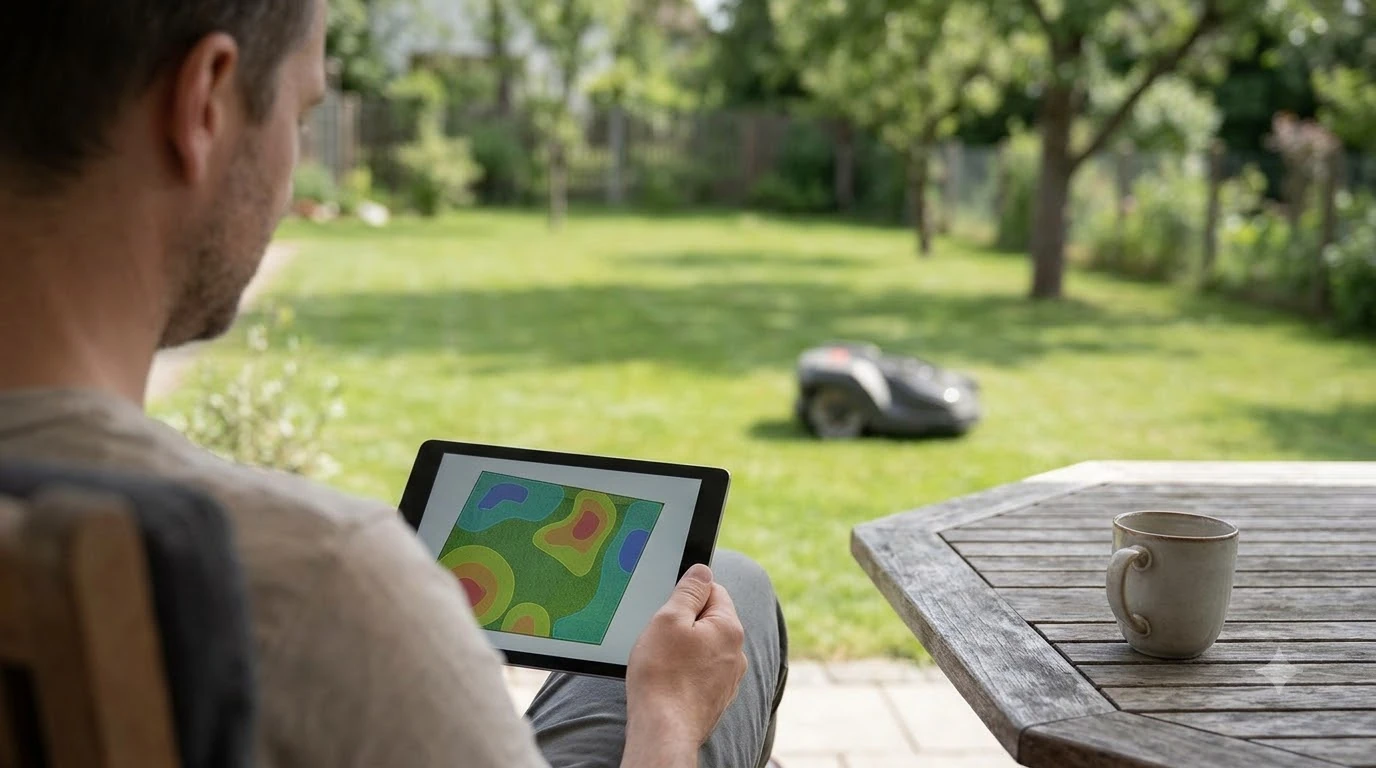

Which robot mower brand has the best app depends on what you need the app to do, and no public source ranks brands on one app scale. Most robot mower apps handle mapping, schedules, live location and alerts. They differ in how the map is made and which connection they need. Brand pages from Husqvarna and Worx show those differences clearly.
The short answer
- No verified winner: the public record does not test apps side by side on one method, so the record cannot say which robot mower brand has the best app.
- Compare these first: how the map is created, whether schedules can differ by area, and which connection the app depends on.
- Check the data plan: some apps depend on a mobile SIM, and the terms differ by brand and model.
- Check the model: app features can depend on the specific model you buy, as Husqvarna’s own FAQ shows.
What a robot mower app controls
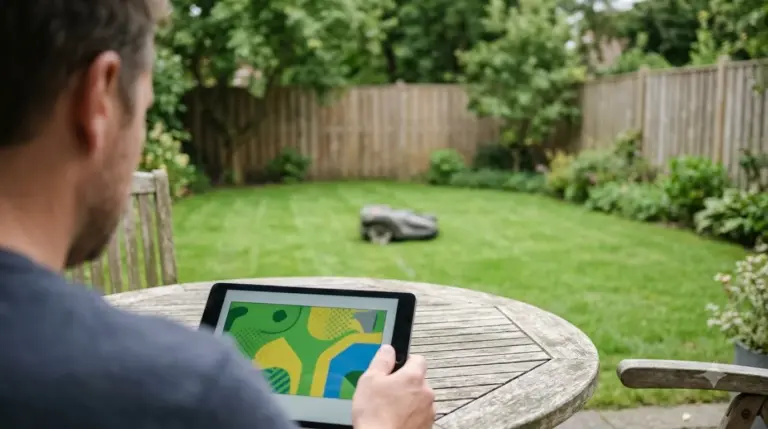
Husqvarna’s Automower Connect app covers the core jobs most robot mower apps share. According to Husqvarna’s Automower Connect page, you can create several work areas, set the time of day the mower runs and its cutting height, and view the mower’s position on a GPS map in real time.
The same page lists alerts when the mower leaves the defined area, statistics and lawn advice, and the option to buy replacement parts in the app. The app runs on iOS and Android. When you compare brands, these are the baseline functions to look for.
- Work areas with their own schedules and settings
- Live map view of the mower’s movements
- Alerts when the mower leaves the defined area
- Statistics, tips and parts ordering
- iOS and Android support
How mapping differs by brand
The biggest practical difference between apps is how the map gets made. Worx says its Vision Cloud models “auto-map in minutes,” and its Vision AI models need “no mapping required,” according to the Worx Landroid page. That page is the EU-hosted Landroid site, so check the terms for your country before relying on it.
Husqvarna takes a different route. Its boundaries are “defined and created in the app,” so the boundary layout can be changed without installing wire. Husqvarna’s page does not say how long the initial mapping takes, so ask the dealer or check the manual for the model you are considering.
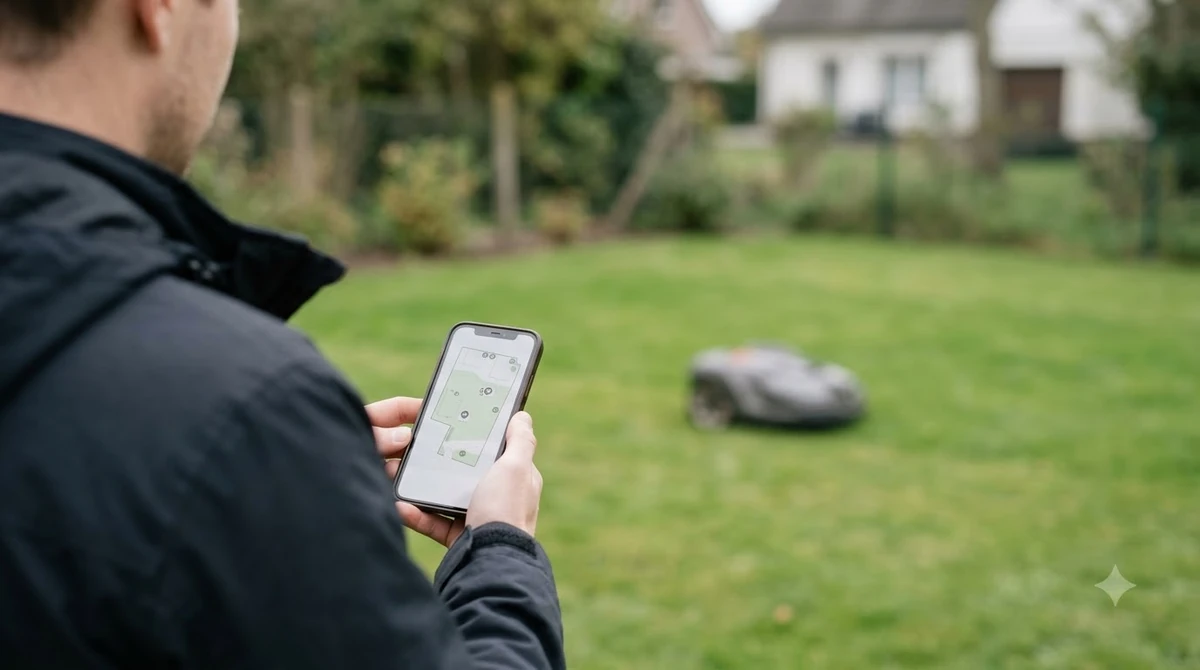
Our reading is that a fast auto-map suits a homeowner who wants to unbox and start mowing. A drawn-in-app layout suits someone who plans to change the yard shape or add areas later, because the boundary can be edited without new wire.
Schedules, zones and patterns
Schedules are where app quality shows up day to day. Husqvarna says you can set several work areas with different schedules, and add temporary stay-out zones that keep the mower away from seasonal flowers or play areas. The app also offers mowing patterns: stripes, triangles and checkerboard.
Husqvarna’s services page says the app links to Google Home and Amazon Alexa. Its FAQ adds that Siri is not supported. If voice control matters to you, check that your phone and assistant match the brand’s list before buying.
Connectivity and data plans
Connectivity decides how much of the app works away from home, and whether a robot mower needs Wi-Fi or cellular depends on the model. Husqvarna lists Bluetooth on all models with a range of up to 30 meters, while cellular or Wi-Fi control is available on some models only. Its Wi-Fi mower “must be connected to Wi-Fi for coverage.”
- Bluetooth: all Husqvarna models, up to 30 meters from the mower.
- Cellular: some models, with a mini SIM that supports 4G GPRS, installed by a dealer according to the FAQ.
- Data plan: the FAQ says a 10-year mobile data contract is included at no additional charge, with data use of about 25 MB per month when the mower is in use.
- Model availability: the FAQ says Automower Connect is available only on select models, standard on X-line and professional models, and optional on 300- and 400-series models.
Worx describes a different setup. Its Wi-Fi models need the charging station to join the home network, and its 4G models need standard mobile coverage where the lawn is. The Worx page says the SIM and data plan are included, with “No subscriptions. No renewals. No hidden fees.” Terms can change, so confirm them before purchase. For the wider picture, see our guide to robot mower subscription fees, and if you are weighing the two connection types directly, this cellular vs Wi-Fi robot mower comparison lines them up.
Why no source says which robot mower brand has the best app
Search results for this question mostly name a different “best” pick, and many are affiliate buyer guides without a shared test method. Some name one brand’s app as the most intuitive, but those claims rest on single pages rather than a comparison of the apps themselves.
Brand pages answer the factual questions, but they do not rank the apps. That is why this guide compares criteria instead of picking a winner. Use the table as a starting point for judging which robot mower brand has the best app for your yard.
| Criterion | Husqvarna Automower Connect | Worx Landroid |
|---|---|---|
| Mapping | Work areas and virtual boundaries drawn in the app | Vision Cloud auto-maps in minutes; Vision AI needs no mapping |
| Schedules by area | Yes, each work area can have its own schedule | Not described on the page read |
| Live location | GPS map view in real time | Not described on the page read |
| Connection | Bluetooth on all models; cellular or Wi-Fi on some | Wi-Fi models use the home network; 4G models need mobile coverage |
| Data plan | Included for 10 years on the model FAQ, per the page | SIM and data plan included, per the page |
What to check before you buy
Use this checklist to decide which robot mower brand has the best app for your own yard and phone. Each step relies on something the brand’s own pages state, so confirm it on the model you plan to buy. Our list of questions to ask before buying a robot mower adds a few more.
- Phone system. Confirm the app supports your iOS or Android version, since Husqvarna’s FAQ gives different PIN recovery steps for each.
- Model. Check whether the app is included or optional on that model series.
- Connection. Decide whether Bluetooth, Wi-Fi or a mobile SIM is needed for the control you want when you are away.
- Data terms. Read the data plan length and any usage limits before you buy.
- Voice assistant. If you use Alexa or Google Home, confirm the integration on the brand’s page.
Frequently asked questions
Do I need an app to set up a robot mower?
Husqvarna’s services page says a wire-free Automower cannot be installed without the app. Other brands may differ, so check the setup requirements on each brand’s official page before you buy.
Does a robot mower app need a subscription?
Husqvarna’s FAQ says a 10-year mobile data contract is included at no additional charge on models with the mobile connection. Worx’s Landroid page says its SIM and data plan are included with no subscriptions. Terms can change, so confirm them with the brand.
Does Husqvarna’s app work with Alexa or Google Home?
Yes, according to Husqvarna’s services page, the app links to Google Home and Amazon Alexa. The same page’s FAQ says Siri is not supported.
Which brand has the best robot mower app?
There is no verified answer to which robot mower brand has the best app, because no public source found for this guide ranks robot mower apps on one shared method. Compare mapping, schedules, connection and data terms on each brand’s official pages.
Sources
- Automower Connect app for robotic mowers (Husqvarna): work areas, stay-out zones, map, alerts, platforms, Bluetooth and connectivity.
- Automower FAQ (Husqvarna): model availability, data contract and usage, SIM, PIN recovery.
- Landroid robotic mowers (Worx): mapping methods, Wi-Fi and 4G requirements, included SIM and data plan.
 Up next7 min readReviews & CompareWhich Robot Mower Has the Best Edge Cut? Brand Figures ComparedUpdated Nov 11, 2026
 8 min readReviews & CompareWhich Robot Mower Brand Has the Best Customer Service?Updated Nov 11, 2026
 8 min readReviews & CompareChinese Robot Mower Brands vs Husqvarna: What the Specs ShowUpdated Nov 11, 2026
 7 min readReviews & CompareWhich Robot Mower Brand Lasts the Longest? What the Evidence ShowsUpdated Nov 11, 2026
 11 min readReviews & CompareRobot Mower Brands Ranked by Reliability: The EvidenceUpdated Nov 11, 2026
 8 min readReviews & Compareeufy vs Segway Navimow Robot Mower: Which Brand Fits Your LawnUpdated Nov 11, 2026