
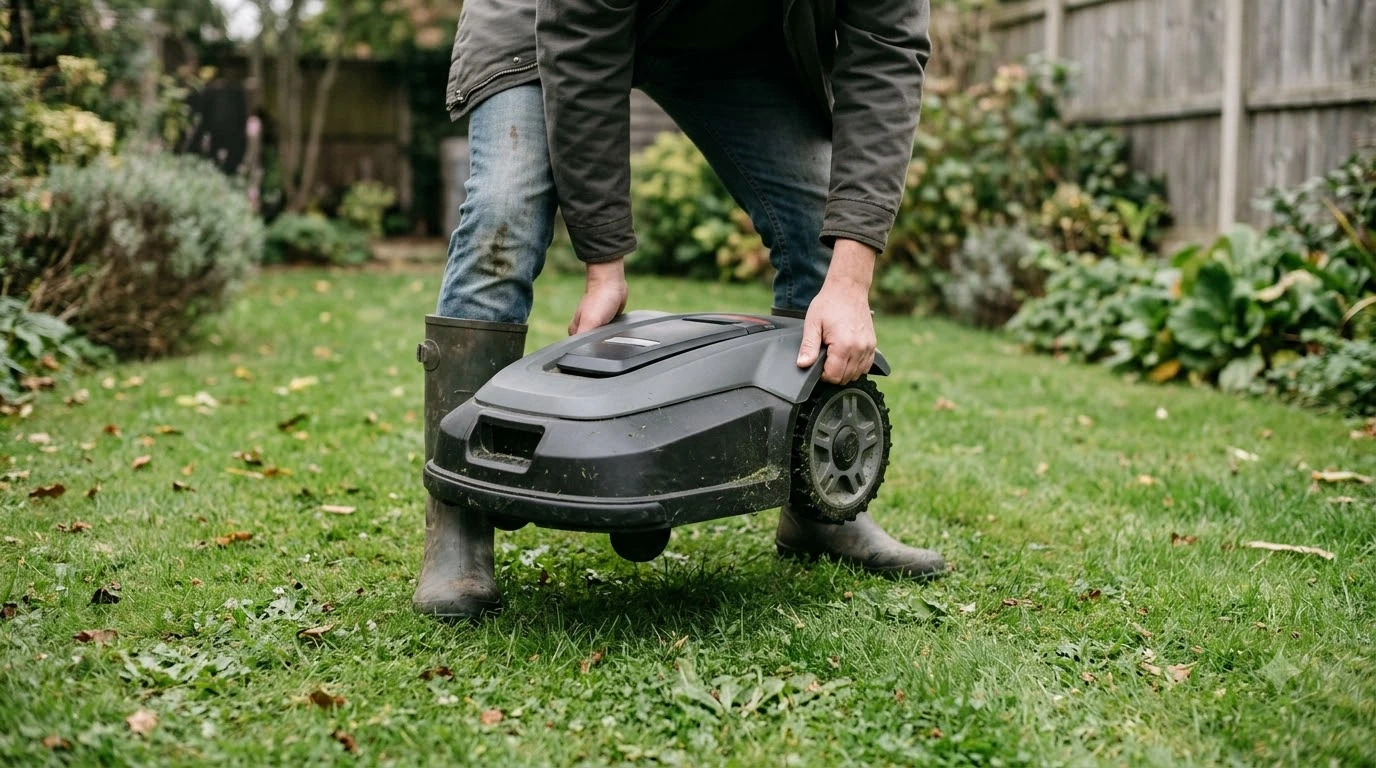

There is no single best robot lawn mower with anti-theft GPS tracking for everyone, because no mower is theft-proof. A model is worth a closer look when it has a PIN lock, a geofence alarm that sounds without a network, and GPS tracking whose network needs you understand. Brands describe these features differently, so check the manual for your exact model.
The short answer
- GPS tracking shows where the mower is. It does not lock the mower or make it harder to carry away.
- Geofence alarm: Husqvarna’s GeoFence alarm sounds on the mower and does not need Wi-Fi or mobile service.
- PIN lock: the PIN is required to silence the alarm and change settings on Husqvarna models.
- Network: GPS tracking and app alerts need a Wi-Fi or mobile connection to work.
- Model check: feature lists differ by model and by region, so confirm them on the spec sheet before you buy.
What anti-theft GPS tracking can and cannot do
GPS tracking answers one question: where the mower is now, or where it was last seen. It does not sound an alarm or stop the mower from being moved. Those jobs belong to a PIN, a geofence alarm and a lift or tilt sensor, which are separate features on most models.
Sunseeker’s theft guide is direct about the limit. It says robotic mowers “cannot guarantee complete theft prevention,” and that built-in security makes theft harder rather than impossible. Our reading is that a tracking feature helps with recovery, while the lock and alarm help reduce the chance that a mower is taken in the first place. Connected features also raise the question of whether someone can hack a robot mower.
Features to check in the best robot lawn mower with anti-theft GPS tracking
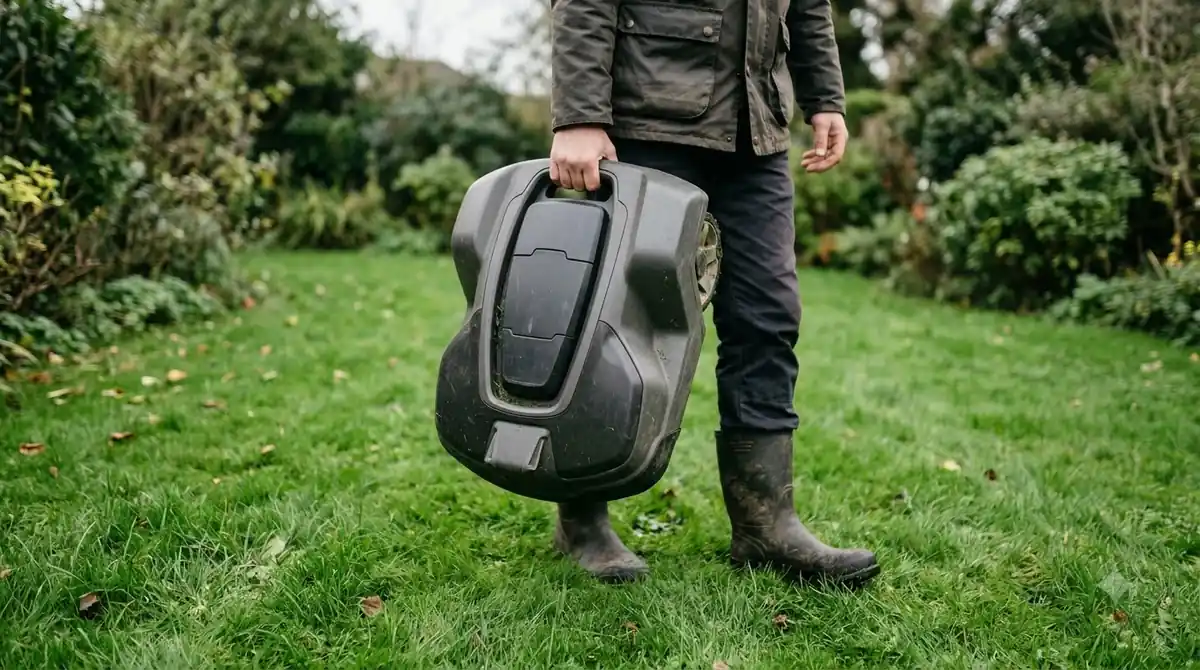
When you compare models, start with the PIN and the alarm. A best robot lawn mower with anti-theft GPS tracking should show these on its spec sheet, not only in marketing text. Husqvarna says the PIN is needed to turn off the GeoFence alarm, wake the mower and change its settings. Sunseeker lists a PIN code and a lift and tilt alarm among its anti-theft features.
- PIN lock: a thief who cannot enter the code cannot restart the mower.
- Lift or tilt alarm: sounds when the mower is moved unexpectedly. Sunseeker lists it among its features.
- Geofence alarm: sounds when the mower leaves an area you set.
- Account binding: Mammotion says each robot is permanently linked to the first user account, with an anti-reactivation lock.
- Remote lock or Lost Mode: Mammotion offers this only “if available for your model,” so check your own model.
Account binding matters most after a theft. Mammotion says the robot is permanently linked to the first user account, which makes a stolen unit harder to reuse. Confirm how the model you are considering handles account links.

How a GeoFence alarm works without a network
Husqvarna describes GeoFence as a GPS-based virtual fence. If the mower leaves the area you set, the alarm sounds on the mower itself. The support page states that the alarm “does not require Wi-Fi or mobile connectivity to function,” which makes it the most reliable part of the system when the mower is outside your network range.
| Feature | Husqvarna GeoFence | Mammotion anti-theft | Sunseeker guide |
|---|---|---|---|
| Alarm when the mower leaves the area | Yes, sounds on the mower | Alert when the robot leaves the lawn by more than 50 m | Geofence alert listed |
| Works without Wi-Fi or mobile | Yes, for the local alarm | Not stated | Not stated |
| GPS tracking needs a network | Yes | Yes, depends on open sky and cellular | Not stated |
| PIN required | Yes, to silence and change settings | Not stated | PIN code listed |
The table shows why the alarm and the tracking are separate questions for any robot lawn mower with anti-theft GPS tracking. A local alarm answers “is the mower being moved?” while tracking answers “where is it?” Both are useful, but only the local alarm is guaranteed to work when signal is weak.
Heads up
Model lists differ by region. Husqvarna’s US support page lists several models, so check your own model’s manual before you assume that a GeoFence feature is included.
Two settings reduce false alarms. Husqvarna says you can lower the sensitivity or increase the radius. A boundary drawn too tight can trigger the alarm during normal mowing, which is why the setup step matters as much as the feature itself.
Why network coverage decides what tracking can show
GPS tracking and app alerts depend on a connection. Husqvarna’s page says GPS tracking requires Wi-Fi or mobile network connectivity, and Mammotion says its tracking depends on open-sky conditions and cellular or network connectivity. A mower parked under trees, in a garage or far from your router may show an old position or none at all.
If you are weighing cellular options, our guide to the best robot mower with cellular connectivity covers the network side. Mammotion’s guide gives one figure that is useful as a test. It says the system sends anti-theft alerts when the robot leaves the lawn by more than 50 m. That threshold tells you what the alert measures, but it does not tell you how fast the signal arrives, so ask the seller how often the location updates.
Before you buy, also ask whether tracking needs a SIM card, whether the data plan has a yearly fee (our explainer on robot mower subscription fees shows what to look for) and whether the module is built in or sold as an extra. Our reading is that tracking hardware varies from model to model, so confirm each point with the maker.
Setup habits that protect the best robot lawn mower with anti-theft GPS tracking
Most of the protection comes from settings you choose once, at setup. These steps are based on the manufacturer guides above and apply to most models that have the features.
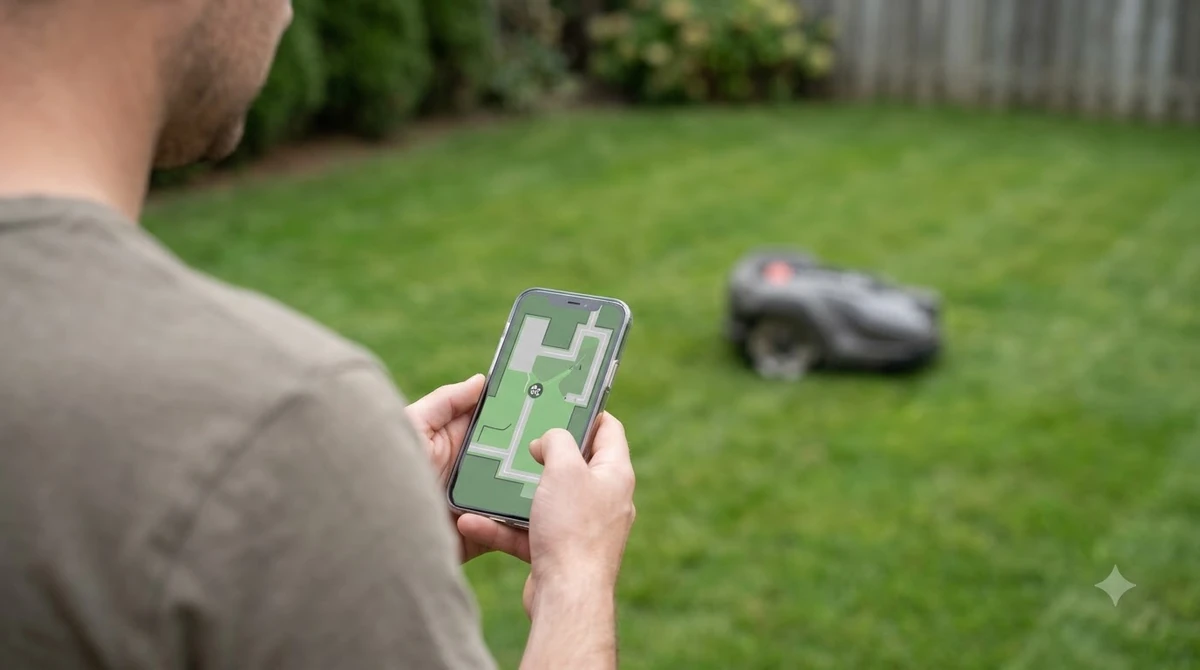
- Set a private PIN. Husqvarna requires the PIN to change alarm settings, so keep it out of the mower’s storage area.
- Register the mower to your own account. Mammotion links the robot to the first account activated, so set this up yourself before anyone else can.
- Tune the GeoFence settings. Husqvarna says you can lower the sensitivity or increase the radius, so adjust them until normal mowing does not trigger the alarm.
- Secure the charging station. Sunseeker lists a secured charging base among its features, and our reading is to fix the base so it cannot be carried off; see where to put a robot mower charging station.
- Add a backup tracker. Sunseeker suggests a tag such as an AirTag in case the main module is switched off or removed.
What to check before you buy
Use the spec sheet for the exact model of robot lawn mower with anti-theft GPS tracking you plan to buy, not a roundup, because feature names and regional availability change. Confirm the points below with the manufacturer, then compare them against how you plan to use the mower.
- PIN lock, and whether it is required to change alarm settings.
- A geofence alarm that sounds on the mower without Wi-Fi or mobile service.
- Whether GPS tracking needs Wi-Fi, a SIM or a 4G module, and whether that carries a yearly cost.
- Account binding, and whether the account link stays with the first owner.
- Remote lock or Lost Mode, and whether your exact model supports it.
- Model support in your region, since Husqvarna’s list varies by country.
Our reading is that a mower with a PIN, an offline alarm and clear network terms is a stronger choice than one that only advertises GPS. No feature set removes the need for a secured base and a habit of checking the app. If you are still comparing options, shortlist the best robot lawn mower with anti-theft GPS tracking among models that clearly publish all of these features, then read the manual for the one you pick.
Frequently asked questions
Is the best robot lawn mower with anti-theft GPS tracking theft-proof?
No. Sunseeker’s guide says robotic mowers cannot guarantee complete theft prevention. GPS tracking helps locate a mower after it is taken, while a PIN, an alarm and a secured charging station make theft harder.
Does GPS tracking work without Wi-Fi?
Only if the mower has a mobile connection. Husqvarna states that GPS tracking requires Wi-Fi or mobile network connectivity. The local GeoFence alarm does not need either, so it still sounds when the mower leaves the area.
Does a GeoFence alarm need a SIM card?
No. Husqvarna says the alarm works without Wi-Fi or mobile connectivity. Husqvarna’s SMS alerts are a separate option, limited to three numbers and 10 messages a month on some models.
How far can a robot mower go before an anti-theft alert?
Mammotion’s anti-theft guide says alerts are sent if the robot leaves the lawn by more than 50 m. The distance depends on the model setup, so confirm the threshold and the boundary settings for your own mower.
Sources
- Husqvarna GeoFence and GPS tracking support (Husqvarna): GeoFence alarm, PIN, network needs, SMS limits and model list.
- Mammotion anti-theft guide (Mammotion): account binding, 50 m alert, tracking conditions.
- Are lawn mower robots theft proof? (Sunseeker): PIN, lift alarm, secured base and limits.
 Up next9 min readBest Robot MowersBest Robot Lawn Mower With Theft Alarm: Features to CheckUpdated Nov 11, 2026
 8 min readBest Robot MowersHow to Choose an RTK GPS Robot Lawn Mower in 2026Updated Nov 11, 2026
 9 min readBest Robot MowersHow to Protect a Robot Mower From TheftUpdated Nov 11, 2026
 9 min readBest Robot MowersBest Robot Mower That Does Not Get Stuck: What to Check Before You BuyUpdated Nov 11, 2026
 8 min readBest Robot MowersBest Robot Mower with Cellular Connectivity: What to Check in 2026Updated Nov 11, 2026
 9 min readBest Robot MowersBest Robot Lawn Mower for 2 Acres: What to Check Before You BuyUpdated Nov 11, 2026