
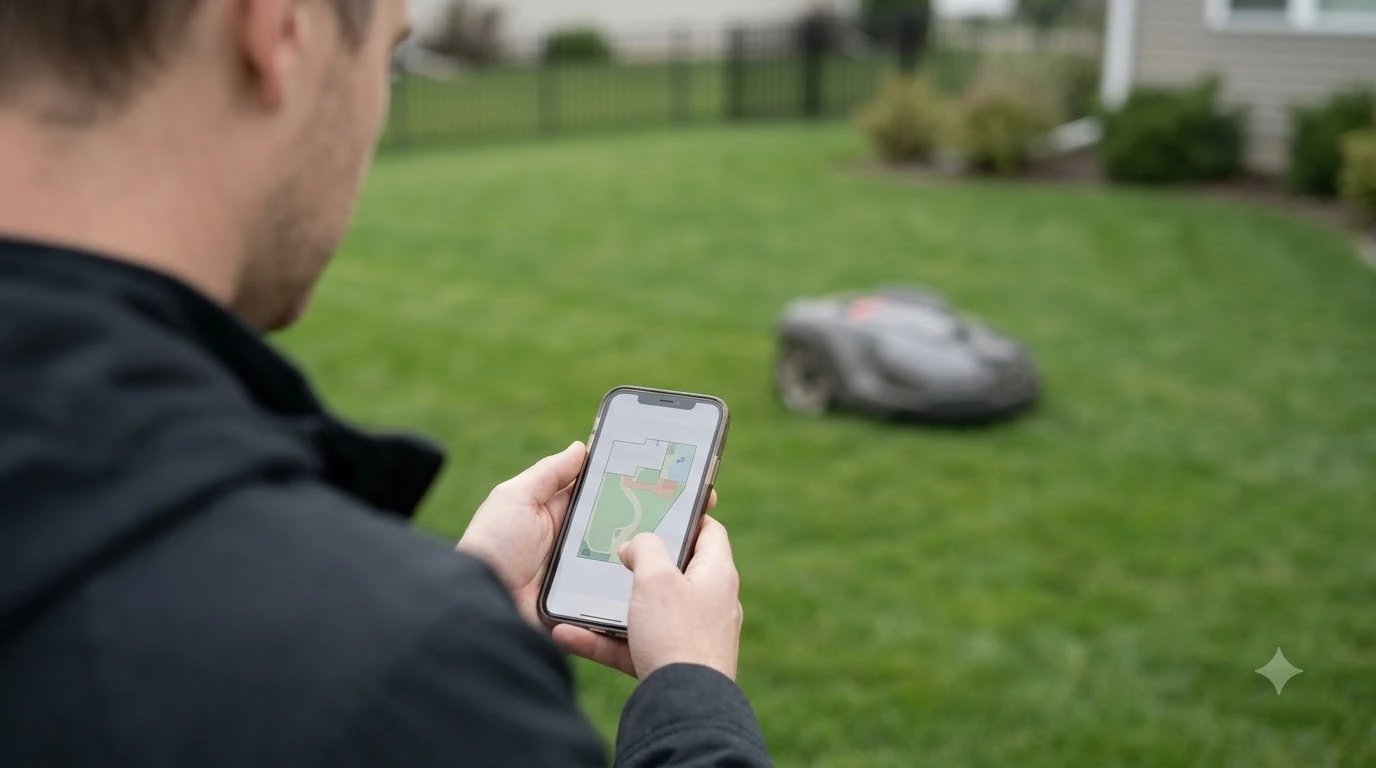

The best robot mower with cellular connectivity depends on your yard, but a built-in mobile link matters most when your home Wi-Fi does not reach the lawn. A cellular model can keep app control working outside router range, yet coverage depends on your address and the model. As of 2026-11-10, confirm the signal at your own lawn before you pay for it.
This guide explains what cellular adds, how the data connection is supplied, where it can fail, what happens when the subscription lapses, and what to check before you buy.
The short answer
- What it adds: Mammotion says its 4G service keeps the mower reachable outside Wi-Fi range, with remote control and live status in the app.
- Coverage: Husqvarna says cellular works in most locations but not all, and a strong phone signal does not guarantee a connection.
- Fallback: Husqvarna’s Wi-Fi plus mobile models switch to the mobile network when Wi-Fi drops, while Wi-Fi-only models lose remote access.
- Cost: Mammotion’s US guide lists $19.90 for 3 months and $49.90 for 12 months, as of 2026-11-10. The mower keeps running without renewal.
- Our reading: a test with the mower at the install spot tells you more than a phone bar count.
What the best robot mower with cellular connectivity adds
A cellular module lets the mower report status and accept commands over a mobile data network, so the app keeps working when the home Wi-Fi does not reach the lawn. Mammotion’s 4G service lists remote control, live status such as mowing progress, battery level and the current working area, and live video streaming for yard monitoring. Our guide to the robot mower brand with the best app compares how the apps themselves behave.
Live streaming is limited by the plan. The same guide says the 4G connection also carries NetRTK positioning, which it describes as centimeter-level accuracy without physical RTK base stations. Mammotion’s 4G service guide sets out these features.
Heads up
Cellular adds remote access and status, not the ability to mow. Husqvarna’s support page says a Wi-Fi-only mower using a boundary wire keeps mowing on schedule even when remote access is lost, so cutting does not depend on the app link.
How the data connection is supplied
Some robot mowers have a cellular module built in, and others need a separate module. Mammotion’s guide lists built-in 4G modules on several LUBA models and says the YUKA mini and YUKA mini 2 1000H need a separate module purchase. Users cannot insert their own SIM card or choose a carrier, because Mammotion does not support SIM cards. Connectivity activates automatically once the mower is bound to the app.
Coverage is also tied to country. Mammotion’s guide lists the USA, Canada, Australia, New Zealand and a long list of European countries, and it says other regions are unavailable. Our reading: check your country on the vendor’s list before ordering, because a module bought for an unsupported region gives you no service.
What happens when Wi-Fi or mobile drops
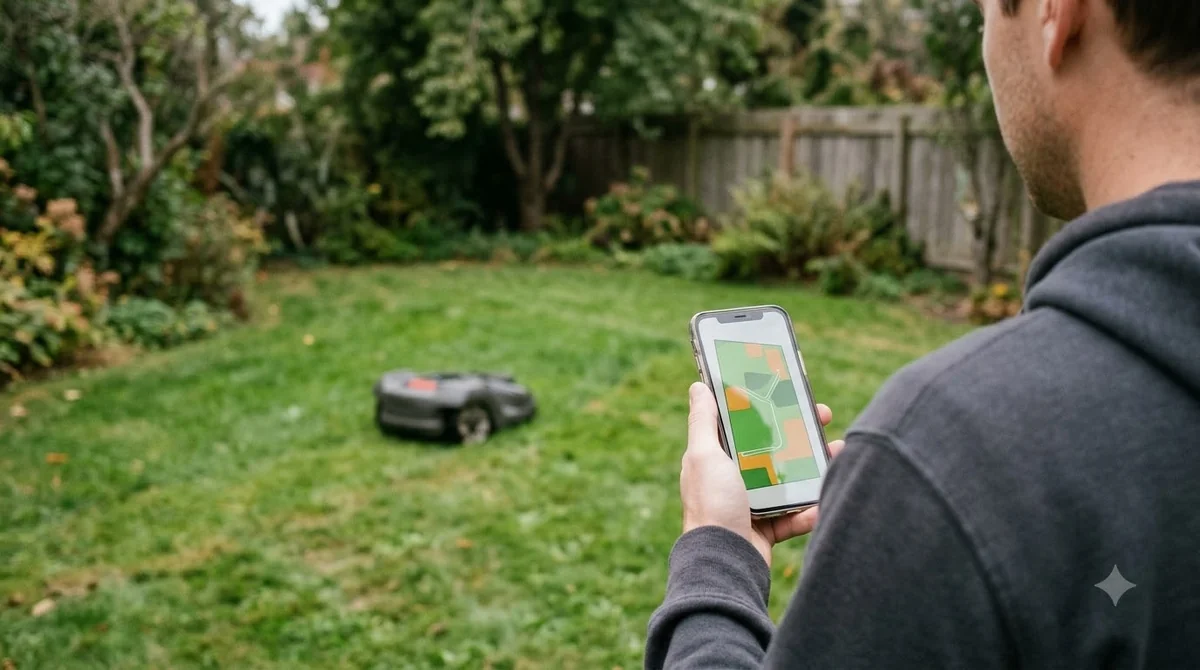
The fallback depends on the model’s network setup. Husqvarna’s Wi-Fi support page lists how each type behaves, and the pattern is simple: a Wi-Fi-only mower loses app control when its network drops, while a mower with both Wi-Fi and mobile moves to the other network and keeps working. Husqvarna’s Wi-Fi connection guide gives these cases for its own models.
| Husqvarna setup | Network | If Wi-Fi drops |
|---|---|---|
| Wi-Fi-only, with the Husqvarna Cloud (EPOS) | Wi-Fi only | Loses remote access via the app |
| Wi-Fi-only, with a reference station or boundary wire | Wi-Fi only | Continues mowing on schedule, with no remote access |
| Wi-Fi plus mobile, with the Husqvarna Cloud (EPOS) | Wi-Fi and mobile | Switches to the mobile network and keeps operating |
| Mobile-only (435X AWD and 435X AWD NERA) | Mobile only | Depends on the mobile network, as listed on the support page |
Husqvarna also says that Wi-Fi-only models can be upgraded with a dealer-installed Connect Kit to add mobile connectivity, so a Wi-Fi-only purchase does not always rule out cellular later. Ask the dealer whether your specific model qualifies.
Where cellular coverage can fail
When you compare the best robot mower with cellular connectivity, coverage is the first thing to test. Husqvarna says its cellular connection works in most locations but not in every one, and coverage is typically excellent in cities and populated areas. Limits are more likely in remote rural areas, places far from cell towers, sparsely populated areas, and regions where network operators are changing their networks.
The catch is that Husqvarna’s mower uses a specialised cellular network for connected devices, not the LTE or 5G network your phone uses. A phone’s signal may not reliably show whether the mower will connect, and a good phone signal does not guarantee a connection. Husqvarna’s advice is to test on site, ideally with the mower at the installation location, and to ask a dealer for help. Availability also varies by model and local network operator.
Husqvarna’s support page does not describe what the mower does when coverage is lost completely, so ask the seller and read the manual for that case.
- Check the country list. Confirm your country appears on the vendor’s coverage list before buying.
- Confirm the module. Find out whether the module is built in or sold separately, and whether the model accepts a SIM.
- Test the lawn. Ask a dealer for an on-site check at the spot where the mower will charge, since a phone bar count is not reliable.
- Decide what you need. If the router already covers the lawn, Wi-Fi may be enough for scheduling and alerts, and our guide to which robot mower works best with poor Wi-Fi covers that case. If the lawn is only just out of range, check whether you need a Wi-Fi extender for your robot mower before paying for cellular.
What happens when the subscription lapses
Mammotion’s 4G service is optional. Without a renewal, the mower keeps working on Wi-Fi or other available connectivity, but the 4G features stop, including live streaming and remote access. The included free period varies by model and by the date the product was sold. Mammotion’s guide says products sold from January 5, 2026 follow its 2026 policy.
The guide’s 2026 table lists a 3-year free period and its 2025 table lists 1 year, and the article is inconsistent on the point, so confirm the figure on the product page before you buy. For more on what recurring fees look like, see our explainer on robot mower subscription fees. For renewal, the US site lists a 3-month plan at $19.90 and a 12-month plan at $49.90, as of 2026-11-10. Prices change, so treat these as a snapshot for any best robot mower with cellular connectivity you compare.
Heads up
The figures above come from Mammotion’s US guide and do not cover every market.
What to check before you buy a cellular robot mower
Before you pay for the best robot mower with cellular connectivity, confirm that your country is covered, that the module is built in or clearly priced, that the lawn has a usable signal, and what renewal costs after the free period. Our reading: for most yards with a strong router signal, Wi-Fi alone handles scheduling and alerts. Cellular matters most when the lawn sits beyond the router’s reach, or when you want to check the mower while away.
Our reading is that the best robot mower with cellular connectivity for a remote lawn has a built-in module and a confirmed signal, which matter more than the plan price. This advice does not replace the vendor’s own coverage check, and the pricing above may change after the date shown. For the data side of a connected mower, see whether robot mowers collect data.

Frequently asked questions
Does the best robot mower with cellular connectivity work without Wi-Fi?
Yes, in many cases. Mammotion says its 4G service keeps the mower online outside Wi-Fi range. Husqvarna says coverage works in most locations but not all, so the result depends on your address and model.
Do cellular robot mowers need a subscription?
Mammotion says its 4G service is optional and requires a paid plan after the included period. Without a renewal, the mower keeps running on Wi-Fi, but 4G features such as live streaming and remote access stop.
Can I use my own SIM card in a robot mower?
Not with Mammotion’s 4G service. Mammotion says SIM cards are not supported and users cannot choose a carrier. Connectivity activates automatically after the mower is bound to the app.
Why does my phone have signal but the mower will not connect?
Husqvarna says its mowers use a specialised cellular network for connected devices, which differs from the network your phone uses. A good phone signal does not guarantee a connection, so Husqvarna recommends testing on site.
Sources
- Does Automower cellular connectivity work everywhere? (Husqvarna): used for coverage limits, the specialised network, and the test-on-site advice.
- How to connect your Automower robotic lawn mower to Wi-Fi (Husqvarna): used for the 2.4 GHz requirement, the Wi-Fi-only and mobile setups, and the Connect Kit upgrade.
- Mammotion 4G service guide (Mammotion): used for 4G features, module types, SIM rules, country coverage, free periods and plan prices.
 Up next9 min readBest Robot MowersDo Robot Mowers Need Wifi or Cellular?Updated Nov 11, 2026
 8 min readBest Robot MowersBest Robot Lawn Mower With Anti-Theft GPS Tracking: What to CheckUpdated Nov 11, 2026
 9 min readBest Robot MowersBest Robot Mower That Does Not Get Stuck: What to Check Before You BuyUpdated Nov 11, 2026
 9 min readBest Robot MowersBest Robot Lawn Mower for 2 Acres: What to Check Before You BuyUpdated Nov 11, 2026
 7 min readBest Robot MowersBest Robot Mower for Thick Grass: 5 Things to CheckUpdated Nov 11, 2026
 7 min readBest Robot MowersBest Robot Lawn Mower for HOA Neighborhoods: What to CheckUpdated Nov 11, 2026