

The best robot lawn mower for busy families is the one whose schedule, lawn-size rating and safety features fit your yard and routine. No single model suits every household, so check those three areas first.
The short answer
- Schedule: look for a weekly timer with days, hours and overrides you can change from your phone.
- Lawn size: compare the rated area with your measured lawn, and leave some headroom.
- Safety: lift and tilt sensors, a PIN lock, and a plan for runs while children and pets are indoors.
- Zones: no-go areas keep the mower away from play areas, sandboxes and beds.
The best robot lawn mower for busy families starts with routine
A busy household needs a mower that runs without daily attention and stays out of the way of people. Husqvarna’s benefits page says its mower can run on a set schedule seven days a week, and that the owner sets the mowing time and can add or subtract hours by season or weather. The page gives no figure for hours saved, so treat time-saving claims as estimates until you see them on your own lawn.
Our reading is that the features that reduce daily effort count most for a family: a timer you set once, alerts when the mower stops, and status you can check from work. Those matter more to a busy household than peak cutting speed.
Schedule control is the feature you will use most
In the Automower Connect app, owners choose the days and hours the mower runs. Husqvarna’s scheduling guide suggests running when the property is empty during the day, overnight, or while you are on holiday. It also lists start, pause and park as available in the app and through voice assistants, so plans can change quickly.
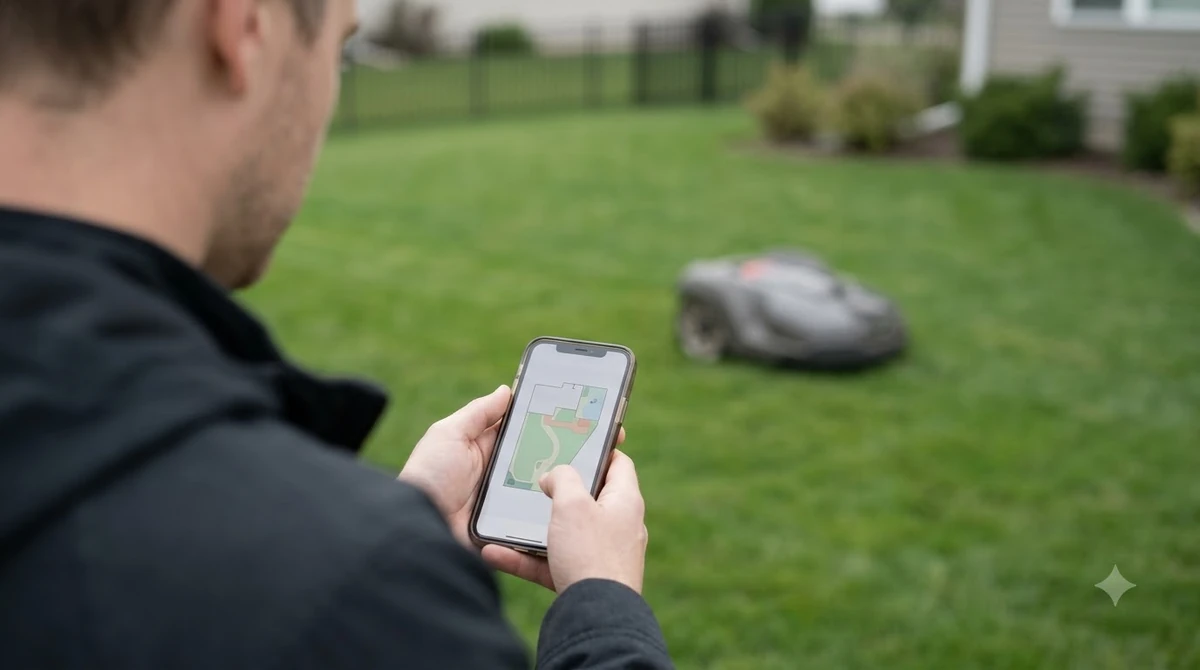
Grass growth changes how often the mower should run. The same guide says faster growth needs more runtime and a more frequent schedule, and that the schedule can be adjusted for warm-season or cold-season grass. It gives no run hours per day, so you will need to tune the schedule on your own lawn. For the best robot lawn mower for busy families, a timer you can change from your phone is worth more than any single spec.
Another source gives a starting point. Anker’s Eufy programming guide suggests three to five shorter sessions per week for an established lawn in active growth, then less in autumn and none in winter. Treat that as a range to adjust, since the guide says frequency depends on lawn size, growth rate, weather and the mower’s capacity.
Check lawn size against the rated coverage area
A rated coverage area is an upper limit, and a mower that works close to it leaves little room for a missed session. Anker’s programming guide lists the C15 as designed for lawns up to 500 m² and rated at up to 80 m² per hour. From those two numbers, covering the full 500 m² once would take about six hours of cutting. That is our calculation, not a figure the page states, and it excludes charging time.
The same guide’s FAQ says mowing one acre typically takes between 12 and 20 hours of total operational time, including recharging. For a family that wants the mower to finish during the day or overnight, that range is a useful check against the schedule you have in mind.
Our reading is that a model with headroom above your measured lawn is easier to schedule than one that barely covers it. Measure the lawn in square feet or square meters before you compare ratings, and treat the manufacturer’s figure as the ceiling.
Safety around children and pets
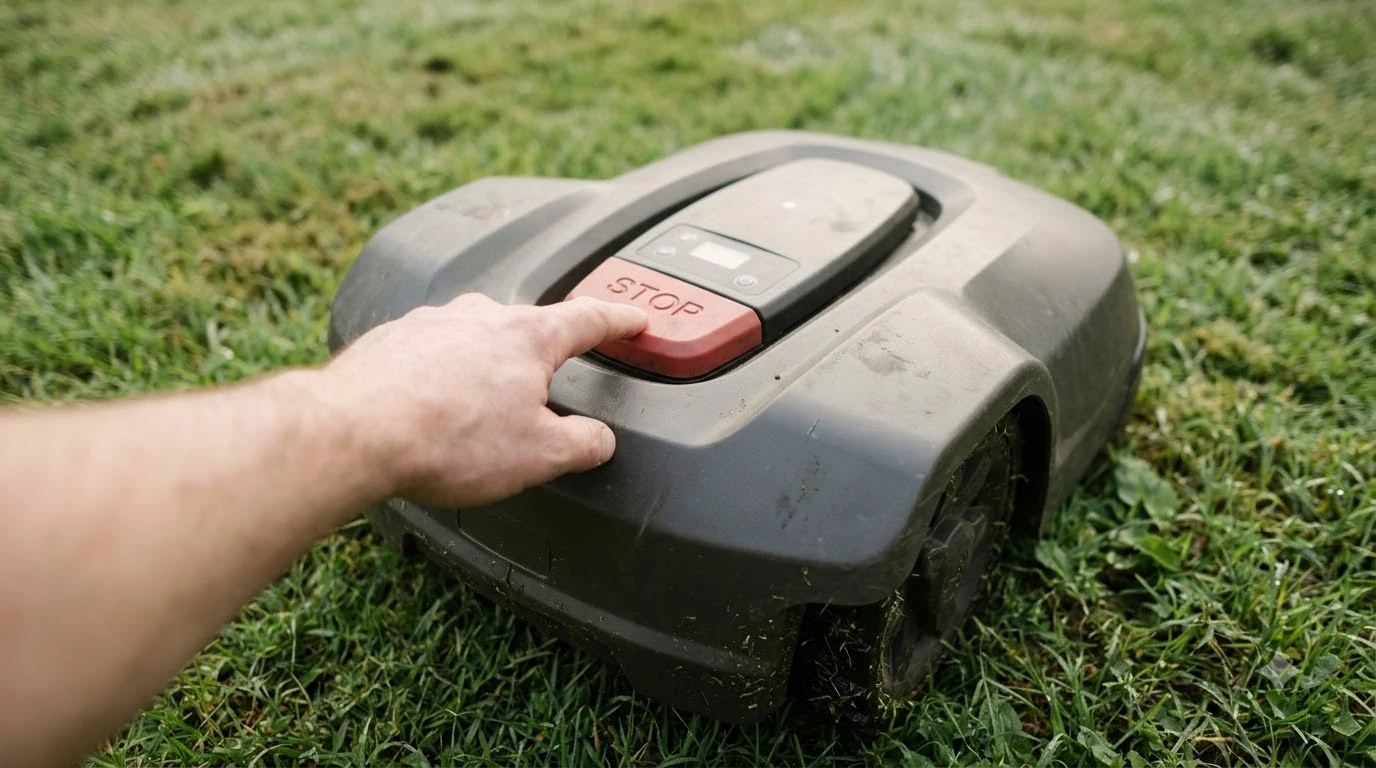
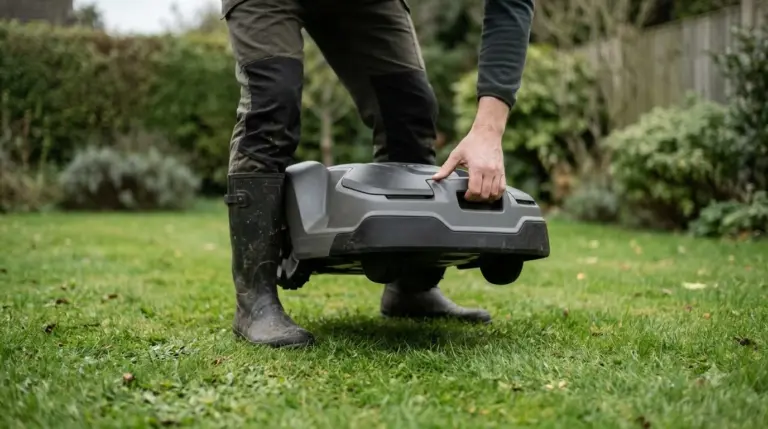
Lift and tilt sensors, PIN locks and a clear rule for when the mower runs are the main safety features for homes with children and pets.
Anker’s safety guide says that if the mower is lifted off the ground or tips over, the blades stop almost instantly. It gives no stop time, so read “almost instantly” as the manufacturer’s wording. The same page says most robot mowers include PIN codes, app verification, alarms or GPS tracking. It states these mainly deter theft but also stop children or others from starting the mower by accident.
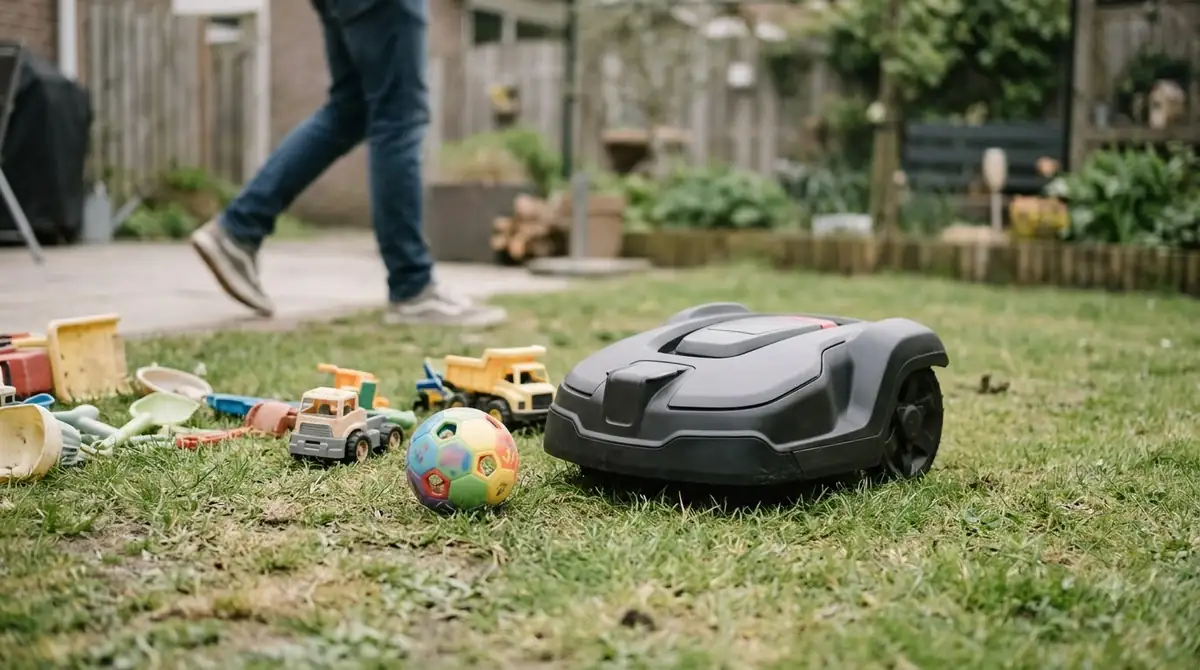
The guidance is direct. Young children should not play near the mower while it is running, and pets should stay indoors or in another part of the garden during sessions. No age limit is given. Our reading is that a family should schedule runs for when the yard is empty, as Husqvarna’s guide also suggests, and keep children indoors during the run. If you also have a dog, read how a robot mower works with a dog in the yard before you buy.
Sensors reduce risk but do not remove it. Our reading is that an adult should still check the lawn before each run, since objects left on the grass can interrupt a session. Our list of robot mowers with obstacle avoidance shows which models detect toys and tools. A family should rank safety features highly when comparing the best robot lawn mower for busy families.
Zones and no-go areas for busy yards
Zones let one mower follow different schedules or cutting heights across a yard, which suits households that use some areas more than others. Anker’s programming guide says the app can create mowing zones, no-go zones, virtual boundaries and multi-zone pathways, and that on modern models owners can assign different cutting heights or schedules to individual zones.
For a family, a no-go zone around a play set, a sandbox or a vegetable bed is the practical use; our guide to how a robot mower handles a playset shows how to fence one off. Check whether the app supports no-go areas on the model you are considering, since that is a feature to confirm in the spec, not an assumption.
Our reading is that a yard with several areas used at different times of day benefits most from separate zone schedules. A simple lawn with one open area needs less setup.
Noise, wildlife and timing
Daytime running is the timing most sources recommend, and noise is a specification to check rather than a marketing claim. Anker’s programming guide advises scheduling robot mowing during daylight. It cites the British Hedgehog Preservation Society, which recommends checking the lawn before mowing and never setting the mower to run at night. The page also advises against mowing while children, pets or other people are using the lawn.
Noise varies by model. Anker’s safety guide lists 56 dB for one of its models. Husqvarna’s benefits page describes its mower as whisper-quiet and claims the lowest perceived noise on the market, but gives no decibel figure. Ask for a number before you rely on a quiet claim, especially if the mower runs near a bedroom window.
Weather and grass conditions
Rain and wet grass change when a robot mower should run, and the sources we read describe automatic pauses or a return to base. For models built for wet weather, see our list of robot mowers that work in the rain. Anker’s safety guide says many robot lawn mowers include rain sensors that pause mowing automatically. The programming guide says the C15 can return to its station in rain or low light, and advises delaying mowing when the soil is saturated or the grass is excessively wet.
In hot or dry spells, the same guide suggests leaving the grass slightly longer to reduce stress. If the mower does not start on schedule, check that the schedule is enabled, the battery is charged, and there are no app or weather alerts. Our reading is that this three-point check should be run after setup, before you rely on the timer.
What to check before you buy
Use this table to compare the best robot lawn mower for busy families against spec sheets and manuals rather than marketing summaries. Each row ties a feature to a family need. If this is your first robot mower, our best robot mower for beginners guide covers the basics.
| Feature | Why it matters for a busy household | What to look for |
|---|---|---|
| Schedule | Runs without daily attention | Weekly timer with days and hours, plus per-zone schedules |
| Overrides | Changes plans quickly | Start, pause and park from the app or a voice assistant |
| Rated lawn area | Sets how long each run takes | Compare with your measured lawn and leave headroom |
| Lift and tilt sensors | Stops the blades when the mower is lifted | Stated in the manual or spec sheet |
| PIN or app lock | Helps stop accidental starts | PIN code or app verification |
| No-go zones | Keeps the mower away from play areas | Supported in the app for that model |
| Rain sensor | Avoids wet runs | Automatic pause or return to base |
| Noise | Matters for evenings and neighbors | A decibel figure, not only the word “quiet” |
Frequently asked questions
Are robot lawn mowers safe for kids?
Safety depends on the model and on how you run it. Manufacturer guidance says young children should not play near a running mower, and lift and tilt sensors stop the blades when the mower is lifted or tipped. PIN codes and app locks help stop accidental starts. No age limit is given, so supervise children around any mower and schedule runs when the yard is empty.
How often should a robot mower run?
For an established lawn in active growth, Anker’s programming guide suggests three to five shorter sessions per week as a starting range. Frequency should drop in autumn and stop in winter, and it should change with lawn size, growth rate and weather. Husqvarna’s guide makes the same point: faster growth needs more runtime, so adjust the schedule to what your lawn actually shows.
Does a busy family need a wire-free robot mower?
Whether a model needs boundary wire is a setup detail to check in its spec sheet, because installation effort varies. This guide does not compare installation times across brands. For a busy household, factor setup time into the decision and ask the retailer or manufacturer what installation involves before you buy.
Can a robot mower run in the rain?
Many robot lawn mowers include rain sensors that pause mowing automatically, according to Anker’s safety guide. Some models also return to their station in rain or low light. Delay mowing when the soil is saturated or the grass is excessively wet, and check your model’s manual to confirm how it handles rain before you rely on a wet-weather schedule.
Sources
- How to schedule your robot lawn mower (Husqvarna): used for app schedule setup, suggested mowing times, growth-based runtime and overrides.
- Benefits of robot lawn mowers (Husqvarna): used for seven-day scheduling, owner-set mowing times and the noise claim without a decibel figure.
- How to program a robot lawn mower (Anker, Eufy): used for zones, mowing frequency, the C15 rating, daylight advice and rain behavior.
- Are robot lawn mowers safe (Anker, Eufy): used for lift and tilt blade stop, PIN and lock features, child and pet guidance, rain sensors and the 56 dB figure.
 Up next8 min readBest Robot MowersBest Robot Mower That Works in the Rain: What to Check Before You BuyUpdated Nov 11, 2026
 8 min readBest Robot MowersBest Robot Lawn Mower for 5 Acres: What to Check Before You BuyUpdated Nov 11, 2026
 8 min readBest Robot MowersBest Robot Mower With No Subscription Fee: What to Check Before You BuyUpdated Nov 11, 2026
 8 min readBest Robot MowersBest Robot Mower for Beginners: What to Check Before You BuyUpdated Nov 11, 2026
 9 min readBest Robot MowersBest Robot Lawn Mower for 2 Acres: What to Check Before You BuyUpdated Nov 11, 2026
 9 min readBest Robot MowersBest Robot Mower That Does Not Get Stuck: What to Check Before You BuyUpdated Nov 11, 2026