
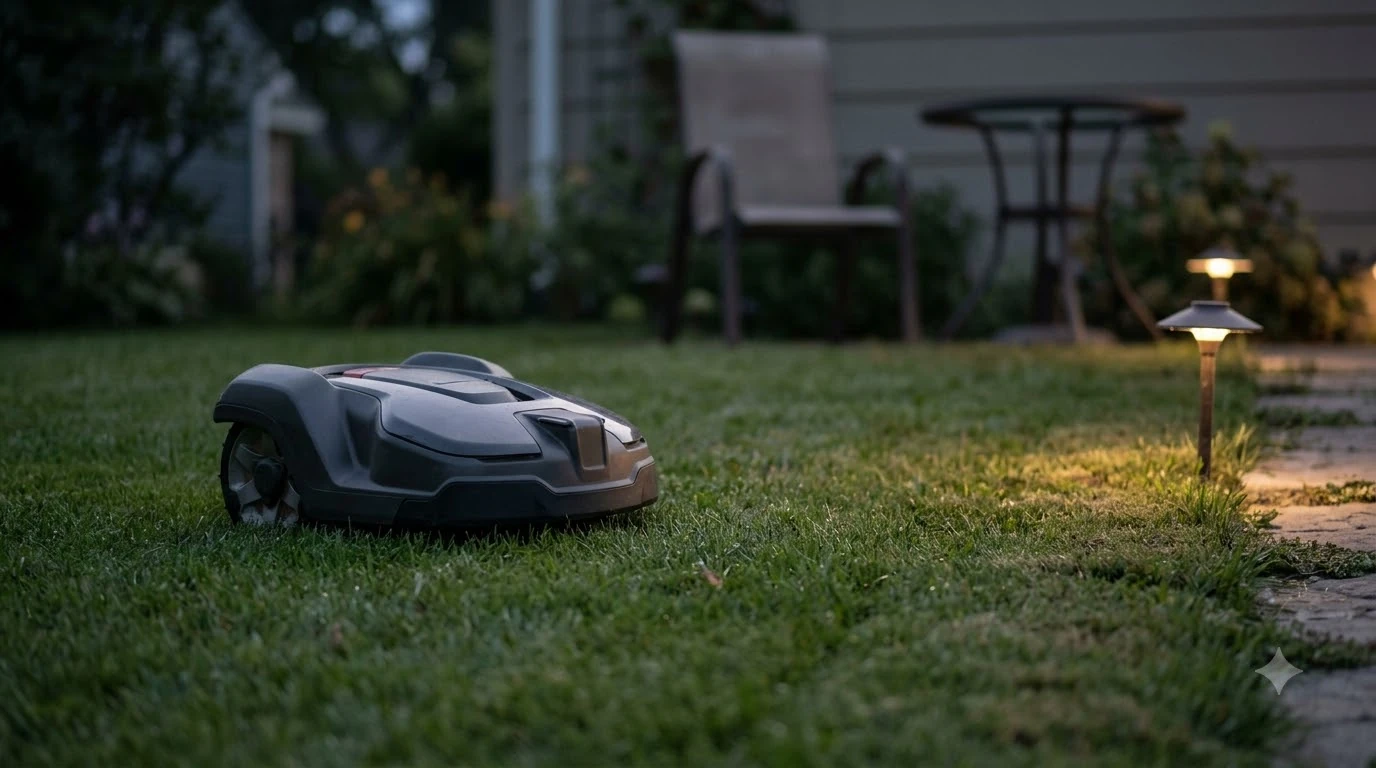

Wired vs wireless robot mower pros and cons come down to how each finds the edge: a wired mower follows a buried or pegged boundary wire, while a wire-free mower uses satellite positioning (usually RTK GPS) and sometimes cameras or LiDAR. Wired systems take hours to install and are hard to change, but they do not depend on satellite signal to find the edge. Wire-free systems set up faster and let you edit zones in an app, but they need a clear view of the sky and can lose accuracy under dense trees. Neither is better in every yard.
The short answer
- Wired pros: the wire is a physical guide, so the mower does not need satellite signal to locate the boundary.
- Wired cons: installation takes several hours, a break in the wire stops the mower, and changing the layout means reworking the wire.
- Wire-free pros: setup is mostly app-based, and no-go zones can be changed in the app.
- Wire-free cons: the charging station needs a clear sky view, and weak satellite areas such as dense tree groups can reduce accuracy.
- Our reading: a fixed yard with poor sky view suits wired. An open yard you may reshape suits wire-free.
What counts as wired and wire-free
Both families are often called “wireless” in marketing, so the terms are worth pinning down. A wired mower uses a low-voltage boundary wire laid around the lawn and pegged to the ground or buried in a shallow slit. The mower detects the signal and turns at the wire. A wire-free mower builds a map instead. Most use an RTK reference station, which corrects satellite positioning, and some add a camera or LiDAR for obstacle detection.
Husqvarna’s support material draws the same line. It describes a satellite-based system with a loop wire added for trouble spots, and separately notes that its AI vision models rely on the built-in camera in weak-signal areas. Read the spec sheet for each model rather than assuming the label tells you the navigation method.
Wired robot mowers: the advantages
Among the wired vs wireless robot mower pros and cons, a wired system’s main strength is that the wire tells the mower where the edge is. Husqvarna uses this idea in its own hybrid setup: a loop wire guides the mower through “challenging spots” where satellite signal is weak, reducing the risk of interruptions. In a yard with heavy tree cover or tall structures, a physical edge removes one thing the mower has to get right.
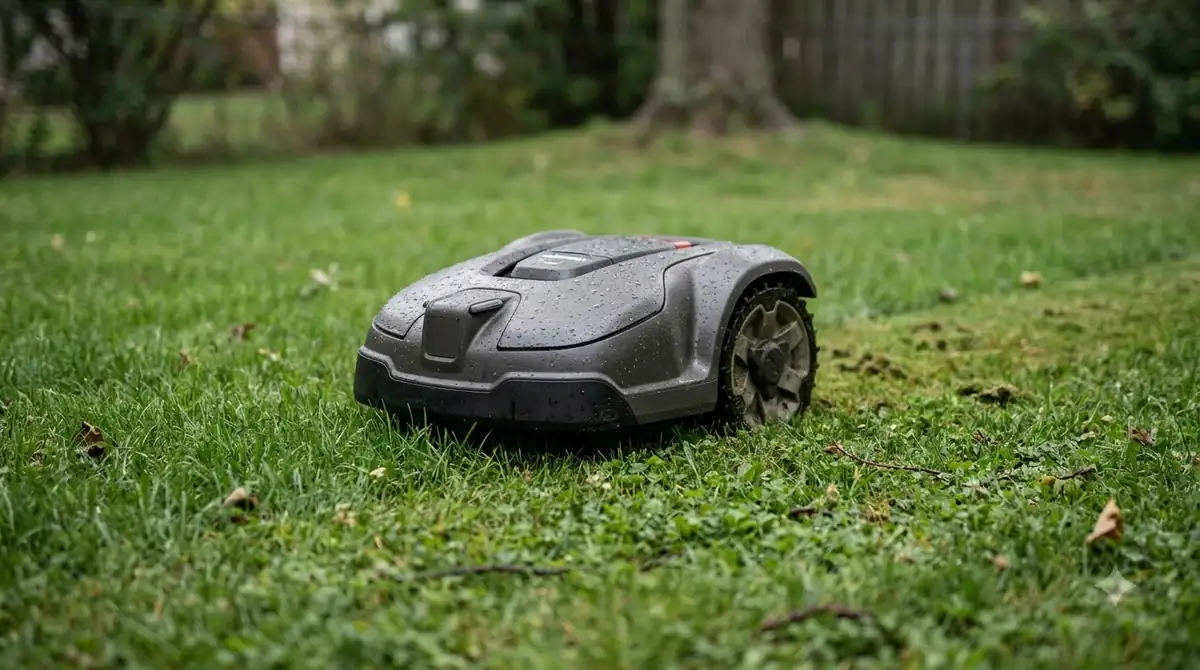
The layout is also predictable. Once the wire is in and tested, the boundary stays where you put it, and you know the mower will not wander into a flower bed unless the wire is wrong. That makes wired systems easier to reason about if you want a fixed footprint.
Wired robot mowers: the drawbacks
Installation is the most cited cost. Yarbo, a vendor, says wired installation “can take several hours, especially for larger or irregularly shaped lawns.” Lymow, another vendor, puts it at 4 to 8 hours for digging trenches and laying wire. These are manufacturer estimates, so treat them as ballpark figures and time a trial on your own lawn if you can.
Breaks are the second problem. Husqvarna’s support page says, “You may have a break in the boundary wire,” when a mower stops in the middle of the yard, and it tells owners to “walk the perimeter of the boundary wire to locate the break and repair.” The page does not say what causes a break, but finding it is a task you should expect to do yourself. Our guide on whether to bury or peg boundary wire covers how the install choice affects repairs.
Changes are slow. Lymow describes wired boundaries as “permanent boundaries, difficult to modify.” Adding a new flower bed or a garden path means cutting, extending, and re-testing the wire, and boundary wire vs RTK installation time compares the effort in more detail.
Wire-free robot mowers: the advantages
Setup is the main reason buyers weigh the wired vs wireless robot mower pros and cons in favor of wire-free. Lymow estimates RTK setup at 30 to 60 minutes for a straightforward property, and up to 90 minutes for a complex multi-zone layout, mostly for positioning the reference station and mapping the lawn in the app. Yarbo says its wireless setup “can be completed in minutes, without the need for any digging or wire management.” Both are vendor claims, but both point the same way.
Zones are easier to change. Lymow says you “can update the ‘No-Go Zone’ in the app in seconds,” which is the practical difference from a wire. If you add a shed, a play area, or a new bed, you draw or edit a zone rather than re-routing the wire.
Accuracy claims are high. Lymow describes RTK as enabling “centimeter-level positioning accuracy.” It gives no measured figure for a specific yard, so read this as the best case, not a guarantee. Our RTK vs vision robot mower comparison looks at how satellite and camera systems differ.
Wire-free robot mowers: the drawbacks
The biggest limit is satellite signal. Husqvarna names the weak areas as “narrow passages or near dense tree groups,” and it warns that the charging station is critical: “Ensure the charging station docking point has good satellite signal and an unimpeded view of the sky.” The same page adds that Support by Wire “will not compensate for poor satellite signals at the charging station docking point.” If the dock sits under a tree or against a tall wall, the rest of the yard matters less. See our guides on whether robot mowers need a clear view of the sky and where to put a robot mower charging station.
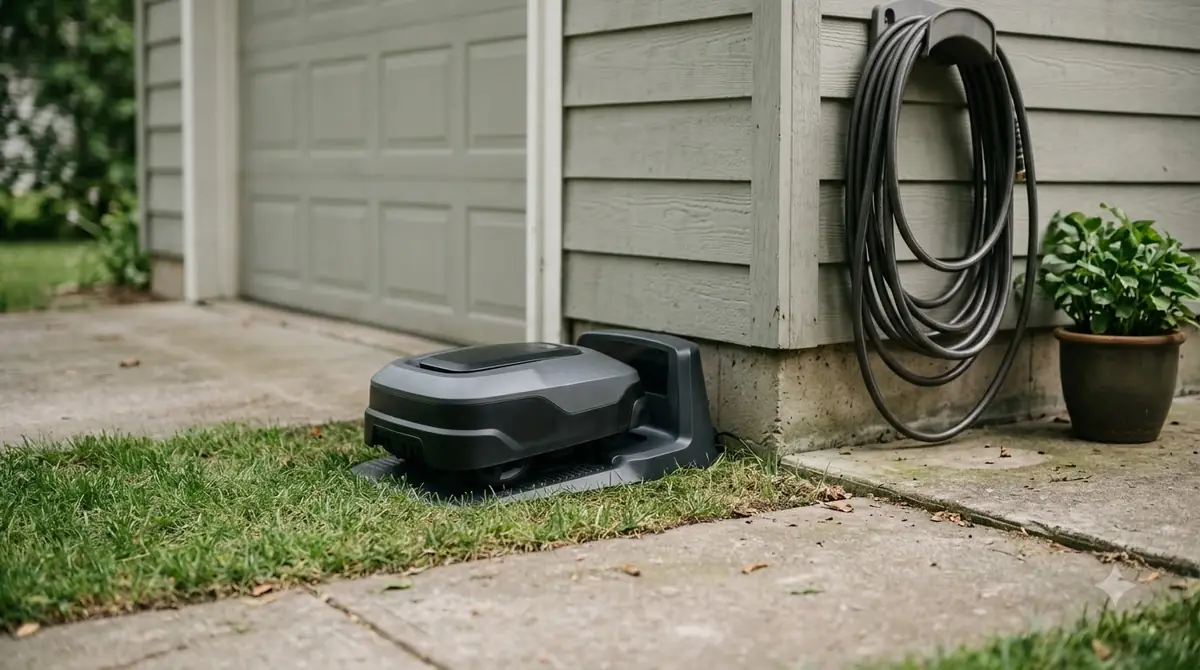
Virtual boundaries also weaken in poor signal. Husqvarna says, “In areas with weak satellite signal, the accuracy of these virtual boundaries may be compromised,” and recommends a boundary wire island around any stay-out zone. The island gives a physical reference that the app zone alone does not.
Lymow notes a fallback. When GPS weakens under dense tree cover, its VSLAM system “takes over for up to 10 minutes,” and it also warns that “performance may degrade under extremely dense tree canopy.” A 10-minute fallback is a vendor figure, and it is no substitute for an open sky at the dock.
The hybrid option: a loop wire inside a wire-free yard
If your yard is mostly open but has one bad corner, a hybrid setup can cover it. Husqvarna’s EPOS Support by Wire adds a loop wire only where satellite signal is weak. The page gives specific installation rules: place the loop “at least 2 metres (7 feet) outside the problem area,” start “behind the charging station,” leave “50 cm (20 in)” of extra wire at the station, and use staples “around 75 cm (2.5 ft)” apart. The maximum loop length is 800 m. The wire can only go in after the charging station and the EPOS installation are complete.
There are two limits. Husqvarna says the support wire does not work with AI vision models, which navigate with the built-in camera. And if the support wire breaks, the mower carries on as if the feature were disabled. For a hybrid yard, plan on both the satellite setup and the wire work, and check the model’s manual before you buy.
Wired vs wireless robot mower pros and cons side by side
The table below uses only figures and statements from the sources above. Where vendors disagree or give no number, the cell says so.
| Factor | Wired | Wire-free (RTK) |
|---|---|---|
| Setup time | Several hours; 4 to 8 hours per Lymow | 30 to 60 minutes per Lymow; “minutes” per Yarbo |
| Changing the layout | “Difficult to modify” (Lymow) | Zones edited in the app (Lymow) |
| Weak satellite areas | Not affected, since the wire defines the edge | Accuracy lower near dense tree groups (Husqvarna) |
| Charging station | Wire must connect to the station | Needs good satellite signal and an unimpeded view of the sky (Husqvarna) |
| Failure mode | Broken wire stops the mower (Husqvarna) | Virtual boundaries may be less accurate in weak signal (Husqvarna) |
Who each option suits
Our reading of the sources points to a few clear fits for the wired vs wireless robot mower pros and cons above. These are judgments drawn from the facts above, not outcomes we observed. When you weigh wired vs wireless robot mower pros and cons for your own yard, the sky view at the dock is the first thing to check.
- Wired suits a yard with dense tree cover, tall buildings near the dock, or no clear sky, when you are willing to spend an afternoon or more installing the wire and fixing breaks.
- Wire-free suits an open yard with a clear sky over the dock, and owners who expect to change zones, add beds, or move the lawn edge.
- Hybrid suits a mostly open yard with one or two trouble spots, if the model supports a loop wire and you accept the extra wire work.
Frequently asked questions
What are the wired vs wireless robot mower pros and cons for reliability?
Neither is more reliable in every yard. A wired mower avoids satellite signal problems at the edge, but a break in the wire stops it until you find and repair the break. A wire-free mower avoids the wire, but it needs a clear sky at the dock and can lose accuracy under dense trees.
Can a wire-free robot mower work under trees?
Only partly. Husqvarna names dense tree groups as an area of weak satellite signal, and Lymow says its VSLAM fallback works for up to 10 minutes under dense canopy and may degrade under extremely dense canopy. If the trees cover the charging station, expect problems regardless of the mower’s navigation method.
How long does a boundary wire take to install?
Vendor estimates vary. Yarbo says it “can take several hours, especially for larger or irregularly shaped lawns,” and Lymow puts it at 4 to 8 hours for trenching and laying wire. Time depends on lawn size, shape, and how many obstacles the wire must go around.
Can I add a boundary wire to a wire-free mower?
Some can, through a loop wire. Husqvarna’s EPOS Support by Wire lets a GPS-equipped mower use a loop wire in weak-signal spots, and it must be installed after the charging station is in place. Husqvarna says models with AI vision technology do not support this feature, so check the model before you buy.
Sources
- EPOS Support by Wire for lawn areas with weak satellite signal (Husqvarna support): loop wire placement, weak-signal areas, docking point requirements, stay-out zone accuracy, AI vision models.
- Automower Support Center (Husqvarna): boundary wire break symptoms and how to locate a break.
- RTK vs Wire: Which Robot Mower Setup is Easier? (Lymow, manufacturer blog): setup time estimates, layout editing, VSLAM fallback under tree cover.
- Which is Better: Wired or Wireless Robot Mowers? (Yarbo, manufacturer blog): installation time and setup description. Its price tables conflict with each other, so none are quoted here.
 Up next9 min readReviews & CompareMammotion Yuka Mini Pros and Cons: What the Specs SupportUpdated Nov 11, 2026
 9 min readReviews & CompareHusqvarna Automower 115H Pros and Cons ExplainedUpdated Nov 11, 2026
 9 min readReviews & CompareWorx Landroid Vision Pros and Cons: What Reviews ShowUpdated Nov 11, 2026
 8 min readReviews & CompareMammotion LUBA 2 AWD Pros and Cons: What the Specs SupportUpdated Nov 11, 2026
 7 min readReviews & CompareDreame A1 Pro Review: Specs, Pros and ConsUpdated Nov 11, 2026
 9 min readReviews & CompareCellular vs Wifi Robot Mower: Which Connection Fits Your YardUpdated Nov 11, 2026