
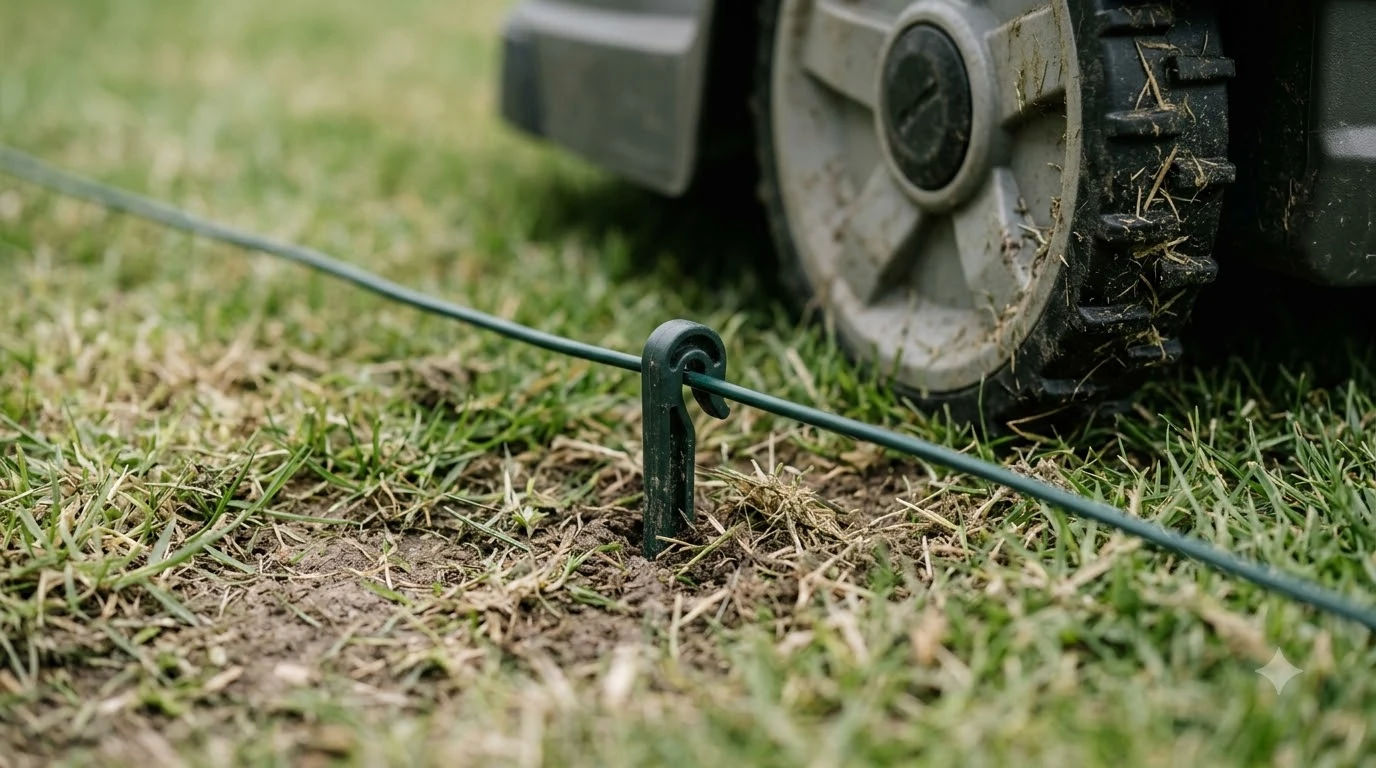

How to map a complex yard for a robot mower starts with planning each lawn zone, then teaching the mower one zone at a time and linking the zones with passages it can clear. The exact steps depend on whether your model uses a boundary wire or a wire-free system, because that choice decides how edges are drawn and how zones connect. This guide covers both, with the passage widths and stay-out rules that manufacturers publish.
The short answer
- Split the yard into zones: one main lawn, plus any smaller area that connects to it or sits apart.
- Measure every passage: Husqvarna recommends 60 cm (24 in) between boundary wires when a guide wire leads the mower through, and 2 m (6 ft 6 in) without one.
- Fence off hazards: use stay-out zones around trees, roots and stones, but never rely on a zone alone to keep a mower out of a pool or the street.
- Plan for separate zones: a second charging station, a signal transmitter, a shared wire or manual carry, depending on the system.
- Watch the first runs: our reading is that a few supervised runs through each passage catch a bad link before the mower works unattended.
What makes a yard hard to map
A yard is complex for a robot mower when it has more than one lawn area, a narrow link between them, or obstacles the mower has to steer around. Robomow describes the common layouts as a main zone, a smaller secondary zone joined by a pathway, and a separate zone that cannot be reached from either. Each layout needs a different mapping method, so identify the layout before you open the app.
| Layout | How it connects | What to map |
|---|---|---|
| Main lawn with a side strip | A drivable path or a narrow grass link | Passage width, edge trace, obstacles near the link |
| Secondary zone (smaller) | Pathway with a shared boundary wire or virtual corridor | Zone edge, passage width, time share for each zone |
| Separate zone (not reachable) | Second charging station, signal transmitter, or manual carry | Charger location, carry route, or a separate map profile |
How to map a complex yard for a robot mower: plan on paper first
Sketch the yard before you use the app, with the house, beds, trees and charging station marked. The charging station sets the rules for every zone, because a stay-out zone cannot cover it or the guide wire that leads back to it.
- Mark the charging station. Measure every other zone from it. Husqvarna’s AIM guide says a stay-out zone must not cover the charging station.
- Mark each passage and its narrowest point. Measure the gap where it is tightest, not where it looks widest.
- Mark obstacles and no-go areas. Trees, roots, stones, garden furniture and pools each need a decision: map around them, zone them off, or fence them.
- Note steep sections. Husqvarna suggests using zones to exclude slopes that are too steep for the model, and to check the model’s maximum slope first.
Map the main lawn first
Map the largest lawn area first, because it usually holds the charging station and every other zone connects to it. How you draw its edge depends on the navigation system, so check your model before you start.
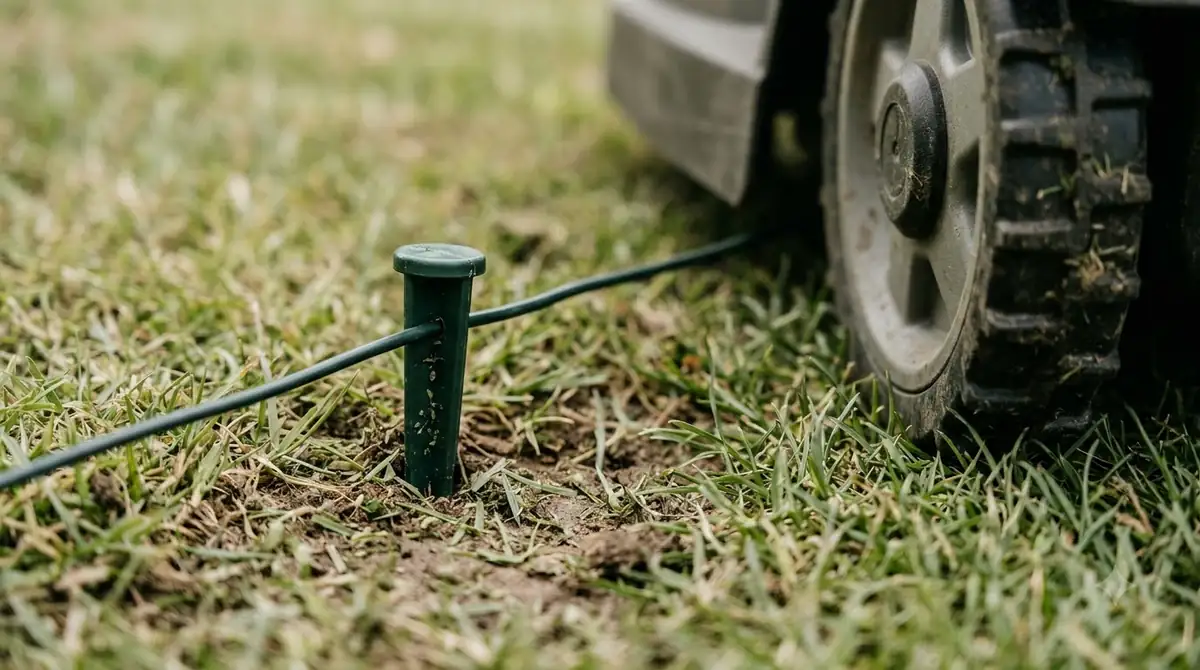
On a boundary-wire model, the installed wire is the edge, and the app is used to add zones inside it. Husqvarna’s AIM guide describes adding a stay-out zone from the Map page and switching it on or off with a slider. On a wire-free Husqvarna model, the edge is drawn in the app. The Map and Add options are used to create a stay-out zone, and appDrive steers the mower around the area while you record it. Done closes the shape.
Heads up
Husqvarna says appDrive must be active before you use it, and that you need to enable Remote Control on the mower first.
Link zones with passages the mower can clear
A passage has to be wide enough for the mower and for the signal that guides it, and the required width depends on the system.
| System | Passage rule | Published by |
|---|---|---|
| Boundary wire with a guide wire | At least 60 cm (24 in) between boundary wires; guide wire at least 30 cm (12 in) from the boundary wire | Husqvarna |
| Boundary wire, no guide wire | At least 2 m (6 ft 6 in) between boundary wires | Husqvarna |
| Secondary zone on a shared wire | About 1 m wide, so signals on each side do not cross | Robomow |
| Virtual corridor | At least 0.8 m (about 2.6 ft) clearance, measured at the narrowest point | Lymow |
| Zone linked in the app (RFID tags) | Each zone wider than 2 m; path between zones shorter than 6 m | Worx |
Husqvarna also notes that a mower stuck in a passage can be helped by adjusting the corridor width setting, which runs from 1 to 9. The factory value is 6 for boundary-wire installations and 9 for guide-wire installations. Our reading is that a passage that only just fits on paper leaves no margin once grass grows over the edges.
Use stay-out zones around trees, obstacles and tight spots
Stay-out zones keep the mower out of areas it should not cut, and each system sets its own size and placement rules. On Husqvarna’s wire-free system, a zone must be at least 30 x 30 cm (1 x 1 ft), and the company recommends placing zones around trees, roots and stones.

- Keep the charging station clear: Husqvarna asks for at least 6 m (20 ft) of free space in front of the station.
- Do not block a passage you need: a zone placed across a passage stops the mower from entering it.
- Avoid pockets: Husqvarna warns against zones that create unreachable areas of lawn.
- Fence the pool and the street: Husqvarna says never to use an AIM stay-out zone to stop the mower from reaching a pool or street. Use boundary wire and a barrier at least 15 cm (6 in) high.
Heads up
Husqvarna AIM zones can be switched on or off but cannot be scheduled. A zone left on blocks the mower on every run, so check the slider before a mowing day.
Handle separate zones and detached lawns
A separate zone that no passage reaches needs a second charging station, a signal transmitter, a shared wire routed around a path, or manual carry. Robomow notes that a second charging station may need to learn the signal each time the mower uses it.
When zones are linked, the app divides mowing time between them. Robomow’s example gives an 800 m2 main zone and a 200 m2 secondary zone an 80 and 20 percent split.
| Zone | Example size | Share of mowing time |
|---|---|---|
| Main zone (charging station) | 800 m2 | 80% |
| Secondary zone (linked by pathway) | 200 m2 | 20% |
Lymow describes a disconnected yard as one where the mower finishes a zone, returns to its charger, and the owner carries it to the other yard. The app then switches to that yard’s map profile.
Compare wire and wire-free mapping
Wire systems set the edge with a buried or pegged wire, while wire-free systems draw the edge in an app and rely on satellite positioning.
| Feature | Boundary wire (Husqvarna AIM) | Wire-free (Husqvarna EPOS) | Virtual boundary (Lymow) |
|---|---|---|---|
| How the edge is set | Installed boundary wire | Drawn in the app | Drawn in the app, 15 to 20 minutes per page |
| Zone limits | Zones cannot be scheduled; not over charging station or guide wire | Stay-out zones at least 30 x 30 cm; no zone across a transport path | Up to 80 zones, each with its own schedule, height and speed |
| Positioning | Boundary wire and guide wire | Wire-free mapping | RTK base station |
ECHO Robotics describes its system as GPS-RTK with centimetre precision and no-go zones defined in the app. Our reading is that the satellite signal matters as much as the drawing, so check the base or antenna position against the sky view before you trust the map.
Check the map before you rely on it
Once you know how to map a complex yard for a robot mower, watch the first runs through each passage and zone link before you leave the mower to work unattended. Worx says the mower moves in a straight line during zone transitions, and a boundary stone or obstacle on that line can make the transition fail. Our reading is that this is the quickest way to find a bad link, because the mower follows the map exactly, including any gap you missed.
Husqvarna’s AIM guide adds one practical rule: include as long a section of the boundary wire as possible inside a stay-out zone, because that helps the mower navigate around it.
What to check before you buy for a complex yard
Check the model’s passage width, zone limit and scheduling rules in its manual before you buy, since each system sets different maximums. Robomow says three or more areas call for a closer look at model choice, and its page gives no maximum zone count. Our reading is that a yard with more than two zones should be compared on those limits first, before features such as app design. The same checks apply whenever you map a complex yard for a robot mower with a new model.
Frequently asked questions
Does a robot mower need a boundary wire to map a complex yard?
No. Wire-free systems draw the boundary in the app, and Lymow says its virtual boundaries take 15 to 20 minutes to draw. Boundary-wire models use the installed wire as the edge and add stay-out zones inside it.
How wide should a passage be for a robot mower?
It depends on the system. Husqvarna asks for 60 cm between wires with a guide wire and 2 m without one. Robomow suggests about 1 m for a shared-wire secondary zone, and Lymow asks for at least 0.8 m at the narrowest point.
Can a robot mower reach a yard split by a driveway or gate?
Sometimes. Robomow lists a shared wire routed along a path, a loop trick or passage control, a second charging station, and a signal transmitter as options. Check whether your model supports these before you buy.
Should I put stay-out zones around trees?
Husqvarna recommends zones around trees, roots and stones on its wire-free system. Keep each zone at least 30 x 30 cm, and avoid zones that cut off a passage or leave a pocket of lawn the mower cannot reach.
Sources
- How to create a passage in an Automower boundary wire installation (Husqvarna): passage widths with and without a guide wire.
- Creating stay-out zones with AIM technology (Husqvarna): zone placement, scheduling and pool and street rule.
- Set up and manage work areas, stay-out zones and transport paths with EPOS (Husqvarna): wire-free zone size, charging station clearance and point edits.
- Can the robotic lawnmower mow multiple areas or zones? (Robomow): zone types, passage width, time split and separate-zone options.
- How to adjust the corridor width in an Automower installation (Husqvarna): corridor width scale and factory values.
- Robot mowers for separate front and back yards (Lymow): virtual corridor clearance, disconnected yards and zone settings.
- Landroid Vision multi-zone setup with RFID tags (Worx): zone size, path length and straight-line transitions.
 Up next11 min readBy YardBest Robot Mower for Complex Yards: 6 Checks to MakeUpdated Nov 16, 2026
 7 min readBy YardCan a Robot Mower Work in a Yard With Multiple Small Patches?Updated Nov 10, 2026
 9 min readBy YardCan a Robot Mower Work in a Yard Split by a Driveway?Updated Nov 10, 2026
 8 min readBy YardCan a Robot Mower Work in a Yard With No Wifi in the Back?Updated Nov 10, 2026
 8 min readBy YardCan a Robot Mower Work in a Yard With a 2 Foot Wide Passage?Updated Nov 10, 2026
 9 min readBy YardDoes a Robot Mower Work in a Yard with Poor GPS Signal?Updated Nov 10, 2026