
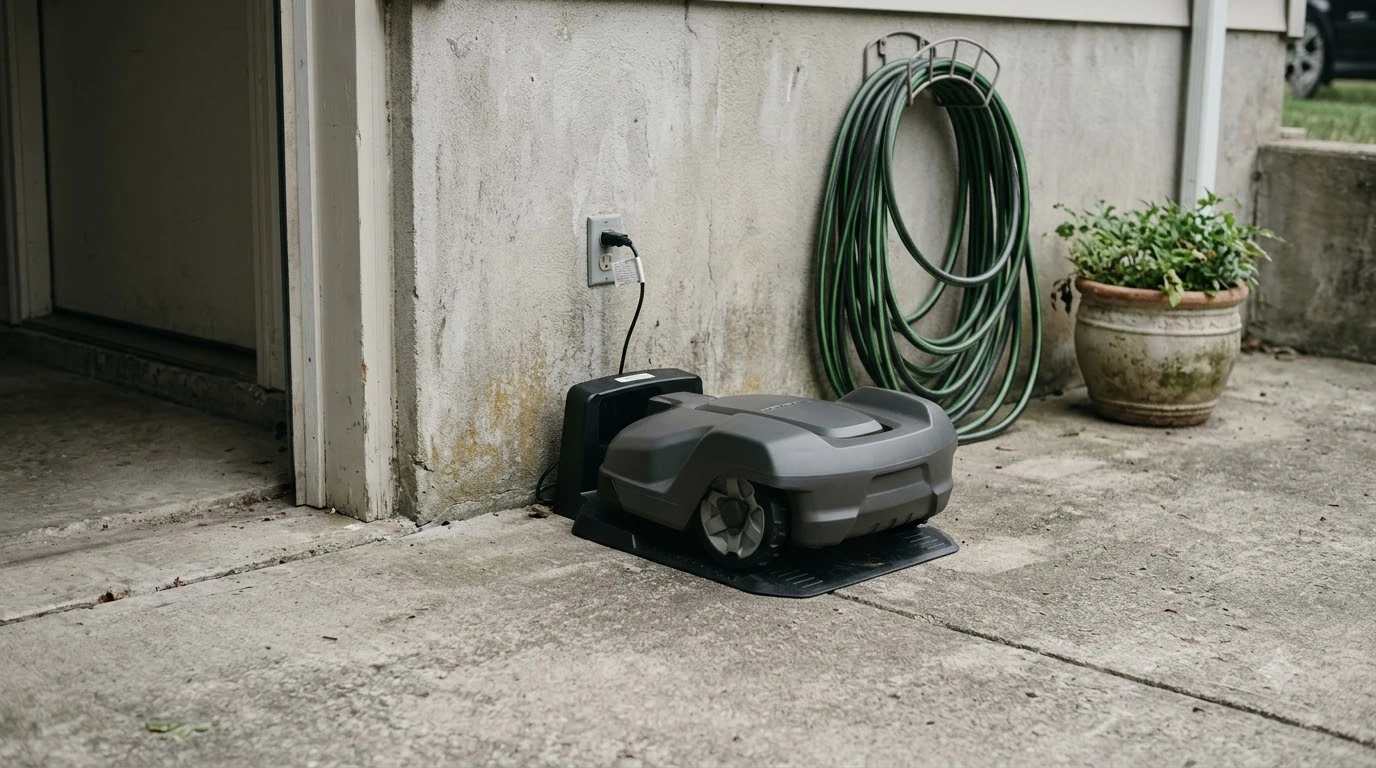

Worx Landroid Vision problems and complaints fall into four documented areas: docking failures at the charging base, the camera failing to read the base’s QR code, camera and firmware errors, and shutdowns caused by temperature while charging. Worx’s own support pages describe each one, so they are the first things to check before blaming the mower. This is a source-based explainer, not a survey of owner opinion.
The short answer
- Docking. Dirty or misaligned charging poles and a base tilted more than 5 degrees cause repeated docking errors.
- QR code. The Vision finds its base by reading a QR code with the camera, not through Wi-Fi or Bluetooth, so a dirty or hidden code breaks the return.
- Camera and firmware. Worx lists a loose cable, an open camera cover and firmware older than 1.2.33 as causes of camera errors.
- Heat. Over-temperature protection can power the mower off while charging, and Worx’s stated fix is a shaded base or cooling down.
Worx Landroid Vision problems and complaints: what the sources show
The pattern below comes from Worx’s troubleshooting wiki and Vision support pages, which the company publishes for owners, and it shapes every section below. No independent lab testing sits behind this article, and we did not use forum posts as evidence because we could not verify them. Worx’s pages name the problems but often stop short of figures, so where a page gives no number, this article gives none either.
Docking failures at the charging base
Docking is the failure area that Worx’s Vision pages cover most directly, so it leads the Worx Landroid Vision problems and complaints list. The E7 charging and docking error page says repeated docking usually comes from dirty or misaligned charging poles. Worx’s fix is to clean the poles, make sure the mower makes full contact, and dock again. Worx’s E7 charging error page lists the same steps, along with a separate tilt rule that applies to the base itself. If the mower still will not dock, our notes on why a Worx Landroid is not docking add more checks.
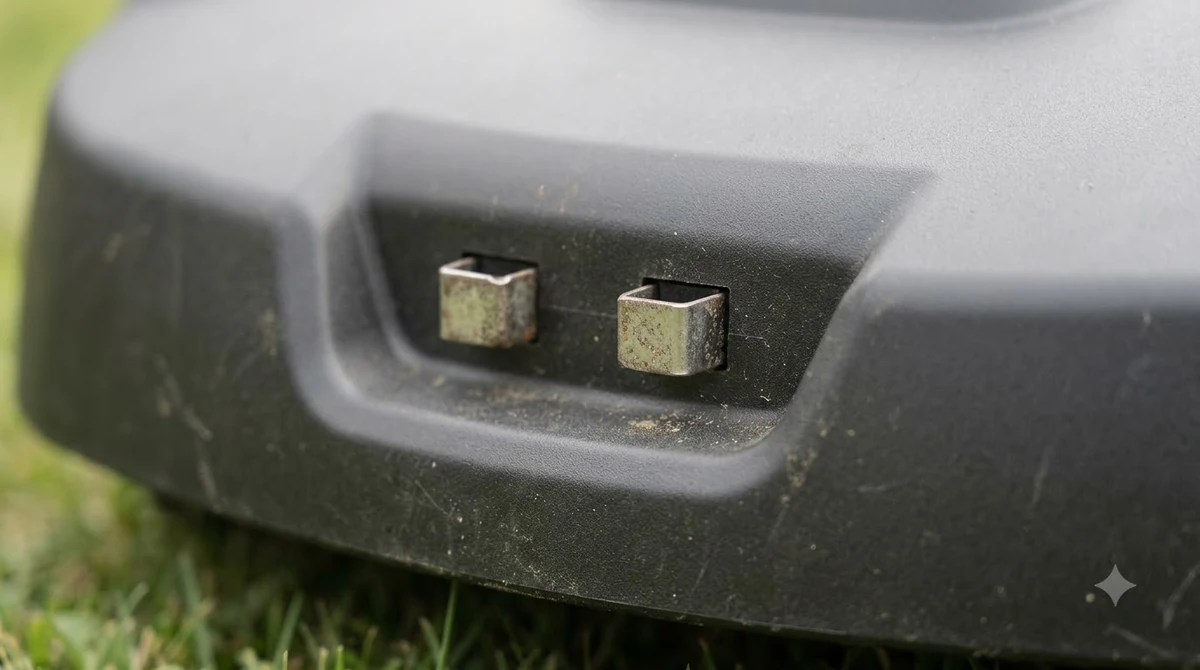
The same page sets a tilt limit. A station tilted more than 5 degrees is a listed cause, and Worx’s instruction is to place the charging station flat and level. Our reading is that a base that rocks on uneven grass is worth fixing before anything else, because it can cause docking trouble on its own, with no electronic fault involved.
Base placement and the QR code
The Vision cannot talk to its base over Wi-Fi or Bluetooth. It reads the QR code on the base with its camera, and if the camera cannot read the code while searching, the return fails. Worx’s cannot-find-base troubleshooting page describes the layout rule: the mower looks for the base on the right edge of the lawn, and the contacts and QR code should point clockwise toward the work area.
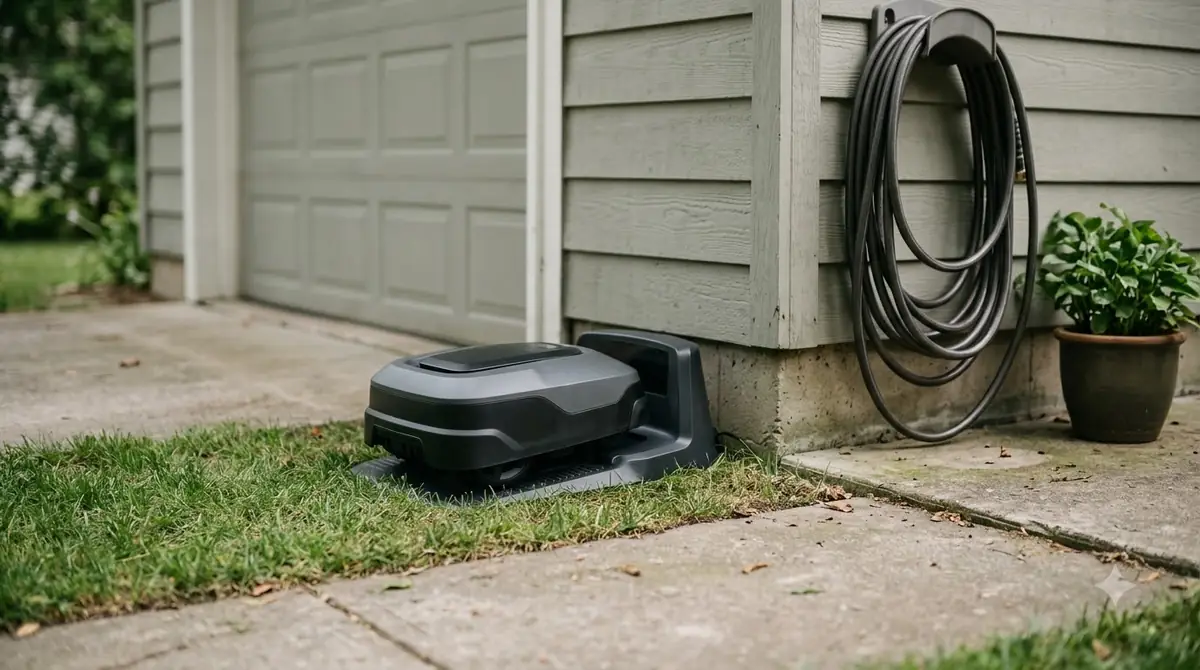
The reason for the direction is the mower’s right-side cutting deck, which makes it turn counterclockwise. Worx’s installation guide adds physical rules: a straight approach of 2 m in front of the base, at least 1.5 m of clear space behind it when the base sits on the lawn side, and a flat, hard surface for the anchor screws. Our guide to step-by-step Landroid Vision setup walks through the base placement. The same guide says the QR code must stay clean and clearly visible at all times, and it warns that sprinkler systems can trip the rain sensor.
The approach also needs to be clear. Worx’s cannot-find-base page lists access to the base, bare spots on the approach and detection of the charging contacts as possible causes. The page gives no measurements for those items, so a bare or sparse patch in front of the base is a check to make by eye, not a number to meet.
Camera errors and firmware
Worx’s camera error page, E13, covers cases where the display shows Mowing or Home but the mower does not move. The page lists four causes: a loose connection, an open camera cover, outdated firmware, and an internal camera that is disconnected or not working properly. The fix steps are given in this order:
- Check the camera cable. Open the camera cover, then disconnect and reconnect the cable gently.
- Close the cover. Make sure the camera cover is closed tightly.
- Restart. Turn the robot off, wait a few seconds, and turn it back on.
- Update firmware. Install version 1.2.33 or newer.
The page is short. It does not say how to open the cover, where the cable connects, how to turn the mower off, or how to check the firmware version that is installed. If the problem persists, the page offers only a Help Center link and a product selector, so a Vision owner with a stubborn camera error will need to go past this page.
Heads up
The E13 page does not say which Vision models it applies to, so confirm the error code on your own display before following these steps.
Temperature shutdowns while charging
Temperature is the one failure area where Worx gives a numeric limit. The E7 page says to move the charging base if the charging ambient temperature is above 55 degrees Celsius or below 3 degrees Celsius, and to let the battery reach its optimal range before charging. If the problem persists, the page points to the battery diagnostic screen or to service.
A separate Worx support page describes a mower that fails to charge because of over-temperature protection and then powers off. Its stated fix is to place the charging base in a shady area or wait for the mower to cool. That page gives no threshold, no waiting time and no way to confirm the fix worked. Worx’s installation guide also says shade is preferred because it protects the battery and charger from overheating. For a base in full sun, shade is the practical step the company points to.
What the documentation does not settle
Worx Landroid Vision problems and complaints are documented by failure mode, not by frequency. Worx’s pages describe what goes wrong, not how often it happens. None of the pages read for this article gives failure rates, owner counts or a comparison with other brands, so this article cannot say whether the Vision is more or less reliable than competing mowers. The pages also give no noise, runtime or slope figures for the Vision, so check the product page for those.
Firmware is covered only by the 1.2.33 figure on the E13 page, so this article does not state any other firmware fix.
What to check before you buy
Before buying, check the base spot against Worx’s installation rules, since most of the failures above start at the base. Our reading is that the base spot matters more than the mower model for avoiding these problems.
- Base space. Plan a straight, flat approach of 2 m in front and at least 1.5 m behind the base.
- Power. Worx’s installation plan lists a 10 m charging cable, so keep the outlet within reach of that length. Our page on charging station power requirements covers the outlet side.
- Grass height. Worx says to cut grass below 9 cm before the first mow.
- Wi-Fi. Setup uses 2.4 GHz and 5 GHz networks, so confirm your router provides one of them near the base.
A base in a sunny, sloped or cramped spot takes on several of the risks above at once. Choose that spot first, then choose the mower, and weigh the Worx Landroid Vision problems and complaints above against rivals such as the Eufy E15 compared with the Landroid Vision.
Frequently asked questions
Are there Worx Landroid Vision problems and complaints about docking?
Worx’s support pages document docking errors, including dirty or misaligned charging poles and a base tilted more than 5 degrees. The pages give no failure rates, so these sources cannot show how often the problem happens.
Why can’t my Landroid Vision find its charging base?
The Vision reads a QR code on the base with its camera and does not use Wi-Fi or Bluetooth for this. A dirty, hidden or unreadable code, or a base that does not face the work area as Worx describes, can stop the return.
What should I do about a camera error on the Vision?
Worx’s E13 page lists checking the camera cable, closing the cover tightly, restarting the mower and installing firmware 1.2.33 or newer. If the error continues, the page only points to the Help Center.
How reliable is the Landroid Vision overall?
These sources cannot say. Worx publishes failure modes and fixes, not failure rates, and we found no independent reliability data. Treat the Worx Landroid Vision problems and complaints here as a checklist for setup, not as a verdict on the mower.
Can heat stop the Landroid Vision from charging?
Yes, according to a Worx support page that describes over-temperature protection powering the mower off during docking. Worx’s stated fix is a shaded base or cooling down, and the page does not give the exact threshold.
Sources
- Landroid Vision E7: Charging Issues, Temperature and Docking Errors (Worx wiki): dirty poles, tilt limit, temperature limits.
- Cannot Find The Charging Base (Worx wiki): QR code docking, base orientation, possible causes.
- E13 or Camera Error (Worx wiki): camera causes and four fix steps, firmware 1.2.33.
- Landroid Vision shuts off when docking in the charging base (Worx support): over-temperature power-off and shade fix.
- Landroid Vision cannot correctly dock with the charging base (Worx support): stated cause and restart fix; boundaryless product title.
- Installation Charging Base (Worx wiki): approach distances, anchoring, shade, QR code visibility, sprinkler warning.
- Installation Plan (Worx wiki): grass height before first mow, cable length.
 Up next9 min readReviews & CompareWorx Landroid Vision Pros and Cons: What Reviews ShowUpdated Nov 11, 2026
 8 min readReviews & Compareeufy E15 vs Worx Landroid Vision: Lawn Size, Slope and SpecsUpdated Nov 11, 2026
 7 min readReviews & CompareWorx Landroid Vision Review: 5 Models, Specs and Worth ItUpdated Nov 11, 2026
 10 min readReviews & CompareSegway Navimow i105N vs Worx Landroid Vision: Which Fits Your LawnUpdated Nov 11, 2026
 9 min readReviews & CompareHusqvarna Automower 115H vs Worx Landroid Vision: SpecsUpdated Nov 11, 2026
 9 min readReviews & CompareSegway Navimow X3 Problems and Complaints: What the Support Pages ShowUpdated Nov 11, 2026