
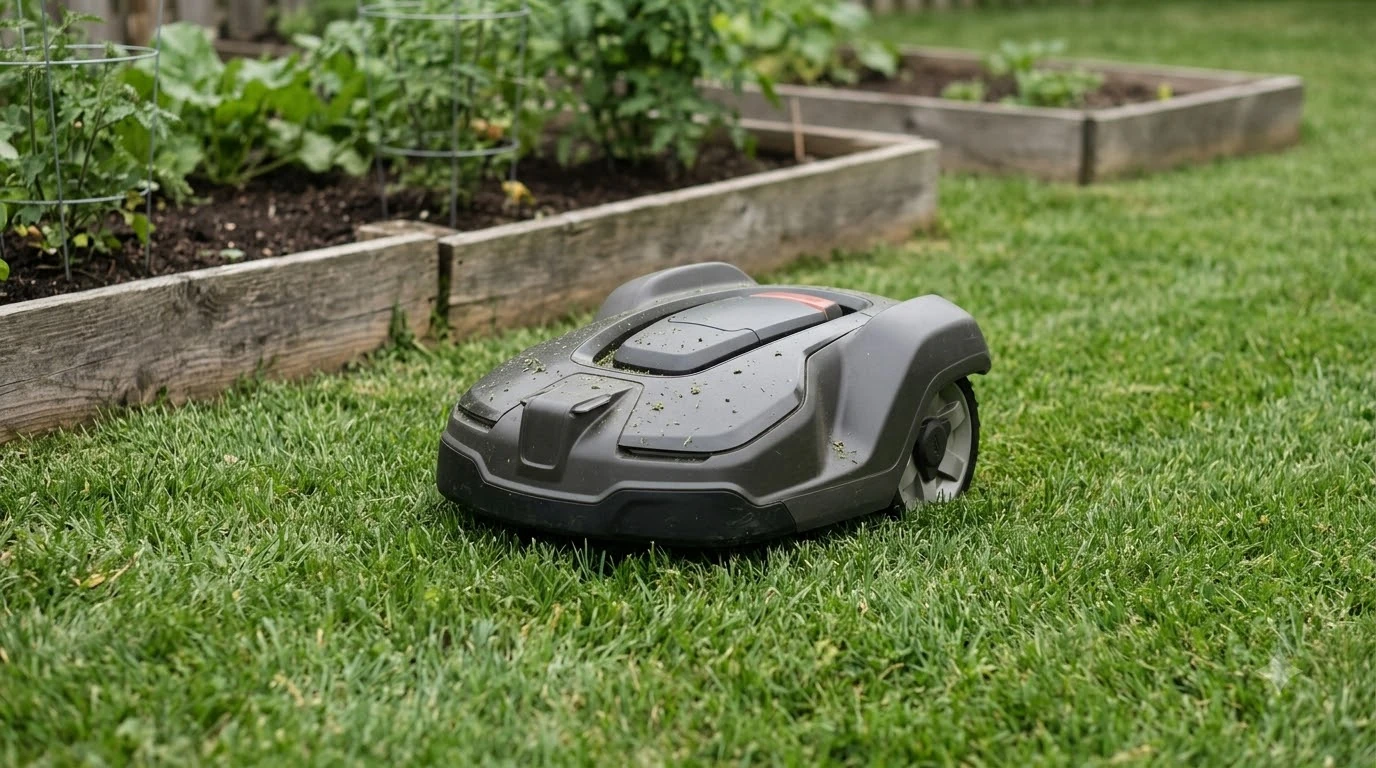

How do robot mowers avoid obstacles? Most use a combination of sensors: a bump sensor that reacts after contact, and on some models ultrasonic, radar or camera detection that reacts before contact. Lift and tilt sensors add a safety layer on top of both.
These sensors reduce collisions, but they do not guarantee that nothing gets run over. Manufacturers say so in their own manuals, and the limits matter as much as the features.
The short answer
- Bump sensor: reacts after contact, then the mower reverses and steers away.
- Lift and tilt sensors: stop the blades when the mower is picked up or tilted at an unsafe angle.
- Ultrasonic or radar: detects objects ahead and changes the path, on selected models only.
- Front camera: recognizes objects from images on many boundary wire-free models.
- Limits: small, flat or low objects and tall grass can be missed.
How do robot mowers avoid obstacles? Four sensor types
The question “how do robot mowers avoid obstacles” has a four-part answer: bump sensors, lift and tilt sensors, ultrasonic or radar detection, and front cameras. Only the bump sensor reacts after contact, which PCWorld describes as the simplest option.
| Method | When it reacts | What it does |
|---|---|---|
| Bump (collision) sensor | After contact | Stops forward movement, then the mower reverses and steers away |
| Lift and tilt sensors | When lifted or at an unsafe angle | Stops the blades or the cutting |
| Ultrasonic or radar | Before contact | Scans ahead and changes the path, on selected models |
| Front camera | From images of the area ahead | Recognizes objects, mostly on wire-free models |
Wire-based mowers do not primarily avoid obstacles. PCWorld notes that the boundary wire keeps the mower inside its perimeter, so the mower’s own sensors do the work of reacting to objects. Our reading is that a wire-based mower leans on its bump and lift sensors, while a wire-free model depends more on its detection system to plan around objects.
PCWorld also lists grass sensors, which detect the grass under the mower. On boundary wire-free models, they can also detect the change between grass and surfaces such as sidewalks or driveways, which helps keep the mower in its area.

What the bump, lift and tilt sensors do
Bump sensors are the most basic layer, and they work only after the mower touches something. For many owners, the bump sensor is the part of the answer to “how do robot mowers avoid obstacles” that they will actually see in action. On a Husqvarna Automower, the collision sensor sits next to the rear wheels, so the mower learns about a hit and then follows a fixed sequence.
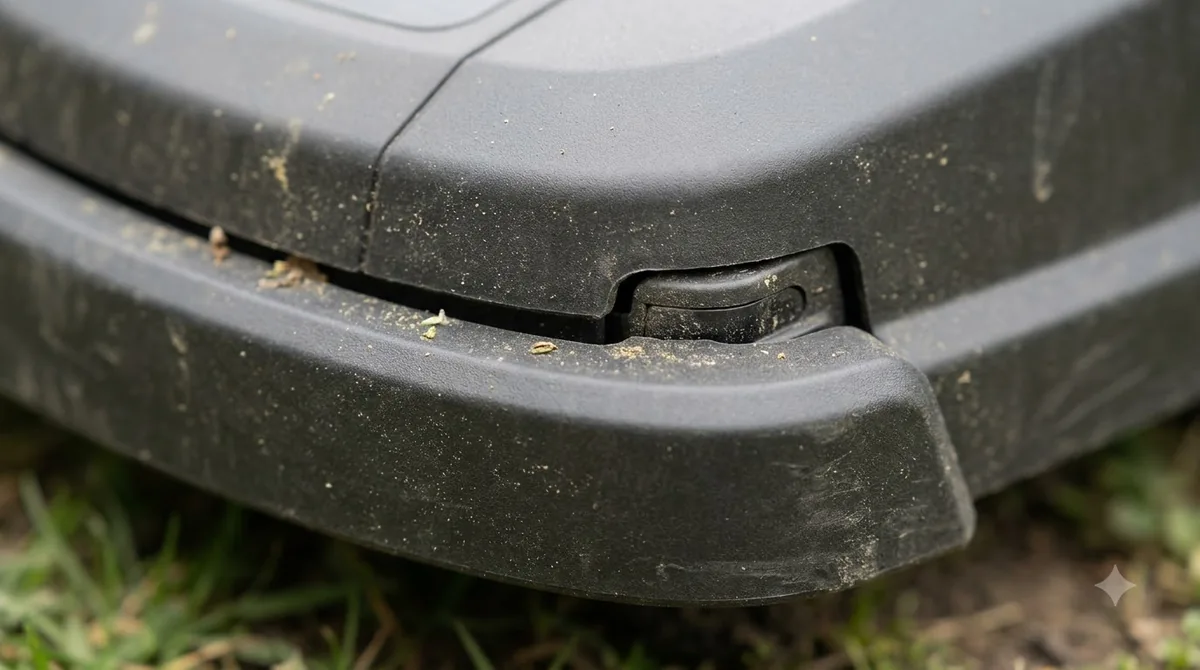
- Contact. The collision sensor registers the hit and the forward movement stops.
- Reverse. The mower backs away from the object.
- Steer. It turns left or right to clear the spot.
- Resume. It goes back to cutting. The Automower Connect app may log collisions, showing where and when they happened.
The lift sensor sits at the front. If the mower is picked up while cutting, the blades turn off. On the Automower, it tries to restart roughly 20 seconds after the mower is put back in its normal position. PCWorld notes that the same pickup detection also helps against theft.
PCWorld also describes a real-world check on bump-based mowers: a reviewer found that a Husqvarna 435X AWD bumps into obstacles and then moves around them, and that years of use left scuff marks. That is one observation, not a lab test, but it shows what a bump-first design looks like over time.
The tilt sensor sits on the rear chassis. If the mower is lifted from the rear while the rear cover is open, the blades stop until it is set back correctly. PCWorld describes tilt sensors as the part that detects unsafe angles, which is why they belong to the safety side of the system.
Ultrasonic and radar detect objects before contact
For many buyers, “how do robot mowers avoid obstacles” really means whether the mower can see an object before it hits it. On selected Husqvarna Automower models, ultrasonic or radar sensors scan the area ahead and change the mower’s path when an object is detected, rather than waiting for a bump. Husqvarna says the sensors scan continuously as the mower moves, and the mower changes direction and keeps mowing.
Radar is fitted to the 405XE, 410XE, 430X, 450X and 435X AWD NERA models. The 435X AWD NERA uses ultrasonic sensors instead. Remote object detection, standard on the 450X and 435X AWD, uses ultrasonic waves to spot objects in the cutting path. The mower slows down and may gently contact the object before it changes course, so even this method can involve touching something.
Object avoidance can be turned on or off. In the Automower Connect app, go to More, then Settings, then Accessories, and use the slider. If the setting is missing, Husqvarna advises updating the mower’s firmware and the app to the latest versions. Robot lawnmower object avoidance works only as well as the sensor fit on that model, so check which system your mower has.
Camera-based vision on wire-free models
A front-mounted camera is the most common vision setup on boundary wire-free mowers, according to PCWorld. The camera feeds images to onboard processing, which lets the mower recognize what is ahead while it cuts. On camera-equipped models, the answer to how do robot mowers avoid obstacles is recognizing objects in advance.
PCWorld also says that after an initial walk-around teaches the mower the yard, onboard AI helps it navigate more efficiently over time, even when the layout changes slightly. Camera-based navigation has its own guide on how vision robot mowers work, so this section only covers the obstacle side. Other wire-free models navigate with laser scanning or satellite positioning instead; see how LiDAR robot mowers navigate and how RTK works on a robot lawn mower.
Where obstacle avoidance falls short
Obstacle avoidance can miss small, flat or low objects, and tall grass can hide objects or be mistaken for them, which can leave uncut patches. Husqvarna’s object avoidance support article lists the main limits.
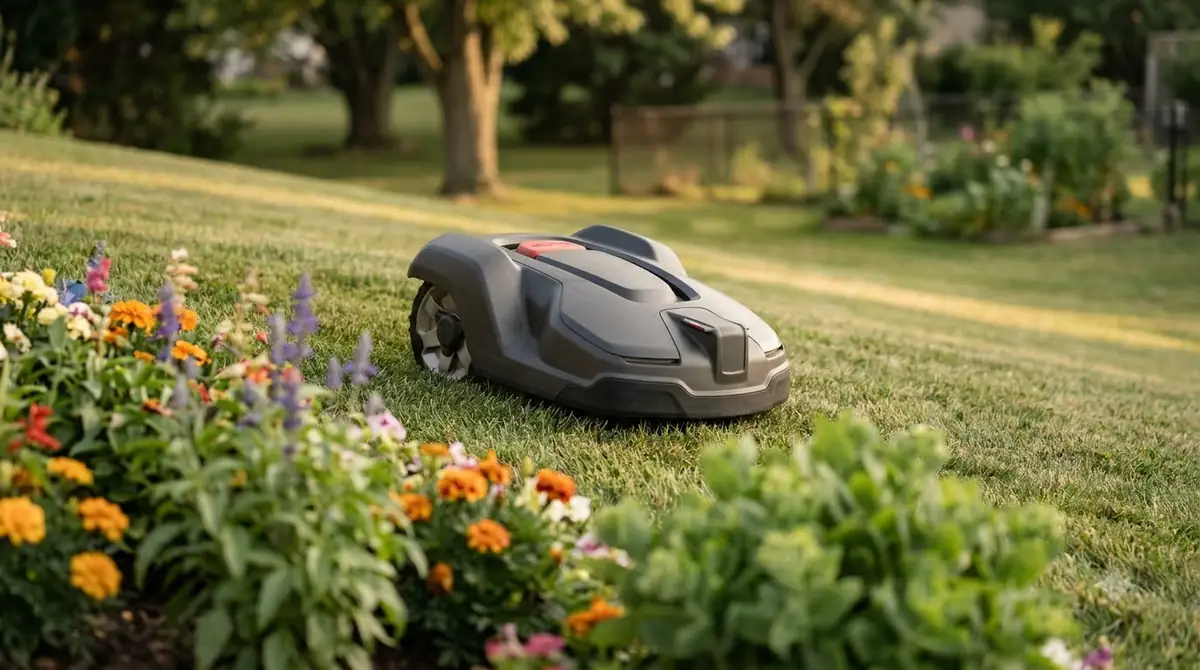
- Small objects: golf balls may be hard to detect, especially when hidden in tall grass.
- Flat or low objects: items lying flat or very close to the ground may not be detected.
- Tall grass: the higher the grass, the harder it is to separate an object from vegetation.
- False readings: tall grass, flowers or dandelions can be read as objects, leaving uncut patches. You can disable the feature temporarily.
Near the boundary, avoidance is switched off, so how do robot mowers avoid obstacles there? Mostly they do not. For EPOS installations this applies within 60 cm (2 feet) of the virtual boundary, and with a boundary wire it applies within 90 cm (3 feet) of the wire. Anything inside that band depends on the mower’s boundary logic rather than on object detection.
Husqvarna is direct about the safety side. It states that object avoidance “is not a safety feature. There is no guarantee that objects will not be run over.” Treat the feature as a help that reduces collisions, not as a barrier. For the wider picture, read whether robot mowers are safe for kids and pets.
What to check on a spec sheet or manual
Check whether a model lists bump, lift, tilt, ultrasonic, radar or camera sensing, then read the manual for the detection limits and whether avoidance can be switched off. Sensor fit varies by model, so the model name alone does not settle how do robot mowers avoid obstacles for your lawn. If you are shortlisting, our roundup of the best robot mower with obstacle avoidance is the next step.
- Sensor list: which of the sensor types above the model uses.
- Detection limits: small, flat or low objects, and how tall grass affects detection.
- Boundary buffer: how close to the boundary avoidance is switched off.
- Settings: whether avoidance can be turned off, and where the control is.
- Software: whether firmware updates are needed to get the feature.
Exact detection ranges and thresholds differ between models, so take those numbers from the manual rather than from a general guide.
Frequently asked questions
Can a robot mower run over a toy or a child’s ball?
It can, especially when the object is small, flat or hidden in tall grass. Husqvarna says objects lying flat or very close to the ground may not be detected, and golf balls can be hard to see in tall grass. Pick up toys and balls before each run, because sensors do not replace a clear lawn.
Is a robot mower safe around kids and pets?
Obstacle sensors lower the chance of collisions, but they do not remove it. Husqvarna states that object avoidance is not a safety feature and that there is no guarantee objects will not be run over. Keep children and pets away from the mower while it runs.
Do ultrasonic robot mowers always stop before touching an object?
No. On the Husqvarna 450X and 435X AWD, remote object detection slows the mower, and it may gently contact the object before changing course. Behavior differs between models and sensor types, so check the manual for the specific model you are considering.
Can I turn obstacle avoidance off?
On Husqvarna Automower models you can use the slider in the Automower Connect app, under More, then Settings, then Accessories. If the setting is missing, update the mower’s firmware and the app. Other brands have their own menus, so check the manual before changing anything.
Sources
- How do Husqvarna Automower weather timer and sensors work (Husqvarna): collision, lift and tilt sensor placement and behavior, remote object detection.
- Object avoidance with radar or ultrasonic sensors in Automower robotic lawn mowers (Husqvarna support): radar and ultrasonic models, boundary distances, detection limits, settings.
- How robot lawn mowers cut grass without whacking off your toes (PCWorld, Ed Oswald, June 26, 2024): overview of bump, ultrasonic, lift, tilt and vision sensing.
 Up next9 min readBest Robot MowersBest Robot Mower With Obstacle Avoidance: 5 Sensor TypesUpdated Nov 11, 2026
 9 min readBest Robot MowersWhat to Expect from a Robot Mower Under 1000Updated Nov 11, 2026
 9 min readBest Robot MowersWhat to Expect From a Robot Mower Under $500Updated Nov 11, 2026
 8 min readBest Robot MowersRobot Mower Subscription Fees: Simple 2026 Price GuideUpdated Nov 11, 2026
 7 min readBest Robot MowersWhat to Expect From a Robot Mower Under 1500Updated Nov 11, 2026
 9 min readBest Robot MowersWhen Do Robot Lawn Mowers Go on Sale? A Year-Round GuideUpdated Nov 11, 2026