
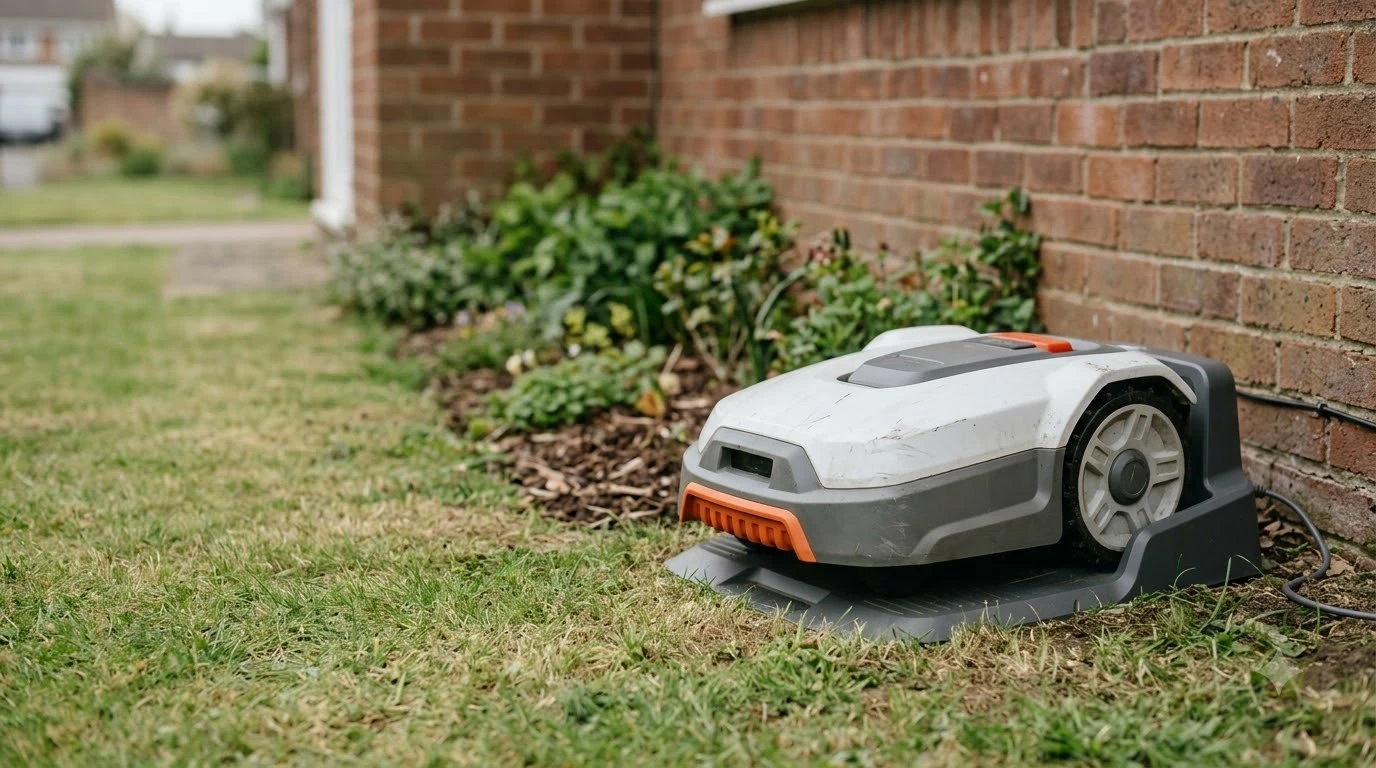

A Worx Landroid replacement battery is a 20V Li-Ion Worx PowerShare pack that clicks into a slot behind a cover on the mower. Worx’s Landroid Vision manual calls the battery the “heart” of the mower, tells you to open the cover with a button, and says to install the pack following the polarity marked on it. The pack’s warranty is one year, and online registration does not extend it.
The short answer
- Battery type. The Landroid Vision manual describes a 20V Li-Ion Worx PowerShare battery. Worx’s US page for the Vision Cloud 1 Acre (WR340) lists 20 V 5 Ah, model WA3675, with a 60-minute charge time.
- Fit. Of the Worx pages we read, only the WR340 page names a battery part number. Match the part number on your current pack and your mower model before you order.
- Swap. Turn the mower off, press the button on the battery cover, replace the pack, match the polarity, and close the cover.
- Warranty. Battery packs carry a 1-year warranty period, with or without registration.
- Dead pack. If the mower shows “Battery exhausted,” dock it for emergency charging. If the error comes back, the manual says the battery is damaged and must be changed.
What a Worx Landroid replacement battery is
The battery is the power source for the whole machine. The Landroid Vision manual describes it as a 20V Li-Ion Worx PowerShare battery, and it charges when the mower sits on the charging base with a deep contact established. The manual says the LED on the base blinks green while the battery charges and turns solid green once it is full.
The US product page for the Vision Cloud 1 Acre (WR340) lists the battery as 20 V 5 Ah, model WA3675, and gives a charge time of 60 minutes. That page does not state a battery life in hours or years, so the lifespan answer has to come from the manual instead.
The manual says the lifespan of the battery “depends on hours of usage and the length of use per day during the mowing season.” It does not give a number of years or charge cycles. Our reading is that a larger lawn or longer daily run times will put more load on the pack, but none of the Worx sources we read gives a figure to plan around.
Which replacement pack to buy
When you shop for a Worx Landroid replacement battery, only one model-to-part match can be confirmed from a Worx page we read: the WR340 with the WA3675 pack. For other Landroid models, the Worx pages we read did not publish a compatibility table for replacement packs. Some third-party sellers list other Worx part numbers, such as WA3572, WA3231 or WA3601, for older Landroid units. Those are seller claims, not Worx statements, so treat them as leads to check rather than facts.
Our reading is to start with the label on the pack you are replacing. Note the part number and the voltage, then confirm the mower model before ordering. The manual says the serial number label is under the rear battery door, so you can read the model without guessing from the outside of the machine.
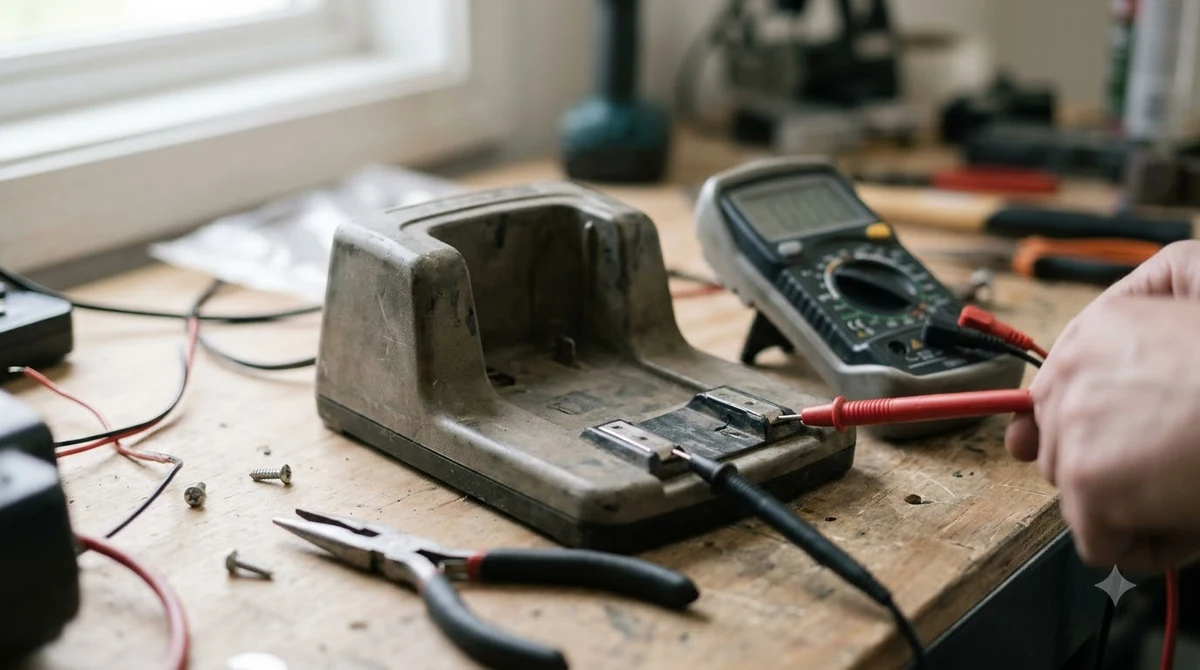
If you are weighing a bigger or different pack, our page on whether you can upgrade a robot mower battery explains the limits. Before you buy, compare the seller’s compatibility note against the model number you just read. If the note only lists a series name and not your exact model, ask the seller or Worx support before paying.
How to swap the battery
Fitting a Worx Landroid replacement battery is a cover-and-clip job. The manual’s steps are short, and the same cover also gives access to the USB port used for firmware updates.
- Turn the mower off. The manual’s service warnings say to switch it off before any work on the body.
- Open the cover. Press the button on the battery cover and lift it.
- Remove the old pack. Take out the old battery.
- Install the new pack. Place the new pack following the polarity direction marked on it. The manual says the pack clicks into the slot.
- Close the cover. Check that the cover sits flat before you turn the mower on.
Heads up
The owner’s manual we read is one booklet for the WR208, WR210, WR220, WR230 and WR235 models, while the WA3675 pack appears on the WR340 page. Do not assume the two models share a pack without checking the part number on the label.
When the battery is the problem
Most battery messages on the Landroid Vision are fixed with a charge, so rule that out before you order a Worx Landroid replacement battery. If the pack drains faster than before, see why a robot mower battery drains fast. The manual lists “Battery voltage too low! Please change battery.” and “Battery exhausted, and needs to be recharged.” For the second message, the manual says to turn the mower off, place it in the charging base, and wait for “Emergency charging” to start. If the battery error still persists, the manual says the battery is damaged and needs to be changed.
Worx’s support page for the “Battery voltage too low” message on a WR155 model gives the same first step: place the mower on the base so emergency charging starts. It does not give a voltage threshold or a wait time before you decide the pack is bad.
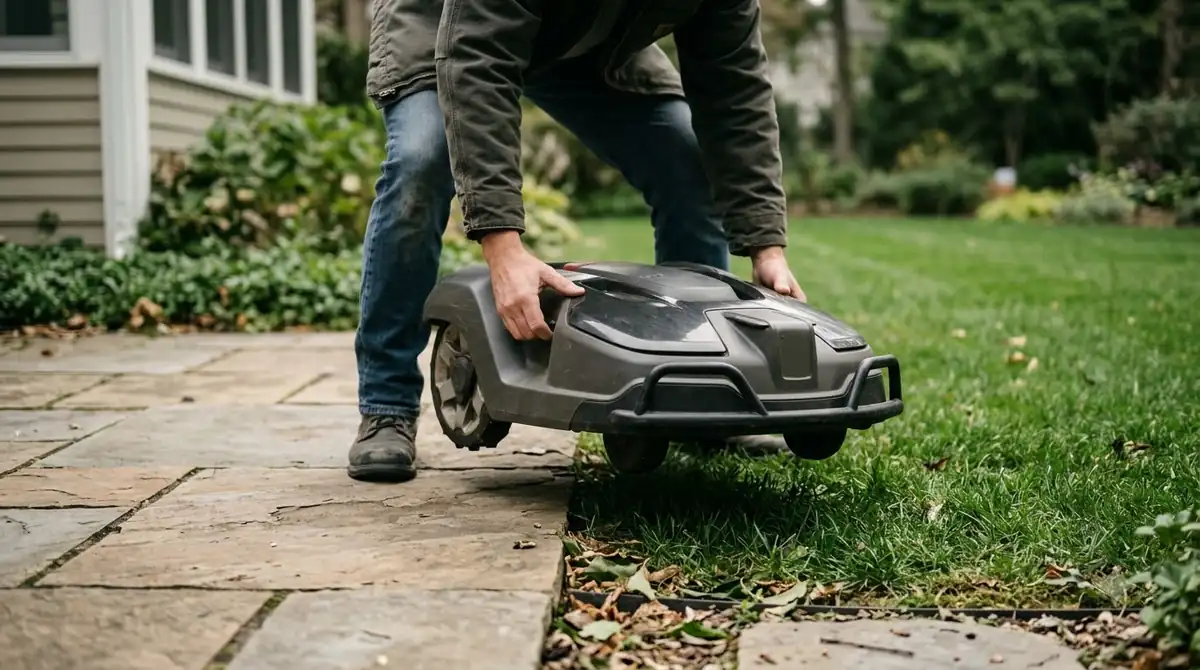
Worx’s Landroid Classic wiki describes a full discharge as “rare but can be easily resolved with an emergency charge.” Its steps are to dock the mower with the contact pins lined up with the charging contacts in the middle of the base. Emergency charging starts on its own, and after it finishes, you power the mower on and it returns to its schedule. That wiki covers the Classic line, so check it against your own model before you rely on the timing.
Temperature can also block charging. The manual says the battery will not charge when the temperature is above 55 C (131 F) or below 3 C (37 F), and the display shows “Battery temperature out of range! Please wait.” The manual also recommends a shaded base, because “batteries and chargers don’t like over-heating.”
Keeping a Worx Landroid replacement battery healthy
The care steps in the manual are simple: keep the pack charged, keep it cool, and keep the contacts clean. For general expectations, read our robot mower battery life overview.
For storage, the manual says to keep the battery fully charged and in a cool, dry place. It lists the recommended operating range as 0 to 55 C (32 to 131 F). For winter, the manual recommends cleaning the mower thoroughly, fully charging the battery, turning the power off, and storing the mower in a shed or garage. A battery maintainer for a robot mower in winter is a separate accessory, and the manual does not mention one, so check your model before buying it.
In spring, the manual asks you to update the date and time in the app, clean any oxidation on the charging contacts with fine emery cloth, and fully charge the battery before the first mow. It also says to remove grass clippings from around the contact pins and the charging strips so the mower docks each time.
When washing the mower, the manual says to keep the battery cover closed and to use only a hose. It warns against high-pressure washers because water can enter the seals and damage the electronics.

Warranty on the battery
A Worx Landroid replacement battery has a shorter warranty than the mower. Worx’s warranty statement for Landroid robotic mowers says “Battery packs have 1 year warranty period only.” The same statement says battery packs are guaranteed for one year “regardless of online registration.”
The mower itself carries a 2-year term that becomes 3 years if you register within 30 days of purchase. The statement excludes components subject to natural wear and tear, and it lists blades and wheels as excluded. Our reading is to keep the purchase receipt with the battery, since any claim will depend on the purchase date.
Frequently asked questions
Can I replace the Landroid battery myself?
The Landroid Vision manual describes the swap as a user step: press the button on the battery cover, take out the old pack, install the new one following the polarity marking, and close the cover. Turn the mower off first.
Is a Worx Landroid replacement battery covered by warranty?
The Worx warranty statement gives battery packs a 1-year warranty period, and it applies regardless of online registration. Natural wear and tear is excluded.
What does “Battery exhausted” mean on a Landroid?
It means the pack has run out of charge. The manual says to turn the mower off, place it in the charging base, and let emergency charging start. Restart the mower after charging finishes.
How do I know the battery itself has failed?
The manual says that if the battery error persists after emergency charging, the battery is damaged and needs changing. No Worx source we read gives a voltage threshold or a number of charge cycles, so a repeated error after a full charge is the practical signal.
Sources
- Landroid Vision owner’s manual (Worx): battery cover steps, polarity, emergency charging, storage, winter care, error messages.
- Worx warranty statement (Worx): battery pack 1-year term, mower 2-year term with 3 years on registration within 30 days, exclusions.
- Landroid Vision Cloud 1 Acre (WR340) (Worx US): battery 20 V 5 Ah, model WA3675, 60-minute charge.
- Battery voltage too low message (Worx support): emergency charge step; no voltage threshold given.
- Emergency charging (Worx wiki, Landroid Classic): docking steps and automatic start.
 Up next7 min readGearWorx Landroid Replacement Blades: Pack, Timing, and FitUpdated Nov 20, 2026
 8 min readGearMammotion LUBA Replacement Battery: Models, Warranty and What to CheckUpdated Nov 19, 2026
 8 min readGearHusqvarna Automower Replacement Battery: Dealer Swap and LifespanUpdated Nov 19, 2026
 7 min readGearSunseeker Replacement Blades: What Fits, What to Check and When to SwapUpdated Nov 12, 2026
 6 min readGearHow Often Should You Replace a Robot Mower Battery? 2 to 5 YearsUpdated Nov 14, 2026
 8 min readGearBest Garage for Worx Landroid: Match Your Model FirstUpdated Nov 14, 2026