
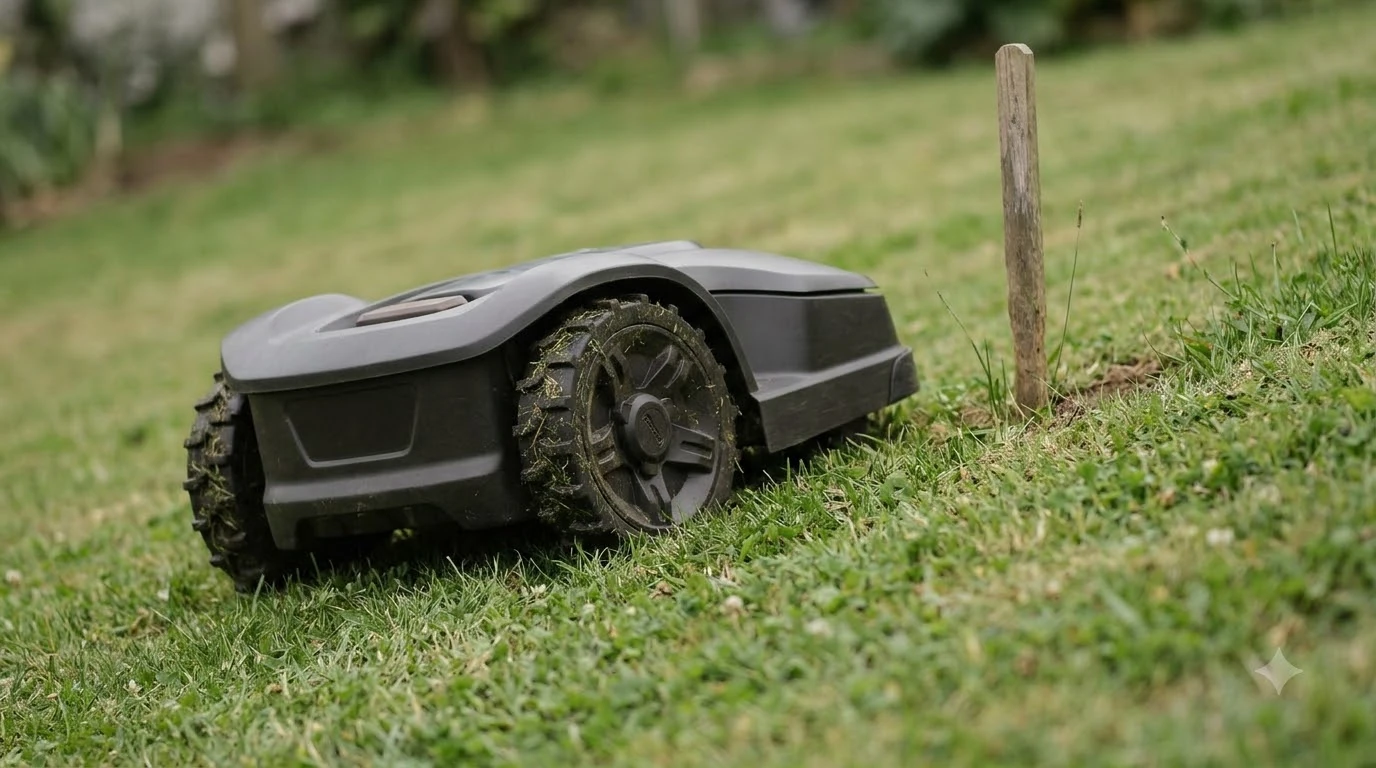

Mammotion LUBA 2 AWD problems and complaints cluster in four areas: software bugs, navigation trouble near fences and curbs, weak connectivity during setup, and a smaller number of serious hardware failures. Owner reports are mixed, and many people are happy with the mower overall. The problems below are the ones that show up repeatedly in the reviews we could read, with notes on how much weight each one deserves.
The short answer
- Software: frequent updates, some of which owners say caused new trouble, and an app that some find hard to organize.
- Navigation: reports of the mower struggling near fences and curbs, and a claim that newer vision hardware did not fix it.
- Connectivity: owners describe a weak Wi-Fi receiver and an RTK antenna that was poorly placed at setup.
- Hardware: a few reports of repeated repairs and one case of a drive and cutting motor failing at once.
- Weight of evidence: small samples that skew toward problem reports, so treat them as warnings to check, not as a failure rate.
Mammotion LUBA 2 AWD problems and complaints: software first
Software is the complaint that comes up most often. One reviewer on a retailer page says the mower receives frequent software updates and that some of them cause trouble for the owner. Another calls the app confusing and not well organized. The same pattern appears in the wider Mammotion reviews on Trustpilot, where one owner says they avoid updating firmware because others report problems after an update. Readers put off by these reports can look at alternatives if the Luba does not suit their lawn. The vendor figures that these complaints are measured against are listed in the Luba 2 AWD review of published specs.
Our reading is that a buyer should plan for updates as part of ownership. Read the release notes before each one, and wait a few days if the mower is working well, so you can see whether other owners report a regression.
Navigation near fences and curbs
A reviewer who upgraded from the earlier LUBA 1 AWD says the LUBA 2 struggles near fences and curbs, and that the newer vision hardware did not bring a real improvement in that area. That is one owner’s experience, but it matches a general pattern in robot mowers: edges, fence lines, and low curbs are where vision and bump sensors are tested hardest.
If your yard has a lot of edge work, plan to set clear boundaries and check the first few runs closely. The sibling LUBA mini 2 AWD 1000 was tested by Notebookcheck on an artificial slope, where it stopped with a “Mowing robot tipped” error at about 70 percent against an advertised 80 percent. That is a different model, but it is a reminder that a rated feature does not always match a test course.
Connectivity and the RTK antenna
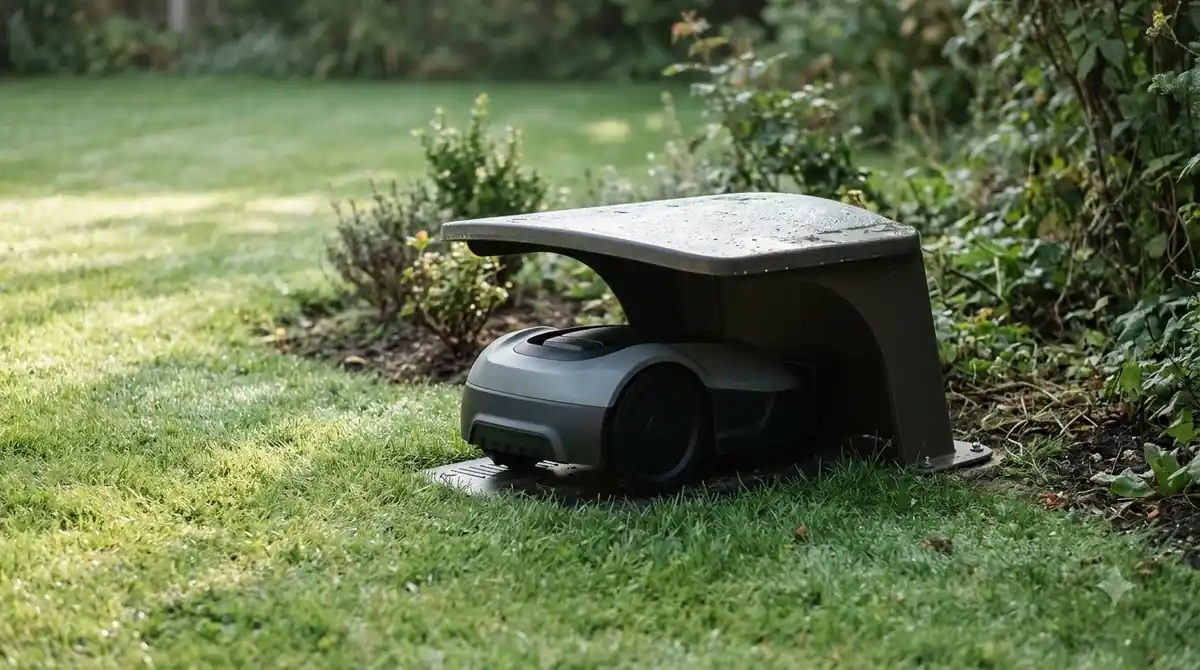
Owners report that the Wi-Fi receiver is not very good. One Trustpilot reviewer blamed early trouble on a poorly placed RTK antenna, combined with some software glitches. Both problems are setup issues, which means they can often be fixed by moving the base station or the antenna to a spot with a clearer view of the sky and a shorter path to the router. Connectivity trouble often traces back to positioning, and how RTK compares with plain GPS explains where antennas matter.
Before you buy, check the placement guidance in the manual and plan where the RTK base will sit. A bad position causes more trouble than any single software bug.
Hardware failures: fewer reports, serious impact
Hardware reports are fewer than software complaints, but they cost the most. A UK Trustpilot reviewer described a LUBA 2 that needed repair twice in one year and was later judged beyond repair. Another owner of a LUBA 2 AWD reported the mower suddenly stopped moving, with the drive and cutting motors both dead, which pointed to a hub motor problem.
These are individual cases, and the sources do not give a failure rate for the model. They do show why the warranty and the repair route matter, which is covered in the sections below.

Support and repairs
Customer support is where Mammotion’s ratings are weakest in the sample we read. Across the company’s Trustpilot reviews, the most common complaint is support, with reviewers describing long waits, scripted replies, and slow repairs. Other owners praise fast live chat, quick repairs, and goodwill replacements, so the experience varies a lot from one case to another. Repairs depend on coverage, so Luba 2 AWD warranty claims are worth understanding before something breaks.
How the company’s own ratings compare
On Trustpilot, Mammotion has a 3.6 out of 5 rating from about 2,900 reviews. Roughly 72 percent of those are four or five stars and about 25 percent are one or two stars. The company replied to only 29 percent of the negative reviews in the sample, and replies usually took more than a month. That is useful context, but the page mixes several models, so not every complaint applies to the LUBA 2 AWD. The company ratings sit beside a tally of Luba 2 AWD strengths worth weighing against the failure reports.
The AWD risks the vendor names itself
Mammotion’s own pros-and-cons article for all-wheel-drive mowers names several trade-offs. It says AWD mowers typically cost significantly more than standard robot mowers, that the extra drive system adds weight that can compress soft turf, and that AWD can mean higher maintenance or repair costs. It also warns that not every repair shop may service them. Those are not defects, but they change the real cost of ownership.
The same article says a lawn under about a quarter acre, mostly flat, with clean edges may not need AWD at all. If your yard matches that description, the problems above may be a reason to choose a two-wheel model instead.
How to lower the odds of problems
- Place the RTK base first. Choose a spot with a clear view of the sky and a short path to the router, and follow the manual’s guidance on height.
- Map the edges carefully. Set boundaries away from fences and curbs where the mower has shown trouble, and watch the first week of runs.
- Update on your schedule. Read the release notes and wait a few days after each release to see whether other owners report a new problem.
- Check the motors after any stop. If the mower halts without an error, test the drive and cutting motors before the next run.
- Keep a written record. Save the receipt, the serial number, and every support message, so a repair claim is easy to follow.
What we could not verify
We did not find a published failure rate for the LUBA 2 AWD, a teardown report for the hub motors, or a slope test for the 3000 model. The Home Depot owner reviews for this model returned an error when we tried to open them directly, so the points above come from search summaries of those reviews and from pages we could read. Treat each claim as a lead to check, not a verified defect. After reading the problems, the Luba 2 AWD worth-it verdict helps decide whether the trade-offs are acceptable. Some problems appear when the lawn is too big, and Luba 2 AWD lawn size fit explains how to match the model.
Related reads: For a wider view across the product line, see whether Mammotion is a reliable brand based on published ratings.
Frequently asked questions
What are the main Mammotion LUBA 2 AWD problems?
Owners most often report software updates that sometimes cause trouble, navigation difficulty near fences and curbs, weak Wi-Fi reception, and RTK antenna placement during setup. Hardware failures are reported less often but can be serious.
Are LUBA 2 AWD problems common?
The sources we could read do not give a failure rate for this model. Owner reviews skew toward problem reports, and the company’s overall Trustpilot sample mixes several models, so the frequency is unknown.
Should I update the firmware on a LUBA 2 AWD?
Read the release notes first and wait a few days after a new release. Some owners avoid updating because of reports of problems after an update, so a cautious approach is reasonable.
Is the LUBA 2 AWD worth buying despite the complaints?
That depends on the lawn. If you have a steep or wet yard, AWD may be worth the cost. If your lawn is small and flat, the complaints and the higher price together point toward a two-wheel model.
Sources
- Trustpilot, mammotion.com reviews (customer reviews): used for the overall rating, the share of positive and negative reviews, the support complaints, and the software and hardware reports. The sample covers the whole company.
- Mammotion, all-wheel-drive robot lawn mowers pros and cons (vendor article): used for the cost, weight, maintenance, and lawn-size trade-offs named by the vendor.
- Notebookcheck, LUBA mini 2 AWD test (independent test): used for the slope result on a sibling model. It is a different model and is cited only as a comparison.
 Up next8 min readReviews & CompareMammotion Yuka Mini Problems and Complaints: What Owners ReportUpdated Nov 12, 2026
 8 min readReviews & CompareHookii Neomow X SE Problems and Complaints: What Owners ReportUpdated Nov 18, 2026
 9 min readReviews & CompareDreame A1 Pro Problems and Complaints: What Sources ReportUpdated Nov 15, 2026
 8 min readReviews & CompareDreame A2 Problems and Complaints: What the Reports ShowUpdated Nov 14, 2026
 7 min readReviews & CompareIs the Mammotion LUBA 2 AWD Worth It? Slopes, Height and LimitsUpdated Nov 17, 2026
 7 min readReviews & CompareMammotion LUBA 2 AWD Lawn Size: Which Model Fits Your YardUpdated Nov 17, 2026