
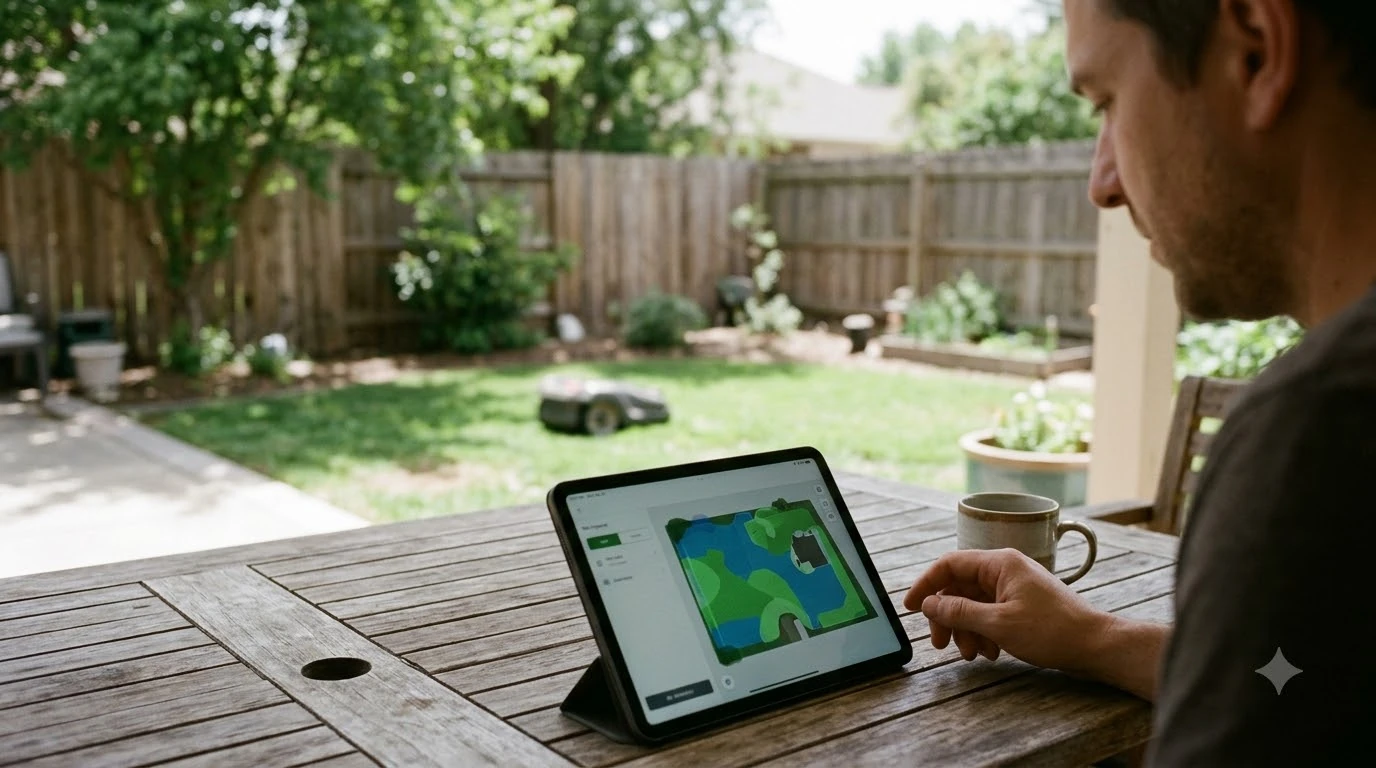

Mammotion Yuka mini problems and complaints cluster in three areas: docking and charging errors, getting stuck or stopping mid-job, and Wi-Fi or app connection failures. The evidence is mixed: official specs are sourced, but the failure reports come from forums, reviews and one dealer Q&A, so they show patterns to check, not a measured failure rate.
As of November 2026, most reported faults are model-specific, so confirm your exact model and firmware before treating a problem as common.
The short answer
- Most-cited fault: a “The channel is obstructed” docking error, reported in user forum posts and not explained by Mammotion in any source we could open.
- Stuck or stopping: reported in forum posts. A 2025 review tested the larger Yuka 1000 and 2000, not the Mini.
- Wi-Fi after storage: one UK dealer Q&A on a Yuka Mini 500, where the dealer suggested a likely hardware fault.
- Specs: the official page and the reviewer’s ramp test disagree on slope, so check your model’s manual before planning a steep lawn.
Mammotion Yuka mini problems and complaints: what owners report most often
The most repeated complaints are docking errors, mowers that stop mid-job, and connection drops, but these come from user reports, not from a Mammotion defect count. We found no independent failure-rate data for the Yuka Mini. The reports we could read are spread across Reddit threads, Trustpilot reviews and one dealer Q&A, and some may concern other Mammotion models.
Treat every report below as a single user account. Some may apply to a different Mammotion model, so they may not apply to a Mini, and we could not confirm any of them with Mammotion.
Docking and charging errors
The most specific docking report is a “The channel is obstructed” error when the mower goes to dump. In a Reddit thread seen in search results, the mower then went back to its charging bay even at 90 percent battery. A commenter guessed the mower treated the pile it had already dumped as an obstacle. That is a guess, not a Mammotion explanation, and we could not open the full thread to check for a fix.
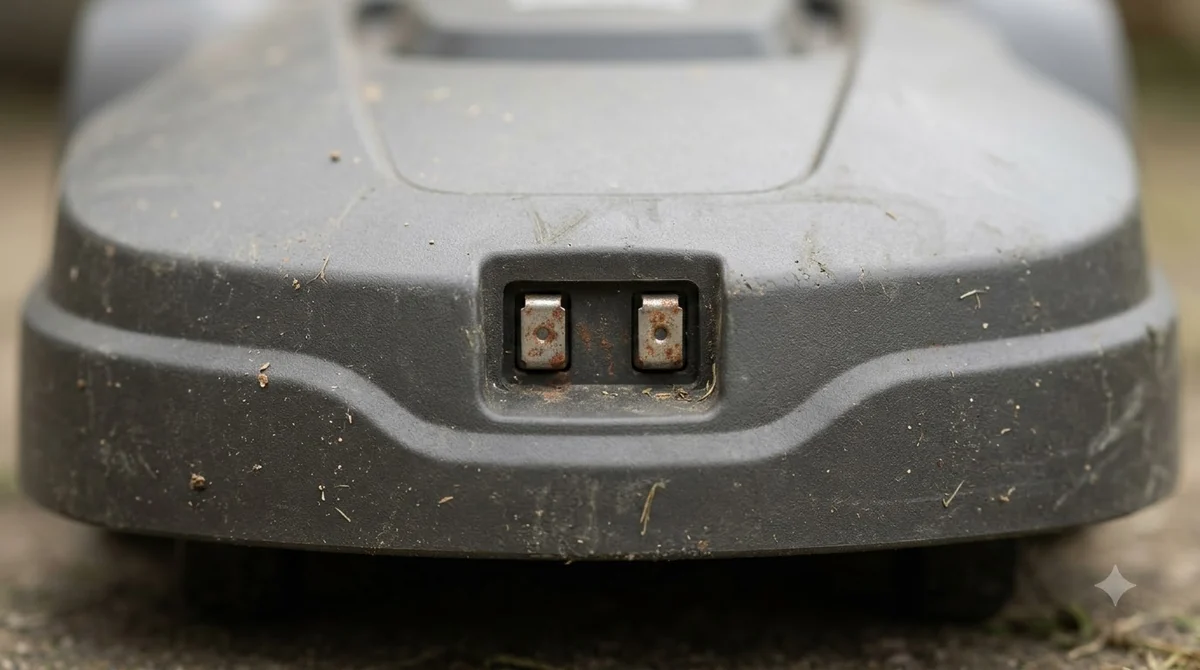
A Trustpilot reviewer who has owned a Yuka Mini for three months said it ended up in the charger almost every day. That is a single account and could reflect setup rather than a design fault. If a mower will not charge at all, our guide to a robot mower not charging lists the usual checks.
Our reading: check that the dock sits on level ground with clear space in front and that the charging contacts are clean; how to clean a robot mower covers the contacts. The official page rates the mower and dock IPX6 for water, which covers weather, not placement.
Getting stuck and edge problems
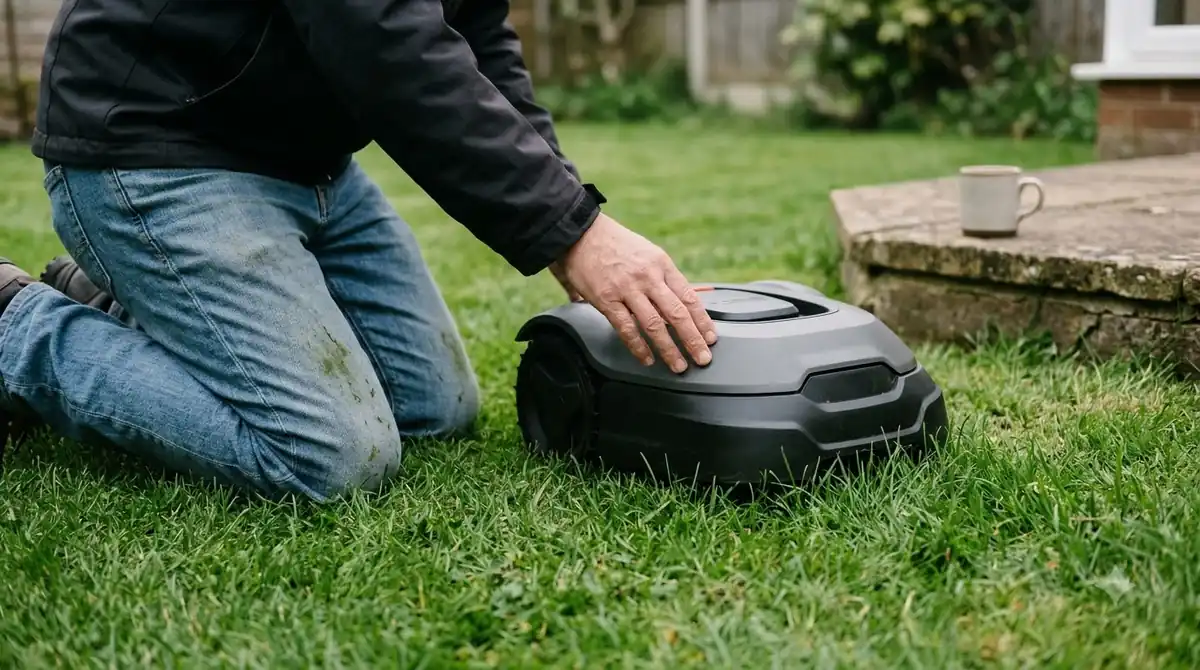
Stuck events come up often in forum posts, and a robot mower stuck in the same spot has its own guide. A Reddit user said their Yuka got stuck constantly and then shut down, and suggested that obstacle-avoidance problems in the latest firmware may be the cause. Another user said a firmware update did not appear to fix the major issues. Mammotion has not confirmed either report, so update the firmware and note the version before you report a fault.
A 2025 Notebookcheck review tested the Yuka 1000 and 2000, not the Mini, so treat its findings as a sibling-model signal. The reviewer measured at least 10 cm of uncut grass next to ground-level obstacles such as a patio, and 11 cm next to high edges. Obstacle detection could not be turned off during edge mowing.
In the same tests, a tennis ball and a garden hose were not detected by the two cameras, even at the most sensitive setting, while a hedgehog dummy was reliably avoided. The reviewer advised mowing in daylight because the mower has side status lights rather than headlights. Our reading: if your schedule runs at dusk or in the evening, review it first.
Connectivity, setup, and app issues
Connection failures are another group of Mammotion Yuka mini problems and complaints. A UK dealer Q&A from August 2025 describes a Yuka Mini 500 that would not reconnect to Wi-Fi after a couple of days in a shed. The owner had reinstalled the app, rebooted the phone and router, and tried a second account. The dealer called it “a fault with the mower rather than anything you’re doing wrong” and suggested a likely hardware fault in the Wi-Fi module that developed during storage. The page gives no outcome for the owner’s open Mammotion case. If Wi-Fi at the dock is weak, see whether you need a Wi-Fi extender for a robot mower.
The same review found that automatic AI mapping failed on the first attempt and needed a manual mapping run, which worked on the second. It found the iNavi service less accurate than RTK in its garden and said navigation needs solid Wi-Fi or 4G. It called the app “sometimes a little confusing” and said cutting height can only be set with the dial on the mower, not in the app. Future iNavi pricing was not disclosed.
Official specs and where the figures conflict
Slope numbers are a common source of confusion. The official YUKA 1500 and 2000 page lists a 28-degree slope limit without a sweeper, but a reviewer’s ramp test on the Yuka 1000 and 2000 confirmed 45 percent (24 degrees). The two figures do not match, and the official page explains neither.
| Spec | Official YUKA 1500 / 2000 | Reviewer test (Yuka 1000 / 2000) |
|---|---|---|
| Slope without sweeper | 28 degrees (no % listed) | 45% (24 degrees) on a ramp test |
| Slope with sweeper | 18% (10 degrees) | 18% (10 degrees) |
| Coverage | 1,500 m² (0.37 acre) / 2,000 m² (0.5 acre) | Not stated in the review |
| Noise | Not listed | Almost 70 dB with sweeper |
| Mowing per charge | Not listed | About 230 m² per charge, just under 2 hours, no sweeper |
Reports often mix up model names, and the official page does not list mini models, so none of these figures can be assumed for a Mini without checking. Our reading: treat the slope number as a ceiling to confirm with Mammotion support for your exact model before you plan a steep lawn.
Support and repair experiences
We found no independent data on Mammotion support response times or repair outcomes for the Yuka Mini. The only support detail in our sources is the dealer Q&A, where an owner had an open Mammotion case and the page gives no outcome. The Reddit and Trustpilot snippets are single accounts, so they say little about support quality overall. Keep photos, the exact error text and any case number, so a claim can be followed up.
How to check Mammotion Yuka mini problems and complaints before you report a fault
Confirm the model, update the firmware, check the Wi-Fi band and dock placement, and record the error text before you contact support.
- Confirm the exact model. Mini names differ across sources (Mini 500, Mini 600, mini 2 1000H, Mini 700 and mini 2 800 all appear), and the official specs page covers only the 1500 and 2000 models.
- Update and note the firmware. Users report that updates did not fix stuck or docking faults, so record the version before and after, and see how to reset a robot mower if a restart is needed.
- Check Wi-Fi. Use a 2.4 GHz network and confirm signal strength where the mower and dock sit, as the dealer case suggests.
- Check the dock. Use level ground, keep clear space in front, and keep the charging contacts clean.
- Record the exact error text and photos. Then contact Mammotion support with a case number, as the dealer’s owner did.
Frequently asked questions
Are Mammotion Yuka mini problems and complaints a sign the mower is unreliable?
Reports are mixed, and we found no independent failure rate for the Mini. The official specs are sourced, but reliability depends on the exact model, firmware and garden layout.
What does “The channel is obstructed” mean?
The only source we found is a user-reported forum thread, and we could not open the full thread or find a Mammotion explanation. Give support the exact message text and the time it appeared.
Can the Yuka Mini work with weak Wi-Fi or in a shed?
A reviewer of the larger Yuka 1000 and 2000 said navigation needs solid Wi-Fi or 4G, and a dealer Q&A describes a Mini 500 that failed to reconnect after storage. Test the signal where the mower and dock sit before relying on it.
Should I avoid the Yuka Mini because of Mammotion Yuka mini problems and complaints?
Not on these sources alone. Compare the official specs, the warranty and support terms, and the complaint patterns against your yard size, slope and Wi-Fi coverage.
Sources
- Mammotion Support, YUKA 1500 / YUKA 2000 specs (manufacturer): coverage, cutting width and height, slope rows, battery, connectivity and waterproof ratings.
- Notebookcheck, Mammotion Yuka 2025 review (independent review of the Yuka 1000 and 2000): ramp, noise, runtime, edge and detection tests.
- Easy Lawn Mowing, Yuka Mini 500 Q&A (UK dealer): one Wi-Fi reconnect case after storage and the dealer’s comment.
 Up next8 min readReviews & CompareMammotion YUKA Mini vs eufy E15: Specs, Slope and Lawn SizeUpdated Nov 11, 2026
 9 min readReviews & CompareMammotion Yuka Mini Pros and Cons: What the Specs SupportUpdated Nov 11, 2026
 9 min readReviews & CompareSegway Navimow X3 Problems and Complaints: What the Support Pages ShowUpdated Nov 11, 2026
 8 min readReviews & CompareWorx Landroid Vision Problems and ComplaintsUpdated Nov 11, 2026
 9 min readReviews & CompareHusqvarna Automower 115H Problems and Complaints: Common Faults and FixesUpdated Nov 11, 2026
 7 min readReviews & CompareMammotion YUKA vs Segway Navimow i110N: Specs ComparedUpdated Nov 11, 2026