
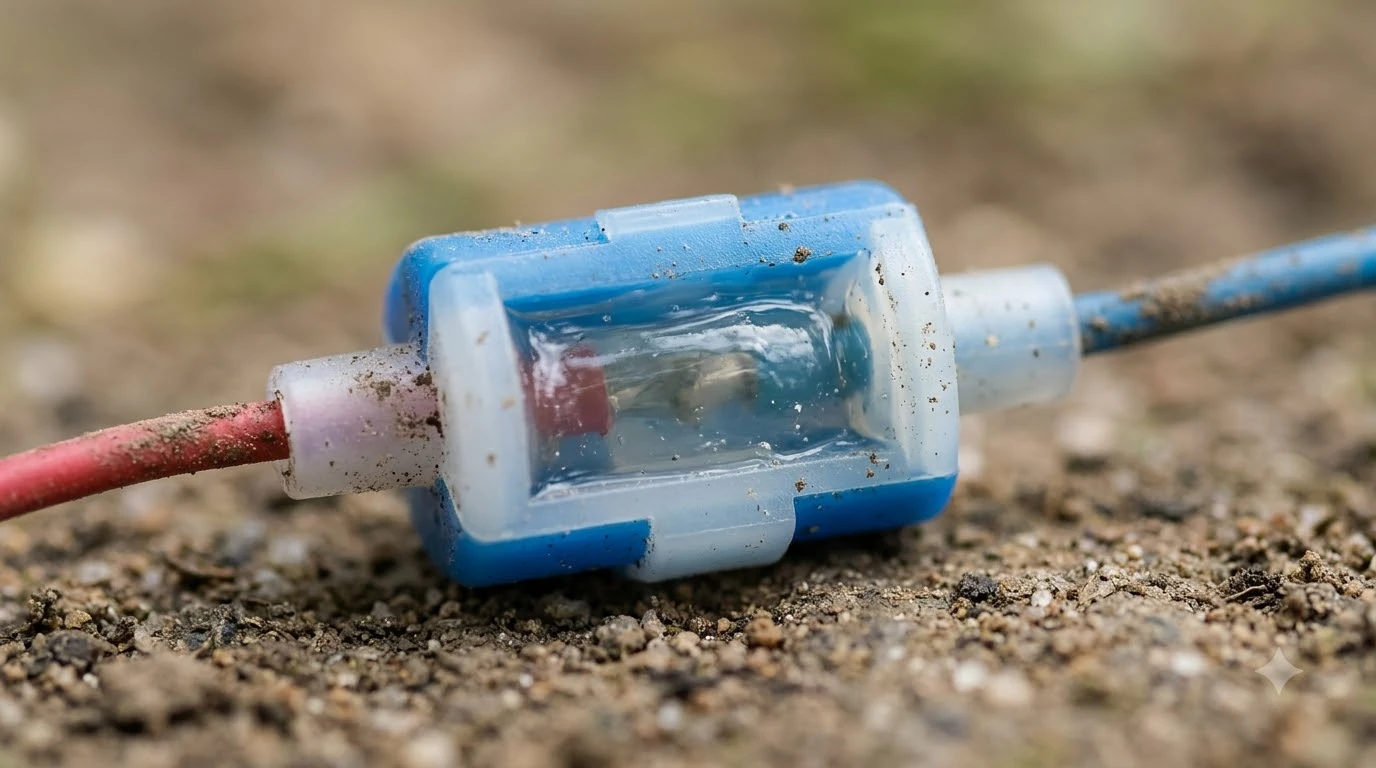

Robot mower wire connectors waterproof labels are a seller claim, and the mower maker’s own procedure does not repeat that word. Husqvarna’s Automower Connector is opened, the wire is inserted, and the connector is closed with a pair of pliers, with 1 to 2 cm (0.4 to 0.8 in) of wire left above each connector. Check any connector against your mower maker’s manual before you use it on a boundary loop.
The short answer
- Joining boundary wire: open the connector, insert the wire, close it with pliers.
- Wire left above each connector: 1 to 2 cm (0.4 to 0.8 in).
- Guide wire: cut the loop, join the ends with the supplied coupler, press it closed with pliers, then look for a solid green light.
- “Waterproof”: robot mower wire connectors waterproof claims are not stated on the Husqvarna pages we read. Treat them as the seller’s claim.
- Before you buy: match the guide-pin count on your model and the wire rating printed on the package.
How the connector joins the wire
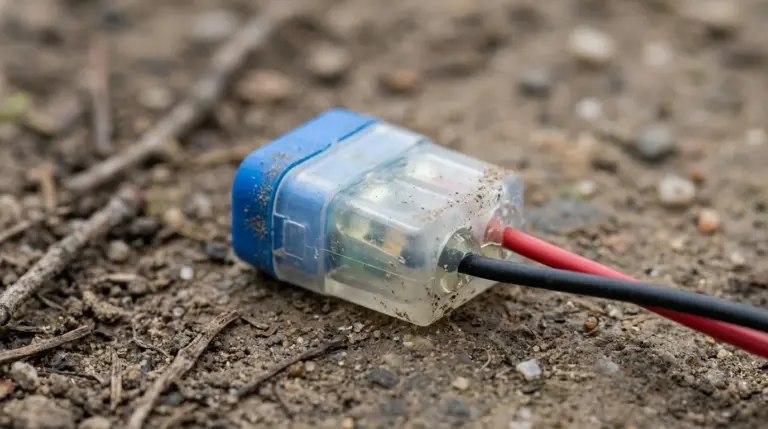
The Husqvarna UK support article for KA 01707 gives the basic method for an Automower Connector. You open the connector, insert the wire, and close the connector with a pair of pliers. The article then says to trim the wire so that 1 to 2 cm (0.4 to 0.8 in) stands above each connector.
Husqvarna’s NZ how-to guide adds a little more detail. You lay the wire ends in the recesses on each connector, press the connectors together with pliers, then cut off any surplus boundary wire 1 to 2 cm above the connectors. The trim length is the one number both pages agree on, so it is the easiest thing to check on a finished joint.
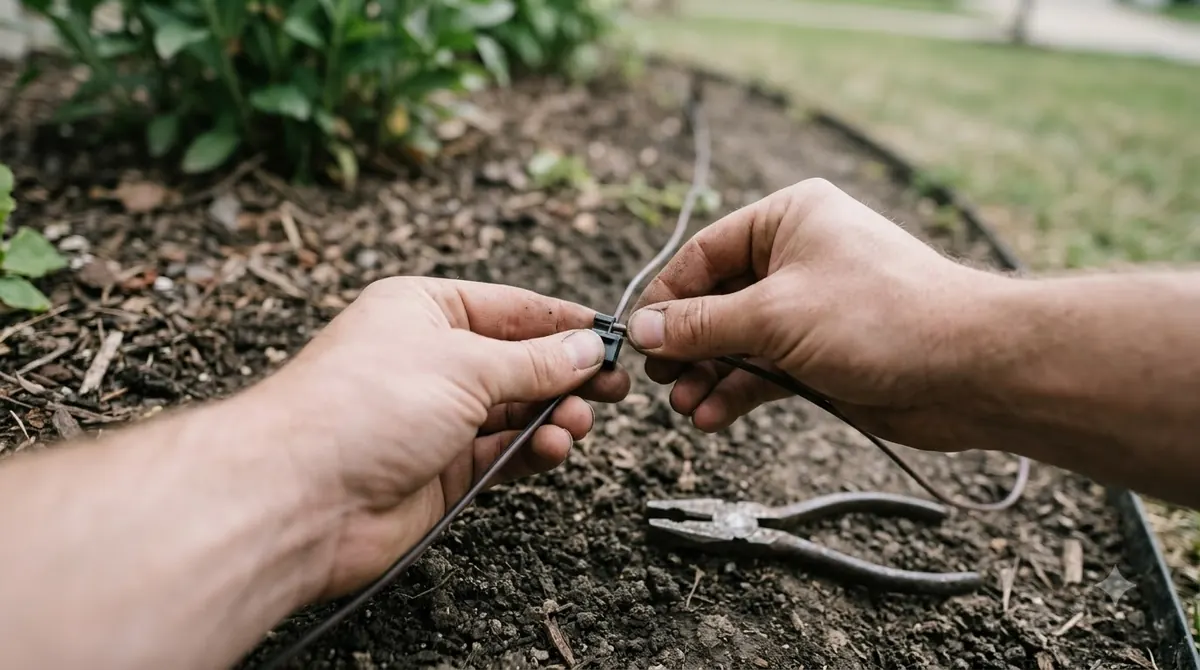
- Open the connector. Open the Automower Connector before inserting any wire.
- Insert the wire. Lay the wire ends in the recesses on each connector.
- Press closed. Close the connector with a pair of pliers and press the connectors together.
- Trim. Cut off surplus boundary wire so 1 to 2 cm (0.4 to 0.8 in) stands above each connector.
Our reading is that the procedure only works if each connector is fully pressed. A loose press is the most likely cause of a weak joint, so press until the connector is fully closed before you move on. If the mower later loses its signal, our guide to finding a break in robot mower wire covers where to look, and the basics of laying the loop are in installing a robot mower boundary wire.
Guide wire coupler and loop splice
A guide wire is a second cable that runs from the charging station to the loop. Husqvarna’s NZ how-to guide shows how it is joined to the boundary wire. You cut the boundary wire at the centre of the loop, connect the guide wire to the two cut ends with the supplied coupler, and press the coupler completely together with pliers.
The coupler is a separate part from the connector. Husqvarna’s UK article lists an Automower Coupler among its related accessories, so check that your kit includes it before you cut the loop. Our reading is that it is better to confirm the parts first than to start a splice you cannot finish that day.
Reading the status light after a splice
The charging station’s light is the quickest check that the loop is closed correctly. Husqvarna’s NZ guide lists two states. A green solid light means a good boundary loop signal, and a blue flashing light means a malfunction in the boundary loop.
| Light on the charging station | What Husqvarna says it means |
|---|---|
| Green, solid | Good boundary loop signal |
| Blue, flashing | Malfunction in the boundary loop |
If the light is blue and flashing after a splice, the joints are the first place to look. Our reading is to start with the joint you pressed last, since a new connector is the part most likely to have been pressed unevenly.
Guide-wire pins by model
Not every Automower takes three guide wires. Husqvarna’s NZ support article says the 320 NERA, 305E NERA and 310E NERA have three guide connections but support only two, so only G1 and G2 should be used on those models.
| Model group | Guide wires supported |
|---|---|
| Automower 320 NERA, 305E NERA, 310E NERA | G1 and G2 only. Husqvarna says a wire on G3 will not work on these models. |
| Automower 405XE NERA, 410XE NERA, 430X NERA, 450X NERA | G1, G2 and G3 |
Because the pin count differs by model, a connector kit or coupler bought for one model may not match another. Check the model name on the mower and the charging station before you buy any guide-wire parts.
Robot mower wire connectors waterproof: what the label means
Retail listings for robot mower connectors describe gel-filled and resin-filled designs, often sold in packs of 10 to 30. Some of those listings claim that the filling resists water and corrosion. Those are the seller’s words, and the Husqvarna procedure does not repeat them. Anyone comparing robot mower wire connectors waterproof listings should also know that an IP rating is a separate, defined measure, explained in what an IP rating means for a robot mower.
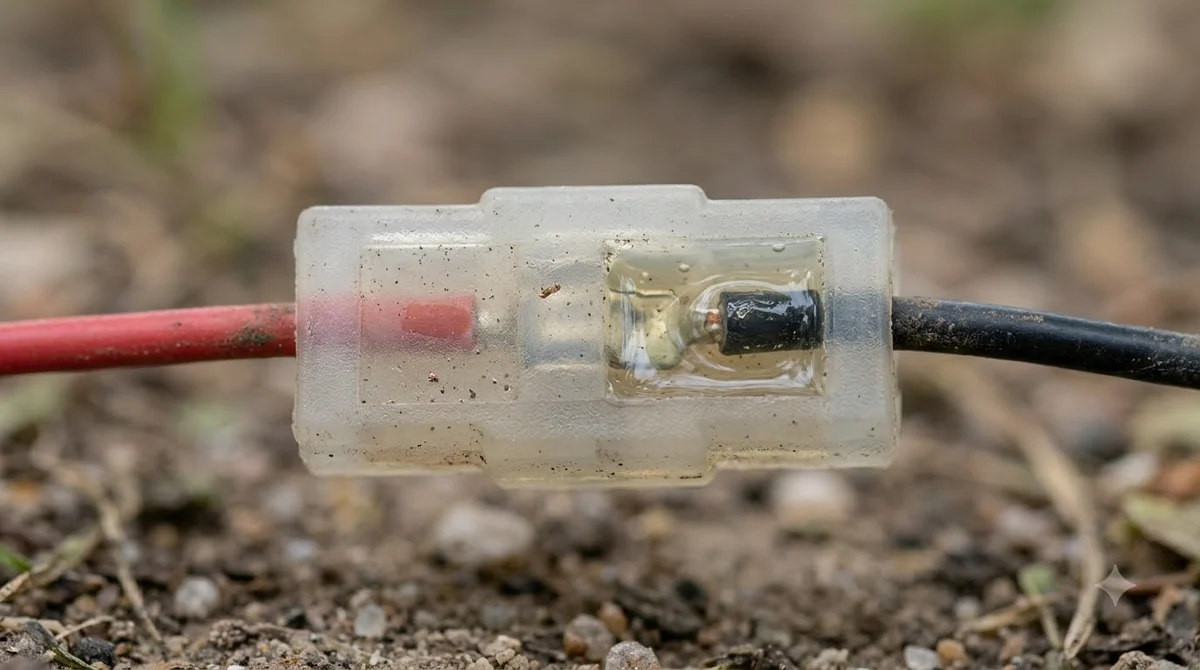
We did not find a waterproof rating, a test standard or a warranty for the connectors in the pages we read. A listing that gives none of these is making a claim without a figure behind it. That means we cannot say how any particular connector performs in wet soil, and a label alone does not settle the question.
Heads up
Robot mower wire connectors waterproof wording from a seller does not replace the mower maker’s instructions. If a connector is not named in your manual, ask the mower maker before you use it on a live boundary loop.
Buyer checklist: five simple checks
Before you buy robot mower wire connectors, check these five things. For a broader view of where the wire runs and how it is fixed, see burying or pegging boundary wire. Each one can be confirmed from the mower maker’s documents or the package, so you do not need to rely on a retail description.
- Wire size rating. Match the rating on the package to the boundary wire you already have. The pages we read do not give a wire gauge figure for these connectors, so take the rating from the package itself.
- Compatibility with your mower. Husqvarna names its own Automower Connector and Coupler. For a third-party connector, look for it in your mower’s manual.
- Guide-wire count. Use the table above. The 320, 305E and 310E NERA take only G1 and G2.
- Matching coupler or repair kit. Husqvarna lists the Automower Coupler and the Automower Boundary Wire Repair Kit as separate accessories, so confirm which one your job needs.
- Labels for storage. Husqvarna advises labelling the wires for easy reconnection if the charging station is stored indoors over winter, which fits with winterizing a robot mower.
Frequently asked questions
Are robot mower wire connectors waterproof?
Robot mower wire connectors waterproof ratings are not stated in the Husqvarna pages we read, which do not call their connectors waterproof, and the retail listings that do are seller claims. Check the mower maker’s manual for the connector you plan to use.
How much wire should I leave above a connector?
Husqvarna’s pages say to trim the wire so that 1 to 2 cm (0.4 to 0.8 in) stands above each connector.
Can a guide wire go on any Automower model?
No. The 320 NERA, 305E NERA and 310E NERA support only G1 and G2. The 405XE, 410XE, 430X and 450X NERA support G1, G2 and G3.
What should I do with the wires if I store the charging station over winter?
Husqvarna advises labelling the wires so they can be reconnected correctly when the station is set up again.
Sources
- Husqvarna UK support, boundary and guide wire connection, KA 01707 (manufacturer): connector method, 1 to 2 cm trim, related accessories.
- Husqvarna NZ how-to guides, automower wire installation (manufacturer): guide-wire coupler steps, green and blue light meanings.
- Husqvarna NZ support, boundary and guide wire connection, KA 01707 (manufacturer): guide-pin counts by model, winter wire labels.
 Up next9 min readGearBest Silicone Spray for Robot Mower: What Manufacturer Guides SayUpdated Nov 11, 2026
 8 min readGearDIY Robot Mower Garage Ideas That Meet Manufacturer RulesUpdated Nov 11, 2026
 8 min readGearRobot Mower Wire Splice Kit: What It Includes and How to Use ItUpdated Nov 11, 2026
 9 min readGearHow to Find a Break in Robot Mower WireUpdated Nov 11, 2026
 9 min readGearBest Robot Mower Wire Pegs: 1 Metre Spacing and CountUpdated Nov 11, 2026
 7 min readGearRobot Mower Accessories Not Worth It: What to Skip FirstUpdated Nov 11, 2026