
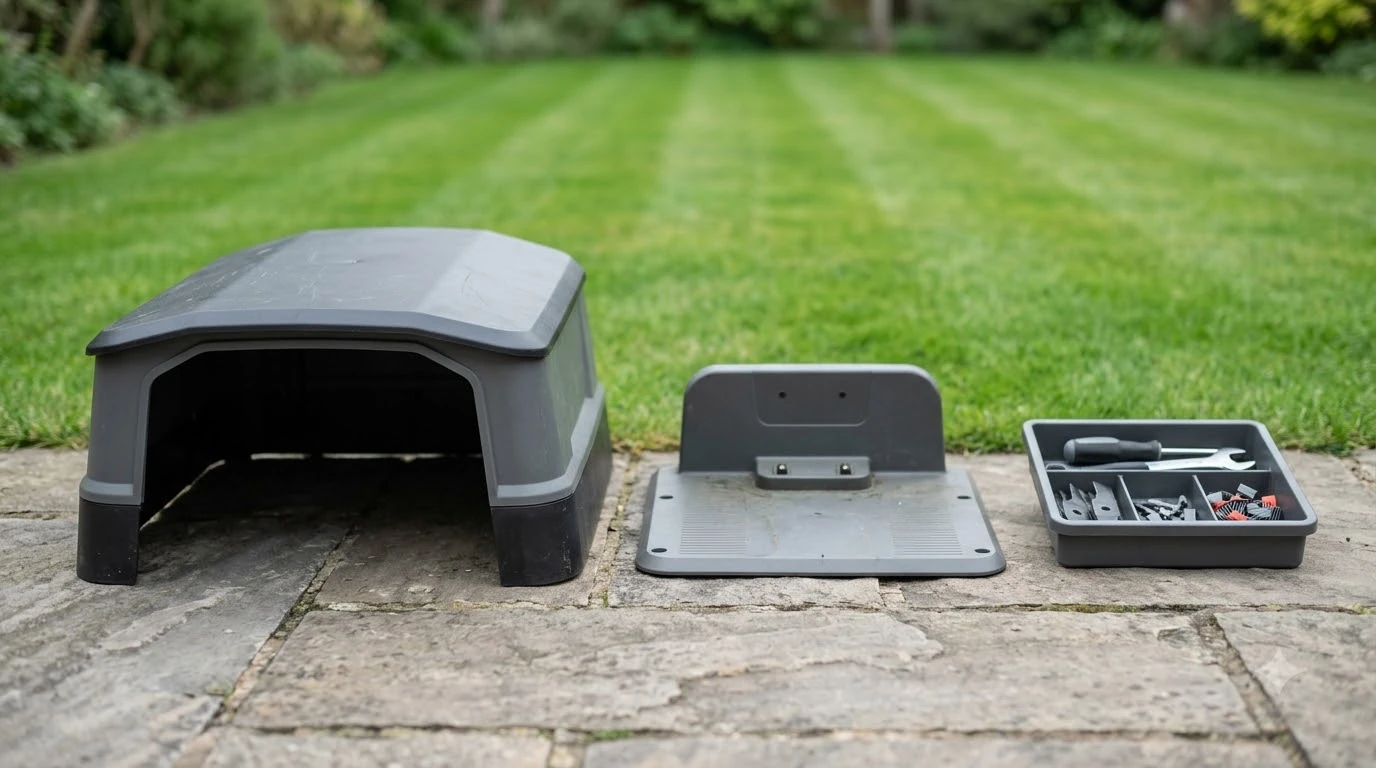

Mammotion Luba accessories worth buying are the wear parts you will replace, the charging parts your model actually needs, and a shelter that keeps the dock dry. Compatibility decides most purchases, so start with your exact model before you add anything to the cart.
The short answer
- Replace: cutting blades and screws are the first accessories to plan for, on the interval Mammotion lists.
- Match: charging station parts follow the LUBA 1 and LUBA 2 compatibility table.
- Shelter: a garage helps most when the dock sits in an exposed yard with poor sky view.
- Optional: wall mounts, omni wheels and cleaning stands are optional add-ons, worth it only once the yard or model calls for them.
- Winter: a dry, charged mower and a stored charging station, not a cover alone.
Which Mammotion Luba accessories worth buying come first
Replacement cutting blades and screws are the accessory you will need most often, because Mammotion lists cutting blades as wearing parts. Its after-sales policy also names tires, cutting discs, charging cables, grass catcher bags and rotating roller brushes in the same group. Wearing parts get a free replacement within 30 days of purchase if the defect comes from materials or workmanship.
After that window, a claim depends on the warranty table. The table gives a period for the battery in most rows, and the rest of the coverage sits in the policy’s appendices. Read the table for your model before you assume a part is covered, since coverage differs by model.
- Replacement blades and screws, on the schedule covered in the next section.
- Charging station parts only when your model needs them, checked against the compatibility table.
- A garage or shelter when the dock sits in an exposed yard.
- Optional add-ons such as the front bumper, a wall mount kit or a cleaning stand.
Blades and screws need the most regular attention
Mammotion recommends replacing the cutting blades every 3 months or after 150 hours of use, and heavier grass may need changes sooner. The support article also says not to reuse the screws, because they are single-use. Our walkthrough on how to change Mammotion LUBA blades covers the full swap. A set of blades is therefore a recurring cost, not a one-time buy.
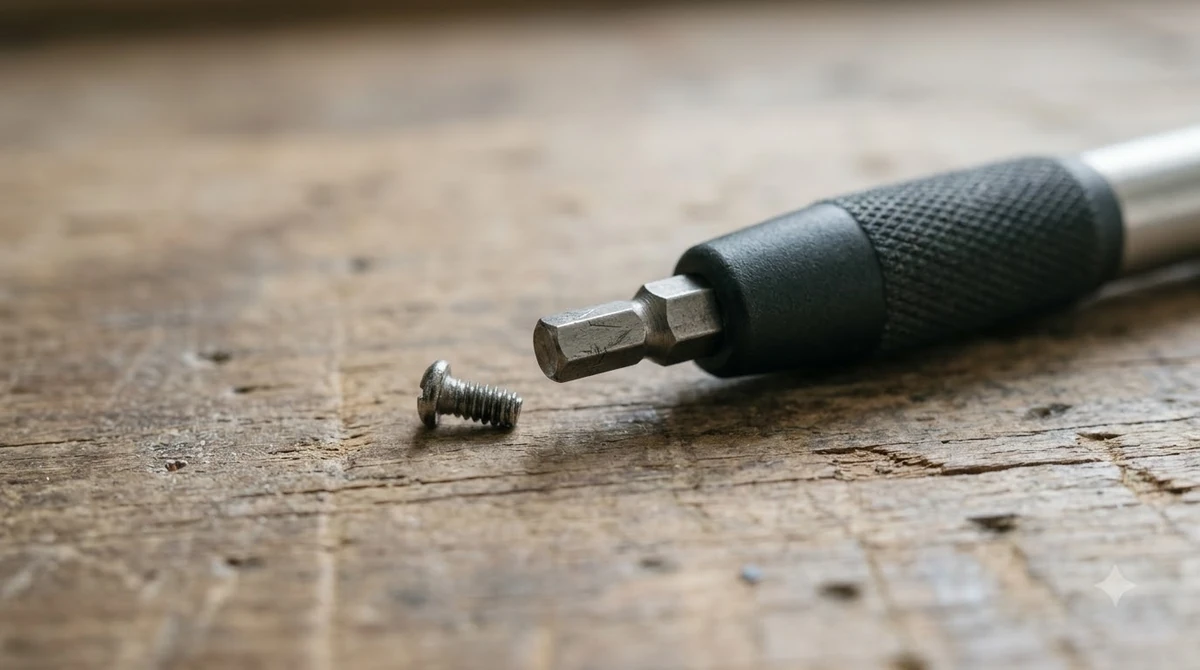
The article names the Phillips screwdriver supplied with the robot as the tool to use. It warns against using an electric screwdriver on the cutting disc. It does not name a model, so confirm the interval in your own manual before planning the year.
- Check the interval. Count hours and calendar months, and change the blades at whichever limit comes first.
- Use the supplied tool. The Phillips screwdriver that comes with the robot is the one the article names.
- Fit new screws. Do not reuse the old screws, since the article calls them single-use.
The motor is the other part to protect. Mammotion gives the motor an expected lifespan of 1500 hours of operation. The article also advises against mowing during heavy rain or when the grass is excessively wet, which is the habit to build around the blades.

Charging station, power adapter and cables by model
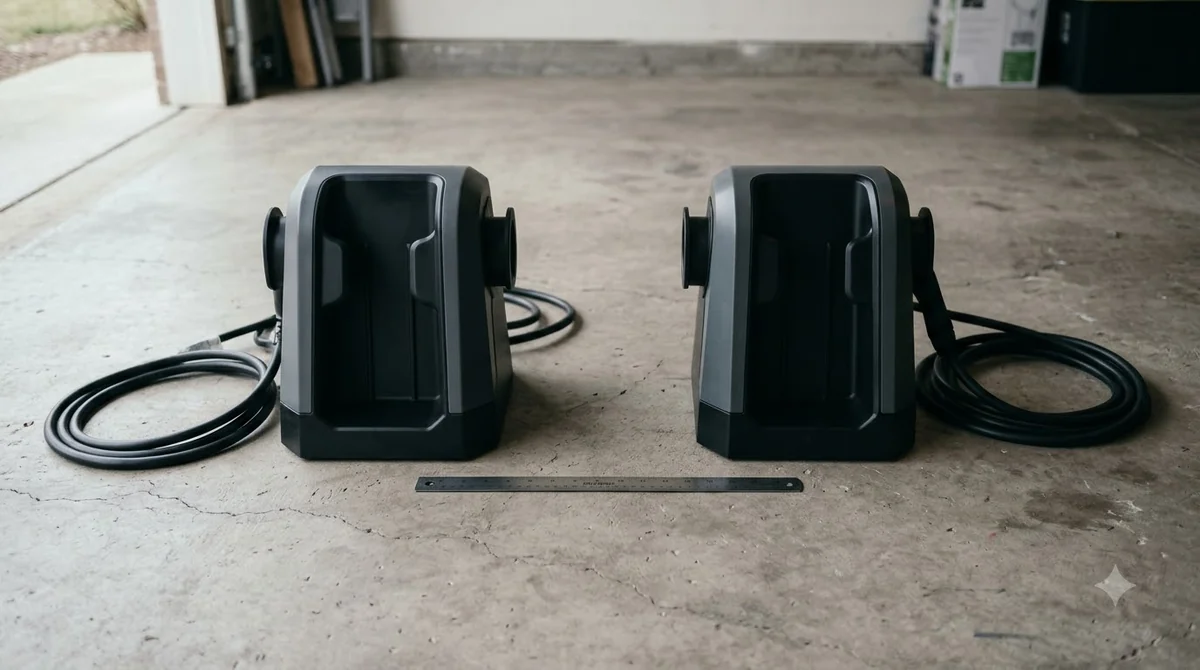
The charging station comes in the LUBA 2 package but is not compatible with LUBA 1, while the charging station power adapter fits both models. Mammotion’s compatibility table is the document to check before you order a dock, a cable or a power adapter.
| Item | Included in LUBA 2 | Compatible with LUBA 1 |
|---|---|---|
| Charging station | Yes | No |
| Charging station 10 m extension cable | Yes | No |
| Heightened version charging station | Yes | No |
| Charging station power adapter | Yes | Yes |
| RTK reference station | Yes | No |
| Front bumper | Yes | No |
| Cutting plates | No | Yes |
| Garage | No | Yes |
The table shows why an owner of one model should not assume a part fits the other, and why each accessory needs a model check. A LUBA 1 owner can use the power adapter, but not the charging station in the LUBA 2 box. Our reading is that buying charging parts without checking the model is the most common way to waste money on this list.
Garage and shelter for the dock
A Luba garage should leave about 4 to 6 inches of clearance on each side of the mower, and Mammotion’s garage guide advises going slightly bigger rather than tighter. Our robot mower garage size guide covers the clearance rules that apply to any brand. The same guide says undersized garages can cause failed docking and more wear on bump sensors. Mammotion sells a garage, and its compatibility table lists it as LUBA 1 compatible and not in the LUBA 2 box. For an exposed yard, a garage is one of the Mammotion Luba accessories worth buying, and for a sheltered one it may not be.
The roof matters for RTK positioning on any garage that sits over the dock. The Mammotion garage guide advises against metal roofing on RTK mowers, because metal can reflect or block signals, and it recommends polycarbonate, which allows partial signal pass-through. It also asks owners to keep open sky above the charging station, away from walls, fences and dense trees. If the mower loses its fix, our checklist for Mammotion LUBA RTK no fix lists what to check first.
- Place the garage directly over or slightly in front of the charging station, with the front fully open.
- Let air move: the guide says shade is good, but heat traps are not.
- Raise the base on gravel or pavers, and avoid low spots where water collects near the contacts.
Optional add-ons: wall mount, omni wheels and cleaning stand
For the wheel side of this list, our page on Mammotion Luba replacement wheels covers what to check before swapping. Mammotion’s site lists an RTK wall mount kit, omni wheels and a mower cleaning stand, and the garage guide names all three as its own products. The pages reviewed for this guide do not say when each one is needed, so treat them as optional until your yard or model calls for them.
The same guide mentions a rubber mat for a cleaner docking surface and anchors for windy areas. Neither is a Mammotion product, so buy them from a general supplier if you want them. Check fit with your model page before any purchase.
Winter storage accessories
Mammotion’s LUBA 1 winter page gives a dry storage range of -10 to 25 C (14 to 77 F), and it asks owners to charge the battery to 100% before storing the mower. The page is written for LUBA 1, so check the manual for a newer model before you rely on the same range. It does not name a Luba cover or a garage for winter, which leaves the storage steps below as the core of the Mammotion Luba accessories worth buying for this season.
- Charge the battery. Bring the battery to 100% before storage, with the mower powered off.
- Pack the parts. Store the mower, charging station, RTK reference station, cables and adapters in their original packages, as the page advises.
- Unplug and clean the dock. Remove the charging station from its wall or mount, then clean the IR part, the charging pin, the interface and the bottom.
- Cover the RTK station outdoors. Use plastic covering when the reference station stays outside.
Reinstall the charging station when the next mowing season starts, and relocate it in the app, since the dock must be set up again. Our reading is that the cover question is the weakest part of winter planning, since the page names no Luba cover to buy.
Check before you buy Mammotion Luba accessories worth buying
Match every accessory to your model first, then check the warranty rules, because wearing parts get a 30-day replacement window while accessory periods sit in a separate appendix. Most decisions come down to those two checks.
- Confirm the model. LUBA 1 and LUBA 2 differ on the charging station, RTK reference station and front bumper.
- Check the wearing parts. Blades, tires, cutting discs and charging cables are on Mammotion’s list.
- Read the warranty table. The table lists 3 years for the LUBA 3 AWD battery and 2 years for the LUBA 2 AWD battery.
- Ask for the accessory warranty. Mammotion says accessory periods are in Appendix 1 of its policy, which should be read before buying.
- Skip what the yard does not need. A garage is less urgent in a sheltered yard with good sky view.
Our reading is that a garage earns its cost mainly in exposed yards, where sun, rain and temperature swings are harder on the dock. That is where a garage pays back most. In a sheltered yard, a roofed dock with good drainage may do most of the same work. Check the Luba manual and the official store before ordering any of the Mammotion Luba accessories worth buying, because model names and stock change. If you are still choosing a shelter, best garage for Mammotion Luba goes deeper on fit and roof options.
Frequently asked questions
Do I need a garage for a Mammotion Luba?
Not always. Mammotion’s garage guide ties the need to exposure and sky view, since RTK positioning depends on a clear view above the charging station. Our reading is that a garage matters most in open yards with harsh sun or rain, where it ranks high on the accessory list.
Are LUBA 2 accessories compatible with LUBA 1?
Some are. The charging station and RTK reference station are not compatible with LUBA 1, but the charging station power adapter fits both models. Check the compatibility table for your exact model before ordering any of the Mammotion Luba accessories worth buying.
How often should Luba blades be replaced?
Mammotion recommends every 3 months or after 150 hours of use. Heavier grass may need changes sooner, so budget blades as a recurring cost for the season. The support article does not name a model, so confirm the interval in your own manual.
Can I reuse the screws when I change blades?
No. Mammotion says not to reuse the screws because they are single-use. Fit new screws with each new set of blades, and use the Phillips screwdriver supplied with the robot.
Sources
- Mammotion, robot lawn mower garage guide (vendor): clearance, polycarbonate roof, open sky, shade and heat, drainage, placement, Mammotion-sold accessories.
- Mammotion support, cutting blades and motor maintenance (vendor): 3 months or 150 hours, single-use screws, Phillips tool, 1500 hours motor lifespan, wet grass.
- Mammotion, after-sales policy (vendor): wearing parts list, 30-day replacement, warranty table rows for battery periods.
- Mammotion support, accessories compatibility between LUBA 1 and LUBA 2 (vendor): included items and LUBA 1 compatibility table.
- Mammotion support, LUBA 1 winter maintenance (vendor): storage range, 100% charge, charging station removal, RTK reference station cover.
 Up next8 min readGearRobot Mower Accessories Worth Buying: What to Get and What to SkipUpdated Nov 19, 2026
 8 min readGearMammotion YUKA Accessories Worth Buying: Wear Parts First, Extras SecondUpdated Nov 12, 2026
 7 min readGearHusqvarna Automower Accessories Worth Buying: What to CheckUpdated Nov 20, 2026
 8 min readGearSegway Navimow Accessories Worth BuyingUpdated Nov 20, 2026
 8 min readGearEufy E15 Accessories Worth BuyingUpdated Nov 20, 2026
 8 min readGearWorx Landroid Accessories Worth Buying: 4 Essential PicksUpdated Nov 20, 2026