
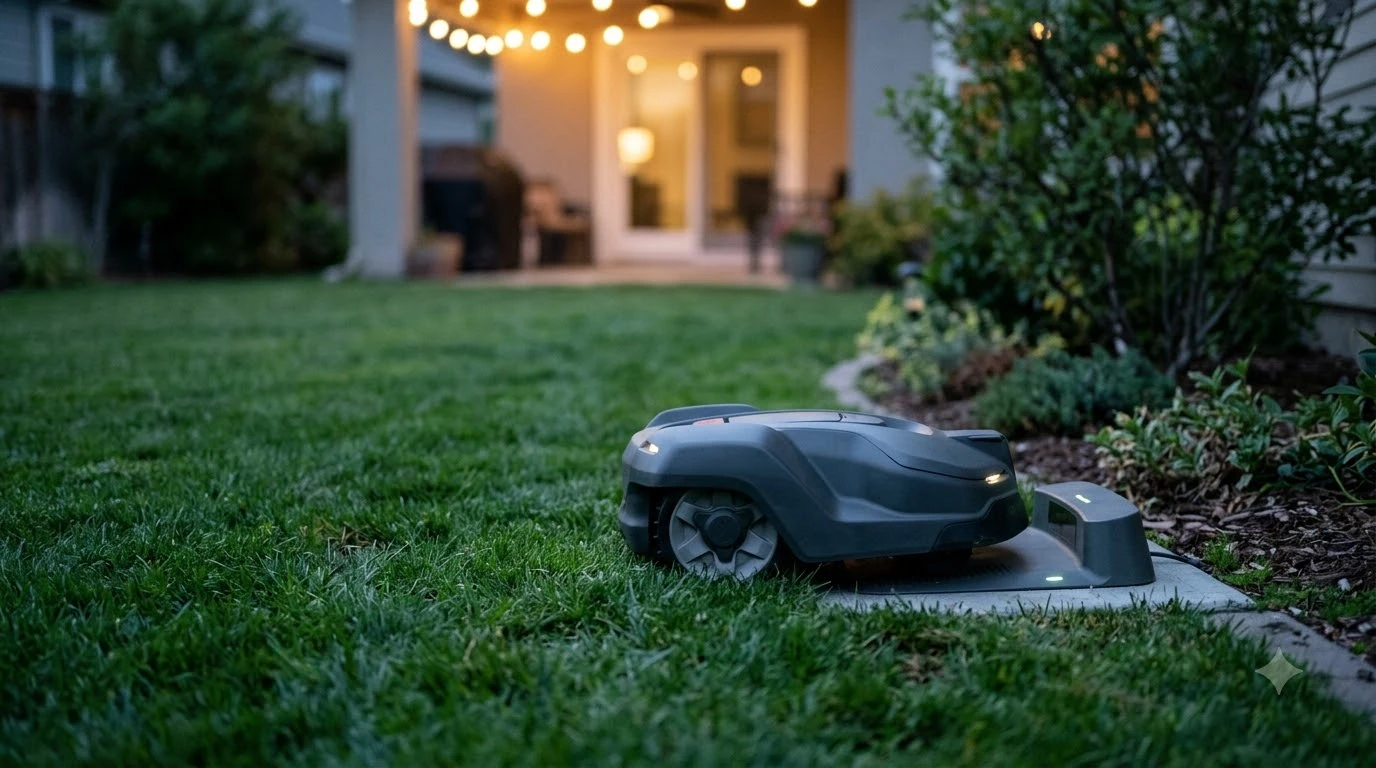

Mammotion Yuka accessories worth buying are mostly the wear parts and charging gear that keep a YUKA mowing, not optional extras. Mammotion lists cutting discs, charging stations and batteries by model, so the exact YUKA version you own decides which part fits. As of November 2026, the official US accessory list is the place to confirm current stock.
The short answer
- Cutting discs and blades: the accessory you will replace most. Mammotion’s support article says every 3 months or after 150 hours of use.
- Charging station: buy the station listed for your exact model. A 16.4 ft extension cable is listed separately.
- Replacement batteries: listed for several mini models. Charge to at least 80% before long-term storage.
- Front wheel, RTK wall mount and 4G module: situational. Buy one only when it solves a problem you actually have.
- Garage mini and cleaning stand: check YUKA compatibility first, because the page we read did not confirm it.
Cutting discs and blades: the part you replace most
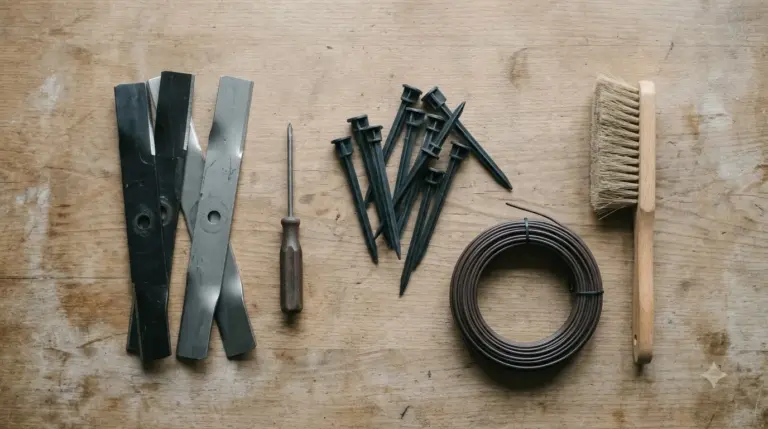
Blades are the accessory you will reorder most often. Mammotion’s maintenance article for cutting blades calls them wear parts and says that replacement should happen every 3 months or after 150 hours of use, or sooner when cutting quality drops. The same article notes that cutting thicker grass may call for more frequent changes. For the swap itself, see how to change Mammotion YUKA blades.
| Item | What Mammotion’s pages say |
|---|---|
| Replacement interval | Every 3 months or after 150 hours of use |
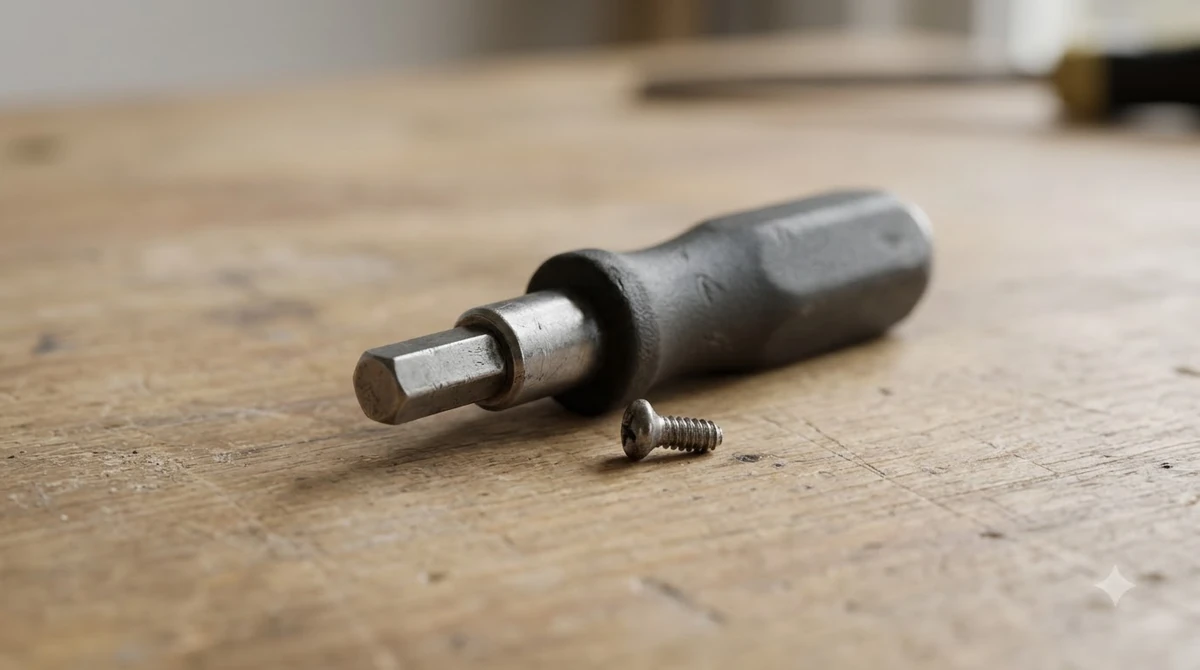
| Screws | Replace all blades and screws at the same time. Do not reuse old screws, which the article says may cause serious injury. |
| Gloves | Wear protective gloves when inspecting, cleaning or replacing the cutting blade |
| Power | Turn the robot off before replacing blades |
| Tools | Use the included Phillips screwdriver. Do not use an electric screwdriver on the cutting disc. |
Mammotion’s blade-change article says old screws are single-use, so the new screws in the blade kit should be used every time. That article names LUBA 3 AWD, LUBA 2 AWD X, YUKA and YUKA mini among the models it covers. Another brand’s support center suggests replacing blades every 2 months, so intervals vary by manufacturer. Our reading is that a YUKA owner should follow Mammotion’s own figure first.
Charging station and extension cable
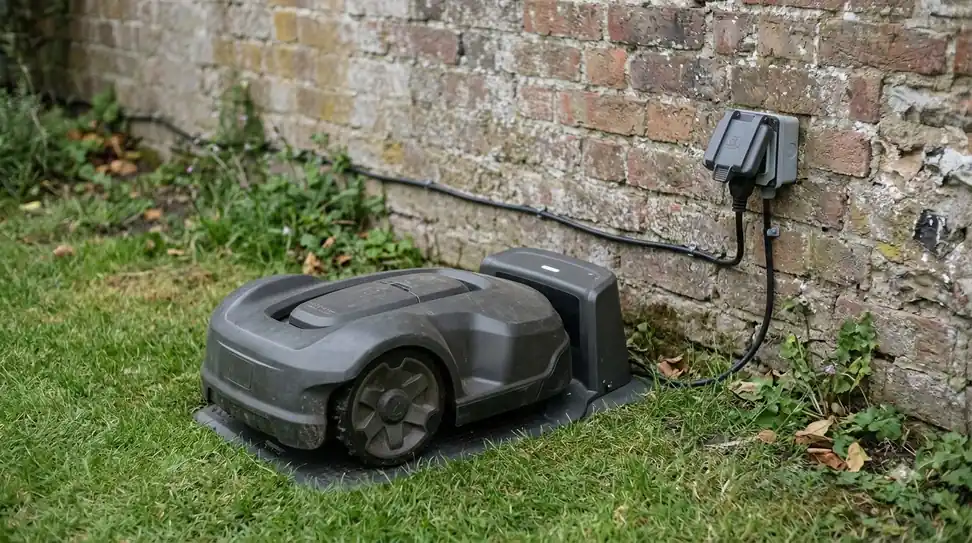
Charging stations, one of the Mammotion Yuka accessories worth buying, are listed by model, not as one universal part. The official US list shows a charging station for the YUKA 2025 and a separate one for the YUKA mini 2 and YUKA mini, along with a 16.4 ft charging station extension cable that the listing matches to those models.
- Match the model first. Check the exact station name against your mower before ordering.
- Measure the run. Our reading is that the extension cable only matters if the planned station spot is too far from a power point. Measure before buying.
- Plan the placement. A general rule from Robomow, not Mammotion, is about 3 m of open space in front of the station so the robot can approach from all sides. Use it as a starting point and check your model’s manual. If the spot is far from power, read about an outdoor extension cable for a robot mower charging station.
Batteries and winter storage
Among the Mammotion Yuka accessories worth buying, replacement batteries are listed for several mini models: the YUKA mini 500 and 600, the YUKA mini 2 1000H and YUKA mini 700, and the YUKA mini 800 with the LUBA mini AWD 1500. A replacement is worth considering when the current battery no longer runs the mowing sessions you need, which is our reading rather than a Mammotion figure. Our Mammotion YUKA replacement battery guide goes deeper on that part.
- Before long-term storage: charge the battery to at least 80% state of charge.
- While idle: recharge to 80% or higher at intervals that do not exceed 90 days.
- Winter: Mammotion’s YUKA mini maintenance page says to keep the robot charged to at least 80% during winter storage.
- Lifespan: one editorial source puts lithium-ion battery life at 2 to 5 years. Treat that as a general range, not a Mammotion figure.
Winter preparation is where Mammotion’s guidance is most specific. The YUKA winter article says to charge the battery completely before powering off, and that a full charge helps maintain battery health during storage. Its YUKA mini article gives 80% as the target, so the two pages differ slightly and the safer habit is to store the battery at or above 80%. Both articles say to store the mower and charging station in a dry indoor space. The YUKA article calls indoor storage critical once outdoor temperatures drop below -20 °C, and the YUKA mini article suggests a climate-controlled garage, a shed that stays above freezing, or a dry utility room.
Before storage, the cleaning steps in the YUKA mini article call for powering the mower off, disabling scheduled tasks in the app, and drying every part completely, including the wheels, charging contacts and cutting disc. Both articles warn against high-pressure water, which can push water into seals or electronics. The YUKA article says anti-corrosion lubricant belongs only on the charging contacts and connectors, and not on other metal parts.
Wheels, RTK wall mount and 4G module
A front wheel, an RTK wall mount kit and a 4G module are each listed for specific YUKA lines, so each one among the Mammotion Yuka accessories worth buying earns its place only when it fixes a specific problem in your yard or setup.
- Front wheels: listed separately for the YUKA and for the YUKA mini 2 and YUKA mini. Stock changes, and the YUKA front wheel showed as out of stock on the list we read.
- RTK wall mount kit: listed for the LUBA 3, LUBA 2 and the YUKA series. It is relevant only if you plan to mount the RTK base on a wall.
- 4G module: listed for the YUKA mini 2 and YUKA mini. It is a connectivity add-on, so skip it unless you plan to use that feature.
Wet grass and cleaning
Mammotion advises against mowing in heavy rain or when grass is excessively wet, because wet grass sticks to the blades and the underside of the robot. Its blade maintenance article also says to keep the hub motor shaft clean and dry, especially during long-term storage, and it lists the motor’s expected lifespan as 1500 hours of operation.
The cleaning guidance on the support site says to make sure the robot is completely powered off before any cleaning work. When turning it upside down, handle it carefully to avoid damaging the vision module.
Mammotion Yuka accessories worth buying: what to skip or check first
The official list includes a Garage mini and a Mower Cleaning Stand, but YUKA compatibility for both was not confirmed on the page we read, so check the model fit before buying (our best garage for Mammotion YUKA page covers the garage question). A sweeper kit was also not on the official accessory list we read, so this article does not treat one as a YUKA accessory.
- Use the official list as the starting point for any Mammotion YUKA accessories worth buying, and match the exact model name shown there.
- Verify fit for the garage and stand before spending on either one. For other brands, see robot mower accessories worth buying.
- Skip the 4G module and RTK mount unless the feature or the mounting spot is part of your plan.
Frequently asked questions
How often should I replace Mammotion YUKA blades?
Mammotion’s support article recommends replacing cutting blades every 3 months or after 150 hours of use. It also says to replace them sooner when cutting quality drops, and more often when cutting thicker grass.
Can I reuse the screws when I change the blades?
No. Mammotion’s blade-change article says the old screws are single-use and should be replaced with the new screws from the blade kit. The support article warns that reusing screws may cause serious injury.
How should I store my YUKA mower for winter?
Keep the battery charged to at least 80% during storage. Mammotion’s battery guidance also says to recharge to 80% or higher at intervals that do not exceed 90 days while the mower is idle.
Do all YUKA models use the same accessories?
No. The Mammotion Yuka accessories worth buying differ by model, because Mammotion lists cutting discs, charging stations and batteries by model, and some items are listed for only one line. Check your exact model name against the official list before buying.
Sources
- Maintenance for Cutting Blades and Motor (Mammotion support): blade interval, screws, gloves, power off, motor shaft and wet grass.
- Mammotion blog on robot lawn mower blade changes (Mammotion): single-use screws and the models named.
- Mammotion US accessory list (Mammotion): accessories listed by YUKA and LUBA model.
- YUKA mini maintenance (Mammotion support): battery storage at 80%, 90-day recharge rule, winter storage.
- YUKA robot mower winter maintenance (Mammotion): full charge before storage, indoor storage below -20 °C, cleaning and lubricant limits.
- YUKA mini robotic mower winter maintenance (Mammotion): 80% charge before winter storage, storage locations, cleaning steps.
- Automower support center (Husqvarna): a comparison point for blade replacement timing from another brand.
 Up next7 min readGearMammotion Yuka Spare Parts: What Wears Out and What Is CoveredUpdated Nov 20, 2026
 9 min readGearMammotion Luba Accessories Worth Buying: What to Get and What to CheckUpdated Nov 19, 2026
 7 min readGearMammotion Luba Spare Parts: Which Ones Wear Out and What Is CoveredUpdated Nov 19, 2026
 6 min readGearMammotion YUKA Charging Station Cover: What to Check FirstUpdated Nov 20, 2026
 8 min readGearEufy E15 Accessories Worth BuyingUpdated Nov 20, 2026
 8 min readGearSegway Navimow Accessories Worth BuyingUpdated Nov 20, 2026