


Use a robot mower charging station extension cable outdoor only if your manual allows it. Many makers keep the charger cable short on purpose, and moving the station closer to a weatherproof outlet is usually the safer fix.
The short answer
- Check the manual first. Makers set different limits on cable length and extension cords.
- Some brands forbid it. Toro’s commercial charging station manual says not to plug it into a power strip or an extension cord.
- Keep the outlet close. Worx says to place the station within 10 m of an AC outlet because its cable is 10 m long.
- Protect the circuit. Use an outdoor-rated socket and GFCI protection, and keep the power supply out of rain and sun.
Is a robot mower charging station extension cable outdoor allowed?
Manufacturers do not agree on the exact limit, but the sources we read do not treat a long extension as a normal setup. Robomow’s installation guidance says “It is recommended that the cable be not too long or extended.” The same page stresses a nearby power outlet, so the low-voltage cable can run without stretching.
Worx gives a number to measure against. Its Landroid Vision guide says the station “should be within 10 m of an AC mains power outlet, due to the maximum cable length of 10 m.” Measure your real route before you buy any extension.
| Brand | What the source says | What it means for you |
|---|---|---|
| Worx Landroid Vision | Station within 10 m of an AC outlet, because the cable is 10 m long | 10 m is the stated limit for the whole run |
| Robomow | Cable should not be too long or extended | Avoid lengthening the cable |
| Toro Turf Pro (commercial) | No power strip or extension cord | Plan for a direct outlet connection |
| Husqvarna Automower | Place the station near a power outlet | Move the station before adding cable |
Our reading: where a source gives a number, use that number. Where a source gives no rule, ask the maker’s support team before you add any cable.
Move the station before you extend anything
The simplest fix for a long run is moving the charging station closer to the outlet. Husqvarna’s placement guide says to place the charging station near a power outlet, and it also warns against enclosing the power supply.
A shorter run also means less cable exposed to mowing, weather and foot traffic. Our reading is that moving the station is usually cheaper and safer than managing a long extension for years.
If no outlet is close, check whether an electrician can add one. Toro’s commercial installation manual says installation is “required to be performed by a qualified professional” and must follow national and regional codes. This applies to that commercial model, so check your own manual.
- Measure the actual route, including bends and fence crossings.
- Compare that length with the maximum your maker lists.
- If the route is longer than the limit, move the station or ask an electrician about a new outlet.
Outdoor sockets and weather protection
Any outlet that feeds the charger must be rated for outdoor use and kept out of direct sun and splashing water. Robomow says “An outdoor socket should of course be suitable and weather proof for optimal operation.” It applies the same protection to the transformer, the power supply block, saying it “should also be protected against splashing water” in addition to full sunlight.
Ventilation matters as much as weather. Husqvarna says not to put the power supply in an enclosed box and to keep open sides and good airflow to avoid heat build-up. Our reading is that a sealed plastic tote or a closed cabinet is the wrong place for it.
Worx recommends a shaded spot to protect the battery and charger from overheating. Toro lists an operating range of 0 to 50 C (32 to 122 F) for its commercial station, so check that range against your local summer temperatures, especially on a sunny wall.
Add GFCI protection on the outdoor circuit
A GFCI outlet cuts power when it senses a small current leak, which is the main protection you want outdoors. The CPSC’s GFCI fact sheet says a GFCI can detect a current difference as small as 0.006 A, and that the National Electrical Code has required GFCI protection on outdoor receptacles since 1973.
Older outlets may lack this protection. University of Illinois Extension advises using portable GFCIs for outdoor outlets that don’t have them, and CPSC recommends portable GFCIs for garden equipment such as mowers. Our reading is that a portable GFCI at the outlet end is an easy add-on, but confirm the mower’s manual does not rule out adapters.
Heads up
A GFCI helps protect people from electric shock. It does not make an unrated extension cord or a damaged charger cable safe.
Signs that the cable or power supply is the problem
A dead charging station often points to the power supply rather than the mower battery. Husqvarna’s charging station guide says a solid red light means a circuit board or power supply issue, while an off light points to a power supply problem.
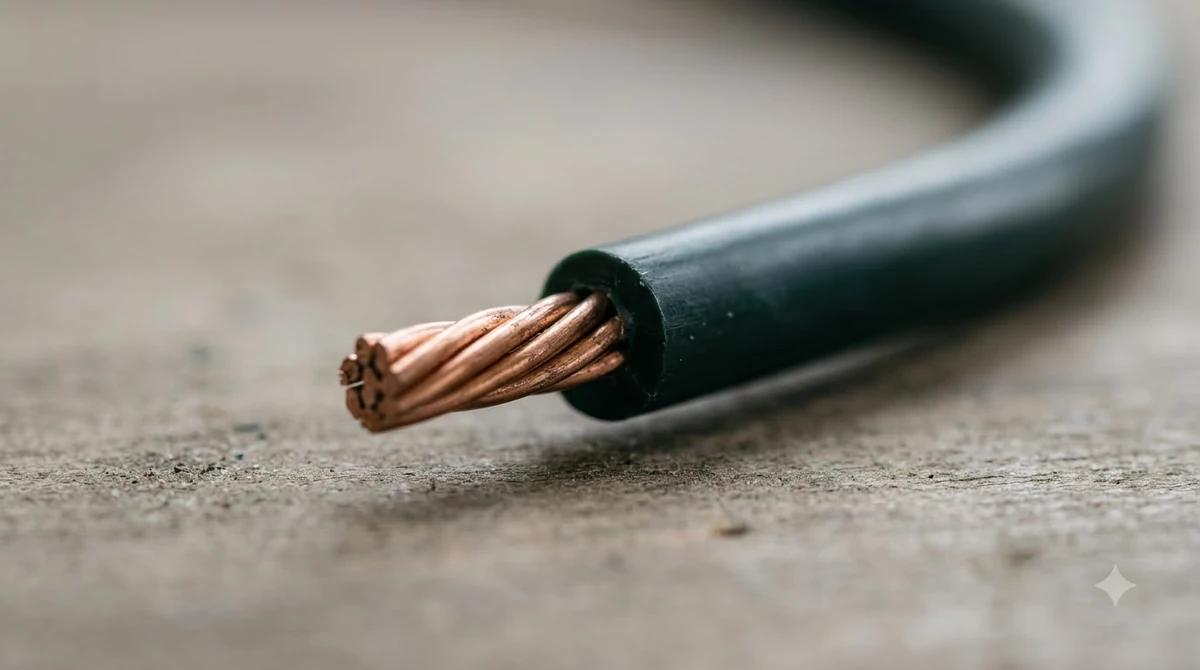
Before you suspect the mower, check the charger cable for cuts, a crushed jacket and loose plugs at both ends. Our reading is that a damaged cable is a reason to stop using that setup, not to tape it up and keep running it.

Route the cable and check before you buy
Route the cable where people, mowers and weather will not damage it. Map the route on paper first, then decide whether the station or the outlet should move. That plan shows whether you really need an extension at all.
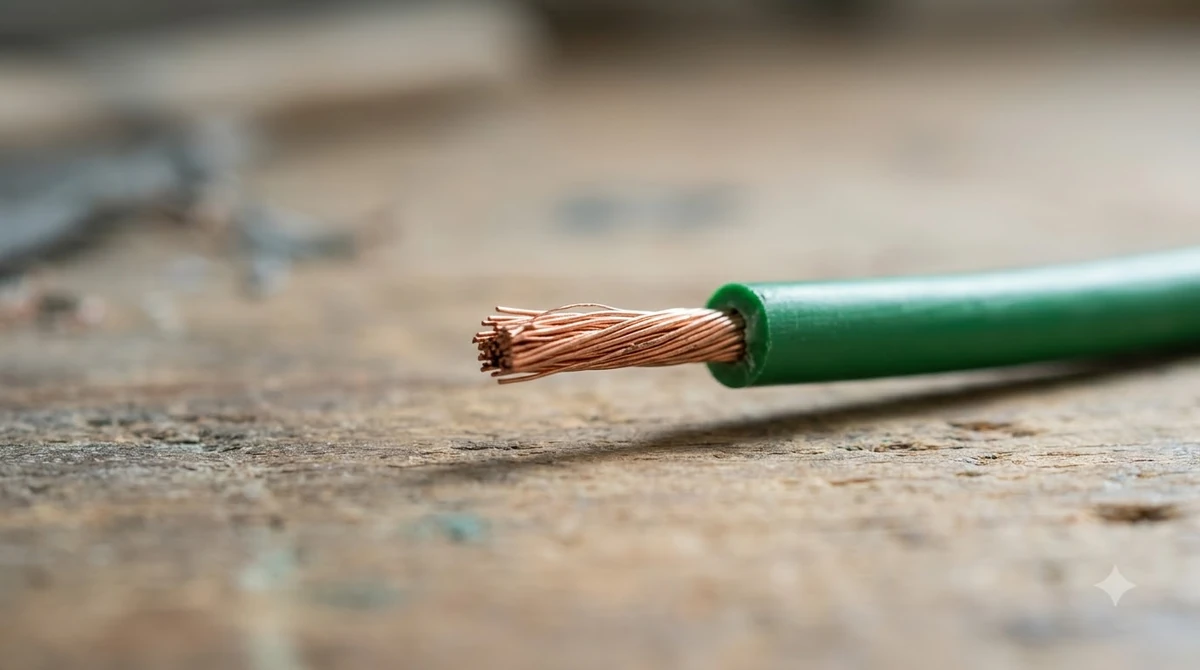
Before you buy any extension, check these four points:
- The maximum cable length your maker lists, and whether extensions are allowed.
- An outdoor-rated plug and socket for every connection.
- GFCI protection on the circuit that feeds the power supply.
- A route that stays off the lawn edge and out of the mowing path.
Frequently asked questions
Can I use an extension cord with my robot mower charger?
Only if your manual allows it. Toro’s commercial station manual says not to plug the charging station into a power strip or an extension cord, and Robomow advises against an extended cable. Check your own model’s rules before you change anything.
How far can a charging station be from the outlet?
For the Worx Landroid Vision, the station should be within 10 m, about 33 feet, of an AC outlet because the cable is 10 m long. Other makers do not always give a number, so use your own manual as the limit.
Do I need a GFCI for an outdoor robot mower outlet?
The CPSC says the National Electrical Code has required GFCI protection on outdoor receptacles since 1973. If an older outlet lacks one, a portable GFCI can add protection for garden equipment such as mowers.
What does a red light on a charging station mean?
On Husqvarna Automower charging stations, a solid red light points to a circuit board or power supply issue. An off light points to a power supply problem. Check the power supply and cable before you assume the mower battery has failed.
Sources
- Installation Charging Base (Worx wiki): 10 m cable limit and shade advice.
- Automower charging station: optimal placement and mower house guide (Husqvarna): outlet placement, enclosed power supply, and sun protection.
- How to install the charging station of the robotic lawnmower (Robomow): cable length and outdoor socket advice.
- Charging station installation manual (Toro): no extension cord, installer requirement, and operating temperature.
- GFCI fact sheet (CPSC): detection level, outdoor receptacle rule, and portable GFCIs.
- Safety talks for children (University of Illinois Extension): portable GFCIs for outdoor outlets.
 Up next10 min readGearRTK Base Station Power Cable Outdoor: What to Check FirstUpdated Nov 19, 2026
 10 min readGearRTK Antenna Extension Cable for Robot Mower: 6 ChecksUpdated Nov 19, 2026
 7 min readGearRobot Mower Low Voltage Extension Cable: What to CheckUpdated Nov 14, 2026
 7 min readGearBest Outdoor Cable Protector for Robot Mower: 5 Key ChecksUpdated Nov 11, 2026
 7 min readGearMammotion Extension Cable: Length, Safety and SetupUpdated Nov 13, 2026
 7 min readGearNavimow Extension Cable: Antenna Limits and SetupUpdated Nov 13, 2026