
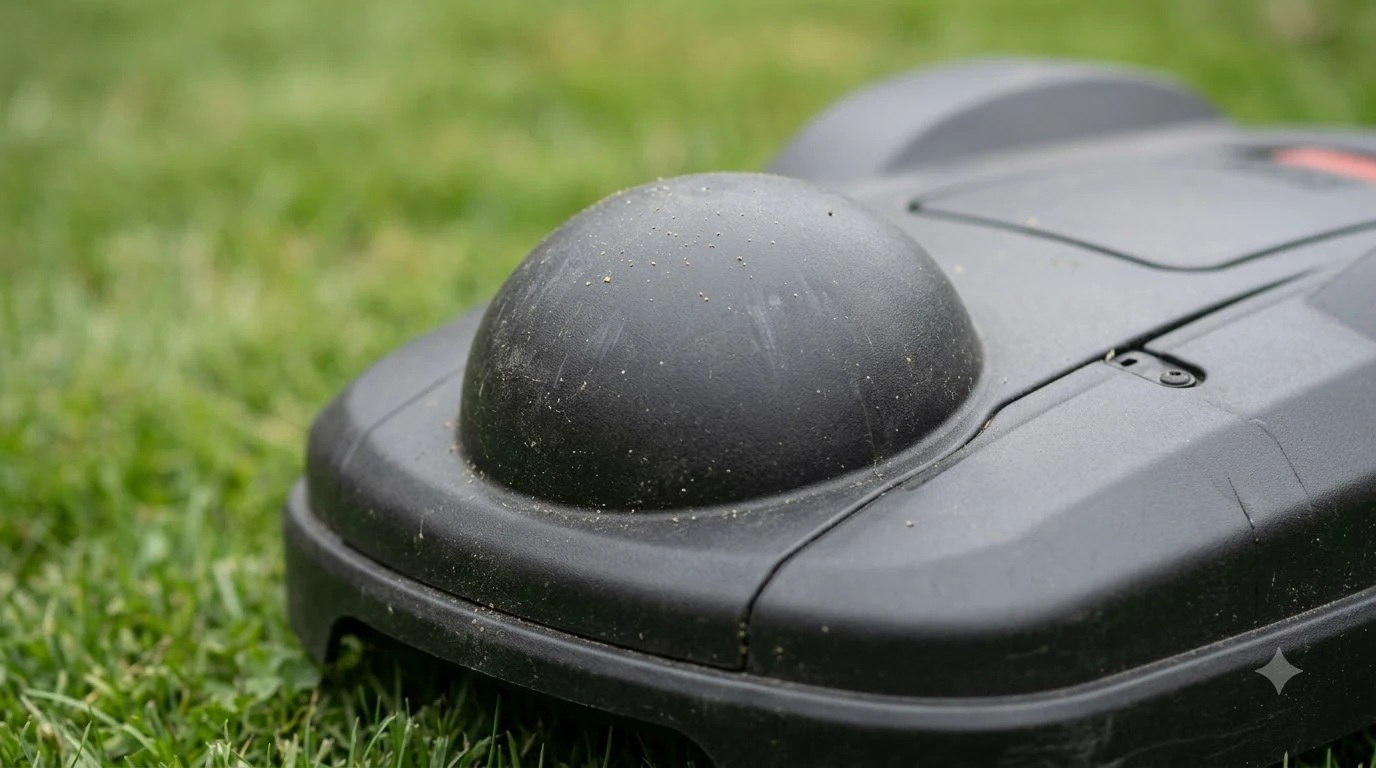

An rtk antenna extension cable for robot mower works only if the extra cable does not cost more signal than the receiver can spare. Every extra meter and every connector adds loss, so the goal is the shortest run with low-loss cable and a gain margin you can confirm. This guide explains what to check before you lengthen an RTK antenna cable.
The short answer
- Loss: for any rtk antenna extension cable for robot mower, the IGS CORS guidelines recommend low-loss cable with a loss below 0.2 dB per meter at the L1 frequency, and they advise keeping total cable length and connector count to a minimum.
- Budget: NovAtel says the cable’s maximum loss should still leave at least +15 dB of gain at the receiver, or +20 dB if HDR mode is on, and preferably +25 dB.
- Connectors: match the connector type on both ends and keep joints sealed. Every adapter is one more point of loss and one more place for water to enter.
- Alternative: an in-line low-noise amplifier close to the antenna lets you use a thinner, more flexible cable over a longer run.
- Check: after you extend, confirm the satellite count and signal strength in the app, and check the manufacturer’s manual for any stated limit.
Why an extension changes the signal
A base station or a robot mower’s GNSS antenna receives weak satellite signals and sends them down a coaxial cable to a receiver. Coax does not carry the signal for free. Each meter of cable absorbs part of the power, and each connector absorbs a little more. An extension adds both, so it reduces the signal that reaches the receiver before any other factor matters.
The effect is easiest to see in the placement rules the vendors give. Mammotion’s support article says to keep the RTK station at least 3 m (10 ft) from any wall or tree and to avoid spots under trees and narrow passages between buildings. A station that sits in a good spot far from the charger may need a longer cable, and that is where extension decisions start. The guide on where to mount an RTK base station covers the site choice first.
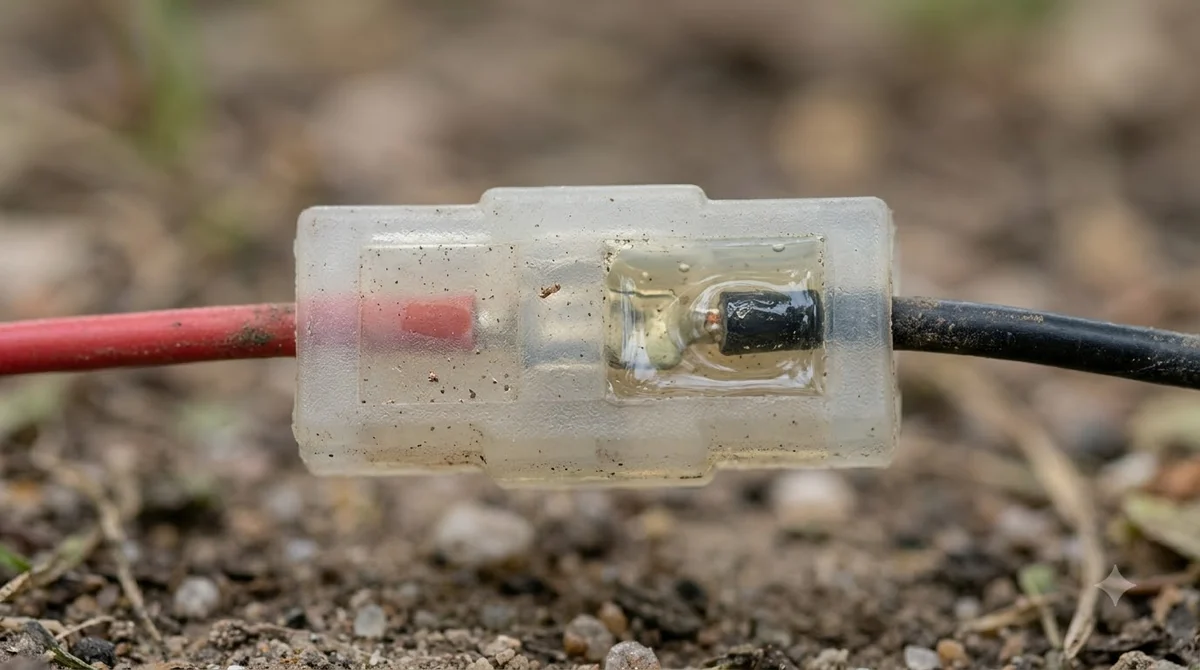
How much loss a longer rtk antenna extension cable for robot mower adds
The IGS CORS guidelines, written for permanent GNSS reference stations, give a clear target for the cable itself. They recommend low-loss cable with a loss of less than 0.2 dB per meter at L1, and they say to minimize both the number of connectors and the total cable length. These are the two levers you control in a yard. Cable type sets the loss per meter, and the run length and joint count multiply it.
Because loss is set by the cable’s dB-per-meter figure, two extensions of the same length can differ a lot. A thin cable of the same length can lose far more signal than a thicker low-loss cable. The IGS guidance does not give a loss figure for connectors, so we do not put a number on them here. Read the cable’s datasheet for its dB per meter at GNSS frequencies, and add up the length and joints.
| Lever | What the source says | What it means for an extension |
|---|---|---|
| Cable loss per meter | Below 0.2 dB/m at L1 (IGS) | Check the datasheet; the total is loss per meter times length. |
| Total length | Keep to a minimum (IGS) | Each added meter is loss you cannot get back. |
| Connector count | Minimize connectors (IGS) | Use one extension joint if you can, not a chain of adapters. |
| Cable diameter | Larger diameter usually needed to reduce loss (NovAtel) | A thin extension cable is the usual reason a long run underperforms. |
Budget the gain before you extend
NovAtel, a GNSS receiver maker, publishes an application note on cable runs that gives the most specific budget we found. Its guidance is that the cable’s maximum loss should still leave the receiver with at least +15 dB of gain margin, or +20 dB when HDR mode is enabled. It adds that +25 dB at the receiver’s RF input is preferable. The note is written for NovAtel’s own receivers, so treat the margins as a benchmark for how much headroom a good installation keeps, not as a rule for your robot mower’s station.
NovAtel describes two ways to make a long run work. The passive method uses a high-quality coaxial cable with low loss over the required length. The active method puts a low-noise amplifier in line between the antenna, the cable, and the receiver, which the note says allows a smaller, less expensive, and more flexible cable. Our reading is that a short extension of good cable is simpler, and an amplifier makes sense only when the run is long enough that a low-loss passive cable would be bulky to route. The IGS guidelines go further and say in-line amplifiers should be avoided where possible.
Match the connector and bend radius
Connectors and bends are where many extension runs fail in practice. The Safran Navigation and Timing note on outdoor GNSS antennas says the cable’s bend radius limit ranges from as little as 25 mm (1 in) to 100 mm (4 in), depending on cable type. A tight bend at a joint can damage the cable, so check the spec before you route the extension around a corner. The same note gives about 20 mm (0.8 in) as the size of N-type connectors and says a conduit that is too small makes installation difficult.
Connector type is the other check. An extension must mate with the antenna’s connector on one side and the station’s connector on the other. If the two ends are different types, an adapter is needed, and each adapter adds a joint. If you are still choosing the antenna, see the guide to an RTK antenna for a robot mower. Our reading is that the best extension is a single cable with the correct connectors on both ends, bought for the length you need rather than a stack of short pieces.
Keep the run short and leave slack
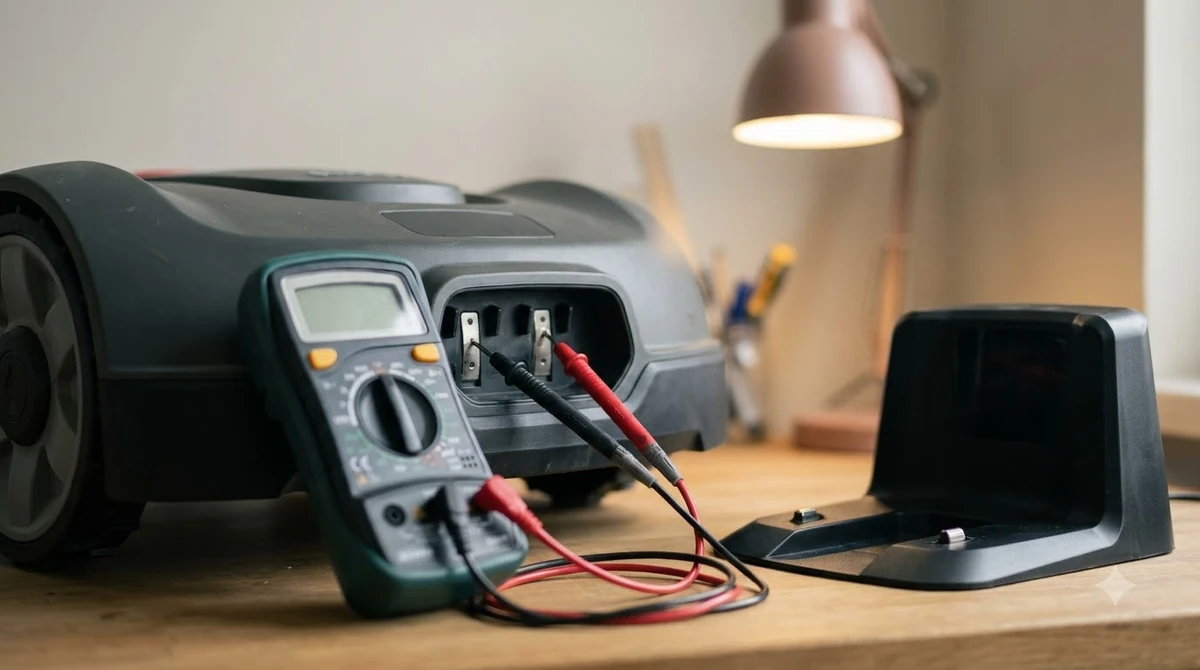
Routing matters as much as the cable. The IGS guidelines recommend a short loop of excess cable at the antenna and at the receiver connection, which relieves tension on the joints. They also say that in lightning-prone areas the horizontal run should be as short as practical. Safran’s note strongly recommends a surge suppressor where the antenna cable enters a building, connected to earth.
In a yard this means the extension should follow the shortest sensible path from the antenna to the station, not wander around flower beds or the whole lawn. Seal each outdoor joint with self-amalgamating UV-stable tape, as the IGS guidelines advise, so water does not reach the connection. The cable cover for RTK antenna wire guide covers protecting the run itself.
Heads up
An extension cannot fix a signal that is weak because of the site. The Mammotion support article says the station needs an open area with a clear view of the sky. If the station is under a tree or beside a wall, a longer cable will not restore the view.

Confirm the signal after you extend
Do not assume the extension works because it connects. Mammotion’s installation article says that after the station is powered on and added in the app, the status page shows the number of satellites received and the signal strength. Check those numbers before and after the extension is fitted, at the same station position, and compare them.
Our reading is that a multimeter can catch a broken conductor or a poor joint in the cable path, but it does not measure RF loss. A continuity check finds an open circuit, not a signal budget problem. For the signal itself, use the app’s satellite and strength readings as the test. If the readings drop after the change, why a robot mower keeps losing RTK signal lists the usual causes.
Do not confuse it with a power extension cord
The RTK antenna cable is not the same as a power cord. Toro’s manual for its robot mower charging station says not to plug the charging station into a power strip or an extension cord. The Consumer Product Safety Commission’s extension cord guidance says to use outdoor-rated cords, and only on a temporary basis. A power extension can overheat or short, and a signal extension can add loss, so the two should be handled separately. For the mains side, see the guide to an outdoor extension cable for a charging station.
What to check before you buy an rtk antenna extension cable for robot mower
Choose the rtk antenna extension cable for robot mower from the cable’s datasheet and the route, not from the length alone. Use this order.
- Find the connector types. Read both ends of the antenna cable and the station input, and buy an extension with matching connectors.
- Read the loss per meter. Look for the datasheet figure at GNSS frequencies, and compare it against the IGS target of below 0.2 dB/m.
- Add up the run. Total the meters and joints. Fewer is better, and a single joint beats a chain.
- Check the gain margin. If the run is long, confirm the remaining margin against the receiver’s specification, and consider an in-line amplifier only if the manufacturer supports it.
- Check the manual. Look for any stated maximum cable length or extension rule for your model. We did not find a published maximum for robot mower base stations in the pages we read, so the manual is the authority.
- Test in the app. Compare satellite count and signal strength before and after the extension.
Our reading is that a short, single-piece extension of a low-loss cable, with sealed joints and a slack loop, is the simplest setup that follows the cited guidance.
Frequently asked questions
Can I use an rtk antenna extension cable for robot mower?
Often, but each meter and connector adds signal loss. The IGS guidelines advise minimizing total cable length and connector count, and the manufacturer’s manual should state any limit for your model.
How much loss is acceptable in an extension?
NovAtel recommends that the cable’s maximum loss still leave at least +15 dB of gain margin, or +20 dB with HDR mode, and preferably +25 dB. Use the receiver’s specification to confirm the figure for your product.
Is an in-line amplifier better than a longer passive cable?
Not always. NovAtel says an in-line low-noise amplifier allows a smaller and more flexible cable on a long run. A short extension of good low-loss cable is simpler; the IGS guidelines say to avoid in-line amplifiers where possible.
How do I know the extension is working?
Mammotion’s app shows the number of satellites received and the signal strength once the station is added. Compare those readings before and after the extension, at the same station position.
Sources
- IGS CORS Guidelines: equipment and cable (International GNSS Service): cable loss below 0.2 dB/m at L1, minimizing connectors and length, cable loops, lightning routing, and sealing with UV-stable tape.
- NovAtel application note APN077: Insufficient cable length (NovAtel): gain margin of +15 dB (+20 dB with HDR), preferred +25 dB, passive and in-line amplifier approaches.
- Outdoor GNSS Antenna Installation Considerations (Safran Navigation and Timing): connector size, bend radius, standing water, and surge protection.
- How to install the RTK reference station (Mammotion support): 3 m clearance, station cable connection, and the app’s satellite and signal status.
- Toro Turf Pro robot mower charging station manual (Toro): no power strip or extension cord for the charging station.
 Up next8 min readGearCable Cover for RTK Antenna Wire: 5 Checks Before You BuyUpdated Nov 19, 2026
 7 min readGearNavimow Extension Cable: Antenna Limits and SetupUpdated Nov 13, 2026
 7 min readGearRobot Mower Charging Station Extension Cable Outdoor: What to CheckUpdated Nov 19, 2026
 7 min readGearRobot Mower Low Voltage Extension Cable: What to CheckUpdated Nov 14, 2026
 8 min readGearBest Weatherproof Enclosure for RTK Base Station: 6 Checks Before You BuyUpdated Nov 13, 2026
 9 min readGearBest Roof Mount for RTK Antenna: What to Check Before You BuyUpdated Nov 14, 2026