
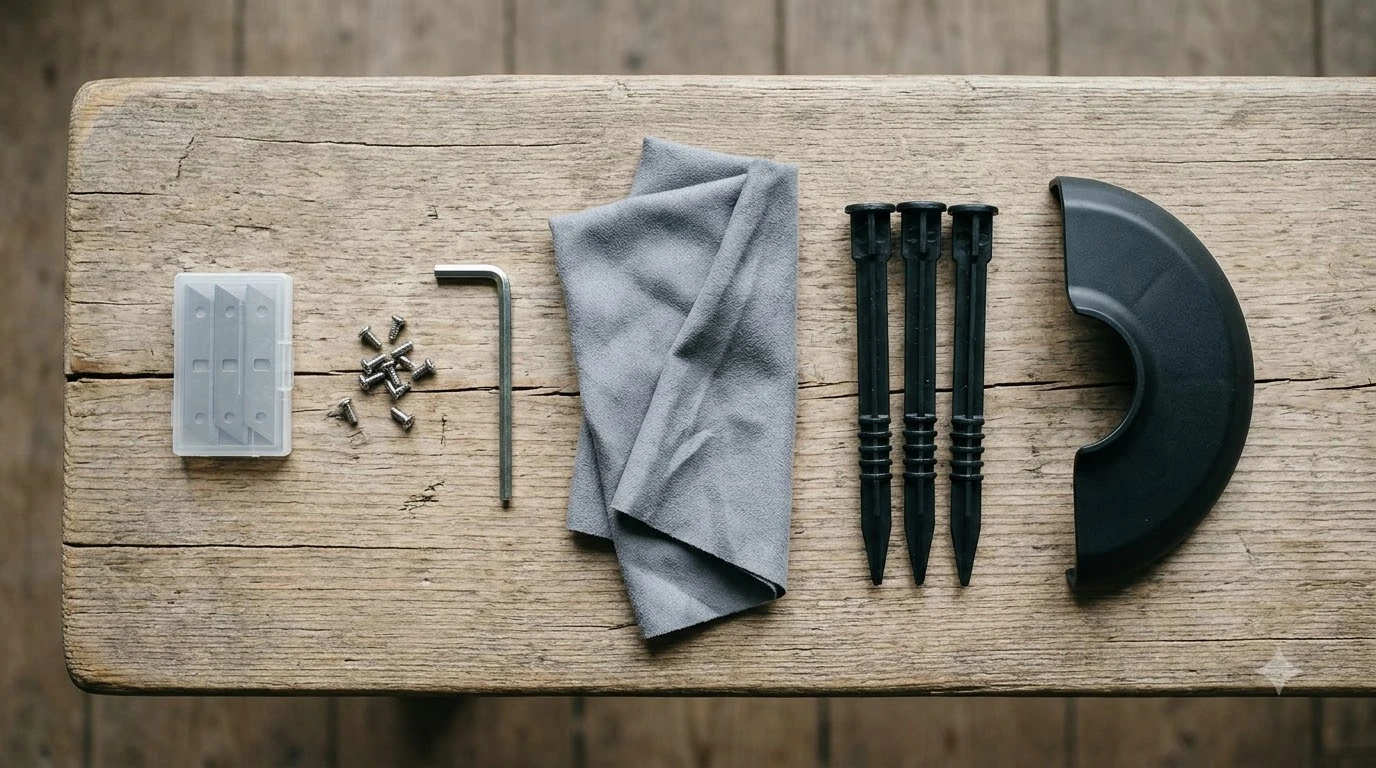

How to change Mammotion YUKA blades: switch the mower off, turn it upside down on a soft mat, unscrew each old blade with the included Phillips screwdriver, fit each new blade with a new screw, and check that every blade turns freely. Mammotion’s support says to replace all blades and screws at the same time and never reuse the old screws, because a reused screw can cause serious injury.
The short answer
- Power off first. Turn the mower off, remove the safety key if your model has one, and wear protective gloves.
- Replace the whole set. Change all blades and their screws together, not one blade at a time.
- Use new screws only. Mammotion says the screws are single-use and must not be reused.
- Check the spin. Every blade should pivot and turn freely once it is fitted.
How often to replace Mammotion YUKA blades
Mammotion’s official support gives one fixed interval: every 3 months or after 150 hours of use, and sooner if the grass is thick. Its US maintenance blog gives a looser range of every 1 to 2 months during the mowing season, depending on lawn size, mowing frequency, grass type and whether the blades have hit stones, branches or other hard objects (see how long robot mower blades last for other brands). The two figures are not identical, so treat the official one as the baseline and the blog range as a guide to how hard your lawn is on the blades.
| Source | Stated interval | Condition attached |
|---|---|---|
| Mammotion support (cutting blades and motor) | Every 3 months or 150 hours | Thicker grass may need more frequent changes |
| Mammotion US maintenance blog | Every 1 to 2 months in the mowing season | Depends on lawn size, grass type and hard objects hit |
Our reading is that the calendar is only a starting point. The same Mammotion pages say a blade should be replaced when it is severely worn, so check the edges rather than waiting for a date. Neither page gives a separate hour count for YUKA blade flipping, and the retailer listings we saw give conflicting flip-and-replace figures, so we did not use them.
Before you start: tools and setup for changing blades
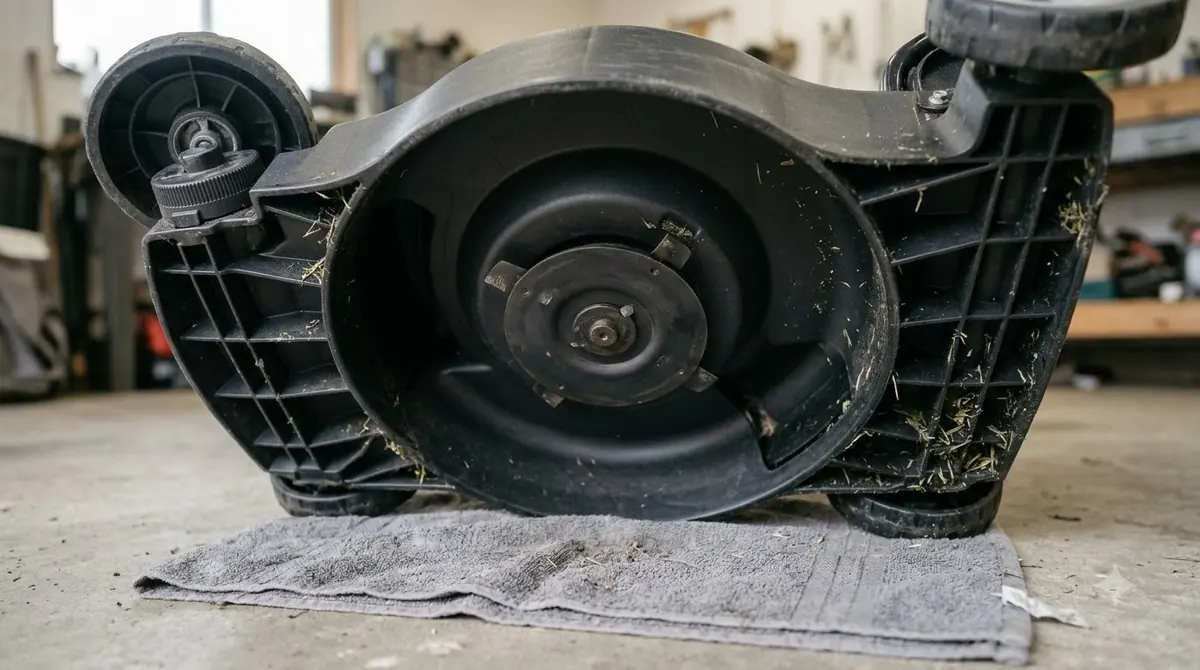
You need very little to learn how to change Mammotion YUKA blades. Mammotion’s support lists a screwdriver with a Phillips bit as the included tool for the cutting disc, and its UK blog calls for a manual screwdriver rather than a power tool. Gloves are required because even a worn blade is sharp, and cut-resistant gloves for changing blades are worth a look. Lay the mower on a soft mat or blanket so the top does not scratch and the sensors are not pressed.
How to change Mammotion YUKA blades step by step
The steps below follow Mammotion’s UK blade change guide, which names the YUKA and YUKA mini among the models it covers. Check your own manual for any model-specific difference.
- Switch the mower off. Press and hold the power button until it is fully off.
- Remove the safety key if your model has one, so the mower cannot start while you work on the disc.
- Turn the mower upside down onto a soft mat or blanket. Keep your hands clear of the vision module and bumper sensors.
- Put on work gloves.
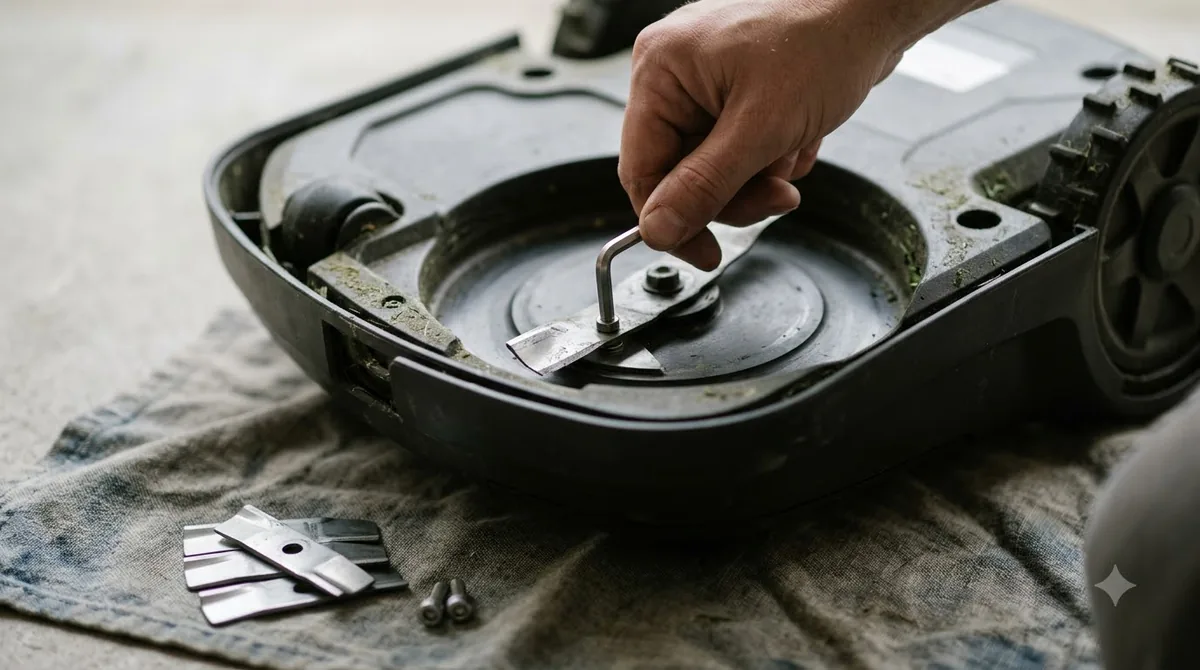
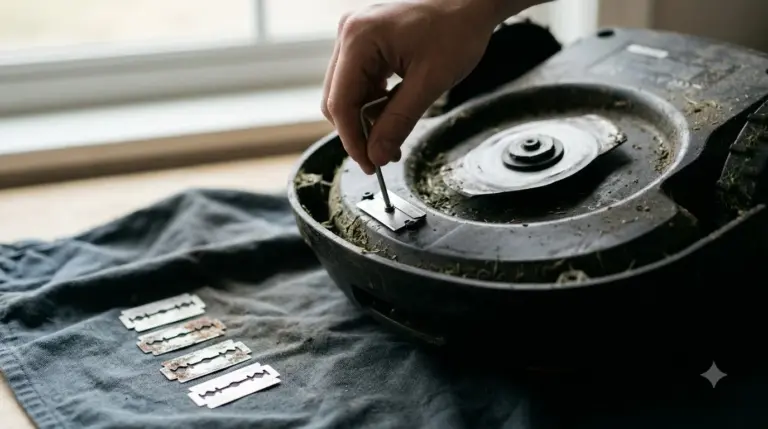
- Remove the old screws one by one with the manual screwdriver. Keep the old blades and screws away from the work area.
- Clean the cutting disc, especially around the screw holes, so the new blade can pivot freely.
- Check for old washers stuck to the disc and remove every one before fitting new blades.
- Fit each new blade with a new screw. The blade must pivot easily on its screw.
- Spin each blade by hand to confirm it moves freely, then turn the mower back over.

Why every screw must be new
Mammotion is clear that screws are single-use, so any method for how to change Mammotion YUKA blades ends with new screws. Its support page says not to reuse the screws, warning that a reused screw “may cause serious injury.” The UK blog repeats the same point and adds that an electric drill or driver should not be used, since it can strip the screw head or damage the cutting plate. Our guide to robot mower blade screw replacement explains the same rule more broadly. Changing only one blade and keeping the rest is also discouraged, because the whole set should be replaced at the same time to keep the cut balanced.
Cleaning the cutting disc
Before fitting new blades, inspect the disc for debris or damage. Mammotion’s US blog advises using a soft brush or a plastic scraper rather than metal tools to clear clippings from the blades and deck. Its support page adds that wet grass sticks to the blades and to the underside of the robot, so avoid mowing during heavy rain or when the grass is very wet. The blog also suggests cleaning the cutting deck every 1 to 2 weeks during the growing season.
Signs the blades are worn
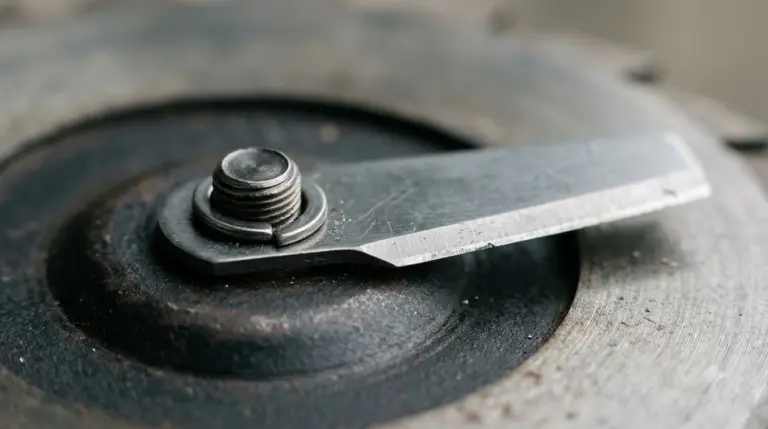
Once you know how to change Mammotion YUKA blades, the harder call is when. You do not need to wait for the calendar if the cut looks wrong. Mammotion’s US blog lists four signs that point to worn or dull blades, and our list of dull robot mower blade signs adds context.
- Grass tips look torn or uneven after mowing, instead of cleanly cut.
- The cut finish is inconsistent across the lawn.
- Blades are chipped, bent, or visibly worn.
- The mower is noticeably louder than usual while cutting.
Dull blades tear grass instead of cutting it. The blog notes that ragged grass tips can brown more easily, so a worn set is worth replacing even if the mower still runs.
Heads up
Mammotion’s support page and the UK guide both say to use only original blades approved by Mammotion. Its support also says the cutting disc should never be tightened or loosened with an electric screwdriver.
Safety, wet grass and warranty
Blades stay sharp even when they look worn, so keep gloves on for the whole job. Mammotion’s support page warns to turn the robot off before starting and to avoid pressing the vision module while it is upside down. The same page lists an expected motor lifespan of 1500 hours, which is useful context when you decide whether the blades or the motor need attention.
Warranty is another point to check first. Mammotion’s warranty terms for consumables, as we read them in an earlier check of its YUKA pages, list cutting disks and blades as not covered.
What to check before you buy replacement blades
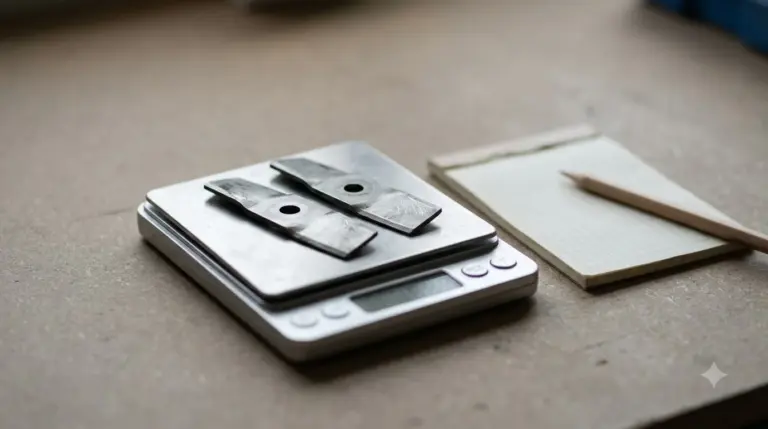
Knowing how to change Mammotion YUKA blades also means buying the right parts, so start with the model. Mammotion’s pages treat the YUKA and the YUKA mini as separate products, and one third-party cutting disc listing we saw says it is not compatible with YUKA 2025 models. Buy the blades and screws that match your exact model, and prefer the original blades Mammotion approves. The support pages we read do not give a blade count or a torque figure for YUKA, so check the manual that came with your mower before you order. Our guide to which replacement blades fit your model covers fit checks.
Frequently asked questions
How often should I change Mammotion YUKA blades?
Mammotion’s support page gives every 3 months or after 150 hours of use, with more frequent changes for thick grass. Its US blog says every 1 to 2 months in the mowing season. Check the edges as well, since the support page says to replace severely worn blades.
Can I reuse the old screws when I fit new blades?
No. Mammotion says the screws are single-use and warns that reusing them may cause serious injury. Fit a new screw for every new blade.
Do I need an electric screwdriver to change the blades?
No. Mammotion’s support says not to use an electric screwdriver on the cutting disc, and the included Phillips screwdriver is the tool it names. The UK guide also advises against an electric drill.
Should I replace one blade or the whole set?
Replace the whole set at the same time. Mammotion’s support page says to change all blades and their screws together, so the cut stays balanced.
Sources
- Maintenance for Cutting Blades and Motor (Mammotion support): replacement interval, single-use screws, Phillips screwdriver, safety steps.
- YUKA mini maintenance (Mammotion support, excerpt): original blades and no electric screwdriver on the cutting disc.
- Mammotion robot lawn mower blades change (Mammotion UK blog): step-by-step procedure, tools, washers, drill warning, models named.
- Robot lawn mower maintenance (Mammotion US blog): replacement range, worn-blade signs, deck cleaning schedule.
 Up next8 min readGearHow to Change Ecovacs GOAT Blades SafelyUpdated Nov 19, 2026
 8 min readGearMammotion YUKA Replacement Blades: What to Check Before You BuyUpdated Nov 20, 2026
 8 min readGearHow to Change Mammotion LUBA Blades in 8 StepsUpdated Nov 19, 2026
 8 min readGearMammotion YUKA Accessories Worth Buying: Wear Parts First, Extras SecondUpdated Nov 12, 2026
 7 min readGearMammotion Yuka Replacement Battery: What to Check Before You BuyUpdated Nov 11, 2026
 10 min readGearBest Garage for Mammotion YUKA: Fit, Roof and Drainage ChecksUpdated Nov 14, 2026