
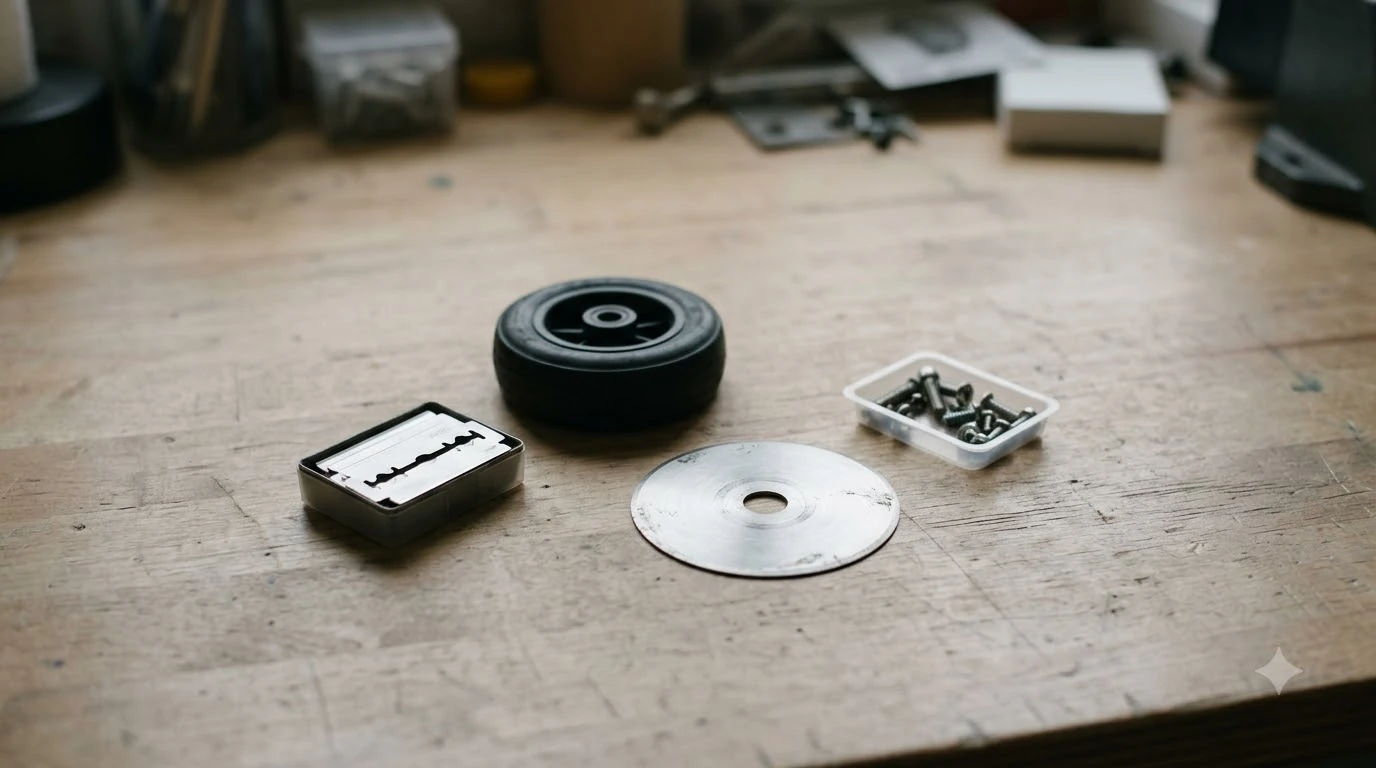

Robot mower blade screws replacement is part of every blade change, not an optional extra. Husqvarna’s support guide says to “replace screws each time you change blades,” and Mammotion calls them single-use. Use one new screw per blade, fit it with a manual screwdriver, and buy screws in the kit that matches your model rather than assuming a generic fastener will do.
The short answer
- Replace every screw when you change blades, one new screw per blade.
- Do not reuse old screws, because reused screws may let blades come loose during operation.
- Use a manual screwdriver, not an electric drill or driver.
- Torque: the sources we read give no robot-mower figure, so follow your model’s manual; the blade must still pivot or spin freely once fitted.
What the blade screw does
Each blade on a robot mower is fixed to the cutting disc by a single screw that passes through the blade. The blade has to stay free to move on that screw, which is why the fitting matters as much as the tightness. Mammotion’s guide says the blade “must be able to pivot” once it is fitted, and Husqvarna’s guide describes the setup as one blade per screw.
The screw is a small part, but it is the only thing holding a spinning blade to the disc. That is the reason manufacturers spell out replacement rules for it rather than leaving the choice to the owner.
Robot mower blade screws replacement schedule
Replace the screws with the blades, every time.
Husqvarna’s guide puts the blade interval at 3 to 6 weeks for main disc blades and 9 to 12 weeks for EdgeCut disc blades under normal conditions. Mammotion suggests changing blades about every 3 months or after 150 hours of use. Eufy’s support article for the E15, E18 and E15 Gen2 says to replace all three blades every 240 hours, and to replace the screws “at the same time.”
The Ecovacs GOAT O-series blade kit is listed at about 4 to 6 weeks. The intervals differ by brand, so the practical rule is to follow your own model’s schedule, and to plan robot mower blade screws replacement on every blade change regardless of which schedule you use. Our guide to changing Husqvarna Automower blades shows where the screws sit on one popular model.
Our reading is that the screws should follow the blade schedule rather than a separate one. A screw that has been loosened and retightened has already been through its service life, and none of the makers we read gives a longer life for the fastener than for the blade.
Husqvarna also says to reset the blade timer in the Automower Connect app after you fit new blades, so the app’s counter matches the blades on the mower.
Why old screws should not be reused
Reusing screws is the most common shortcut owners consider, and both manufacturers advise against it. Husqvarna’s guide says that “reusing screws may lead to blades coming loose during operation.” Mammotion goes further and says old screws should never be used with new blades, because they are single-use.
A loose blade is a safety problem and can also cause uneven cutting or vibration. Our reading is that a new screw costs little compared with the risk of running a blade that is not secure, so the rule is worth following even when the old screw looks fine.
Matching screws to the blade kit
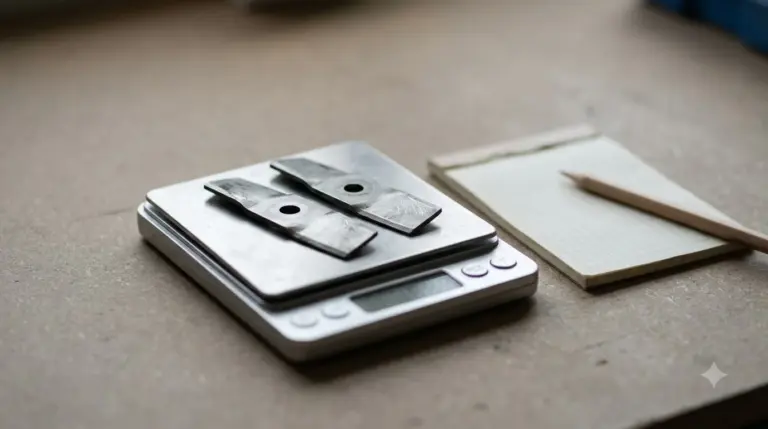
Screws usually come packed with the blades, so the simplest route is to buy a kit that matches your model. Product pages we read list the following contents, and both are a useful check against what you receive.
| Product (as listed by maker) | Blades included | Screws included | Listed compatibility |
|---|---|---|---|
| Ecovacs GOAT blade kit, O-series | 12 | 12 | GOAT A3000 LiDAR PRO and O1000 RTK |
| Worx Landroid long-life replacement blades | 6 | 6 | All Landroid models |
Husqvarna advises using original blades and screws and not mixing old and new parts. Eufy’s guidance is similar: use only the specified screws and parts approved by the manufacturer. Match the screw to the blade and model in the maker’s parts list. The sources we read do not give thread or head sizes for these models, so we cannot tell you which hardware-store screw would fit. Robot mower blade screws replacement should therefore use the maker’s screw, which is the safe choice in our reading. Do not confuse these screws with charging station anchor screws, which are a separate part.
The Worx listing says “compatible with all Landroid models,” which is broad. Check your exact model name against the listing before you order, because a compatibility claim on a product page does not replace the parts list in your manual. Our page on which replacement blades fit your model helps with that check.
Tools and a safe method
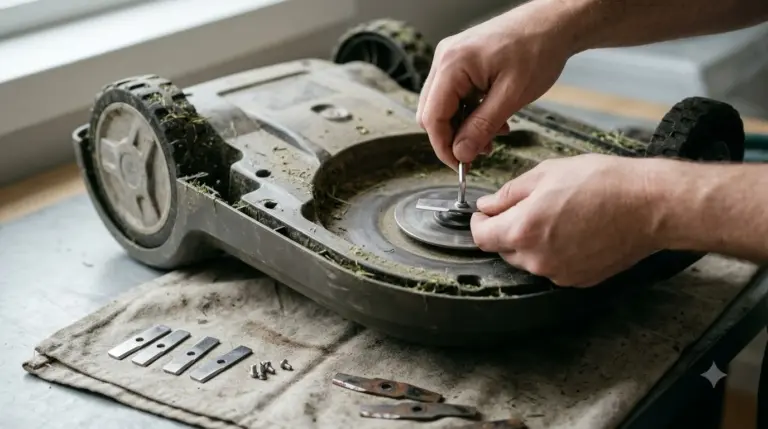
A blade swap needs only a few items: a manual screwdriver, gloves, a soft cloth or brush for cleaning, and the new blades and screws. Eufy’s support page says to “always wear protective gloves when replacing the blades.” The steps below follow the order in the Husqvarna and Mammotion guides.
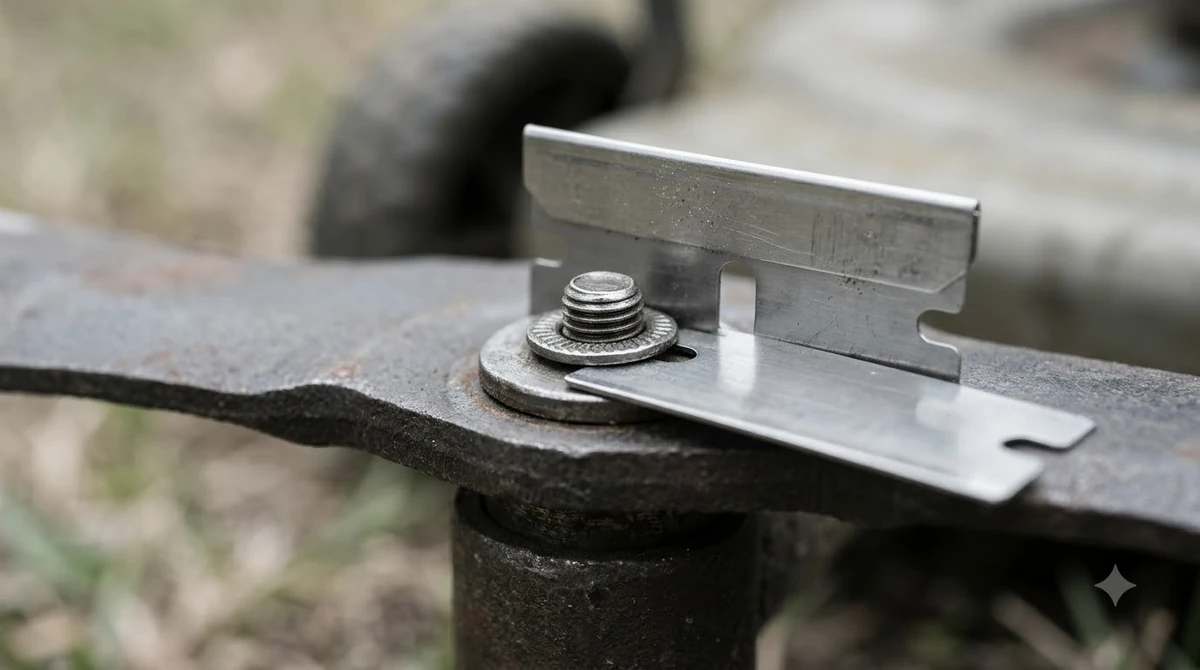
- Switch the mower off. Mammotion says to switch off and remove the safety key before turning the unit over, so follow your own model’s power-down steps.
- Turn the mower over and support it so the cutting disc is accessible. Mammotion suggests a clean mat or blanket so the chassis and sensors are not scratched.
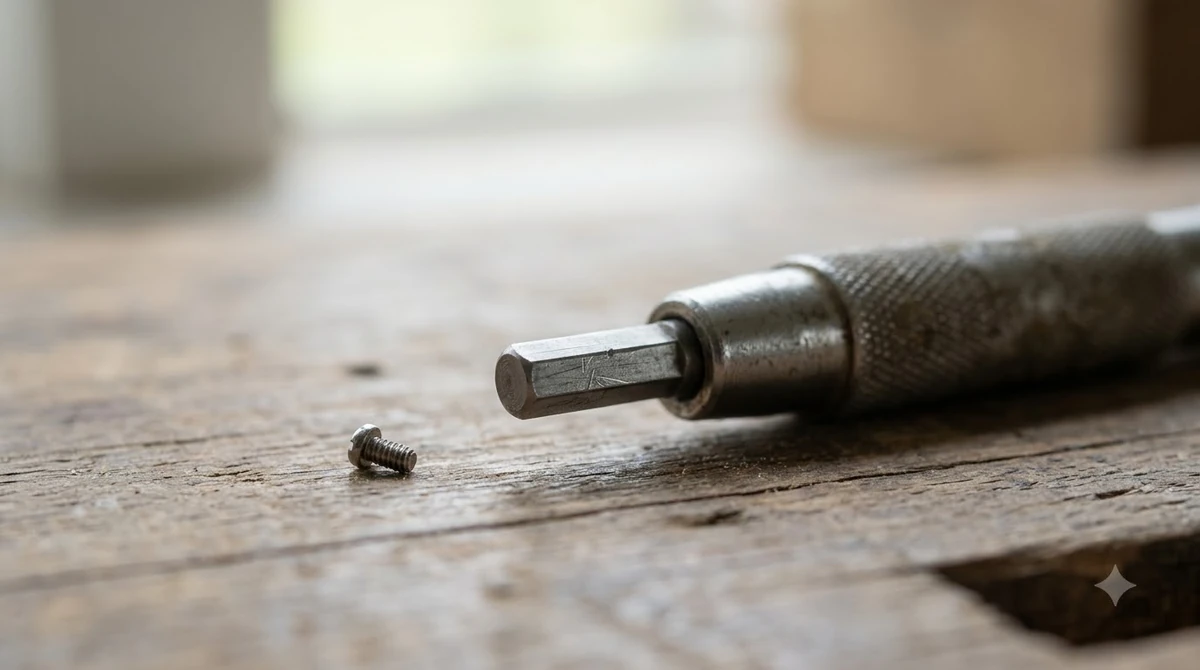
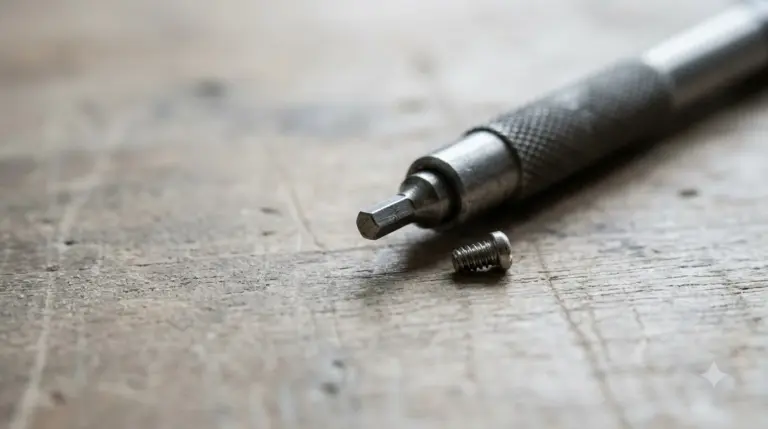
- Remove the old screw and blade. Use a manual screwdriver. Mammotion warns that an electric drill or driver “can damage screw heads or, worse, the cutting plate.”
- Clean the disc. Brush off grass and dirt, especially around the screw holes, and check any washers your mower uses before fitting the new blade.
- Fit each new blade with a new screw. One blade per screw. Do not reuse old screws, and do not mix new and old blades.
- Check the blades. Each blade should pivot and spin freely, which Husqvarna describes as a safety feature, not a defect. Repeat the steps for every blade, then reset the timer if the app has one.
Torque: what the sources say
The sources we read do not give a torque figure for robot mower blade screws. Mammotion refers to “correct torque” and says the blade must still be able to pivot, but it gives no number. Husqvarna gives no tightening value either.
Search results that did list torque values were for push and ride-on mowers, so we have not used them. Our reading is that the practical target is a screw that holds the blade without stopping it from swinging. If your model’s manual lists a value, follow that instead.
Heads up
Do not copy a torque figure from a different mower type. A value for a push or ride-on machine does not describe a robot mower’s blade fitting.
Signs the whole set needs replacing
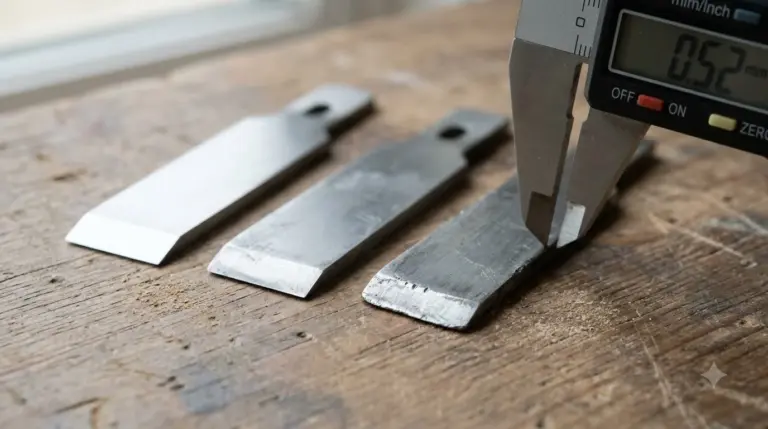
Replace the blades and screws together when the set shows wear or the mower behaves oddly, and see our list of signs of dull robot mower blades for what to look for. Mammotion advises replacing the entire set of blades and screws if vibration is abnormal. Husqvarna’s troubleshooting article on buzzing sounds warns about two blades sharing one screw, and says to replace all three blades if that happens.
Mixing a new blade with an old one can unbalance the disc, which our reading treats as a reason to change the full set rather than a single blade. In short, robot mower blade screws replacement goes hand in hand with a full blade change: the sources we read treat the screw as a single-use part that is replaced alongside the blades every time.
Frequently asked questions
How often is robot mower blade screws replacement needed?
Every time you change the blades, according to Husqvarna, Mammotion and Eufy. Blade intervals differ by brand, from 3 to 6 weeks for Husqvarna main disc blades to about every 3 months or 150 hours for Mammotion, so the screws follow your model’s blade schedule.
Can I reuse the blade screws?
No. Husqvarna says to replace screws each time blades are changed, because reused screws may let blades come loose. Mammotion calls the screws single-use.
Do I need a special tool to change the screws?
A manual screwdriver is what Mammotion’s guide calls for, either a Phillips driver or the tool supplied with the mower. Electric drivers can damage the screw heads or the cutting plate, according to the same guide.
How tight should a blade screw be?
The sources we read give no torque number for robot mowers. Follow your model’s manual, and make sure the blade still pivots freely once the screw is fitted, as Mammotion and Husqvarna both describe.
What if I lose a screw?
None of the sources we read gives a fix for a lost screw. Our reading is to order the maker’s matching part rather than substitute a generic screw, because the fit and strength are not confirmed for a generic one.
Sources
- How and when to change the blades on your Automower (Husqvarna, UK support site): screw replacement, one blade per screw, blade intervals and timer reset. Read 2026-11-10.
- Mammotion robot lawn mower blade change guide (Mammotion): single-use screws, manual screwdriver, correct torque wording, replacement every 3 months or 150 hours. Read 2026-11-10.
- Why is my Automower making a buzzing sound (Husqvarna): two blades on one screw, replace all three blades, always use new screws. Read 2026-11-10.
- GOAT blade kit, O-series (Ecovacs): kit listed with 12 blades and 12 screws, about 4 to 6 weeks. Read 2026-11-10.
- Landroid long-life replacement blades (Worx): pack listed with 6 blades and 6 screws, compatible with all Landroid models. Read 2026-11-10.
- Replacement parts for the Eufy Robot Lawn Mower E15, E18 or E15 Gen2 (Eufy): replace all three blades every 240 hours and the screws at the same time; do not reuse screws; gloves. Read 2026-11-10.
 Up next7 min readGearRobot Mower Wheel Replacement: When to Swap and What to CheckUpdated Nov 11, 2026
 8 min readGearDull Robot Mower Blades Signs: What to Check and When to ReplaceUpdated Nov 11, 2026
 7 min readGearHow to Change Robot Mower Blades (Step by Step)Updated Nov 11, 2026
 7 min readGearHow to Change Husqvarna Automower Blades (Step by Step)Updated Nov 11, 2026
 8 min readGearHow to Change Mammotion LUBA Blades in 8 StepsUpdated Nov 11, 2026
 9 min readGearSmart Sprinkler Controllers and Robot Mowers: What to Check Before You Sync ThemUpdated Nov 11, 2026