

How to change Husqvarna Automower blades: switch the mower off, turn it upside down on a clean soft surface, rotate the skid plate until its hole lines up with each blade screw, remove the old blade, and fit the new blade with a new screw. Husqvarna’s own support guide describes this sequence for Automower models, and it applies to each blade in turn. The job needs only basic tools. If you own a different brand, see changing blades on a Mammotion LUBA.
The short answer
- Power off: turn the main switch off, or use the ON/OFF button on keypad models.
- Flip it: place the mower upside down on a clean, soft surface.
- Swap each blade: line up the skid plate hole with the screw, then replace the blade and the screw.
- Reset the timer: clear the blade usage hours in the Automower Connect app.
What you need before you start
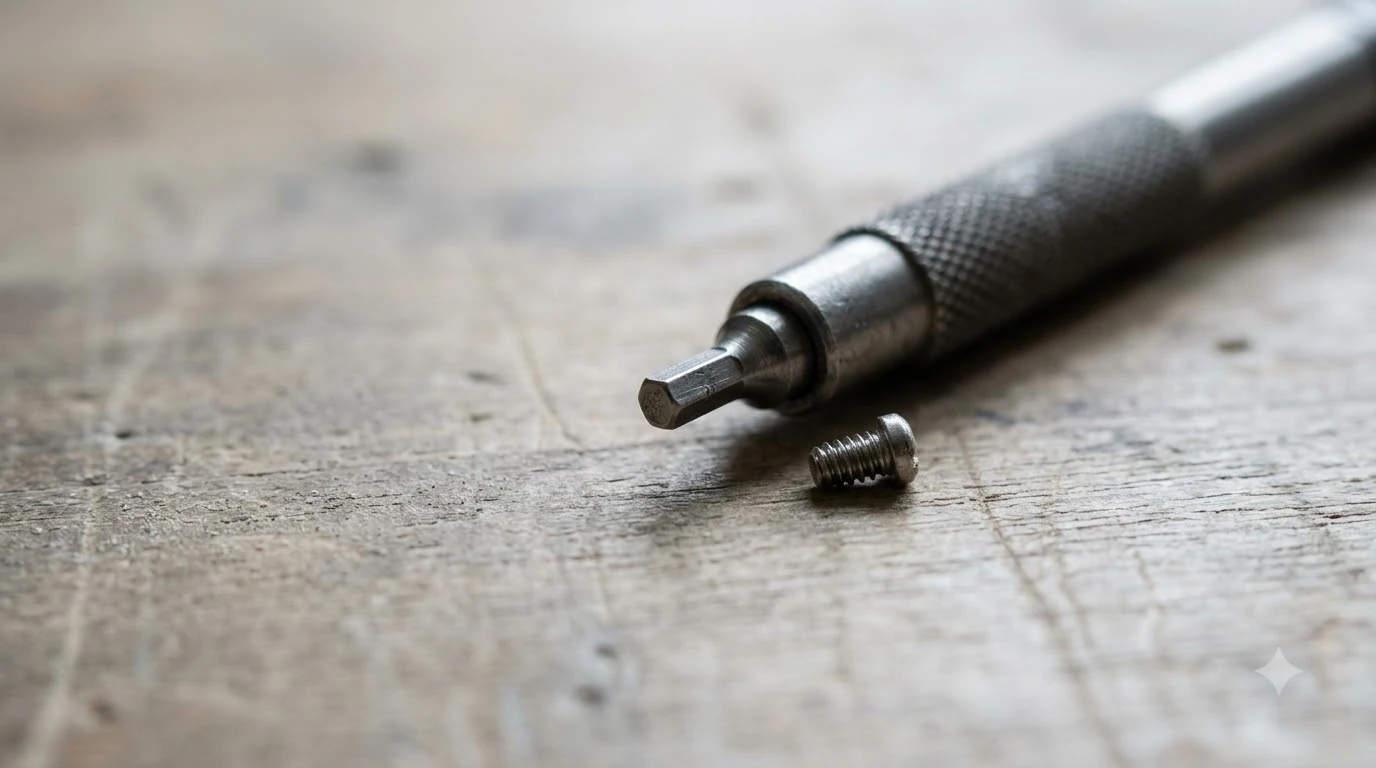
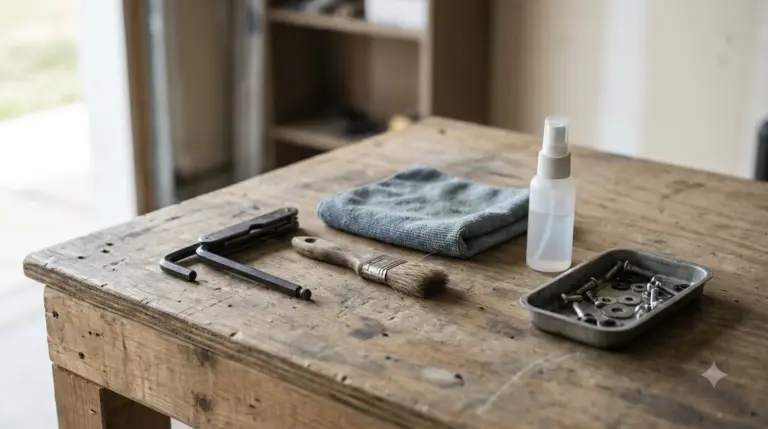
Husqvarna’s guide lists three items for this job when you learn how to change Husqvarna Automower blades: protective gloves, a screwdriver, and a soft cloth with a brush. The screwdriver should be a flat or cross-tip type, and a magnetic one is preferred. You will also need a new screw for each blade you replace, so check that you have the right parts before you flip the mower. If you want a ready-made set, see our guide to a robot mower maintenance kit.
Switch off and turn the mower over
Safety comes first in any guide on how to change Husqvarna Automower blades. Put on your gloves, then switch the mower off before you touch any blade. On jogwheel models, select “Power off” and press the jogwheel. On keypad models, use the ON/OFF button, which sits at the back or bottom of the mower on most models. Some keypad models, including the 308V, 312V, Aspire R6V and Aspire R4, have the ON/OFF button on the keypad itself.
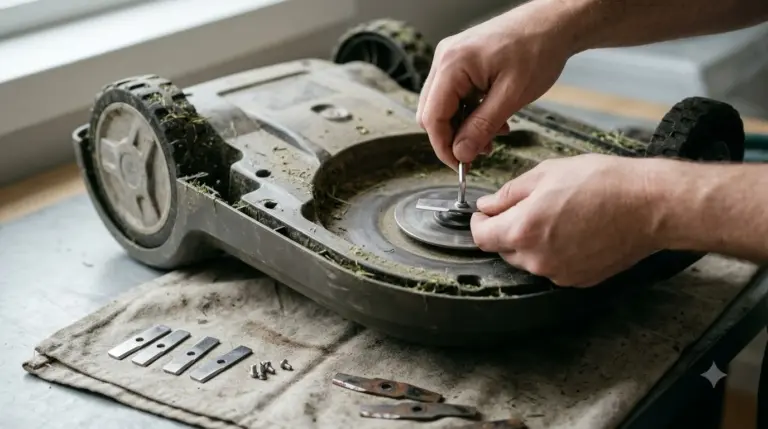
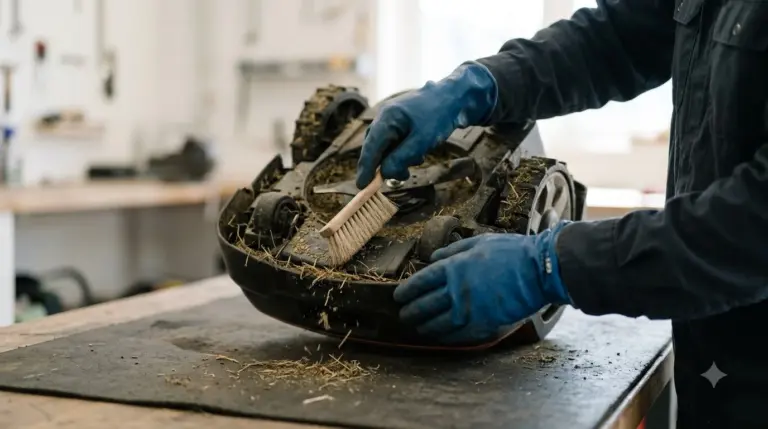
Next, turn the mower upside down on a clean, soft surface. The guide says this is to avoid scratches on the cover. Make sure the surface is clean so no grit scratches the cover.
How to change Husqvarna Automower blades, step by step
Each blade sits on its own screw, so you work through them one at a time. Husqvarna’s US support guide gives the same five-step pattern for every blade, and the order below follows it.
- Line up the skid plate. Rotate the skid plate until its hole lines up with the screw that holds the blade.
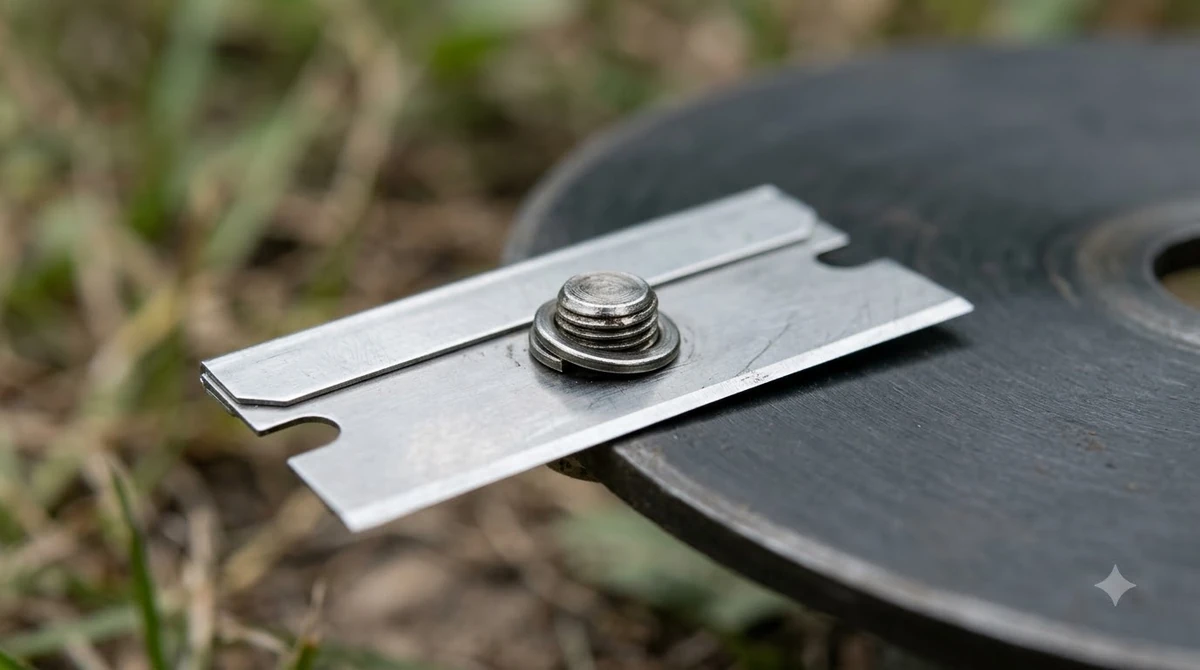
- Unscrew the old blade. Use the screwdriver to remove the screw, then take the blade off.
- Clean the disc. If there is dirt under the blade, brush it off and wipe the area with a soft damp cloth. Our guide on how to clean a robot mower has more cleaning tips.
- Fit the new blade. Attach the new blade and secure it with a new screw.
- Repeat, then check. Change every blade the same way. When you finish, check that each blade spins freely.
The “spins freely” check matters because of how the blades are built to behave. Husqvarna’s Australian guide explains that when a blade hits an obstacle, such as a stone or a root, it rotates away to protect the mower and the blade itself. Husqvarna asks you to confirm that every blade moves freely before you put the mower back to work. The pages also say the blades should pivot easily on their screws, which is a protective design rather than a fault. Our reading is that a blade that will not move at all needs a closer look before the mower runs.
How often to change Automower blades
Knowing when to change Husqvarna Automower blades depends on the type of disc, not only on the calendar. Husqvarna gives different typical lifetimes for the main disc and the EdgeCut disc, so check which one your mower has before you plan a replacement.
| Disc type | Typical life | Notes |
|---|---|---|
| Main disc blades | 3 to 6 weeks under normal conditions | Standard cutting disc |
| EdgeCut disc blades | 9 to 12 weeks | Only on EdgeCut models, and active only during edge cutting |
Husqvarna’s Canadian guide on cutting blades adds that lifetime varies with blade model, operating time, grass type, and objects in the work area. Treat the weeks above as a starting point, not a fixed schedule. Husqvarna’s guide also says that visible wear or damage is a reason to change blades early. Frayed or whitened grass tips are a sign the blades have gone dull.
For general wear signs across brands, read our robot mower blade replacement guide. Spring is the time to check more often. Husqvarna advises inspecting, and cleaning or replacing, the blades more frequently during the spring season, when sap and faster growth cause sticky buildup. Worn blades do more than make a poor cut. The guide says they can strain the mower and increase energy use, so a quick look at the blades during the mowing season is, in our reading, a sensible habit. A robot mower maintenance checklist can help you build that habit.
Screw and blade rules to follow
Three rules keep the cutting disc balanced and the blades secure. Husqvarna repeats them on several pages, so they are worth following every time.
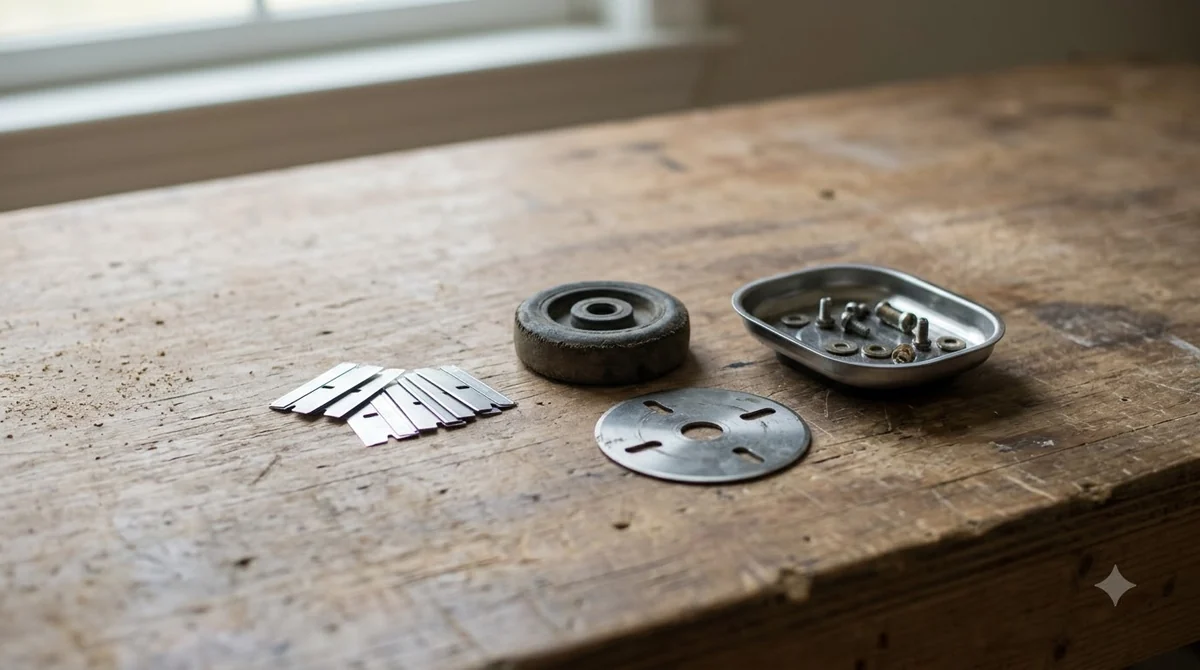
- Replace the screw each time. A worn screw can let a blade come loose during operation, and Husqvarna’s Australian guide warns that reusing screws may lead to the same problem, so the screw changes with the blade.
- Use only one blade per screw. Husqvarna warns that otherwise the cutting system can become unbalanced.
- Do not mix blade types or old and new blades. Keep the set consistent so every blade wears at the same rate.
Husqvarna also asks owners to use original blades and screws, and notes that a worn screw can let the blade come loose. If you are unsure which part fits your mower, check the model manual before you buy. The Husqvarna pages we read give no screw size or tightening value, so follow your model’s manual for those details whenever you work through how to change Husqvarna Automower blades.
Reset the blade timer in the Automower Connect app
After you finish how to change Husqvarna Automower blades, reset the usage timer so the app tracks blade life from the new set. The path in the app is More, then Statistics, then scroll to Blade Usage and tap Reset under the usage hours. The point of the reset is that the usage hours then describe the new set rather than the old one. The Husqvarna page does not say whether the reset applies separately to the main and EdgeCut discs, so check the app if your mower has an EdgeCut disc.
Frequently asked questions
How often should I change Husqvarna Automower blades?
Husqvarna says main disc blades typically last 3 to 6 weeks under normal conditions. EdgeCut disc blades generally last 9 to 12 weeks, because they run only during edge cutting. Wear, grass type and the work area can shorten these periods, so inspect the blades regularly.
Can I reuse the screw when I change blades?
No. Husqvarna says to replace the screw every time you change blades. A worn screw can let the blade come loose during operation, so a new screw goes in with each new blade.
Can I mix old and new blades on the same mower?
Husqvarna advises against it. The guide says to avoid mixing different blade types or combining new and old blades, and to use only one blade per screw so the cutting system stays balanced.
Do I need to reset the blade timer after changing blades?
Yes. Husqvarna recommends resetting the usage timer in the Automower Connect app so it tracks the new blades. The path is More, Statistics, Blade Usage, then Reset.
Sources
- Husqvarna US support guide on changing Automower blades (Husqvarna): steps, tools, replacement intervals, screw and blade rules, and the timer reset.
- Husqvarna Canada guide on cutting blades (Husqvarna): blade lifetime under favourable conditions, original parts, and the one-blade-per-screw warning.
- Husqvarna Australia support guide on changing Automower blades (Husqvarna): blade rotation on obstacle impact, worn-blade effects on the mower, and reusing screws.
 Up next8 min readGearHow to Change Mammotion LUBA Blades in 8 StepsUpdated Nov 11, 2026
 7 min readGearHow to Change Robot Mower Blades (Step by Step)Updated Nov 11, 2026
 9 min readGearRobot Mower Blade Screws Replacement: When to Change ThemUpdated Nov 11, 2026
 8 min readGearHow to Clean a Robot Mower Safely, Step by StepUpdated Nov 11, 2026
 8 min readGearUniversal Robot Mower Blades: What Fits and What to CheckUpdated Nov 11, 2026
 7 min readGearBest Cut Resistant Gloves for Changing Robot Mower Blades: What to CheckUpdated Nov 11, 2026