
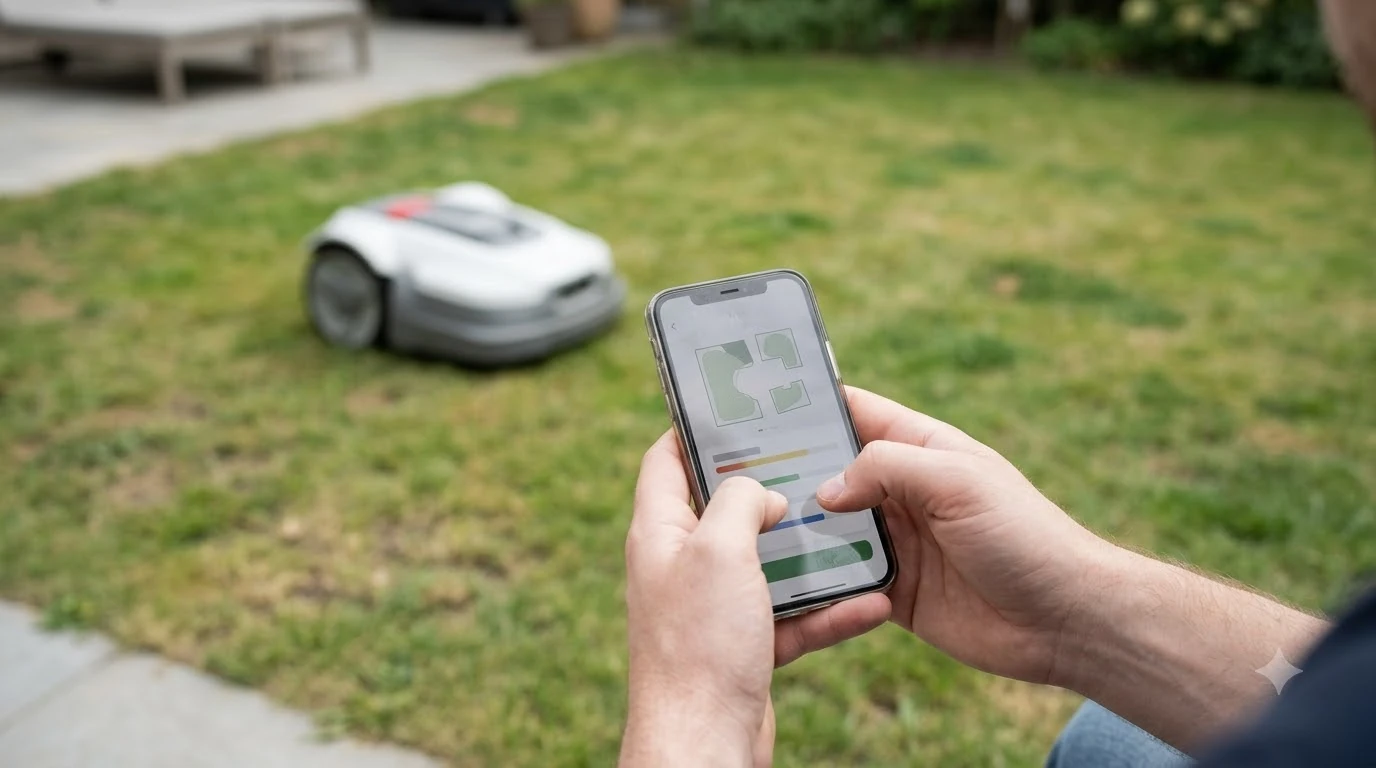

Looking for the best smart sprinkler controller to sync with robot mower? Know first that most controllers will not sync with the mower on their own. A weather-based controller can run your watering on local conditions, but the mower and the sprinklers still need separate time windows. The practical setup is to use the controller’s rain or moisture settings to avoid mowing wet grass. As of Nov 2026, the EPA’s WaterSense program labels controllers that use weather or soil data, and that label is the most useful thing to check first.
The short answer
- What it does: a weather-based controller uses local weather data and landscape conditions to decide when and how much to water, instead of running a fixed clock schedule.
- Sync with the mower: there is no verified, shared standard that links a sprinkler controller to a robot mower. Coordination happens through schedules and rain signals.
- What to check: a WaterSense label, whether the controller is stand-alone or an add-on for your current timer, and the run time of every zone.
- Rain delay: set the mower’s rain delay to match how long your lawn stays wet after watering or rain, not only the default.
What a smart sprinkler controller does
A smart sprinkler controller replaces or adds to the clock that runs your irrigation zones. Instead of starting every zone at the same time each week, a weather-based controller uses local weather data and landscape conditions to decide when to water and how much. The EPA describes these products under its WaterSense label, which covers weather-based controllers that can meet a landscape’s needs without overwatering.
There are two basic forms. Stand-alone units replace the clock timer and monitor weather on their own. Add-on or plug-in devices attach to an existing controller and make it water more efficiently. If you already have a working clock, an add-on can be the lower-effort change, but you should confirm that it fits your existing controller model before you buy. When you compare options, our reading is that the best smart sprinkler controller to sync with robot mower is a labeled one that fits your zones and lets you set clear run times.
The EPA says a WaterSense label requires independent certification. The certification covers whether the controller can meet the landscape’s water needs, whether it avoids excess watering, and whether it has supplemental capability. The EPA also says an average home can save nearly 7,600 gallons a year by switching from a standard clock-based controller to a labeled weather-based one. The page does not explain how that average was calculated, so treat it as an estimate for a typical home rather than a promise for your yard.
Can a smart controller sync directly with a robot mower?
In practice, no verified source we read shows a sprinkler controller sending its run schedule to a robot mower, or a mower reading the controller’s zones. Some robot mowers have their own rain sensors, schedules and weather features, and some sprinkler controllers have their own apps. Those two sets of features do not automatically know about each other. Any link between them is usually something you set by hand. So the best smart sprinkler controller to sync with robot mower is, in practice, one you can schedule around the mower rather than one that talks to it.
That means the sync you can count on is indirect. The two devices need to be kept apart in time, and both need to react to the same wet conditions. Our reading is that the controller decides when water goes on, and the mower’s schedule and rain delay decide when it can safely cut. You should treat that as a setup task you own, not a feature to expect from the box.
Before you buy any controller for this purpose, check the manufacturer’s own documentation for the mower and the controller. Look for a statement about compatibility, an integration, or a rain signal. If the documentation does not mention the other device, plan on a manual schedule. The sprinkler hardware itself is a separate matter, covered in how a robot mower handles sprinkler heads.
Set the watering and mowing windows apart
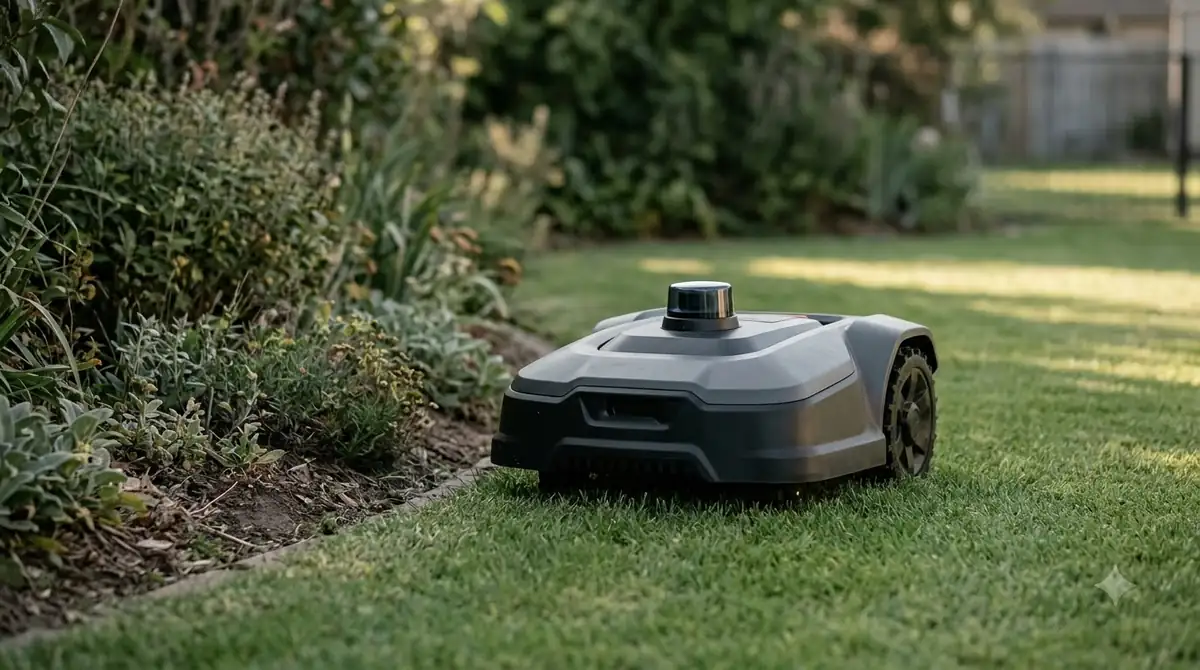
Watering schedules and mowing schedules are easiest to manage when they never overlap. The EPA advises against watering in the middle of the day. Early morning or evening watering is the common pattern, which leaves a window in the day for the mower.
The EPA gives a simple way to see how long a zone should run. Place several empty cans around the lawn, run the sprinkler, and time how long it takes to fill the cans with half an inch of water. The page also says a typical landscape needs about one inch of water a week, including rainfall, and suggests starting with about half an inch twice a week and adjusting from there. Your local utility or Cooperative Extension office can give a firmer number for your area.
Our reading is that even the best smart sprinkler controller to sync with robot mower needs its run times written down next to the mower’s schedule. For the mower side, see how to set a robot mower schedule. Each zone’s full run time matters, not only the start time. A zone that runs longer than expected, or a second zone that starts late, can overlap a mow window that looked clear on paper.
| Setting to compare | Why it matters | Source |
|---|---|---|
| Midday watering | The EPA advises against watering in the middle of the day. | EPA WaterSense tips |
| Typical weekly need | About one inch a week, including rainfall. | EPA WaterSense tips |
| Mower rain delay | Ecovacs sets a 3-hour default after rain stops. Worx Landroid manuals list a 180-minute default. | Ecovacs blog; Worx manual |
| Dry time after watering | Ecovacs suggests mowing only once the grass is dry. | Ecovacs blog |
Rain delay and rain sensor settings to check
A rain sensor on the mower is built to detect rain, not sprinkler spray. That is the main gap between the two systems. Worx notes in its installation guidance that irrigation can trigger the rain sensor, which means a watering cycle can pause the mower even when no rain falls. That can help, because the mower waits, but it is not a planned schedule. For models that include one, see these robot lawn mowers that include a rain sensor.
The default rain delay differs by brand. Ecovacs says its mower resumes mowing three hours after the rain sensor detects that the rain has stopped, and that owners can change this delay in the ECOVACS HOME app. The Worx Landroid rain delay documentation lists a default of 180 minutes, and its sensor returns the mower to its base when moisture is detected. Robomow describes its sensor as interrupting mowing until the rain subsides. Check your own mower’s manual for the exact behavior, because the default is not the same across brands.
Ecovacs advises mowing after watering only once the grass is dry, and gives rough drying times of about three to five hours after a light shower, and 24 hours or longer after heavy storms. Those are rain figures, not sprinkler figures, so the lawn itself is the better test after a watering cycle. Mammotion makes the same point: a rain sensor should not replace checking conditions after heavy rain. For the lawn side, see mowing wet grass with a robot mower.
Best smart sprinkler controller to sync with robot mower: what to check first
Start with the WaterSense label. A labeled weather-based controller has been independently certified, which is a more useful signal than a marketing claim about smart features. Next, decide whether you need a stand-alone controller or an add-on. If your current clock works and fits your zones, an add-on keeps the setup simpler. If the clock is old or does not support the sensors you want, a stand-alone unit may fit better.
Then check the mower side. Confirm the mower’s rain delay, whether it can be changed in its app, and how it behaves when a sprinkler wets the lawn. Write down the start time and full run time of every zone, and compare them with the mower’s planned windows for a week. If the two overlap on any day, change one schedule before you change anything else.
Finally, our reading is that a rain or moisture sensor should sit where it sees real weather and not spray. A sensor in the path of a sprinkler head can react to water that is not rain, and a sensor under a roof edge can miss rain entirely. Read the installation guidance for both devices, and keep the setup notes in one place so you can check them after a season change.
- Labeled controller: look for the WaterSense label and read the certification scope.
- Fit: confirm stand-alone or add-on before you buy.
- Schedule: compare full zone run times with the mower’s windows.
- Rain delay: set the mower’s delay to match how long the lawn stays wet.
Frequently asked questions
Can a smart sprinkler controller tell a robot mower when to start?
Not as a verified feature in the sources we read, so the best smart sprinkler controller to sync with robot mower is one you schedule by hand. Keep the schedules apart, and check both manufacturers’ documentation for any integration before you rely on one.
What does the WaterSense label mean for a controller?
The EPA says a labeled controller must meet a landscape’s water needs without overwatering, and it must be independently certified. It is a useful first filter when you compare products.
How long should a robot mower wait to mow after sprinklers run?
Ecovacs advises mowing only once the grass is dry, and gives roughly three to five hours after a light shower. Check the lawn itself after a watering cycle, because drying depends on weather and the amount of water.
How much water does a lawn need each week?
The EPA says a typical landscape needs about one inch a week, including rainfall. Local weather, grass type and soil change that figure, so check with your utility or local Cooperative Extension office.
Sources
- Weather-Based Irrigation Controllers (U.S. EPA WaterSense): how weather-based controllers work, label requirements, add-on vs stand-alone, 7,600-gallon average and spec dates.
- Watering Tips (U.S. EPA WaterSense): one inch a week including rainfall, midday watering, the can test.
- Can You Cut Grass When It’s Wet Without Damaging Your Lawn? (ECOVACS): mow only once dry, drying times, 3-hour default rain delay.
- Rain Delay and Sensor (Worx Landroid manual): 180-minute default delay and return to base.
- Landroid Vision installation guide (Worx): irrigation can trigger the rain sensor.
- Robotic Mowers With Rain Sensors (Robomow): the sensor interrupts mowing until the rain subsides.
- Can Robot Lawn Mowers Cut Wet Grass? (Mammotion): a rain sensor does not replace checking the lawn after heavy rain.
 Up next9 min readGearRobot Mower Blade Screws Replacement: When to Change ThemUpdated Nov 11, 2026
 8 min readGearBest Weatherproof Enclosure for RTK Base Station: 6 Checks Before You BuyUpdated Nov 11, 2026
 8 min readGearBest Garage for Dreame Robot Mowers: 5 Checks Before You BuyUpdated Nov 11, 2026
 9 min readGearRTK Antenna Wall Mount Bracket: What to Check Before You BuyUpdated Nov 11, 2026
 7 min readGearWooden Robot Mower Garage: What to Check Before You BuyUpdated Nov 11, 2026
 8 min readGearBest Metal Robot Mower Shelter: What to Check Before You BuyUpdated Nov 11, 2026