
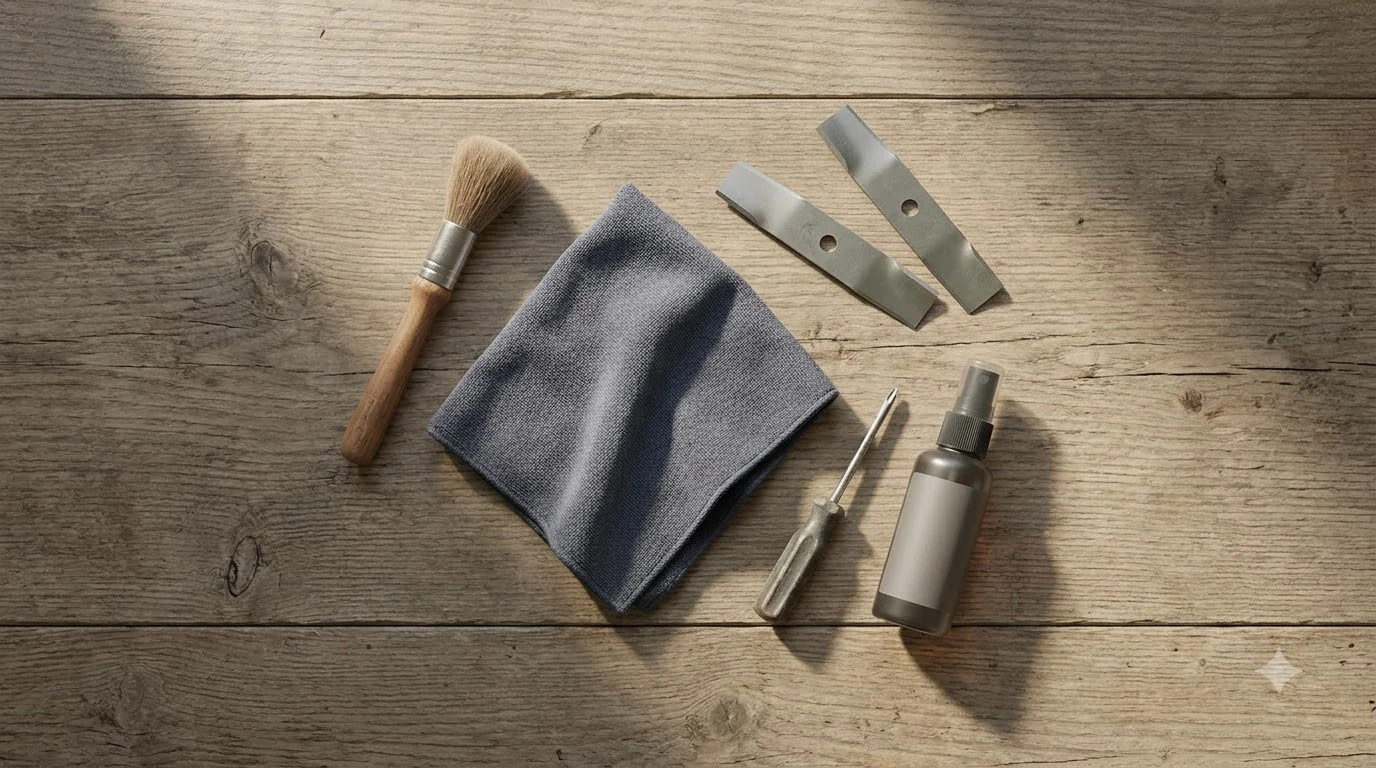

Mammotion Yuka spare parts fall into two groups: wearing parts such as blades and cutting discs, which have no listed warranty in the US, and parts such as the battery and front wheel, which do. Check which group a part belongs to before you order. Wearing parts are expected to need replacing during normal use, so a warranty does not cover them. Battery and wheel warranty periods differ by model and by country.
The short answer
- Blades and cutting discs have no listed US warranty. Mammotion’s US warranty page lists “No warranty” for the blade set and for several cutting discs.
- The YUKA 2025 removable battery is listed at 3 years. The YUKA front wheel component is listed at 2 years on the same page.
- Change blades every 3 months or after 150 hours. This is Mammotion’s general interval in its UK blade guide.
- Match the part to your exact model. Mammotion says each model has a slightly different cutting disc.
Which Mammotion Yuka spare parts wear out
Wearing parts are the items a robot mower uses up as it cuts. Mammotion’s warranty terms treat them separately from the rest of the machine. The US warranty page lists cutting blades and cutting discs with “No warranty,” and the rear wheel hub tire assembly for LUBA models with the same status.
Our reading is that the blade set and cutting disc are the parts most Yuka owners will buy first. Because they wear fastest, budget for these Mammotion Yuka spare parts as a running cost rather than as a warranty claim. For other parts owners often add, see Mammotion YUKA accessories worth buying.
How often to replace Yuka blades and cutting discs
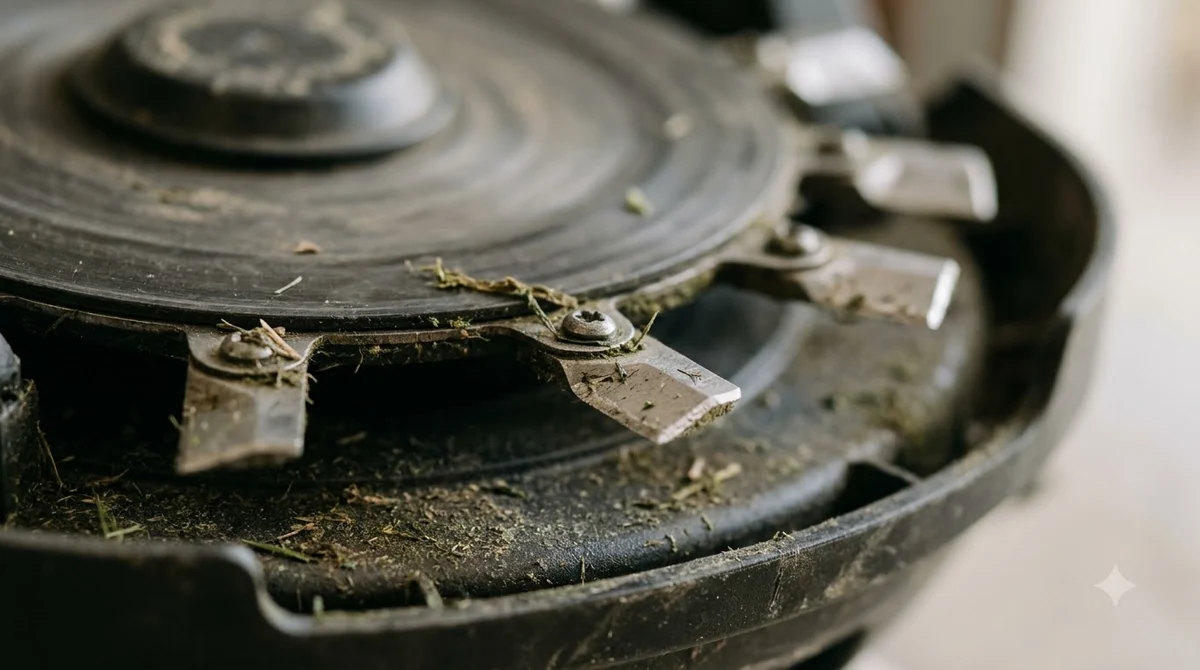
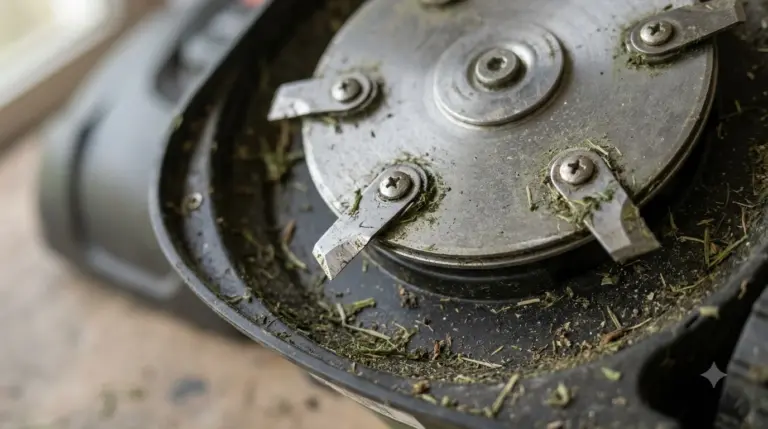
Mammotion’s UK blade guide advises changing the blades every 3 months or after 150 hours of use. The same guide says each Mammotion model uses a slightly different cutting disc, so the interval applies to the blade set your model takes, not to a generic part.
For Mammotion Yuka spare parts that wear fastest, we recommend counting hours or months, whichever comes first, and noting the date on the mower or in your records. A blade that has dulled or chipped should be replaced before the interval ends.
Replacing Yuka blades safely
The blade change is a small job, but Mammotion’s guide gives a clear order of steps. Following them protects your hands and the cutting disc.
- Switch the mower off. Press and hold the power button until the mower is completely off.
- Remove the safety key. Mammotion says to switch off and remove the safety key before turning the unit over.
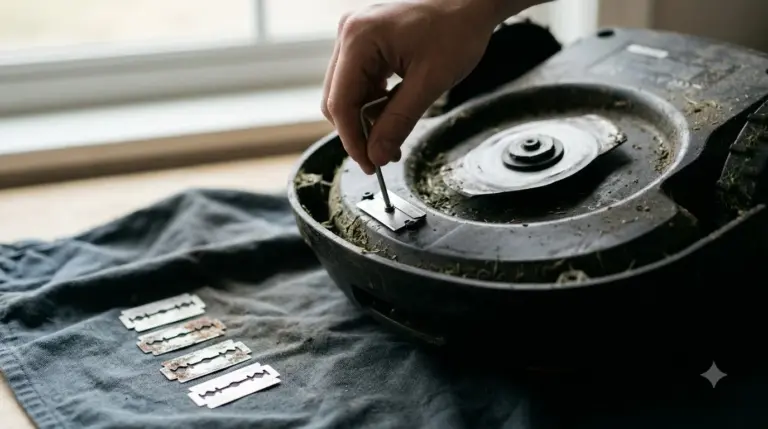
- Turn the mower upside down. Use a soft mat or blanket so the cutting disc and the housing are not scratched.
- Wear work gloves. Mammotion calls gloves mandatory because both new and used blades have very sharp edges.
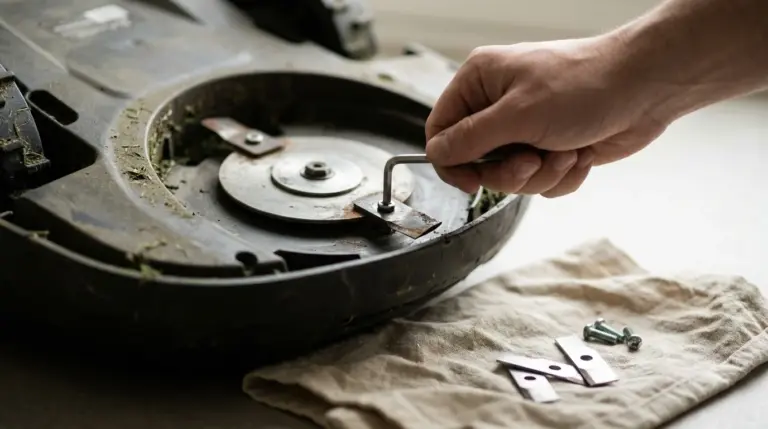
- Remove the old blades and screws. Use a manual screwdriver. Clean the cutting disc, including the screw holes and any old washer remnants.
- Fit new blades with new screws. Mammotion says old screws must never be reused, because they are single-use. Check that each blade pivots freely.
The guide also says not to use an electric drill or driver, which can damage the screw heads or the cutting plate. A longer walkthrough is in how to change Mammotion YUKA blades.
Warranty for Yuka batteries, wheels and the Canada policy
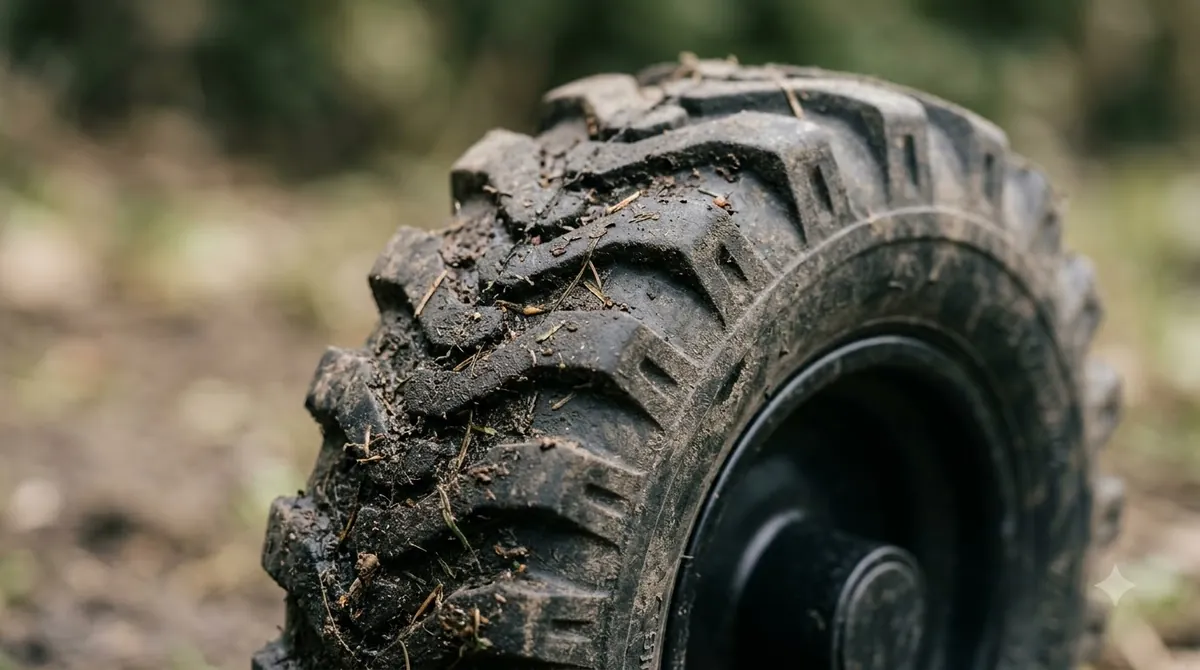
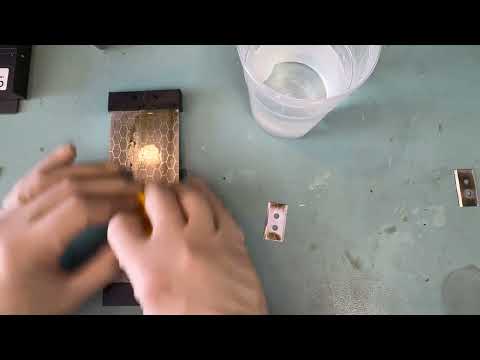
The battery and front wheel have listed warranty periods on Mammotion’s US pages, and those mammotion yuka spare parts differ from the blades in that respect. Check the table below against your model, because the periods differ by part and by version.
| Part (Mammotion US warranty page) | Listed warranty |
|---|---|
| YUKA blade set (listed under LUBA 2 / LUBA 1 / YUKA) | No warranty |
| Cutting discs (several models) | No warranty |
| YUKA front wheel component | 2 years |
| YUKA 2025 battery (removable) | 3 years |
Mammotion’s Canadian after-sales policy handles wearing parts differently. It names cutting blades, tires, cutting discs and charging cables as wearing parts, and promises a free replacement within 30 days of purchase if a part fails because of a material or workmanship flaw. That window is a Canadian policy, so confirm the terms for your own country before you rely on it. The same kind of warranty split for the LUBA line is in Mammotion Luba spare parts.
Which replacement parts Mammotion lists for the Yuka line
Mammotion’s US accessory list names replacement parts by model. For the Yuka line it lists cutting discs for the YUKA 2025 and YUKA 2024, front wheels for the YUKA, and replacement batteries for several Yuka and mini models. Stock on that list can change, so check availability on the store page before you plan a repair around a specific part.
When you compare mammotion yuka spare parts across the listing, group them by part type first. That makes it easier to see which models share a cutting disc or a battery pack and which do not.
| Part type | Models named on the US accessory list |
|---|---|
| Cutting disc | YUKA 2025, YUKA 2024, YUKA mini 2 / YUKA mini |
| Front wheel | YUKA, YUKA mini 2 / YUKA mini |
| Replacement battery | YUKA mini 500/600, YUKA mini 2 1000H / YUKA mini 700, YUKA mini 800 / LUBA mini AWD 1500 |
The list is a starting point, not a fit guide. A part named for the YUKA mini may not fit the full-size YUKA, so compare the model name on the part with the model on your mower’s label before you order a Mammotion Yuka spare part.
Battery capacity and storage before winter
Mammotion’s YUKA specification page lists the battery at 4.5 Ah without the sweeper and 9 Ah with it. The page does not assign each value to one model, so match the capacity to your own version of the mower. That difference matters when you compare replacement batteries, because a pack with the wrong capacity may not match your setup. Fit and warranty details for packs are in Mammotion Yuka replacement battery.
For storage, Mammotion’s maintenance article for YUKA mini says to charge the battery to at least 80% before long-term storage. During inactivity, it advises recharging to 80% or higher at intervals not longer than 90 days. For general advice, see robot mower battery storage charge level.
What to check before you order a Yuka spare part
Use this checklist before you place any order for Mammotion Yuka spare parts, so the order matches your machine and your warranty. Each point below applies to every part on the list.
- Model match. Confirm the exact model, such as YUKA 2025 or YUKA mini, against the part listing.
- Wearing part or covered part. Blades and cutting discs carry no listed US warranty, so budget for them.
- Battery capacity. Check whether the pack is for the version with or without the sweeper.
- Country of purchase. Warranty and replacement windows differ between the US and Canada.
Frequently asked questions
Are Yuka blades covered by warranty?
Mammotion’s US warranty page lists “No warranty” for the blade set and several cutting discs. Its Canadian policy lists cutting blades and cutting discs as wearing parts, with a free replacement within 30 days of purchase if a defect comes from a material or workmanship flaw.
How often should I replace Yuka blades?
Mammotion’s UK blade guide advises every 3 months or after 150 hours of use. Replace sooner if the blades are dull or chipped.
Which Yuka battery has a 3-year warranty?
The YUKA 2025 removable battery is listed with a 3-year warranty on Mammotion’s US warranty page. The YUKA front wheel component is listed with 2 years on the same page.
Can I reuse the old blade screws?
No. Mammotion’s UK blade guide says the screws are single-use, so fit new screws with each new blade.
Sources
- Mammotion US: limited warranty period for separately purchased accessories (manufacturer): no warranty for blades and cutting discs, 2 years for the YUKA front wheel, 3 years for the YUKA 2025 battery.
- Mammotion UK: robot lawn mower blade change guide (manufacturer): 3-month or 150-hour interval, the steps for changing blades, single-use screws and the no-drill rule.
- Mammotion Canada: after-sales policy (manufacturer): wearing parts list and the 30-day replacement window for defects.
- Mammotion US: accessories collection (manufacturer): cutting discs, front wheels and replacement batteries named for Yuka models.
- Mammotion support: YUKA specs (manufacturer): 4.5 Ah without sweeper and 9 Ah with sweeper.
 Up next7 min readGearMammotion Luba Spare Parts: Which Ones Wear Out and What Is CoveredUpdated Nov 19, 2026
 7 min readGearSegway Navimow Spare Parts: What Wears Out and When to ReplaceUpdated Nov 20, 2026
 8 min readGearMammotion YUKA Accessories Worth Buying: Wear Parts First, Extras SecondUpdated Nov 12, 2026
 8 min readGearAnthbot Spare Parts: What to Keep On Hand and What Is CoveredUpdated Nov 20, 2026
 8 min readGearMammotion YUKA Replacement Blades: What to Check Before You BuyUpdated Nov 20, 2026
 8 min readGearHow to Change Mammotion YUKA Blades SafelyUpdated Nov 19, 2026