
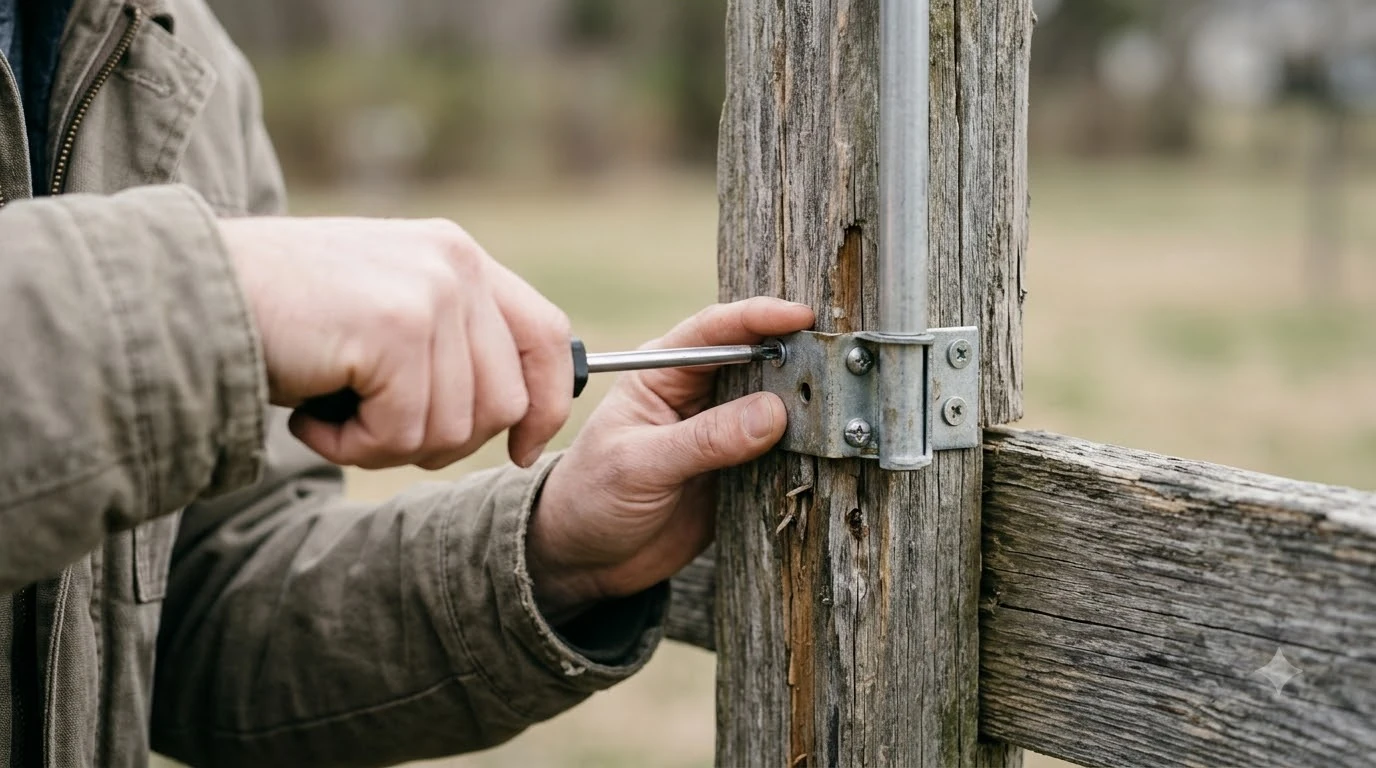

A Mammotion wall mount kit fixes an RTK reference station to a wall instead of a pole, when the wall position gives the station a clear view of the sky. Mammotion’s US accessory page lists the kit for the Luba 3, Luba 2, and Yuka series, but the exact fit depends on your station and model. This guide explains what the kit is for, how to check that a wall is a good spot, and what to verify before you buy.
The short answer
- What it is for: mounting an RTK reference station on a wall, as an alternative to a pole or tripod.
- Compatibility: the Mammotion wall mount kit is listed for Luba 3, Luba 2, and Yuka series on the Mammotion US accessory page. Confirm your model before you order.
- Placement rule: keep the station about 3 m (10 ft) from walls and trees, and at least 5 m from large glass or metal.
- Test first: check the satellite signal in the app after you mount it, not before you buy.
What the Mammotion wall mount kit is for
An RTK mower uses a reference station on or near the lawn to correct its satellite position. The station needs a clear view of the sky, and it needs to stay in one place. A wall mount is a practical choice when the lawn has no good spot for a pole, or when the station can be placed on the side of a house or a fence line with an open sky above it. The kit is one option among several, and wall mount brackets compared shows how generic brackets differ. Wall mounting can also affect weather exposure, so Luba cover options for the base are worth reviewing.
The Mammotion wall mount kit is a mounting part, not a station. It does not improve the signal by itself. It only holds the station in a position you have already judged to be good.
Check the model before you buy
Mammotion’s US accessory page lists the wall mount kit for the Luba 3, Luba 2, and Yuka series. That list is useful, but it is a summary, and it can change. Some accessory items were sold out when the page was read, so the listing may not be available in every region. Model differences change the mounting points, and YUKA cover and base dimensions are listed in a separate article.
| Product line | Listed on Mammotion US accessories | What to confirm |
|---|---|---|
| Luba 3 | RTK wall mount kit | Your station model and the included brackets |
| Luba 2 | RTK wall mount kit | Whether your station uses the same bracket points |
| Yuka series | RTK wall mount kit | The exact Yuka version on your order |
If the listing does not name your version, check the Mammotion support article for the station before you order. A kit that does not match the station’s mounting points will not hold it safely.
Pick a wall that gives a clear sky view
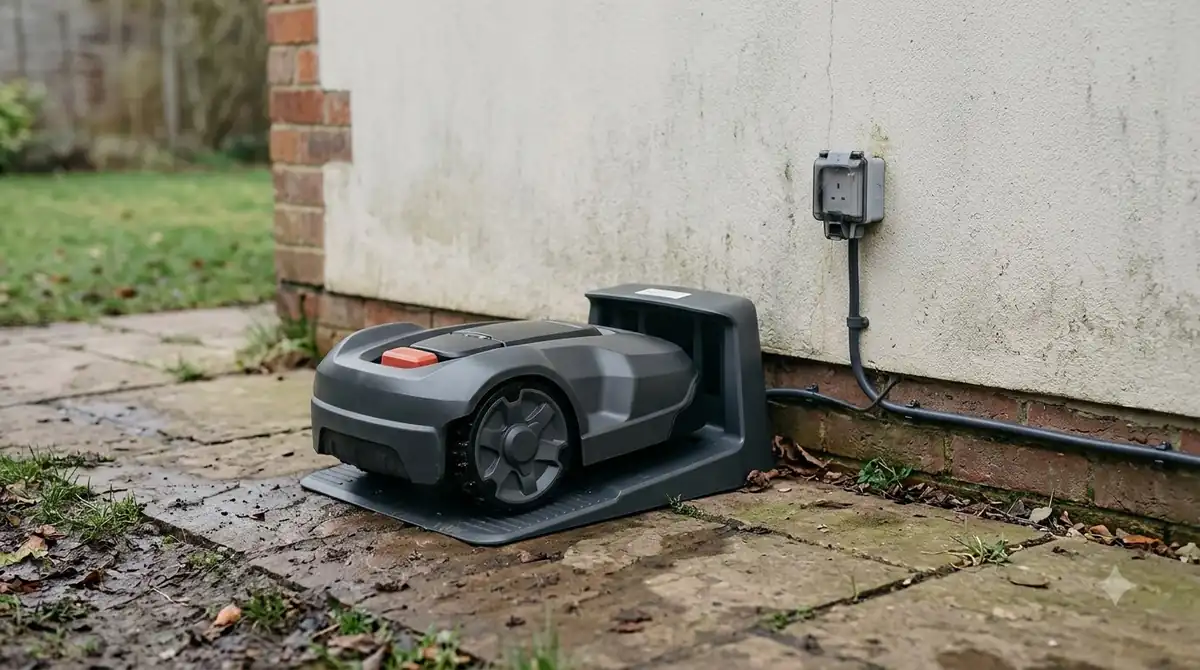
The wall is only useful if the station can see the sky. Mammotion’s installation guide asks owners to keep the station about 3 m (10 ft) from walls and trees. Its best-placement article suggests a 45-degree line from the station to nearby walls, roofs, or trees, and says to keep the station at least 5 m from large glass or metal surfaces. A wall with a clear sky view is what the antenna needs, and RTK antenna clearance and mounting guidance applies to any brand.
Those numbers are the brand’s own guidance, so use them as the starting point. A wall that is close to a tall house or a fence can block sky on one side. Stand at the proposed mount point and look up. If a large part of the sky is blocked, a different spot will likely work better.
Height, sky view, and the other reference points
Mammotion does not give a fixed mounting height for every kit in the material we read, so height depends on the wall and the station. Other brands give a rough guide. Yarbo’s blog suggests the base station sits at least 2 m (about 6.5 ft) off the ground, and Husqvarna’s EPOS support describes a 135-degree sky view as a minimum. These are not Mammotion figures, so use them only as a cross-check against the brand’s own steps.
A wall mount also needs a stable surface. Use the anchors that match the wall material, and tighten the bracket so the station does not move in wind. A station that shifts even a little can affect the position data the mower relies on.
Confirm the signal before you finish
Mammotion’s install guide says the app shows satellites and signal strength. Use that screen after mounting, before you treat the spot as final. If the signal is weak, move the station along the wall or to a higher point rather than tightening the mount around a weak position.
What to check before you order
- Confirm your model. Match the kit to your Luba or Yuka version and the station’s bracket points.
- Measure the distance. Keep the station about 3 m from walls and trees, and at least 5 m from large glass or metal.
- Check the sky view. Stand at the mount point and look for blocked areas overhead.
- Plan the anchors. Choose fasteners that suit the wall material, such as masonry, wood, or siding.
- Test in the app. Confirm satellite count and signal strength after the station is fixed.
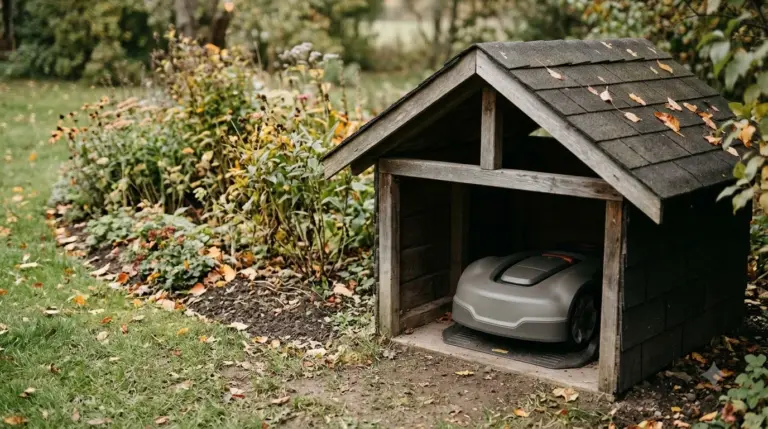
If the wall is on the far side of the lawn from the mower’s usual route, check that the mower can still reach the charging station and the mowing area without losing the reference signal. A roof over a wall-mounted base is the last item to plan, as described in a cover for a wall-mounted base.
Frequently asked questions
Is the RTK wall mount kit the same as the charging station wall mount?
No. The RTK wall mount kit is for the RTK reference station. Charging station mounts are a separate question, and the mounting points differ. Confirm which part you need before you order.
Does a wall mount improve RTK accuracy?
Not by itself. A mount only holds the station in place. Accuracy depends on the sky view and the station’s position, so choose the spot first and mount second.
How far should the station be from the wall?
Mammotion’s install guide points to about 3 m (10 ft) from walls and trees. Keep at least 5 m from large glass or metal, according to its placement article.
Can I use a pole instead?
Yes, a pole or tripod is another option. Choose the mount that gives the best sky view for your lawn, and check that the station is stable in wind.
Sources
- Mammotion US accessories page (Mammotion): used for the list of models that carry the RTK wall mount kit.
- Mammotion RTK reference station install guide (Mammotion): used for the 3 m (10 ft) distance from walls and trees and the signal check in the app.
- Mammotion best installation place guide (Mammotion): used for the 45-degree line to walls, roofs, or trees and the 5 m distance from large glass or metal.
- Yarbo RTK signal guide (Yarbo): used for the at least 2 m (about 6.5 ft) height guide, as a cross-check only.
 Up next7 min readGearMammotion Cover: Model Match, Fit and What to CheckUpdated Nov 20, 2026
 6 min readGearRobot Mower Wall Mount for Winter Storage: What to Check FirstUpdated Nov 20, 2026
 9 min readGearRTK Antenna Wall Mount Bracket: What to Check Before You BuyUpdated Nov 19, 2026
 8 min readGearMammotion LUBA Replacement Battery: Models, Warranty and What to CheckUpdated Nov 19, 2026
 8 min readGearRobot Mower Charging Station Wall Mount Bracket GuideUpdated Nov 20, 2026
 8 min readGearRobot Mower Wall Mount Bracket: Do You Need One?Updated Nov 11, 2026