
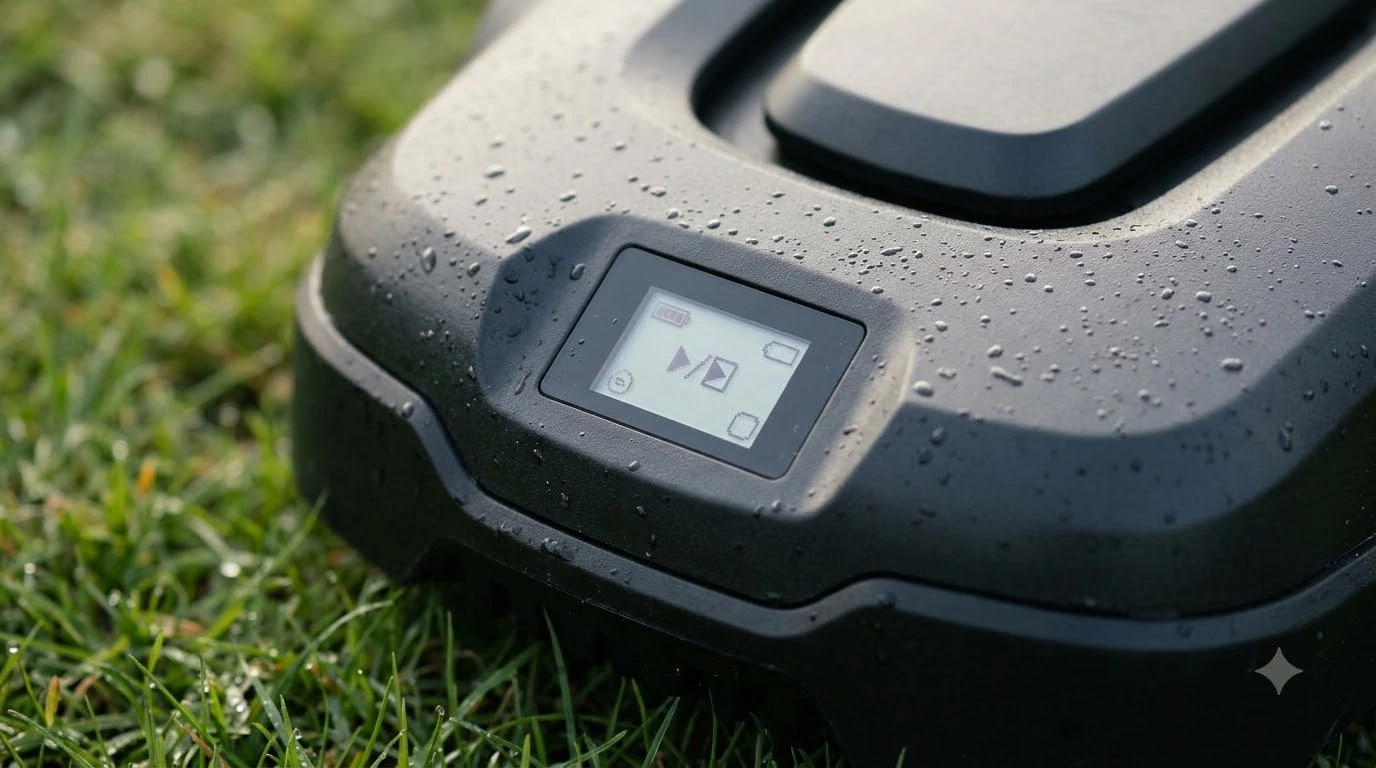

How to dry out a robot mower after heavy dew? Power the unit completely off, put on protective gloves, brush away damp grass clumps from the underside and wheels, and wipe down the exterior shell, sensors, and charging contacts with a dry microfiber cloth before letting it air-dry upright in a shaded, ventilated spot. Morning moisture mixes with fine turf clippings to form a stubborn paste that traps dampness against metal blades, wheel bearings, and electronic seals. Taking ten minutes to clear that buildup and dry the housing prevents corrosion, dock charging faults, and premature battery drain.
The short answer
- Power down first: Switch off the main power button and remove any safety key or removable battery pack before flipping the chassis.
- Scrape wet clippings immediately: Damp grass turns into concrete-like residue once it bakes in the sun, so clear the cutting disc and wheel wells right away.
- Wipe contacts and sensors dry: Moisture and grass sap on charging plates or optical lenses cause docking failures and erratic navigation.
- Air-dry upright in the shade: Let the mower sit right-side up in a breezy, sheltered area rather than sealing it inside a damp shed or hot direct sun.
- Adjust morning schedules: Rain sensors detect falling droplets, not surface dew, so shifting start times past mid-morning prevents repeat soaking.
Why heavy morning dew causes trouble for robotic mowers
Most modern robotic mowers carry weather-resistant enclosures, yet heavy dew creates a distinct type of moisture stress that differs from light rain.
Unlike rainfall, which triggers built-in rain sensors on models such as the Worx Landroid to send the machine back to base, morning condensation coats grass blades silently without activating top-mounted moisture contacts. As a result, a scheduled early-morning run sends the mower through soaking turf for hours. According to Husqvarna’s turf care guidance, wet grass blades bend under the deck, clump together, and stick to metal and plastic surfaces instead of dispersing cleanly across the lawn.
When wet clippings pack around the spinning blade disc and wheel axles, they hold moisture directly against fasteners and seals long after the yard dries out. In addition, damp grass carries fungal pathogens such as dollar spot mycelium—which Penn State Extension notes spreads readily via wet clippings clinging to turf equipment—meaning an uncleaned, damp undercarriage can transfer lawn disease across healthy zones on the next run.
Step-by-step guide: how to dry out a robot mower after heavy dew
Following a structured cleaning and drying routine protects internal circuit boards while keeping the cutting deck free of hardened grass buildup.
- Send the mower home and switch off main power. Press the stop button on the top panel, lift the mower out of its charging station so you do not strain the dock contacts, and turn the main power switch to the off position. If your model uses a removable battery pack or physical safety key, pull it out before servicing.
- Wear gloves and flip the mower onto a soft surface. Put on thick work gloves to protect your hands from razor-style pivoting blades. Lay an old towel, cardboard sheet, or rubber mat on a flat driveway or patio, then turn the mower upside down so the top shell does not scratch.
- Brush out wet grass clumps before they harden. Use a stiff dry dishwashing brush, soft-bristle paintbrush, or plastic scraper to knock wet clippings off the skid plate, blade disc, wheel treads, and wheel housings. Avoid metal wire brushes or sharp metal tools that can gouge plastic housings or damage rubber weather seals.
- Clean and dry the charging plates and sensors. Flip the mower back upright and gently shake loose debris out of body seams. Wipe the charging contact strips on both the mower nose and the docking station with a clean, dry microfiber cloth. If grass sap has glazed the metal contacts, lightly buff them with a fine-grade abrasive pad or emery cloth, then wipe away any dust.
- Wipe down the chassis and optical lenses. Use a slightly damp microfiber cloth—free of alcohol, acetone, gasoline, or harsh household solvents—to remove green grass stains from the outer body, then immediately follow with a dry microfiber towel. For camera-based or LiDAR-equipped models, wipe sensor windows gently with a clean lens cloth so water spots do not blur obstacle detection.
- Air-dry upright in a ventilated, shaded spot. Leave the mower sitting flat on its wheels in a covered patio, open garage, or shaded porch for at least 30 minutes to an hour until all seams and undersides feel completely dry to the touch before returning it to the charging base.
Heads up
Never flip a robotic mower upside down and spray it with a garden hose, and never use a high-pressure washer at any angle. Pressurized water and upward spray can bypass rubber gaskets and force moisture directly into motor bearings and main control boards.
Safe drying and cleaning methods by mower component
Different parts of a robotic mower tolerate moisture and friction differently, so matching your drying tool to each component prevents accidental damage.
| Mower component | Recommended drying and cleaning method | What to avoid |
|---|---|---|
| Blade disc and skid plate | Dry stiff brush, wooden stick, or plastic scraper while powered off | Wire brushes, metal putty knives, or high-pressure water jets |
| Outer body shell | Damp cloth with plain water followed by a dry microfiber towel | Alcohol, acetone, solvents, or abrasive scouring pads |
| Charging contact plates | Dry microfiber cloth; fine emery cloth only if corroded or glazed | Oily sprays, wet rags left sitting on metal, or heavy sanding |
| Cameras, LiDAR, and ultrasonic sensors | Soft, dry optical or microfiber cloth wiped gently in one direction | Paper towels that scratch coatings or chemical glass cleaners |
| Battery compartment and terminals | Dry lint-free cloth; air-dry with cover open if condensation appears | Compressed canned air held too close (can spray liquid propellant) or water |
| Charging station base | Unplug power supply first; wipe dry with a clean cloth | Running hose water or pressure washing on dock electronics |
Common mistakes that trap moisture inside the chassis
Even well-intentioned owners sometimes speed up corrosion or electrical faults by using household shortcuts to dry their equipment.
- Using a heat gun or hair dryer on high heat: Direct hot air can warp ABS plastic body panels, soften adhesive sensor mounts, and push warm, humid air deeper into vented electronics enclosures. Ambient airflow or a standard room-temperature box fan is much safer.
- Docking a dripping mower immediately: Sending a wet, grass-caked unit straight onto live charging pins encourages galvanic corrosion on the contact plates and can trigger charging error codes when damp debris bridges the terminals.
- Leaving the mower upside down in direct afternoon sun: While sunlight evaporates surface water quickly, intense UV exposure and trapped heat under a dark upside-down chassis can overheat the lithium-ion battery pack.
- Sealing a damp mower inside an unventilated storage box: Condensation builds up rapidly inside closed plastic bins or tight sheds, corroding circuit boards and wheel bearings over time.
How to prevent heavy dew buildup on future morning runs
Adjusting your mowing schedule and deck setup keeps your robot out of soaking grass in the first place, cutting down weekly cleanup work.
First, delay morning start times until late morning or early afternoon. Because dew forms overnight when air temperatures cool near the ground, waiting until sunlight and breeze evaporate surface moisture lets the mower cut upright, dry blades cleanly. According to Husqvarna’s maintenance recommendations, keeping blades sharp and swapping worn blades alongside their mounting screws also prevents the mower from tearing damp grass tips into wet pulp.
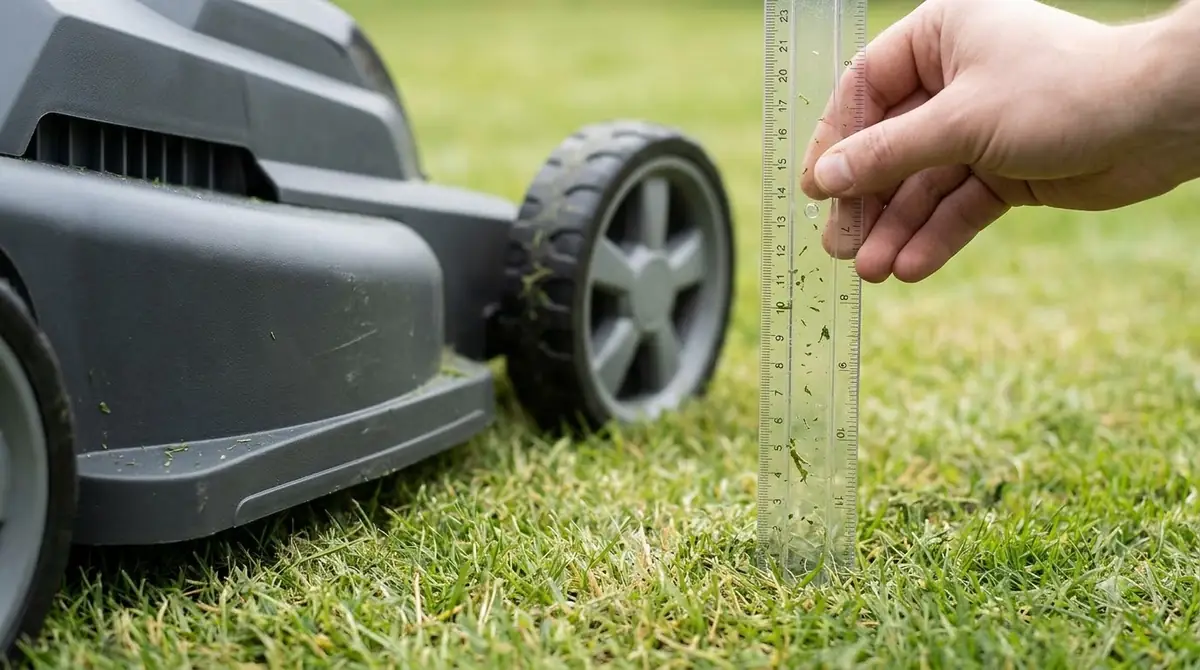
Second, raise your cutting height slightly during damp spring and autumn stretches so the deck glides above the wettest lower thatch layer. Finally, check your app’s weather automation settings: while physical rain sensors rely on water droplets bridging two top contacts and often miss heavy morning dew, cloud-connected smart routines can pause scheduled runs based on local humidity and morning weather forecasts.
Frequently asked questions
Can I use a leaf blower or air compressor to dry my robot mower?
A battery leaf blower held a couple of feet away works well for blowing loose clippings and surface droplets off the outer shell. If you use an air compressor, keep the pressure low and avoid aiming the nozzle directly at rubber shaft seals, wheel bearings, or sensor seams, as high-pressure air can force moisture and fine grit past gaskets.
Why didn’t my robot mower’s rain sensor stop it from mowing in heavy dew?
Most rain sensors use two exposed metal contacts on top of the mower that require an actual raindrop to bridge the gap and complete a circuit. Morning dew condenses on the grass blades below the deck rather than falling onto the top sensor, so the mower stays out until you pause it manually or adjust its morning schedule.
Is it safe to hose off wet grass after mowing in heavy dew?
Only models explicitly rated for hose washing—such as IPX5-rated units or Husqvarna Automower models approved for easy cleaning—should be rinsed with a standard low-pressure garden hose while upright. Other models require dry brushing and a damp cloth wipe-down, and no robot mower or charging dock should ever be cleaned with a pressure washer.
How long should a robot mower air-dry before going back on the charger?
After brushing off damp grass and towel-drying the charging plates and outer body, letting the mower sit upright in a shaded, breezy area for 30 to 60 minutes allows hidden moisture around the blade disc and wheel wells to evaporate before docking.
Sources
- Can You Mow Wet Grass? Tips & Risks for Cutting Wet Lawns (Husqvarna US): Used for how wet grass clumps under mower decks, causes uneven cuts, and spreads turf disease spores.
- Automower Care and Maintenance Tips (Husqvarna): Used for safe step-by-step cleaning order, dry brushing, microfiber drying, and avoiding upside-down hosing or pressure washers.
- Landroid Vision Owner’s Manual (Worx): Used for rain sensor behavior, IPX5 hose-washable ratings, and avoiding pressure washers near electronics.
- Turfgrass Diseases: Dollar Spot (Penn State Extension): Used for how turf pathogens thrive in dew-covered grass and spread via damp clippings on mowing equipment.
 Up next9 min readLearnHow to Keep Slugs and Snails Out of a Mower Dock SafelyUpdated Nov 19, 2026
 8 min readLearnCan Robot Lawn Mowers Mow in the Rain? Light vs Heavy RainUpdated Nov 11, 2026
 8 min readLearnHow to Adjust Cutting Height After Overseeding With a Robot MowerUpdated Nov 19, 2026
 9 min readLearnCan You Paint or Wrap a Robot Mower Shell Safely?Updated Nov 19, 2026
 7 min readLearnShould a Robot Mower Run After Rain?Updated Nov 13, 2026
 7 min readLearnHow to Remap a Robot Mower After LandscapingUpdated Nov 14, 2026