
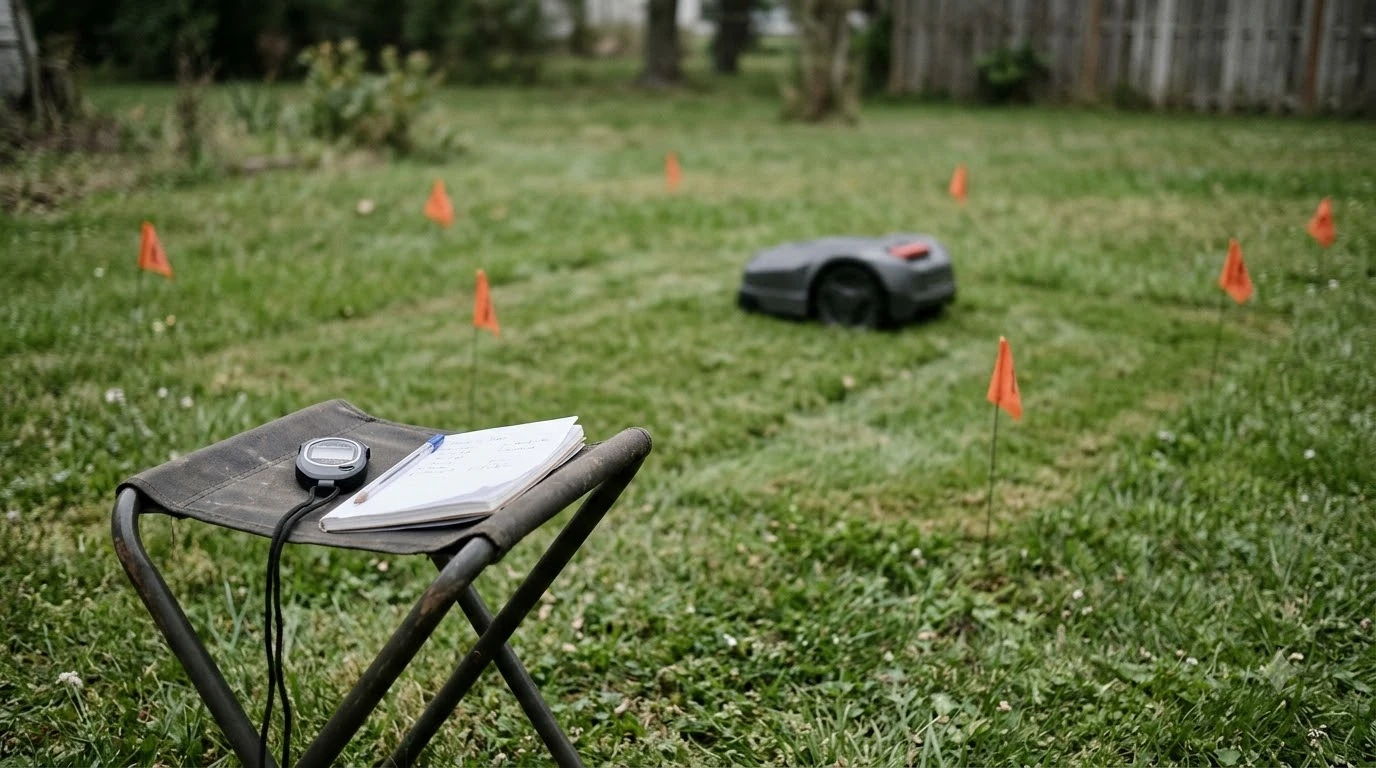

How to fix a robot mower that cuts in circles? Start by powering the unit off, clearing packed grass or twine from the drive wheels, and verifying that one wheel is not slipping or dragging against a failing gearbox. When the hardware spins freely, the culprit is almost always a weakened boundary-wire signal, loop interference from a neighboring yard, or a dirty optical or bumper sensor. Working through mechanical, signal, and calibration checks in order solves the problem without unnecessary dealer visits.
The short answer
- Clear wheel blockages first: Packed clippings, mud, or string wrapped around one axle slow that side down and force the chassis to pivot in tight loops.
- Check wheel hub tightness and gearboxes: A loose axle nut lets the motor spin inside a stationary wheel, while clicking noises point to stripped internal drive gears.
- Inspect boundary wire resistance and insulation: Nicked insulation or corroded splices leak signal into wet soil, causing the mower to lose its bearings even when the base LED stays green.
- Clean obstacle and navigation sensors: Mud on ultrasonic eyes, LiDAR domes, or stuck bumper switches triggers endless obstacle-avoidance turns.
- Eliminate neighboring loop interference: If a nearby yard runs a boundary wire on the same frequency channel, switching your station and mower to a secondary loop signal stops erratic spinning.
Why a robot mower suddenly starts driving in circles
Most robotic lawn mowers steer via differential drive, meaning a mismatch in wheel speed, traction, or boundary detection immediately turns a straight pass into a continuous loop.
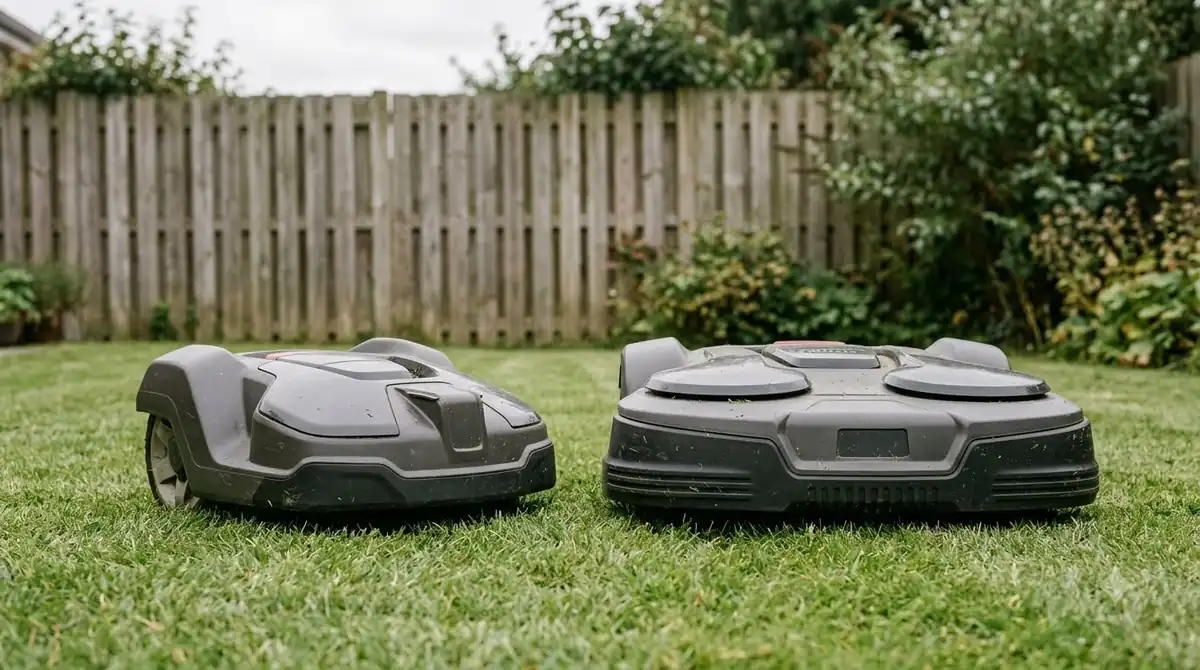
Unlike a riding tractor with a steering rack, a two-wheel-drive robot mower relies on two independent rear drive motors and one or two passive front caster wheels. When both rear motors receive identical power and grip the turf evenly, the deck tracks straight. The moment one rear wheel encounters extra drag—or loses traction on wet thatch—the healthy wheel walks around the stalled side, carving a tight circle in the grass.
Navigation errors produce a slightly different pattern. Instead of pivoting on one locked wheel, a confused mower drives a wider arc, stops, reverses, and repeats the turn. According to Worx Landroid support documentation, broken boundary-wire insulation allows electrical signal leakage into the ground, causing the mower to rotate erratically near the perimeter. On wire-free RTK or vision-guided models, obstructed satellite views or smeared camera lenses can similarly confuse heading calculations and trigger repeated correction loops.
| Symptom pattern | Most likely cause | First diagnostic check |
|---|---|---|
| Tight pivot around one stationary rear wheel | Jammed wheel, loose hub nut, or stripped gearbox | Power off and spin both rear wheels by hand |
| Wide circles with clicking or grinding sounds | Worn planetary gears inside the wheel drive unit | Listen for gear slip while turning the wheel manually |
| Erratic reversing and spinning near yard edges | Damaged boundary wire insulation or weak loop signal | Build a small test loop to isolate the perimeter wire |
| Spinning in open lawn with no error code | Cross-talk from a neighbor’s boundary loop or stuck bumper | Switch loop signal channel (such as S1/S2) and tap the bumper |
| Wheels spin in place without moving forward | Bald treads, wet slopes, or bottomed-out cutting deck | Raise cutting height and inspect tire tread depth |
Step-by-step mechanical fixes for wheel and drive issues
Physical drag on one side of the drivetrain is the fastest issue to spot and fix at home using basic hand tools.
As noted in Husqvarna Automower support guidance, grass and debris entangled around a drive wheel frequently overload or block a single wheel motor. Even before an error message appears on the display, a partially bound axle creates enough asymmetric resistance to make the mower drift in circles.
- Power down and engage the safety lock. Press the main stop button, turn the power switch off, and remove the security key or battery pack if your manual specifies it before tipping the chassis over.
- Clear the rear drive wheels and front casters. Pull away matted grass, roots, pet hair, and string from behind the rear wheel hubs. Pop off or brush out the front swivel casters so they pivot 360 degrees without binding.
- Test wheel resistance and hub tightness by hand. Spin each rear wheel manually. Both sides should feel identical; if one wheel spins completely free with zero motor resistance, tighten the central axle bolt or hub screw.
- Listen for internal gearbox damage. If a wheel feels rough, catches intermittently, or makes a faint clicking noise as you rotate it, internal plastic or metal reduction gears may be stripped and require a replacement drive motor assembly.
- Raise the cutting height on thick or wet turf. When the belly pan drags on dense grass, one wheel often loses bite while the other pushes, creating a slow spiral. Raising the deck by one notch restores ground clearance and traction.
Heads up
Never force a seized drive wheel with pliers or hose down the underside with a pressure washer. High-pressure water pushes moisture past axle seals into wheel motor bearings and circuit boards, turning a simple cleaning job into an electrical repair.
Fixing boundary wire signal leaks and loop interference
When both wheels turn smoothly, a distorted or weak perimeter signal is usually tricking the mower into thinking it has crossed outside the lawn.
Many owners assume a solid green light on the charging station guarantees a healthy perimeter loop. In practice, a charging base only confirms electrical continuity—it can still show green when a spade nick has cracked the outer jacket or when a non-waterproof splice corrodes underground. Damp soil drains signal strength through that weak spot, leaving the mower stranded in the middle of the yard spinning in circles while searching for a readable magnetic field.
To confirm whether the yard wire is at fault, disconnect the main perimeter leads from the base station and attach a short scrap piece of boundary wire laid out in a small circle on the lawn. Place the mower inside that temporary test loop and start a session. If the mower tracks straight inside the test loop, your mower’s sensors are fine and the buried wire has a high-resistance break or insulation leak that needs waterproof gel-filled repair connectors.
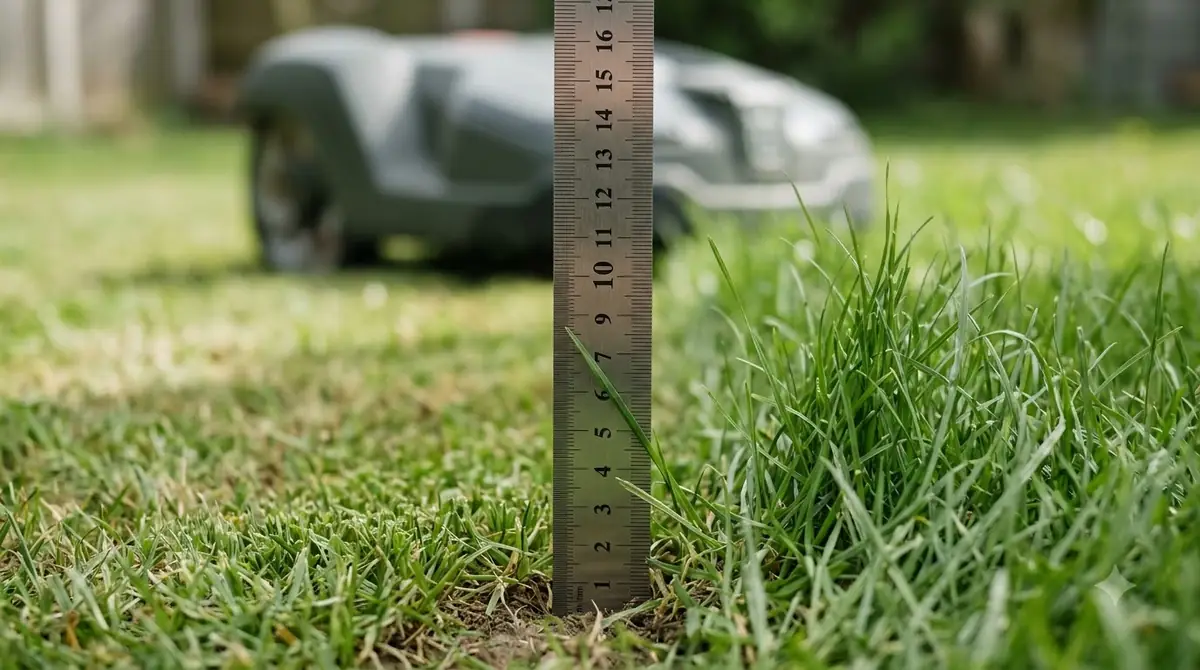
Nearby robot mowers can cause the exact same behavior without any wire damage at all. When an adjacent neighbor installs a wired mower, the two perimeter loops can overlap electromagnetically. Changing the loop signal channel—commonly labeled S1 and S2 in the station and mower settings—shifts the transmission frequency so your mower ignores the neighbor’s yard.
Sensor, bumper, and software resets that stop endless turns
Stuck collision switches, dirty optical sensors, and corrupted navigation states can trap an otherwise healthy mower in an obstacle-avoidance loop.
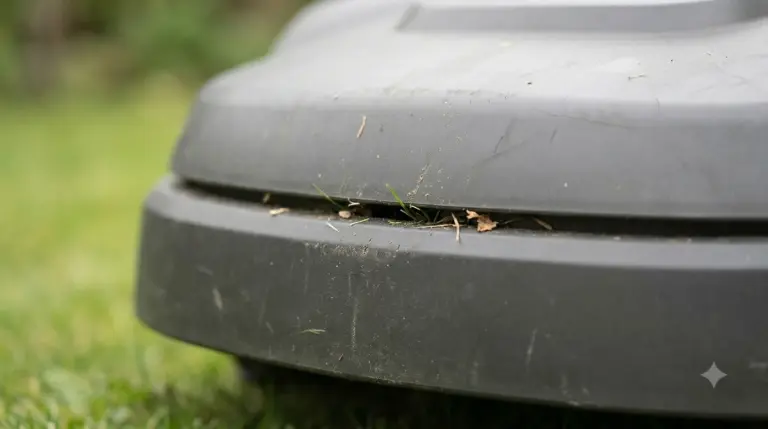
Every robot mower uses a floating top shell or front bumper connected to magnetic Hall sensors or microswitches. If a twig, pinecone, or dried mud wedges between the outer body and the inner chassis, the mower registers a permanent front-left or front-right impact. Its software responds by backing up, turning a few degrees, and trying again—repeating the sequence in a circle until the battery drains.
Lift and wiggle the outer shell around all four corners to verify that it springs back cleanly to center. Next, wipe down ultrasonic transducers, camera lenses, and LiDAR covers with a damp microfiber cloth, as dried pollen or grass sap can read as a solid wall inches in front of the bumper. If your model uses an RTK reference antenna, confirm the pole has not shifted in high winds and check the app for firmware updates before performing a full reboot or factory user-settings reset.
Frequently asked questions
Why does my robot mower spin in circles even when the base station light is green?
A green base station LED only shows that the circuit is closed, not that the signal is strong enough for the mower to read. Nicked wire insulation, corroded splices, or excess wire left coiled on a spool can weaken the electromagnetic field enough to make the mower spin while searching for the boundary.
How do I know if a wheel motor or gearbox is broken?
Turn the mower off and rotate both rear wheels by hand. A healthy motor produces smooth, consistent magnetic resistance; a wheel that spins completely loose usually has a backed-out hub screw, whereas clicking, grinding, or uneven catches indicate stripped gears inside the drive unit.
Can wet grass make a robot mower cut in circles?
Yes. On damp slopes or lush turf, one drive wheel can lose traction and slip while the opposite wheel maintains grip, causing the mower to pivot repeatedly. Cleaning caked clippings from the tire treads and raising the cutting height usually restores straight tracking.
Will a factory reset fix a robot mower that drives in circles?
A restart or factory reset can clear a frozen navigation state or corrupted map on GPS and vision-guided mowers, and it is worth trying after cleaning the sensors. However, a software reset will not fix a loose wheel hub, stripped gearbox, or leaking boundary wire.
Sources
- Wheel motor blocked – Automower error message (Husqvarna Support): referenced for drive-wheel entanglement causes and cleaning steps.
- Landroid reverses or rotates erratically near the boundary wire (Worx North America Support): referenced for boundary wire insulation leakage and erratic rotation behavior.
- How to test the boundary wire with a test loop (Worx Wiki): referenced for isolating weak boundary-wire signals with a temporary test loop.
- How to restart or reset Automower and troubleshoot errors (Husqvarna Support): referenced for distinguishing a soft restart from a user-settings factory reset.
 Up next6 min readLearnCan a Robot Mower Cut Grass That Has Gone to Seed?Updated Nov 14, 2026
 8 min readLearnWhy Does My Robot Mower Leave Unmowed Circles Around Trees?Updated Nov 19, 2026
 6 min readLearnWhy Does My Robot Mower Spin in Circles? Causes and FixesUpdated Nov 14, 2026
 6 min readLearnMammotion App Not Connecting: Luba Fixes That WorkUpdated Nov 13, 2026
 6 min readLearnWorx Landroid App Not Connecting: Fixes That WorkUpdated Nov 13, 2026
 6 min readLearnNavimow App Not Connecting: Fixes That WorkUpdated Nov 13, 2026