
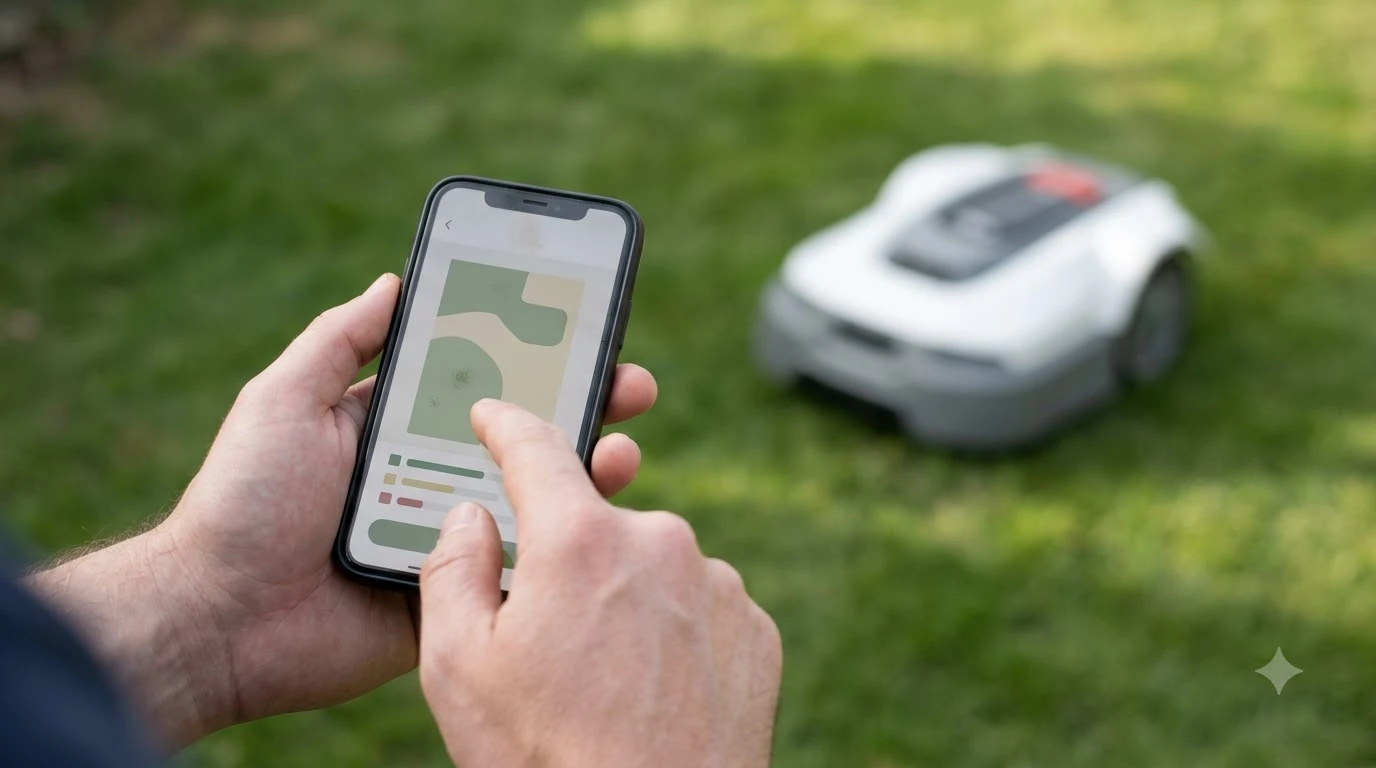

How to update Mammotion Luba 3 firmware comes down to two steps: check the version in the Mammotion app, then install the update while the mower is charged and parked in its station. Mammotion’s public release log lists version 2.3.25.12 from 06/01/2026 and several newer builds after it, but the pages we read do not include step-by-step install instructions. The steps below therefore follow general robot mower practice, and each Luba 3 fact is tied to the page it came from. Check the in-app prompt or your manual before you tap anything.
The short answer
- Newest build: the Luba 3 release notes we read end with v2.3.27.23 dated 07/18/2026. Compare your app version with the newest entry, because newer builds may already exist.
- Check frequency: Mammotion advises checking for new versions monthly, through the app or over USB.
- Before installing: keep the mower charged and parked in its station, with the app connected.
- During install: mowing stops while the update runs. Reference brands publish a pause of about 15 to 30 minutes.
- If it fails: restart the mower, reconnect, check the version, and retry. If it still fails, contact Mammotion support.
Which Luba 3 firmware versions were released in 2026
Mammotion’s Luba 3 release notes list every public build with its date, and the list shows steady releases through the first half of 2026. The entries we read run from 01/10/2026 to 07/18/2026, with the newest at v2.3.27.23. The table below shows the recent builds, which are the ones most likely to be waiting on your app.
| Release date | Firmware version | Where it is listed |
|---|---|---|
| 04/29/2026 | v2.3.23.14 | Luba 3 release notes |
| 05/11/2026 | v2.3.23.19 | Luba 3 release notes |
| 06/01/2026 | v2.3.25.12 | Release Log – 06/01/2026 (LUBA 3 AWD) |
| 06/10/2026 | v2.3.25.16 | Luba 3 release notes |
| 06/17/2026 | v2.3.25.19 | Luba 3 release notes |
| 07/14/2026 | v2.3.27.20 | Luba 3 release notes |
| 07/18/2026 | v2.3.27.23 | Luba 3 release notes |
Two details matter when you read the list. First, the release log page is titled for the LUBA 3 AWD line, while the notes page groups the whole Luba 3 series, so you should confirm in the app that your own variant is covered. Second, the notes page we read truncates the “What’s New” text for many entries, so open the individual release log for the build you need. If you are still deciding whether the model suits your yard, see is the Mammotion Luba 3 AWD worth it.
What the 06/01/2026 release changed
The 2.3.25.12 build is the one most often cited for Luba 3 AWD owners, and its change list is specific. It added two mapping features and then a group of fixes that touch everyday mowing. The release log describes the mapping additions this way: the mower can be “temporarily lifting the robot over obstacles (e.g. steps)” on the way to a separate lawn, and tracks can be erased “by reversing the mower with the joystick during mapping.”
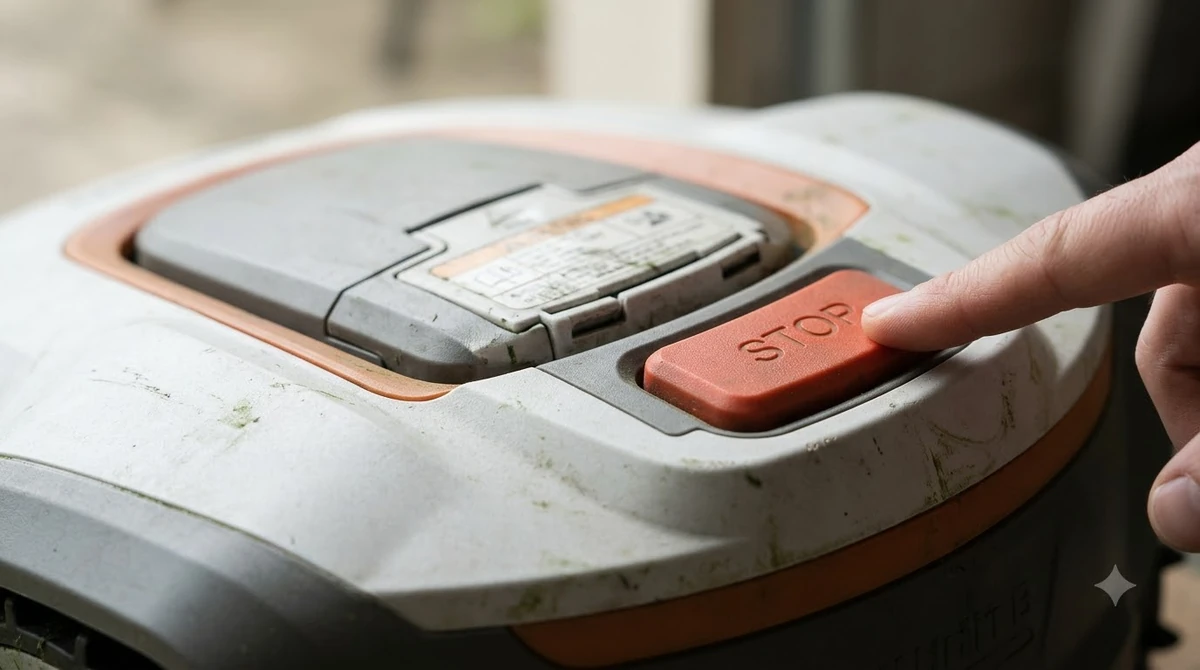
The fixes are the part most owners will notice. The log lists “Fixed issues related to Smart Charging,” “Fixed false obstacle detections in certain scenarios,” “Enhanced positioning precision and stability,” “Optimized animal detection,” “Improved navigation stability,” and “Enhanced iNavi service stability.” Our reading is that charging and obstacle behavior are the two areas to check after an update, because they affect the mower’s daily routine most directly. If charging problems persist, see Mammotion Luba stuck at charging station. The log does not say how large each improvement is, so treat these as fixes to watch for rather than measured gains.
How to check your version and how often
Checking the version is the first step in how to update Mammotion Luba 3 firmware, and Mammotion’s maintenance guidance gives a clear schedule for it. Mammotion’s AWD maintenance article says to “connect your mower to its app or via USB and check monthly for new versions.” Both routes lead to the same information, so the choice comes down to what you already use. For most owners, the app is the simpler option, and a monthly look costs very little time.
The same article also explains why the check matters. It says “manufacturers frequently push updates that improve slope navigation, optimize battery usage, or patch known issues.” For a Luba 3 on a sloped or large yard, slope navigation and battery use are the two effects you are most likely to notice. The article does not promise any particular gain, so judge each update by how the mower behaves afterwards.
What to have ready before an install
A firmware install goes better when the mower is in a predictable state before it starts. Reference brands ask owners to charge the mower and park it in the station when the update notice arrives, and the same approach fits the Luba 3. Keep the dock area clear, keep the app connected, and avoid starting the install right before a scheduled mowing session. If the mower is not yet set up, our guide on how to set up Mammotion Luba 3 comes first.
We did not find a Mammotion source that lists Luba 3 connection requirements for updates, such as whether Wi-Fi or a mobile connection must be strong at the dock. Until you confirm that in your manual, a practical test is to check that the app shows the mower as online before you begin. If the mower is not reachable, the install cannot start, and the fix is usually a connection check rather than a retry.
How to update Mammotion Luba 3 firmware, step by step
The exact menu path for a Luba 3 update was not confirmed from a Mammotion page we could read, so use the in-app prompt as the authority. The general sequence below matches how robot mower brands describe their updates, and it is a reasonable checklist for any model.
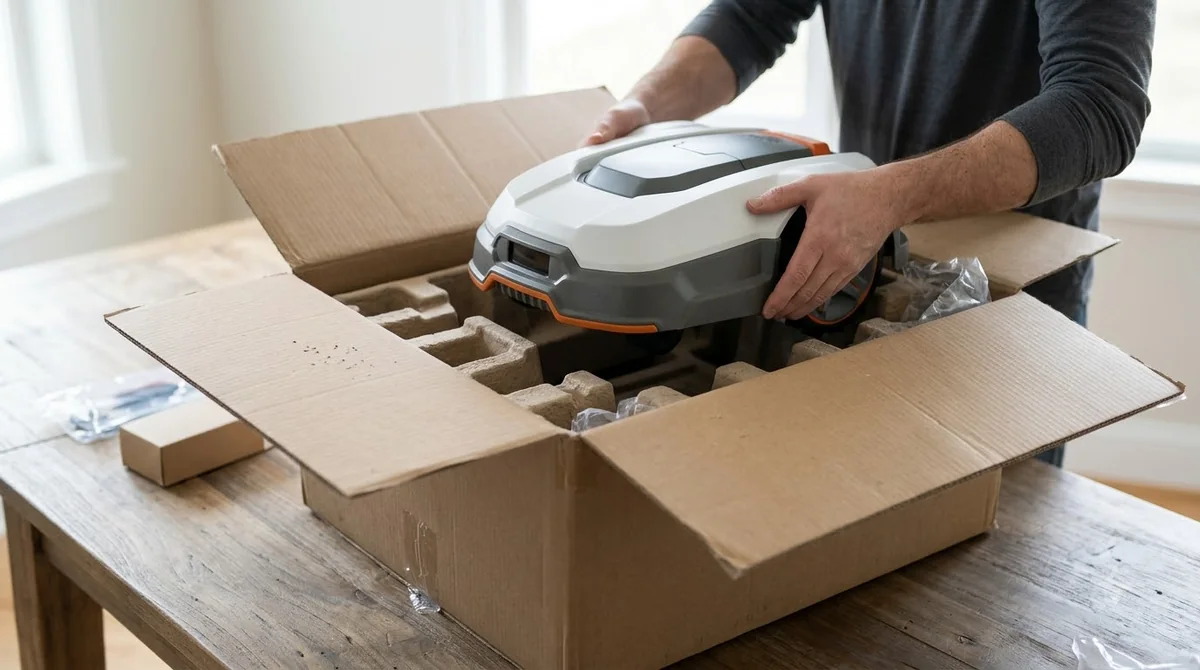
- Confirm the mower is online. Open the Mammotion app and check that the Luba 3 is reachable.
- Note the current version. Read the version shown in the app’s device details, and compare it with the newest entry in the release notes.
- Park and charge. Put the mower in its station and let it charge before you accept the update.
- Start the install. Accept the update from the app prompt or the device settings, following the wording your app shows.
- Wait without moving the mower. Do not switch it off or lift it while the install runs.
- Confirm the new version. After the app reconnects, read the version again and check that it matches the build you installed.
For a reference point, Husqvarna’s published process for its Automower models says mowing pauses temporarily, typically for 15 to 30 minutes, during an install, and it notes that the app disconnects briefly and reconnects on its own. Those figures come from another brand, so they are only a guide for planning your mowing schedule with a Luba 3. Plan the update for a day when a short pause will not matter.
Why keeping Luba 3 current matters
Updates are more than a version number, and that is the point of knowing how to update Mammotion Luba 3 firmware at all. Mammotion’s guidance treats the spring update as part of seasonal prep, and it recommends applying firmware updates before the first mow of the season. That advice is simple to follow: check the version in early spring, install any pending build while the mower is parked, and then start mowing with the latest software.
Security is the other reason to stay current, and it is a general point rather than a Luba 3 claim. The US Cybersecurity and Infrastructure Security Agency calls regular updates “one of the most effective steps” a device owner can take. We found no Mammotion security bulletin for Luba 3 on the pages we read, so the safe conclusion is to keep the mower on a current build and not to assume a specific threat from a specific version.
If an update fails or stalls
If your attempt at how to update Mammotion Luba 3 firmware fails or stalls, the recovery path is usually simple. Restart the mower, reconnect it in the app, check the version, and try the install again. Reference brands describe the same sequence, and it avoids repeated retries on a mower that is still in a partial state.
If the version does not change after two attempts, stop and contact Mammotion support instead of trying other fixes. Write down the version you started from, the date, and the message the app showed. Those details make the support conversation faster, and they give you a clean record if the problem recurs after the next release. If the mower reports positioning trouble after an install, Mammotion LUBA RTK no fix lists four things to check first.
Security habits beyond updates
Updates are one part of keeping a connected mower safe. The CISA guidance also advises changing default passwords, because default credentials are not secure, and disabling services the device does not need. For a Luba 3, that means using a strong password on the Mammotion account, keeping the app updated on your phone, and not sharing login details with others.
These habits are general rather than specific to the Luba 3, but a weak account can expose more than the mower itself. Our reading is that a monthly firmware check and a password review cover most of the practical risk for a home owner.
Frequently asked questions
Is there one firmware version for every Luba 3 model?
We could not confirm that from the pages we read. The release log is labeled for the LUBA 3 AWD line, and the notes page groups the Luba 3 series. Check the app, or the model’s support page, to see which build your variant receives.
How often should I check for a Luba 3 update?
Mammotion advises checking monthly, through the app or over USB. Check before the first mow of the season as well.
Do I need Wi-Fi to install a Luba 3 update?
We did not find a Mammotion source that states the connection requirement for Luba 3 updates. Confirm it in your manual, and make sure the app shows the mower as online before you start.
What if the update fails?
Restart the mower, reconnect in the app, check the version, and try again. If the version still does not change after two attempts, contact Mammotion support with the starting version and the message the app showed.
Sources
- Mammotion Support, Release Log – 06/01/2026 (LUBA 3 AWD) (Mammotion): version 2.3.25.12, the change list, and the absence of install steps.
- Mammotion Support, Luba 3 release notes (Mammotion): the 2026 build list from 01/10/2026 to 07/18/2026.
- Mammotion, AWD robot lawn mower maintenance (Mammotion): the monthly check, the reason for updates, and the spring advice.
- Husqvarna Support, how to update your Automower firmware (Husqvarna): reference install steps and the 15 to 30 minute pause, used as a brand example only.
- CISA, Tip ST15-002 (US government): regular updates, default passwords, and unneeded services.
 Up next7 min readLearnHow to Set Up Mammotion Luba 3: Easy Step-by-Step GuideUpdated Nov 10, 2026
 9 min readLearnHow Long Does the Mammotion LUBA 3 Battery Last?Updated Nov 11, 2026
 6 min readLearnMammotion Factory Reset: Luba Steps, What Is Erased, and What to CheckUpdated Nov 13, 2026
 8 min readLearnHow to Update Robot Mower Firmware: 5 Safe StepsUpdated Nov 11, 2026
 7 min readLearnHow to Update Anthbot M5 Firmware: Step-by-Step GuideUpdated Nov 12, 2026
 8 min readLearnMammotion Luba Stuck at Charging Station: Causes and FixesUpdated Nov 11, 2026