
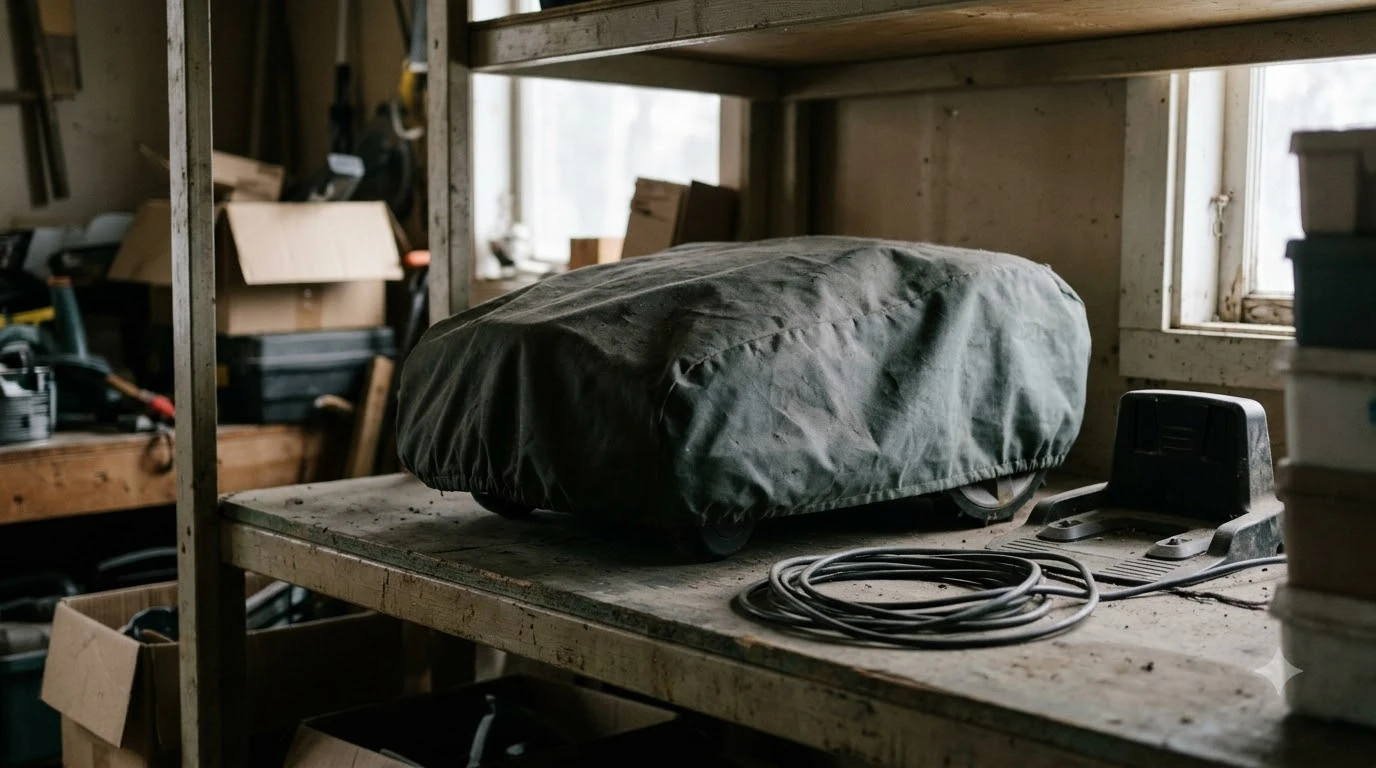

Why does my robot mower lose wifi when the garage closes? Metal garage doors, insulated steel panels, and dense exterior walls block or reflect 2.4 GHz radio waves, acting like a partial Faraday cage that drops your mower’s weak signal as soon as the door shuts. While your router may reach the driveway or yard through open air or standard siding, a closed garage door introduces a heavy physical barrier between the access point and the charging dock. Understanding how building materials attenuate wireless signals makes it straightforward to restore a reliable connection inside your garage.
The short answer
- Metal doors block radio waves: Steel and aluminum garage doors reflect electromagnetic signals, creating an immediate dead zone once closed.
- Foil-backed insulation adds interference: Foam board insulation with reflective radiant barriers acts much like solid sheet metal against Wi-Fi frequencies.
- Concrete and brick absorb signals: Masonry garage walls and poured foundations heavily attenuate 2.4 GHz and 5 GHz waves compared to wood framing.
- Mower antennas sit low to the ground: Robotic mowers house compact, low-gain internal antennas inches above the floor, where metal vehicles and tools further obstruct line of sight.
- 2.4 GHz penetrates better than 5 GHz: Most robot mowers rely on 2.4 GHz Wi-Fi for range, so routers pushing devices onto 5 GHz make garage drops far worse.
How a closed garage door cuts off your robot mower’s Wi-Fi
Closing a residential garage door places a continuous sheet of metal, foil insulation, and heavy hardware directly in the signal path between your home router and your mower’s charging station.
Wireless routers broadcast radio frequency (RF) waves that travel easily through open air and reasonably well through standard drywall or wood siding. When the garage door is open, signals from an indoor router or outdoor mesh node bounce off driveway surfaces and pass unobstructed into the bay. The moment the door rolls shut, that open pathway disappears.
According to Husqvarna Automower Wi-Fi support documentation, metallic surfaces and thick building materials are primary causes of intermittent connectivity at the charging station. Conductive metals such as steel and aluminum do not simply absorb RF energy—they reflect it away from the interior space. Even insulated steel doors filled with polyurethane or polystyrene foam retain an outer steel skin and often include aluminum-foil radiant barriers that scatter wireless waves.
Inside the garage, the mower’s position compounds the problem. Unlike a laptop or phone held at chest height, a robot mower parks inches off the concrete floor. Parked cars, metal shelving units, water heaters, and electrical panels sit directly between the mower’s compact internal antenna and the router inside the house, creating overlapping signal shadows.
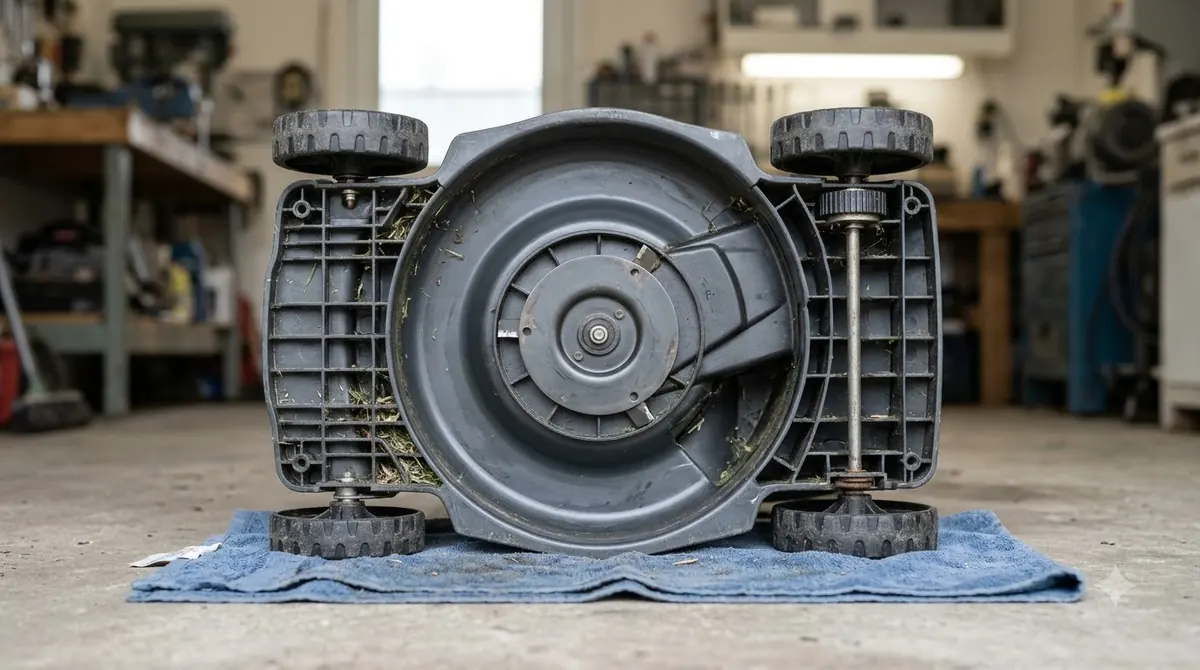
Which garage materials cause the worst signal loss
Different construction materials attenuate Wi-Fi signals to vastly different degrees, with metal and dense masonry causing the steepest drops.
As explained in Wi-Fi Alliance technical resources, building composition and physical obstructions directly dictate how well 2.4 GHz and 5 GHz bands maintain coverage across rooms and outbuildings. Knowing what sits between your router and your dock helps explain why the connection holds up in the yard yet fails inside the garage.
| Garage Material or Obstruction | Impact on 2.4 GHz Wi-Fi | Why It Disrupts Mower Connectivity |
|---|---|---|
| Steel or aluminum garage door | Very high attenuation | Conductive metal skin reflects radio waves away from the interior bay. |
| Foil-faced foam insulation | High to very high attenuation | Reflective vapor barriers behave similarly to thin sheet metal. |
| Poured concrete or cinderblock walls | High attenuation | Dense masonry and embedded rebar absorb and scatter RF energy. |
| Parked vehicles in the bay | Moderate to high attenuation | Car bodies and engines block low-angle signals near floor level. |
| Wood-frame walls with drywall | Low to moderate attenuation | Allows most 2.4 GHz waves through unless lined with wiring or pipes. |
Heads up
Avoid mounting a Wi-Fi extender inside a metal utility box or directly behind a steel garage door track, as nearby metal surfaces reflect signals back into the antenna and degrade throughput.
Why robot mowers struggle more than phones in the garage
A smartphone may still hold onto a single bar of Wi-Fi inside a closed garage where a robot mower completely disconnects because of differences in antenna design and frequency support.
Manufacturers design robotic lawn mowers to survive rain, grass clippings, vibration, and impacts, which means sealing the electronics inside a rugged plastic chassis without external antennas. These small internal antennas have lower gain than the multi-antenna arrays inside modern smartphones or laptops. When signal strength drops near the noise floor, the mower’s Wi-Fi chip drops the link rather than draining battery power through constant packet retransmissions.
Frequency band selection also plays a major role. Almost all boundary-wire and RTK-assisted robot mowers connect exclusively over the 2.4 GHz band because lower frequencies travel farther and penetrate walls better than 5 GHz or 6 GHz bands. If your home router uses a single combined network name (SSID) with aggressive band steering, or if the router’s 2.4 GHz radio is set to low transmit power, the mower struggles to complete a handshake once the garage door closes.
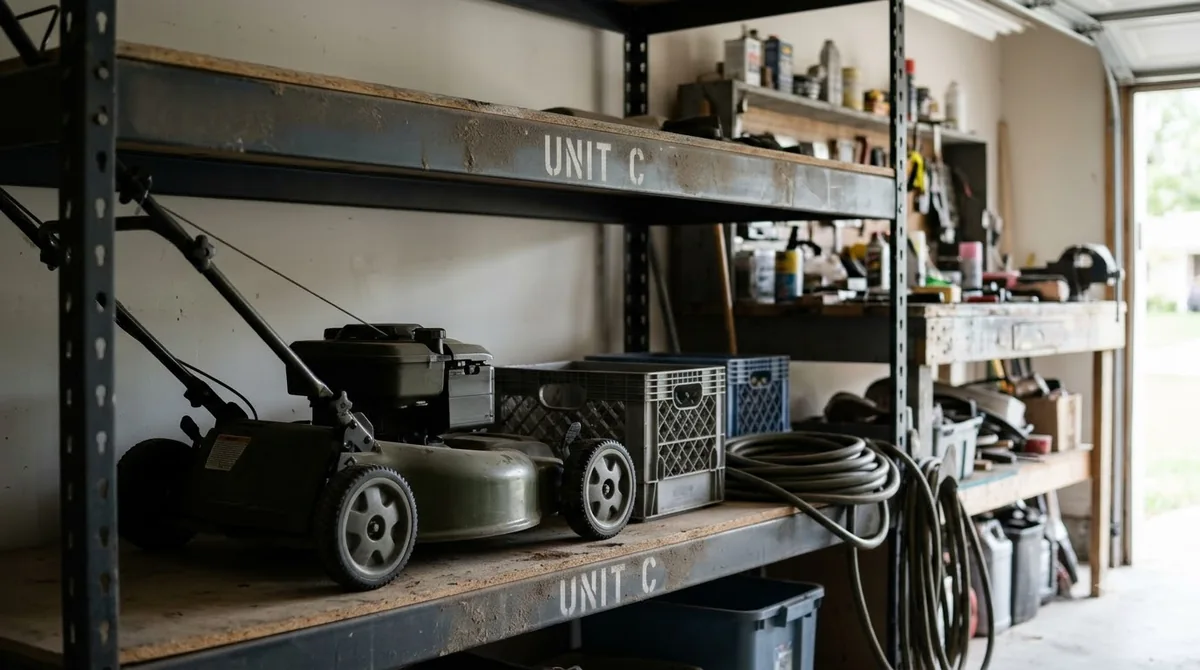
Step-by-step fixes to keep your mower online with the door shut
You can restore reliable garage connectivity without leaving your door cracked open by bringing the 2.4 GHz signal closer to the dock and eliminating unnecessary interference.
- Measure signal strength at the dock with the door closed. Stand next to the charging station with the garage door fully shut and check your phone’s 2.4 GHz Wi-Fi connection. If the signal drops to one bar or switches to cellular data, the dock sits in an RF dead zone.
- Move the charging station closer to an interior wall. Relocating the dock a few feet away from the metal garage door and closer to the shared drywall wall separating the garage from your living space often cuts through the worst metal reflection.
- Install a mesh node or wired access point inside the garage. Place a mesh satellite on an interior garage shelf—or run an Ethernet cable from your main router to a dedicated garage access point—so the signal originates inside the bay rather than trying to pass through the exterior door.
- Verify dedicated 2.4 GHz network settings. Check your router’s administration panel to confirm that 2.4 GHz is enabled, set to a non-overlapping channel (1, 6, or 11 in North America), and not blocked by overly strict security protocols that older IoT chips reject.
- Power-cycle the mower and charging base after adjustments. Reboot the mower and base station once your signal improvements are in place so the onboard radio locks onto the stronger access point rather than clinging to a weak distant node.
Frequently asked questions
Does losing Wi-Fi in the garage stop my robot mower from cutting the lawn?
No. Most robot mowers store their mowing schedules, boundary maps, and cutting settings in onboard memory, so they will exit the garage and mow on schedule even when offline. You only lose live app status, remote start commands, and over-the-air firmware updates while the connection is down.
Should I drill a hole or install an external antenna on my robot mower?
No. Drilling into a mower’s sealed chassis compromises its weatherproofing (IP rating) and voids the manufacturer’s warranty. Improving Wi-Fi coverage inside the garage with a mesh node or access point is safer and more effective.
Will a Wi-Fi extender plugged into a garage outlet fix the drop?
Only if the outlet itself still receives a strong signal from your main router when the garage door is closed. Plugging a wireless repeater into a dead zone simply repeats a weak signal; placing the extender just inside the house wall or using a wired access point inside the garage works much better.
Do RTK GPS robot mowers need Wi-Fi inside the garage to keep their satellite fix?
RTK mowers rely on satellite signals and a reference station rather than Wi-Fi for positioning, though both satellite lock and Wi-Fi drop inside a closed metal garage. Once the garage door opens and the mower rolls onto the lawn, it reacquires satellites and reconnects to your home network automatically.
Sources
- Automower Wi-Fi Connection Troubleshooting (Husqvarna Support): Used to confirm manufacturer guidance on metal obstructions, charging station placement, and 2.4 GHz network requirements.
- Wi-Fi CERTIFIED EasyMesh Overview (Wi-Fi Alliance): Used to verify how building materials attenuate 2.4 GHz versus 5 GHz signals and how multi-node mesh placement resolves dead zones.
 Up next8 min readLearnWhy Does My Robot Mower Battery Lose Charge While Docked?Updated Nov 19, 2026
 9 min readLearnWhy Does My Robot Mower Spin Its Wheels When Turning?Updated Nov 19, 2026
 9 min readLearnWhy Does My Robot Mower Stop When Crossing Patio Pavers?Updated Nov 19, 2026
 8 min readLearnWhy Does My Robot Mower Struggle on Freshly Topdressed Lawns?Updated Nov 19, 2026
 9 min readLearnWhy Does My Robot Mower Beep Three Times on the Dock?Updated Nov 19, 2026
 10 min readLearnWhy does my robot mower turn around before reaching the edge?Updated Nov 19, 2026