
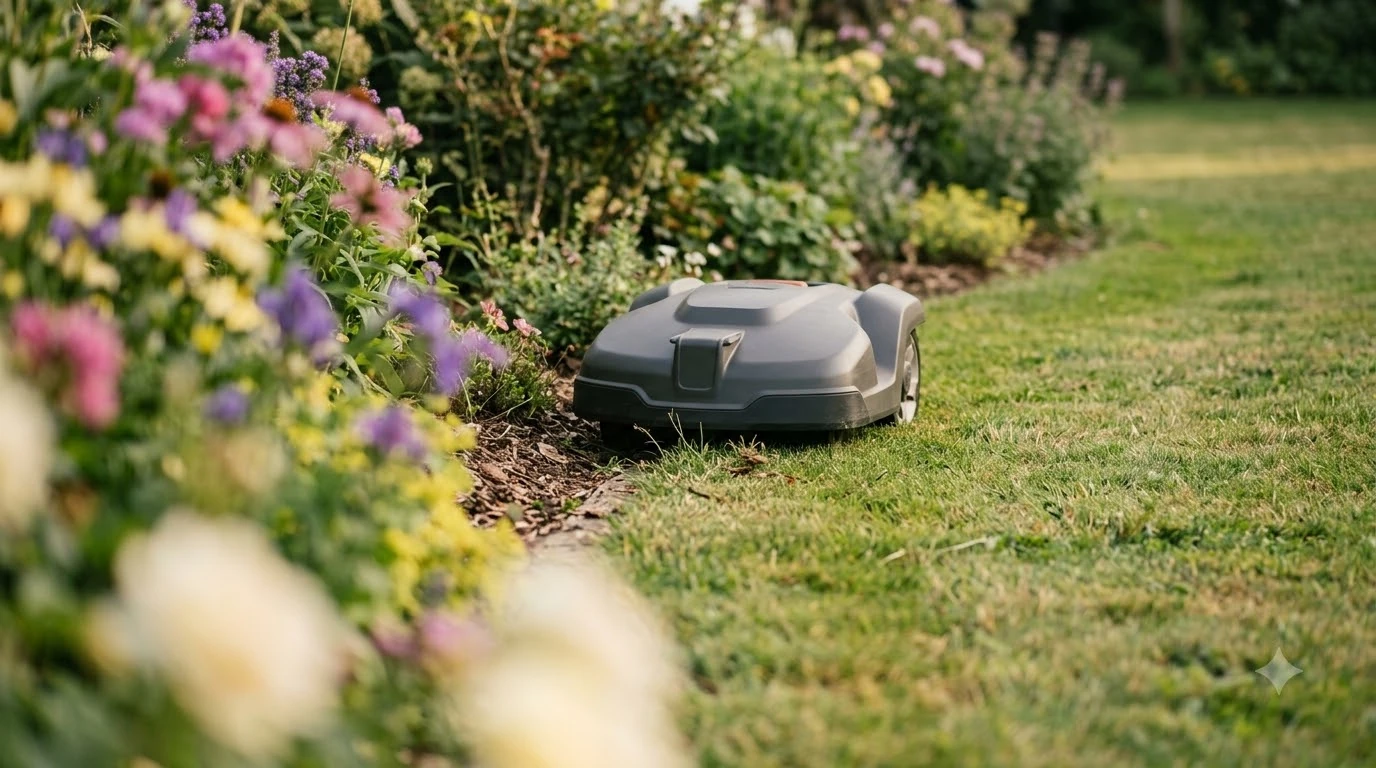

Worx Landroid not docking usually has one of four causes: an unlevel charging base, dirty or misaligned charging poles, an unclear or blocked approach to the base, or, on Vision models, a camera that cannot read the base QR code. Check them in that order before you assume the battery or the mower is faulty. The steps below follow Worx’s own support pages.
The short answer
- Level the base: Worx says the charging station must sit on level ground, so re-work any spot that moves under the mower.
- Clean and align the poles: dirty or misaligned charging poles cause repeated docking attempts.
- Clear the approach: check for bare spots and anything that blocks the route to the base.
- Check the QR code (Vision only): the camera must be able to see the base QR code.
Worx Landroid not docking: the usual causes
Worx’s troubleshooting pages list a small set of docking causes: a charging station that is not level, dirty or misaligned charging contacts, and a base that the mower cannot reach or recognize. The Landroid Classic page adds a loose or defective base and a fully discharged battery to the list. Start with the causes you can check on the lawn in a few minutes.
Heads up
Worx’s pages mostly describe the Landroid Classic, the WR165 model and the Landroid Vision. The pages I read do not say which steps apply to boundary-wire models, so check your own manual before you change wire settings.
Level the charging base
A base that rocks or shifts can make the mower miss its contact pins. Worx’s WR165 support page says to use a level to confirm the charging station sits on level ground. It also says to re-work any unlevel spot that could move the station while the mower drives through it.
A level check takes only a few minutes, and it is the first step on Worx’s list, so do it before any other change.
Clean and align the charging poles
When a Worx Landroid not docking problem repeats, start with the poles. Worx’s E7 docking page gives a direct cause and fix: poor contact leads to repeated docking, and the usual cause is dirty or misaligned charging poles. The same fix appears on the Landroid Classic page, which lists debris and oxidation on the contacts as causes of poor charging.
- Inspect the poles. Look at the base poles and the mower’s charging contacts for dirt, debris, or corrosion.
- Clean both sides. Clean the base poles and the mower’s charging contacts.
- Check the alignment. Confirm the contact pins line up with the charging contacts when the mower is docked.
- Re-dock. Dock the mower again and check that it seats fully.
If you see defects or loose parts on the station, Worx’s Classic page says to have it checked. If the problem stays, contact service.
Keep the approach to the base clear
The mower needs a clear route to the base, and the Vision troubleshooting page lists access to the base station and bare spots as factors that affect docking. A bare patch or a loose object near the base can make the mower miss the final approach. Walk the route from the lawn to the base and remove anything in the way.
Check the QR code and base position on Vision models
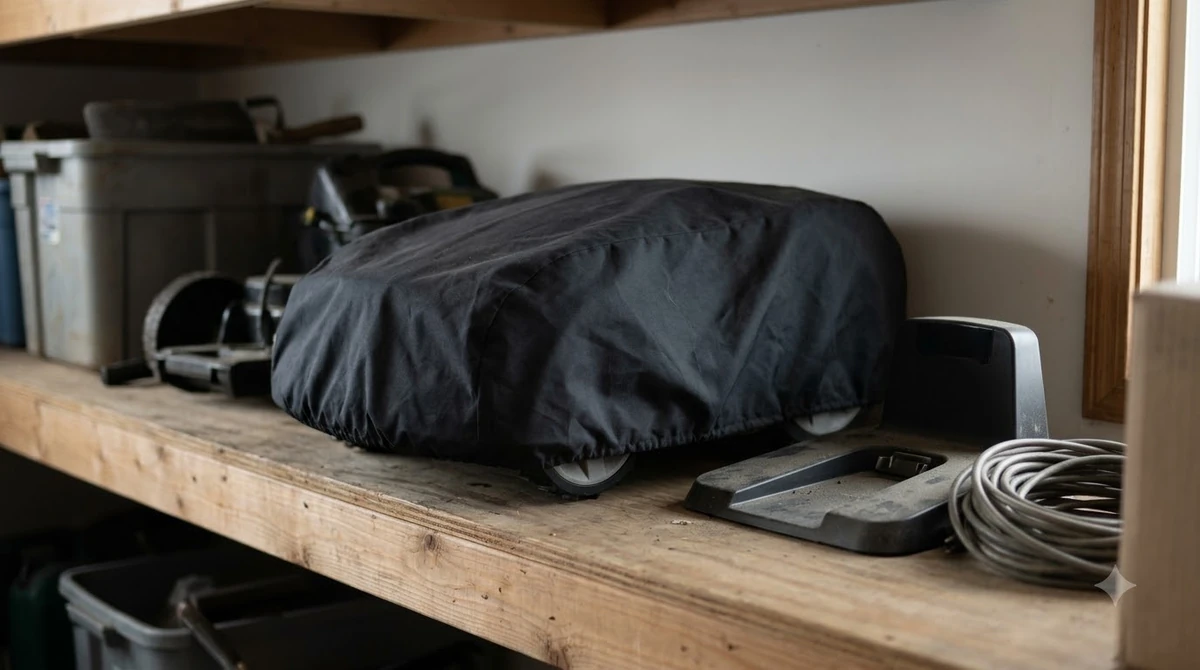
The Landroid Vision does not use Wi-Fi or Bluetooth to find its base. Worx says its camera reads the base QR code, so the code must be visible when the mower looks for the base. Worx’s installation guidance says to point the contacts and QR code toward the work area.
| Setting | What Worx says |
|---|---|
| QR code | The camera must be able to recognize it while the mower searches for the base. |
| Base direction | Contacts and QR code point clockwise to the work area. |
| Mowing direction | The Vision moves counter-clockwise because of its right-side deck. |
| Distances | Keep the correct installation distances; the page gives no measurements. |
Because the page gives no distances, use your Vision manual or the installation video for the exact spacing before you move the base.
Check the base temperature
The base and battery must charge within a set temperature range, and Worx’s E7 page gives the limits. Move the charging base to a cooler spot if it is above 55 C, or a warmer spot if it is below 3 C. Let the battery reach its normal range before you try again.
Start a manual charge and check the light
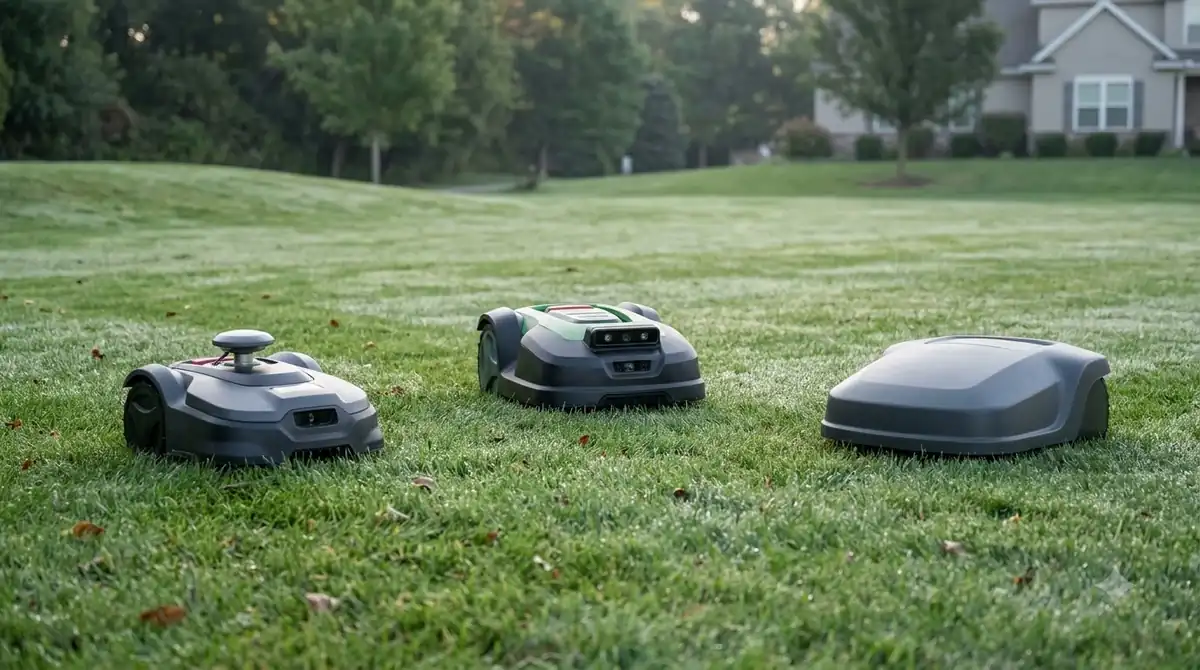
If the battery is low, the Landroid Classic page says you can dock the mower by hand. Place it on the charging station and charging should start automatically. Switch the mower on once charging finishes.
Check the light on the base. Worx says an LED that stays off or flickers can point to a power problem. Check the power supply at the base and at the outlet, and test the outlet with another device. If the light stays off after those checks, Worx says the base or power supply may need servicing.
When to contact Worx support
If your Worx Landroid is still not docking after these checks, contact Worx with your model and a clear description. Worx’s Classic page asks you to save a support log to a FAT32 USB drive of 2 to 8 GB, then send the log file, named LOG_xxxx.htm, with the description to customer support.
- Turn on the mower and enter the PIN.
- Insert the USB drive and wait for the beep or the USB message.
- Remove the drive and open the LOG file on a computer.
- Send the file with your model and what you have already checked.
Frequently asked questions
Why is my Worx Landroid not docking when it reaches the base?
Worx’s docking pages point to poor contact from dirty or misaligned poles, a base that is not level, and a base that moves while the mower drives over it. Check those first, then the QR code if you have a Vision model.
Can I start the charge by hand?
Yes, according to Worx’s Landroid Classic page. Dock the mower by hand on the charging station, and charging should start automatically.
What does the base light mean?
Worx says an LED that is off or flickering can mean a power issue. The page does not list other colors, so check your model’s manual for what each light means.
Should I open the base to clean it?
Worx’s pages say to clean the poles and contacts, and to contact support for damaged or loose parts. They do not ask you to open the base, so leave any internal work to Worx or an authorized service provider.
Sources
- Landroid Classic: the mower does not charge (Worx): causes, manual docking, LED, support log.
- Landroid cannot correctly dock with the charging station (Worx, WR165): level ground and re-working unlevel spots.
- Landroid Vision: cannot find the charging base (Worx): QR code, base direction, approach factors.
- E7 charging issues: temperature and docking errors (Worx): poor contact, pole cleaning, base temperature limits.
 Up next7 min readLearnWorx Landroid Stuck? Fix Docking, Power and Path ProblemsUpdated Nov 13, 2026
 6 min readLearnWorx Landroid App Not Connecting: Fixes That WorkUpdated Nov 13, 2026
 9 min readLearnWorx Landroid No Wire Signal: Causes and FixesUpdated Nov 11, 2026
 7 min readLearnHow to Set Up Worx Landroid Vision, Step by StepUpdated Nov 10, 2026
 8 min readLearnHow Long Does the Worx Landroid Vision Battery Last?Updated Nov 12, 2026
 6 min readLearnHow to Update Worx Landroid Vision FirmwareUpdated Nov 12, 2026