
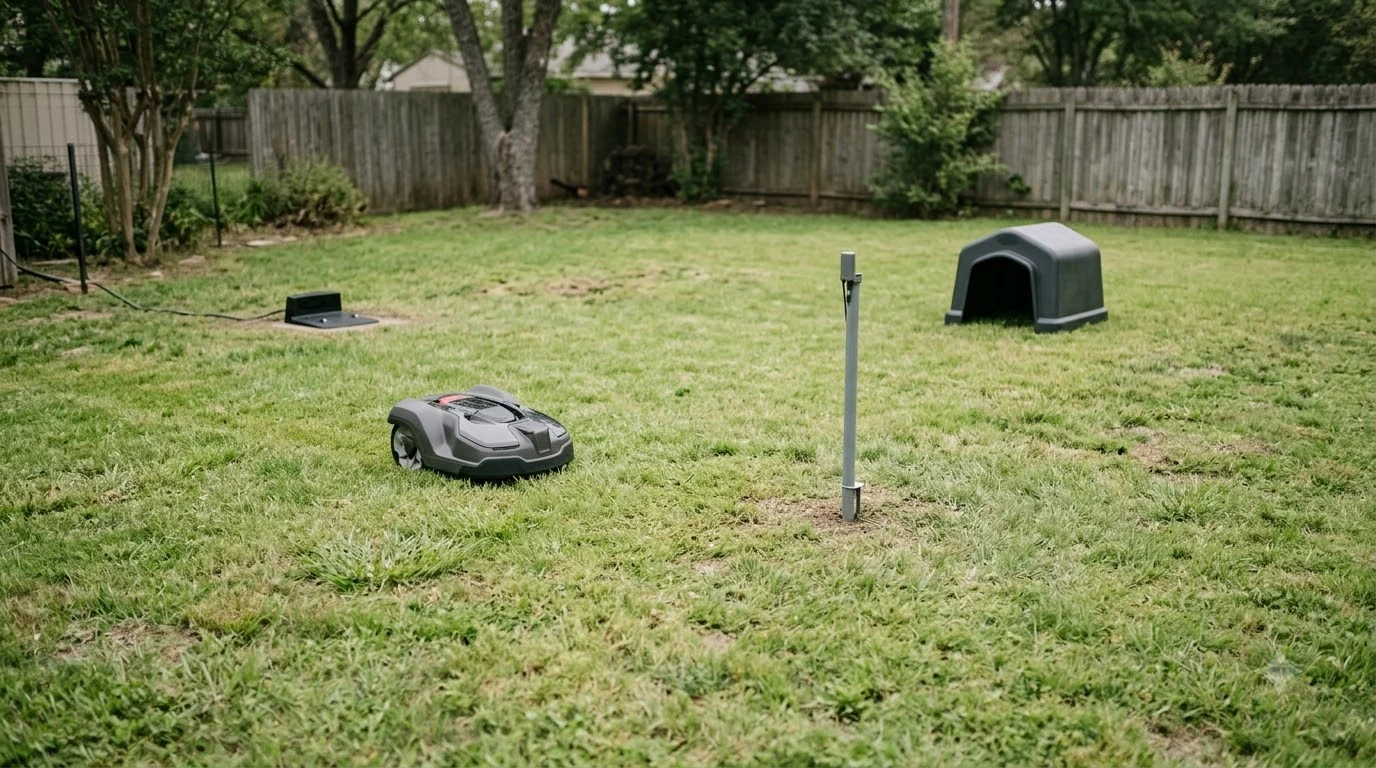

Worx Landroid customer service runs through its online support pages, the Help Center, and a log file route rather than one public phone line. The Worx pages reviewed for this guide list no phone number, email address or contact form. Start with the support page for your mower, collect your registration and proof of purchase, and create a log file if the problem involves the mower itself. As of November 2026, that is the most direct path to a useful answer.
The short answer
- Where to start: For Worx Landroid customer service, use the Support for Landroid page and the Help Center, both linked from Worx’s own site.
- What to have ready: Your registration, proof of purchase with date and place of purchase, and the model name.
- What support asks for: A log file plus a detailed description of what the mower did.
Worx Landroid customer service: the routes that exist
Worx splits Landroid help into a few places, and each one answers a different kind of question. A general fault, a warranty claim and an account problem each go to a different page. Knowing which route fits saves time, because a warranty question sent to a help article will not get a warranty answer. Each route in the table serves a different part of Worx Landroid customer service, so pick the one that matches your problem before you write. Support will often start with the basics, so basic reset steps to try first can save a call.
| Route | What it covers | Use it when |
|---|---|---|
| Support for Landroid page | Product help and model-specific guides | You need setup or fault steps for your mower |
| Help Center | Articles, error messages and troubleshooting | The mower shows an error code or status message |
| Landroid registration | Product registration with the account and date of purchase | You want to extend the warranty or claim it |
| Authorized service center | Repair and warranty work | The mower is damaged or fails a warranty check |
Vision Cloud range mowers register through a separate support page, so check which family your mower belongs to before you register. The route you choose matters because the registration record is what Worx uses to confirm warranty cover.
What to prepare before you contact Worx
Worx Landroid customer service works faster when you arrive with the right facts. Worx asks for a registration document and proof of purchase for warranty claims, and the proof must show the date and place of purchase. Gather the following before you write or call, so you do not have to start again later. A PIN or pairing problem is the most common reason to ask about Worx Landroid factory reset and PIN steps. Collect the network details too, and use Worx Landroid Wi-Fi connection problems for the checks that apply. If you own a different brand, the Dreame A1 manual guide shows the same kind of model and support information gathered in one place.
- Model and family. Note the exact Landroid model name and whether it is a Classic or Vision unit.
- Proof of purchase. Keep the receipt or invoice that shows the date and place of purchase.
- Registration. Check that the mower is registered on the Landroid registration site for your region.
- Error details. Write down the exact error or status message, and when it appeared.
- Log file. If the problem is in the mower, create a log file as described below and attach it.
How to create the log file support asks for
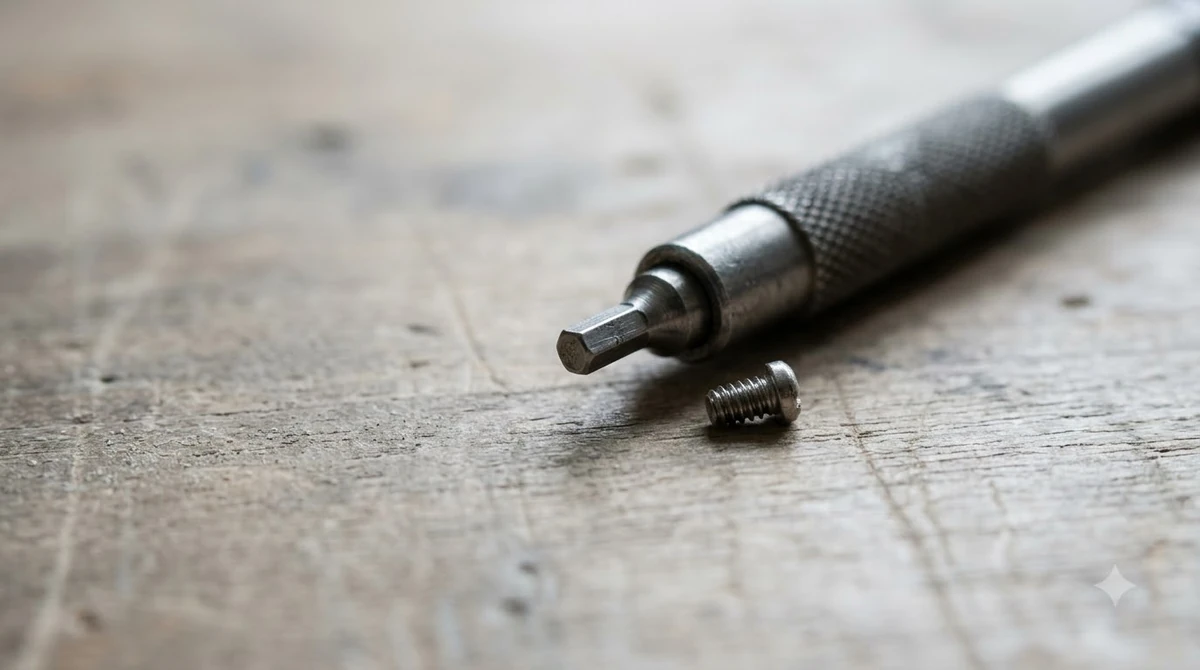
The troubleshooting pages ask for a log file when simple checks do not clear a fault. Worx’s Landroid Classic guide tells you to share the log file and a detailed description of the issue with customer support. To make one, turn on the mower, enter the PIN, and insert a FAT32 USB drive of 2 to 8 GB. Wait for the beep or the USB message, then remove the drive. On a computer, open the file named LOG_xxxx.htm and send it with your description. The log file is mainly requested for connection faults, which are described in Landroid app connection faults and the router checks.
A good description is short and specific, and it is the part of Worx Landroid customer service you control most directly. Say what the mower was doing, where it was on the lawn, what the app showed, and what you had already tried. Support can act on a clear sequence of events far faster than on a general complaint that the mower “does not work.”
Warranty terms that affect the call
Before any Worx Landroid customer service claim, confirm your warranty status. Warranty terms depend on your region, so read the statement for your own country. The EU warranty statement that Worx publishes gives a standard two-year period for the Landroid mower, excluding accessories and consumables. Battery packs carry a one-year warranty. Registering the mower within 30 days of purchase extends the mower warranty to three years, and without registration only the two-year period applies. Some add-on modules are covered for one year whatever the registration status. The terms vary, and what a robot mower warranty usually covers summarises the common inclusions and exclusions.
Several things fall outside cover, and it helps to know them before you ask for a repair. Normal wear and tear is excluded, as are blades and wheels. Damage from high-pressure washers, steam or running water is excluded, and the Vision Cloud terms are stricter still, allowing only hose water cleaning. Repairs by anyone other than an authorized service center, non-genuine parts, and trade or rental use also fall outside the statement. The warranty applies only to the original purchaser.
When to escalate beyond the standard route
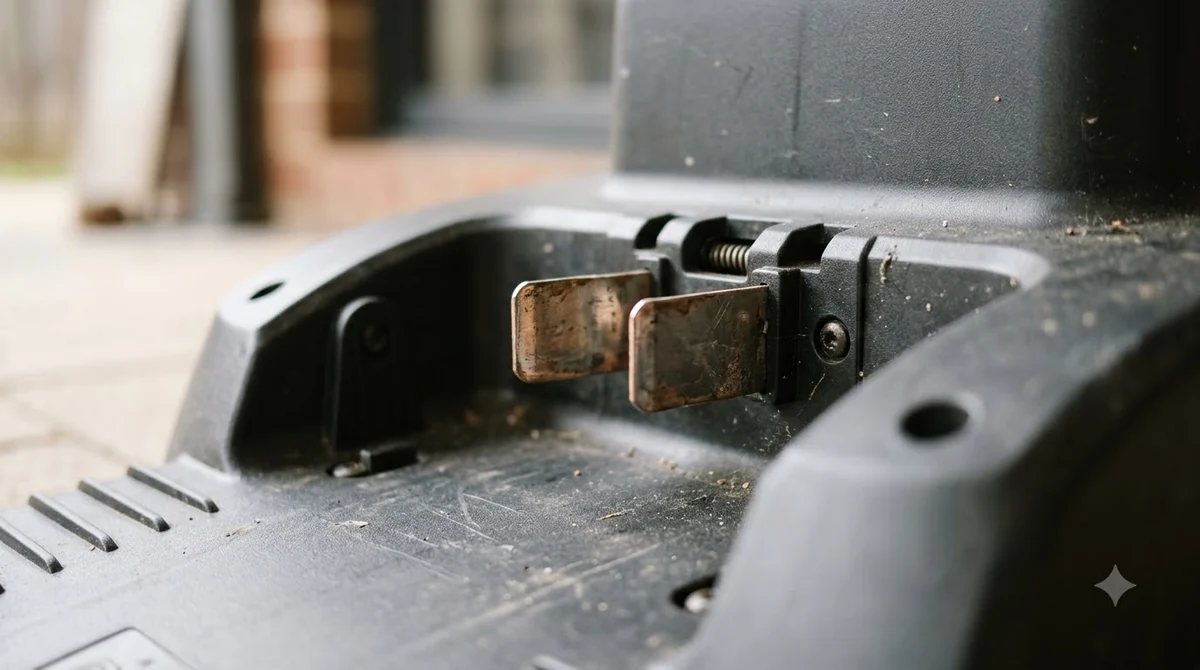
Good Worx Landroid customer service follows a clear order. Many faults are cleared by the documented steps alone, so start with the support page and the Help Center, then escalate when the mower shows damage, fails a basic check, or the same error returns after the documented fix. A claim needs the registration and proof of purchase, so do not discard the receipt. If the mower needs repair under warranty, the statement directs the work to an authorized service center rather than a general repair shop. Keep every message and log file together, so the file can be passed on if the case moves to a service partner. If a part has to be replaced after contact, see Worx Landroid spare parts for what is commonly stocked. For a failing pack, Worx Landroid replacement battery shows the compatible options for that brand.
Frequently asked questions
Is there a Worx Landroid customer service phone number?
The Worx pages reviewed for this guide do not list a phone number, email address or contact form. Use the Support for Landroid page and the Help Center to find the current contact options for your region.
What do I need for a Landroid warranty claim?
A Worx Landroid customer service claim asks for a registration document and proof of purchase. The proof must show the date and place of purchase, so keep the original receipt or invoice.
How long is the Worx Landroid warranty?
The EU statement gives two years for the mower and one year for battery packs. Registering within 30 days of purchase extends the mower warranty to three years. Check the statement for your own country because terms vary.
What should I send to customer support with a fault?
Send the log file from the mower, along with the model name, the exact error message, and a short description of what the mower did before the problem appeared.
Sources
- Worx warranty statement (EU) (Worx): warranty periods, registration extension, exclusions and proof of purchase.
- Worx Landroid Classic wiki: The mower does not charge (Worx): log file steps and the request to share the log with customer support.
 Up next6 min readLearnSegway Navimow Customer Service: How to Reach SupportUpdated Nov 13, 2026
 7 min readLearnHusqvarna Automower Customer Service: How to Get HelpUpdated Nov 13, 2026
 7 min readLearnWorx Landroid Stuck? Fix Docking, Power and Path ProblemsUpdated Nov 13, 2026
 7 min readLearnWorx Landroid Factory Reset: What You Can DoUpdated Nov 13, 2026
 6 min readLearnWorx Landroid App Not Connecting: Fixes That WorkUpdated Nov 13, 2026
 8 min readLearnWorx Landroid Won t Connect to Wifi: Step-by-Step FixesUpdated Nov 13, 2026