
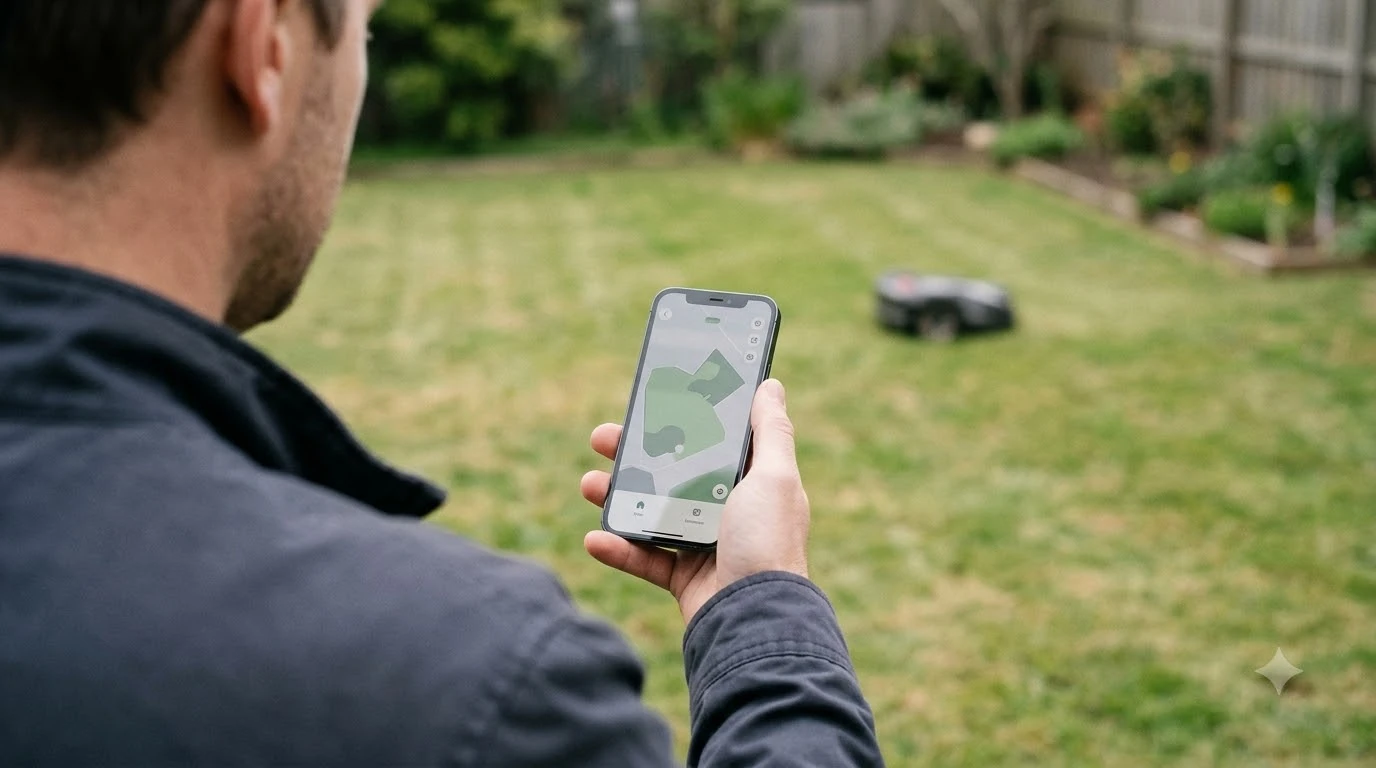

For Husqvarna Automower customer service, start with the Husqvarna support site for your country, check whether your warranty still applies, and go to an authorized dealer for repairs, battery swaps, and genuine parts. Husqvarna’s warranty terms, support routes, and dealer network differ by country, so the answer depends on where you bought the mower. The steps below follow the Husqvarna warranty and parts pages we read, and they are current as of Nov 2026.
The short answer
- Find your country’s support site: Husqvarna publishes support articles and warranty terms for each market, so use the one that matches where the mower was sold.
- Check the warranty: terms, registration steps, dealer conditions, and exclusions decide what Husqvarna covers.
- Use a dealer for repairs: battery replacement and service work are handled through authorized dealers.
- Buy genuine parts: Husqvarna recommends genuine parts, and its guide splits buying between dealers and the webshop.
- Have your details ready: model, serial number, purchase date, and the exact error message speed up any support contact.
Start with the Husqvarna support site for your country
The Husqvarna customer service route begins with the support pages for the market where you live. The Automower warranty policy for Australia, for example, sets out standard and extended terms, the registration steps, the dealer conditions, and the exclusions. A similar policy exists for other markets, but the wording and the periods can differ, so read the version that matches your purchase. Before calling, try the reset basics to try before contacting support to rule out the simple fixes dealers ask about first.
Support articles on the site cover many common problems, such as a charging station error or a battery warning, and they often name the next step as a dealer visit. Reading the article for your error first can save a call, because it may explain a check you can do yourself.
Husqvarna Automower customer service and the warranty
Warranty is the first question to answer before you pay for a repair. The Husqvarna warranty policy sets out standard and extended terms, the registration steps, the conditions that apply through the dealer who sold the mower, and the exclusions that say what is not covered. Read the exclusions before you assume a fault is included. The scope of the cover varies by maker, and what a robot mower warranty covers explains the common limits.
Before you contact support, gather the proof of purchase and the registration details. Our reading is that a missing receipt can hold up a warranty claim, so store the receipt with the mower’s manual and the dealer’s name in one place.

Use an authorized dealer for repairs and battery work
For repairs, battery swaps, and service work, the support articles point to an authorized dealer. The Husqvarna battery guide says a worn battery is replaced by a dealer, and the Husqvarna parts page includes a dealer locator. Calling the dealer first is often the fastest route, especially if the mower needs to be inspected before the team can say whether a repair is covered.
Ask the dealer three questions when you call: whether the repair falls under warranty, what the expected wait is, and whether the mower can be collected or must be brought in. Write down the answers and the name of the person you spoke to, so the record is clear if the job takes longer than expected.
Buying genuine parts and spare parts
Husqvarna’s guide to spare parts recommends genuine parts for its products, and it describes the split between dealer and webshop buying. Parts bought from the webshop may suit some items, while others are best bought through a dealer. The parts page for robotic lawn mowers lists the part groups by name, and it repeats the genuine parts message. For wear parts, Husqvarna Automower spare parts shows what a typical order includes.
Non-genuine parts can create problems with fit, safety, and warranty claims. A cheap blade or charging contact that does not match the mower can affect how the mower cuts and charges. If you are not sure which part you need, send the model and serial number to the dealer and ask for the correct part number before you buy.
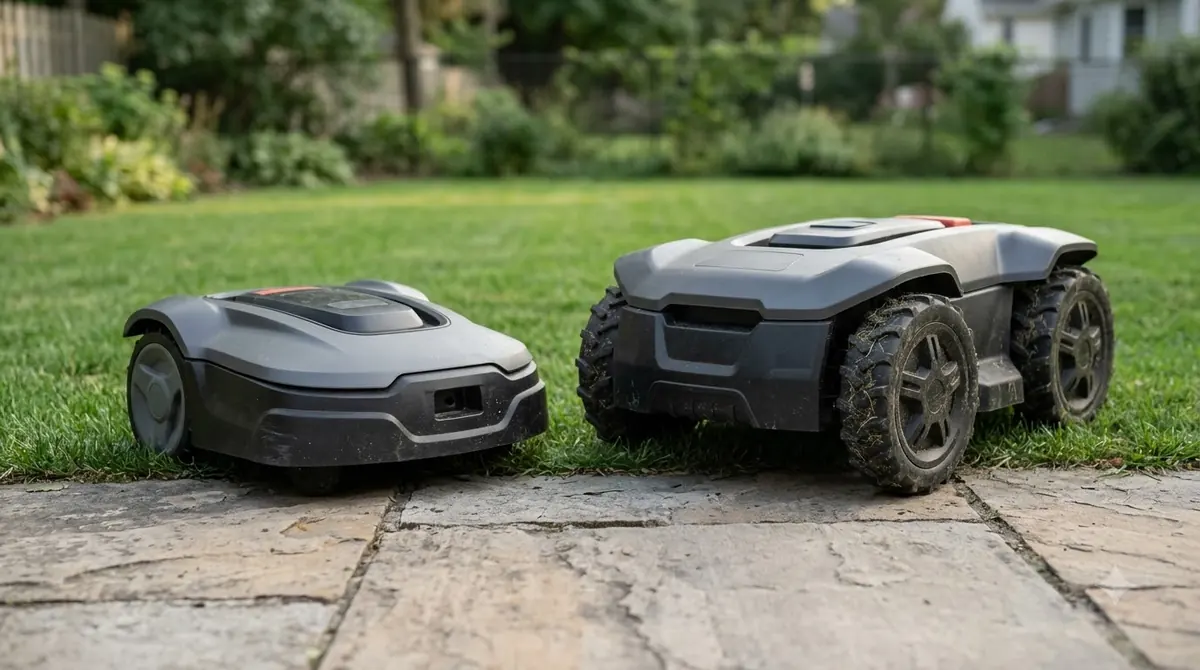
Husqvarna Automower customer service: what to have ready
Good Husqvarna Automower customer service starts with good information. Before you call, write down the mower model, the serial number from the label, the purchase date, and the store or dealer that sold it. Then note the exact error text shown on the mower or in the app, along with what you have already tried. A short list like this saves time for both you and the support agent. Keep the right document ready by checking the Husqvarna 115H manual for model numbers and quick-start details.
- Find the model and serial number. Check the label on the mower and the paperwork that came with it.
- Note the error text. Copy the message exactly, including any error code.
- Record your checks. Write down the steps you already took, such as a power check or cleaning the contacts.
- Confirm the purchase details. Keep the receipt and the dealer name ready.
- Pick the right channel. Use the support site for your country, or the dealer for repairs.
When customer service cannot solve the problem
Some problems need a physical inspection. A charging station that will not power up, a battery that fails a test, or a mower that will not move may need a dealer visit. If the dealer and the support team disagree about whether a fault is covered, ask for the reasoning in writing. Our reading is that a clear written reason gives you something to take further if you need to, whether to the dealer’s management or to the consumer protection body in your country. If a reset is the next step, Husqvarna Automower factory reset steps lists the difference between newer and older models.
Frequently asked questions
How do I contact Husqvarna Automower customer service?
Start with the Husqvarna support site for your country and the support article for your problem. For repairs, battery work, and parts, contact an authorized dealer. Have the model, serial number, and purchase date ready.
Does the Husqvarna warranty cover a battery?
Warranty terms differ by country and product, and they set out what is covered and what is excluded. Check the warranty policy for your market, then ask the dealer whether a battery claim applies to your mower.
Where should I buy Husqvarna Automower spare parts?
Husqvarna’s spare parts guide recommends genuine parts and describes a split between dealers and the webshop. If you are not sure which part you need, send the model and serial number to a dealer before you buy.
Can I fix a Husqvarna Automower myself without affecting the warranty?
Simple checks, such as clearing the docking path or cleaning the contacts as the support guide describes, are part of normal care. Repairs inside the mower or unapproved work can affect warranty cover, so check the warranty exclusions before you open the unit.
Sources
- Husqvarna Automower warranty policy (manufacturer, Australia): standard and extended terms, registration and dealer conditions, and exclusions.
- A guide to buying and choosing spare parts for your Husqvarna product (Husqvarna): genuine range via dealers, webshop selection, and the genuine-only advice.
- Husqvarna parts for robotic lawn mowers (Husqvarna): named part groups, the genuine parts message, and the dealer locator.
 Up next6 min readLearnSegway Navimow Customer Service: How to Reach SupportUpdated Nov 13, 2026
 7 min readLearnWorx Landroid Customer Service: Routes, Warranty and Log FilesUpdated Nov 13, 2026
 8 min readLearnHusqvarna Automower Not Charging: What to Check FirstUpdated Nov 13, 2026
 7 min readLearnHusqvarna Automower App Problems and FixesUpdated Nov 13, 2026
 7 min readLearnHusqvarna Automower Factory Reset: Steps for Newer and Older ModelsUpdated Nov 13, 2026
 8 min readLearnHow Long Does the Husqvarna Automower 430X Battery Last?Updated Nov 12, 2026