
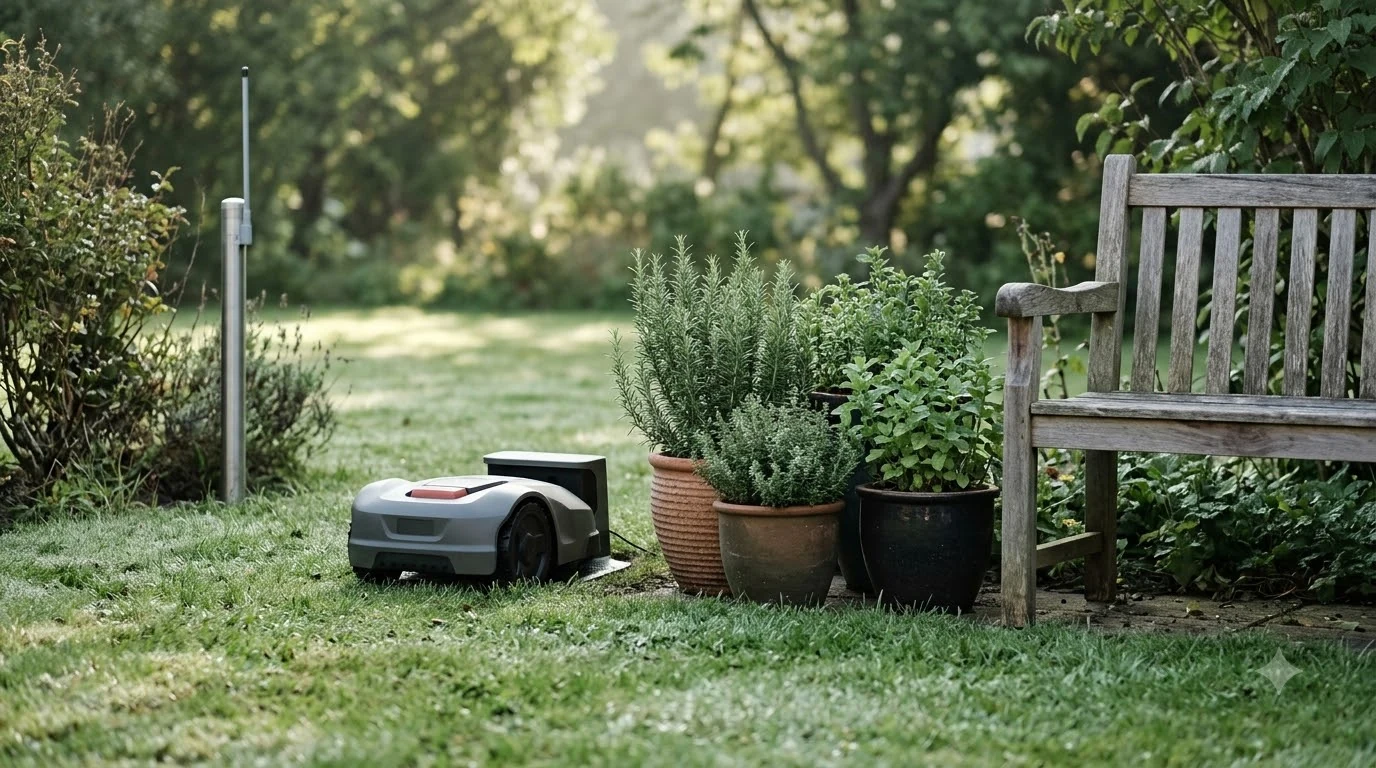

A Husqvarna Automower factory reset starts in the app: open Automower Connect, select your mower, and go to More > Settings > General, then tap “Reset to factory settings.” Older keypad models use Settings > General > “Reset all user settings” instead. A factory reset clears schedules and map objects, but it does not erase the PIN or security level.
The short answer
- Newer models (NERA, Aspire R4, R6V, 308V, 312V): use the Automower Connect app under More > Settings > General.
- Older keypad models (for example the 420): go to Settings > General and select “Reset all user settings.”
- A full wipe is not possible: Husqvarna does not offer a smartphone-style reset that clears everything.
- Try a restart first: a restart deletes no settings, so it is the safe first step.
- If the reset does nothing: charge the mower on its station for at least 30 minutes, restart it, and try again.
What a Husqvarna factory reset actually erases
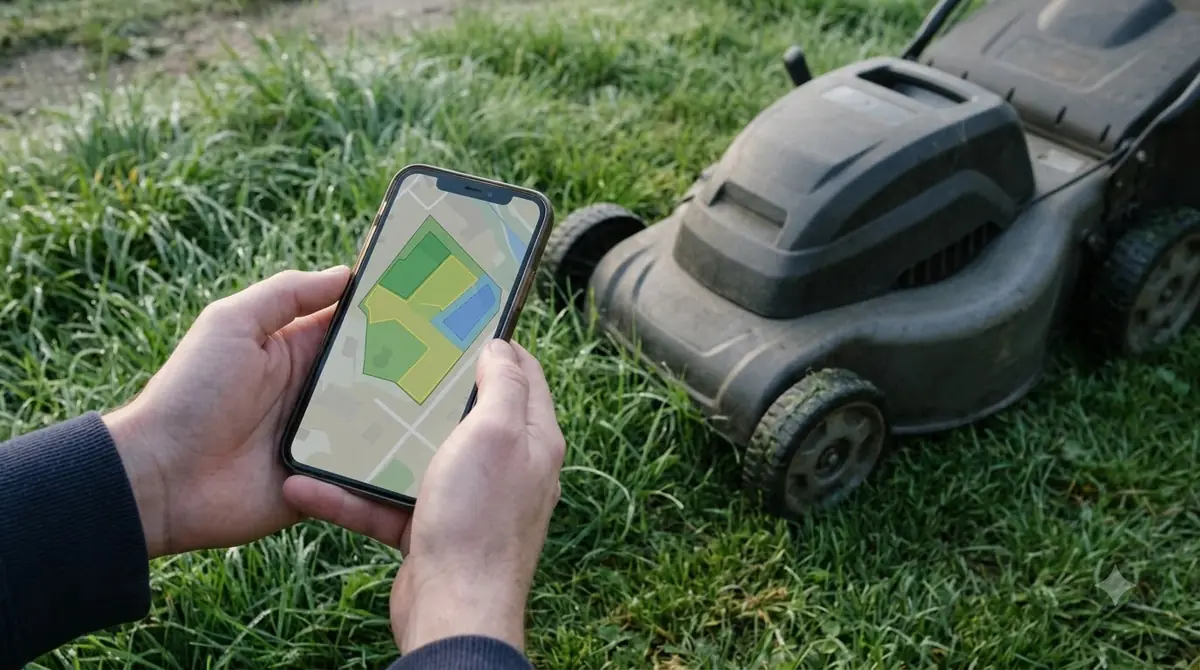
A Husqvarna Automower factory reset is narrower than most people expect. Husqvarna’s support article says it removes user settings, and the two items people usually care about are the schedule and the map objects such as no-go zones and work areas. Those are gone after the reset, so you will need to rebuild them.
Several things survive the reset on purpose. The security level, the PIN code, the loop signal, the stored messages, the date and time, the language, and the country setting are all kept. That matters if you are handing the mower to someone else, because they will still need the PIN to start it.
| Item | After a factory reset |
|---|---|
| Schedules | Erased |
| Map objects (no-go zones, work areas) | Erased |
| Security level and PIN code | Kept |
| Loop signal | Kept |
| Messages, date and time, language, country | Kept |
Because of this split, a reset is a useful fix when settings are wrong, but it is not a way to clear the mower for resale. Husqvarna’s position is that a full reset to blank settings is not possible on the Automower line.
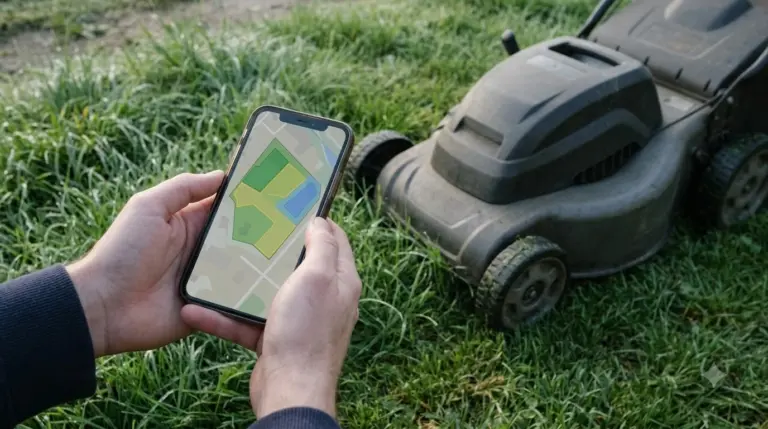
Husqvarna Automower factory reset steps for newer models
On the NERA, Aspire R4, R6V, 308V, and 312V models, the reset lives inside the app. The path is the same across these models, so the steps below apply if your mower appears in Automower Connect.
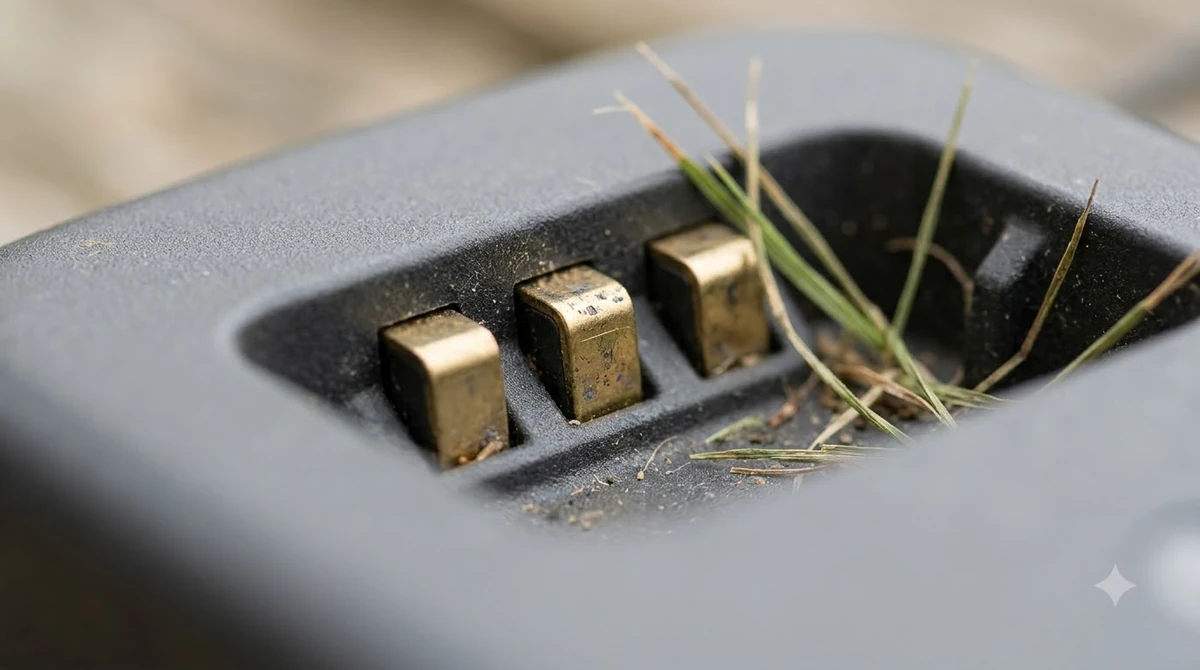
- Open the app and pick the mower. Select the correct mower if you manage more than one.
- Go to More > Settings > General. This is where the general mower settings are grouped.
- Tap “Reset to factory settings.” Confirm the prompt when it appears.
- Wait for the mower to restart. Then rebuild the schedule and any zones you need.
If you have lost the app connection, the reset cannot be started from the phone. Reconnect the mower to the app first, using Husqvarna’s reconnection guide, and then return to the steps above.
Steps for older keypad models
Older models with a keypad, such as the Automower 420, do the reset from the mower’s own menu. The wording is slightly different, so read the screen carefully before you confirm.
- Open the menu on the mower. Enter your PIN if the mower asks for it.
- Go to Settings > General.
- Select “Reset all user settings.”
- Choose “Proceed with reset of all user settings” and confirm. The mower resets the stored user settings and restarts.
Heads up
Check the schedule and the map after any reset. Schedules and map objects are erased, so a mower that starts mowing on its old default plan may not match what you expected. Re-enter the schedule before you leave it unattended.
Why a reset fails, and what to try in order
Most failed resets come down to battery level or a stuck connection, not a broken mower. Husqvarna recommends a short sequence before you call anyone, and it is worth following it in order so you do not repeat the same step. If the mower will not reconnect afterwards, read about Husqvarna app problems after a reset for the usual causes. Charging faults are another reason a reset seems to fail, which Husqvarna Automower not charging covers in a short checklist. If every reset attempt fails, Husqvarna customer service routes explains how to reach a dealer and what to bring.
- Charge the mower: place it on the charging station for at least 30 minutes. A low battery can stop the reset from completing.
- Restart the mower: a restart turns it off and on and deletes no settings.
- Sign out and back in: if the reset was started from the app, sign out of Automower Connect, sign back in, and try again.
- Contact a Husqvarna dealer: if none of the above works, the dealer can check the unit.
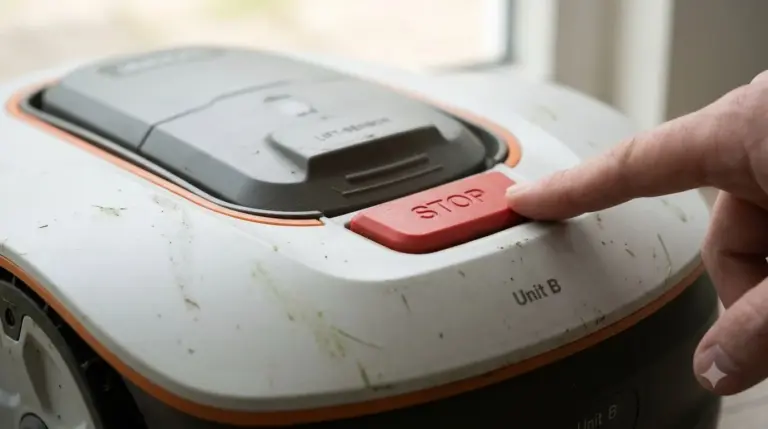
Some errors cannot be cleared remotely for safety reasons. If the app shows a “manual action required” message, the cause is usually physical: the STOP button is pressed, or the mower is tilted or has hit an obstacle. Fix that first, then clear the error at the mower with your PIN.
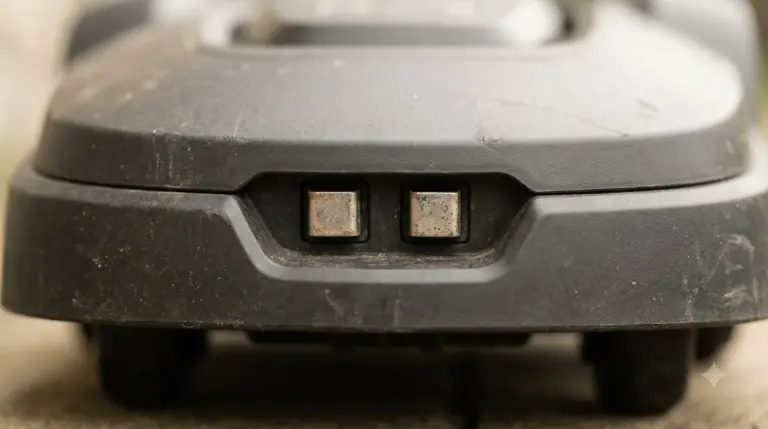
Third-party guides sometimes describe a reset button near the charging pins or a “Reset all user data” option under a security menu. We could not match those steps to Husqvarna’s own documentation, so stick with the app path or the keypad path above.
What to do before a Husqvarna Automower factory reset
A Husqvarna Automower factory reset takes a few minutes, but rebuilding the setup afterward takes longer. Before you start, note the schedule you want, the zone layout, and any no-go areas, so you can enter them again without guessing. If the mower is only misbehaving on one zone, editing that zone is often faster than a full reset. Updating comes before resetting, and Husqvarna 430X firmware update steps list how to check the installed version. Older keypad models follow a different update path, described in Husqvarna 415X firmware update with the checks to make.
If you plan to sell or give away the mower, a factory reset is still useful, but do not rely on it alone. Remove the mower from your app account, keep the PIN safe for the new owner, and check that the loop signal and boundary wire setup match the new yard.
Related reads: Owners of discontinued units can find reset menus in the Operator’s Manual for older Automower models described in the manual guide.
Frequently asked questions
How do I factory reset a Husqvarna Automower?
On newer models, open Automower Connect, select the mower, and go to More > Settings > General, then tap “Reset to factory settings.” On older keypad models, go to Settings > General and select “Reset all user settings.”
Does a factory reset erase the PIN on an Automower?
No. Husqvarna keeps the security level and PIN code during a factory reset. The reset erases user settings such as schedules and map objects.
What if the Automower reset button does nothing?
Charge the mower on its station for at least 30 minutes, restart it, and try the reset again. If it still fails, sign out of the app, sign back in, and retry. If that does not work, contact a Husqvarna dealer.
Will I lose my boundary wire or charging station setup?
A factory reset clears user settings such as schedules and map objects. It does not remove the physical boundary wire or the charging station, but you will need to rebuild the map and schedule afterward.
Sources
- How to restart or reset your Automower robotic lawn mower (Husqvarna): app path, keypad path, and the list of settings kept or erased.
- Reset and restart Automower and handle error messages (Husqvarna): restart versus reset, retry steps, and manual action required errors.
 Up next7 min readLearnLymow Factory Reset: Steps, Backup and What to Try FirstUpdated Nov 13, 2026
 6 min readLearnMammotion Factory Reset: Luba Steps, What Is Erased, and What to CheckUpdated Nov 13, 2026
 6 min readLearnEcovacs GOAT Factory Reset: Step-by-Step GuideUpdated Nov 13, 2026
 6 min readLearnNavimow Factory Reset: What the Support Pages ConfirmUpdated Nov 13, 2026
 7 min readLearnWorx Landroid Factory Reset: What You Can DoUpdated Nov 13, 2026
 8 min readLearnHow to Reset a Robot Mower: Restart First, Then Factory ResetUpdated Nov 11, 2026