


The Husqvarna 415X firmware update installs over the air: charge and park the mower, open the Automower Connect app, and install the update it offers under More, My mowers, Mower details. Husqvarna’s over-the-air (FOTA) list includes the 415X, but it does not list the 415X AWD, so check your exact model before you expect an update to appear.
The short answer
- Supported: the Automower 415X is on Husqvarna’s FOTA model list. The 415X AWD is not, and Husqvarna says models not on the list need a local dealer for firmware updates.
- Before you start: charge the mower, park it on the charging station, and keep the Automower Connect app up to date.
- Install: tap the install prompt, or go to More, My mowers, Mower details, then Install firmware update.
- Time: Husqvarna says the download typically takes 15 to 30 minutes, so plan for the mower to be out of use during that window.
Is the Husqvarna 415X firmware update over the air?
Yes, if your mower is on Husqvarna’s list. The company’s FOTA page lists “Automower 415X” as a supported model and also lists the 435X AWD and its NERA variant. The same list does not show the 415X AWD, and it shows only the NERA variants of the 430X and 450X. That is why the model name on the mower’s label matters more than the family name. Owners of the neighboring model can follow Automower 430X firmware update steps, which cover a very similar flow.
If your model is not on the list, Husqvarna’s page says to contact your local dealer for firmware updates, and states that these models lack the hardware needed for FOTA. Our reading is that you should confirm the model in the app or on the label before you spend time looking for an update that will not appear.
What you need before installing
Husqvarna’s requirements are mostly about the app and the charge level rather than the mower’s hardware. The mower must be charged and parked before you install. Automatic firmware checks should be enabled in the Automower Connect app, which Husqvarna says is on by default. Keep the app itself current, because an old app can miss or misreport an update.
Connectivity matters for the download. Wi-Fi-only models need the charging station to sit in strong Wi-Fi range. Models with a mobile connection do not need Wi-Fi, though Wi-Fi can speed up the download. A weak signal at the dock is the most common reason a download stalls, so a Wi-Fi extender can help if the dock sits at the edge of your network. Our reading is that you should test the signal at the dock before you start, not after the download fails.
Step-by-step: installing the 415X firmware
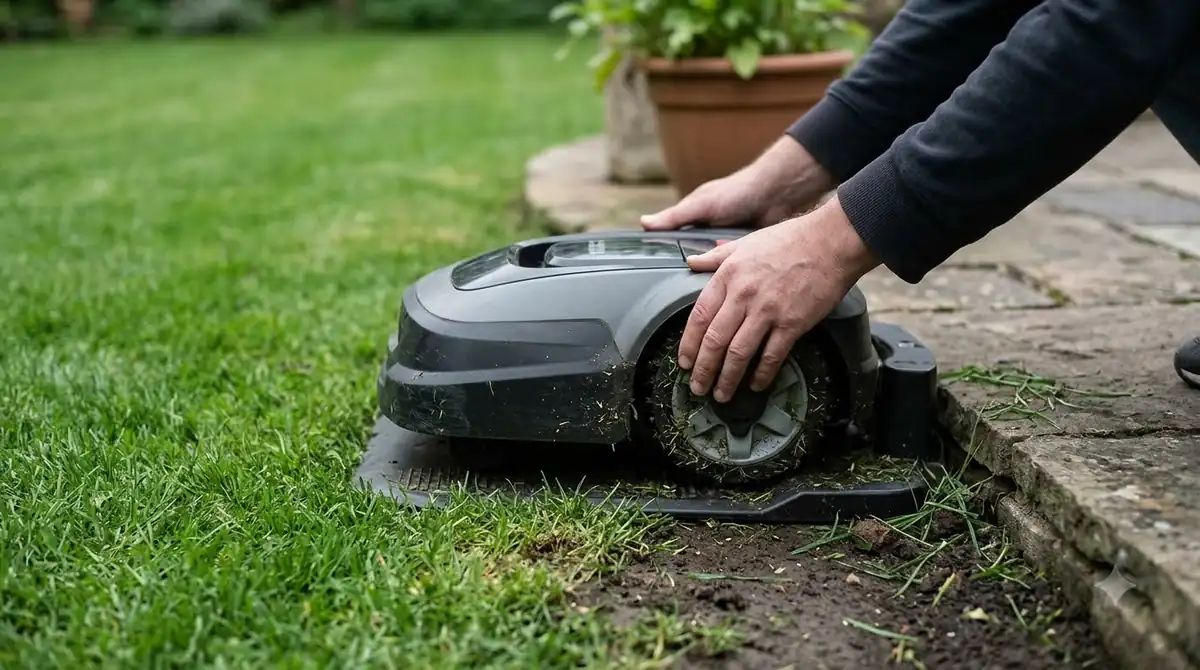
- Charge and park. Put the mower on the charging station and wait until the battery is full.
- Open the app. Go to More, then My mowers, then Mower details.
- Check the version. In Overview, note the installed firmware version so you can compare it with the release notes for your model.
- Start the install. When the notification appears, tap Install. If there is no notification, use Install firmware update from the Mower details screen.
- Wait. Leave the mower on the dock. The download usually takes 15 to 30 minutes.
- Confirm. Reopen Mower details and check that the version has changed, then run one short test mow if your schedule allows.
Steps can differ slightly between app versions, so use the menu names you see on screen if they do not match exactly. The installation order is similar across brands, as shown in the general robot mower firmware update guide.
The 415X AWD and 435X AWD: check before you assume
The AWD variants are where people most often get confused. The 435X AWD appears on Husqvarna’s FOTA list, while the 415X AWD does not. If you own a 415X AWD and the app shows no update, that is consistent with Husqvarna’s list rather than a fault in your phone. Contact a Husqvarna dealer and give them the model and serial number. For a full installation rather than an update, setting up an Automower 430X shows the whole process.
The same logic applies to the 430X and 450X. Husqvarna lists the NERA variants of both, not the base names, so a base-name mower may need a dealer. Our reading is that the model label, not the marketing name, is the key check. For a broader comparison of these models, see Husqvarna Automower 430X NERA vs 450X NERA.
What a firmware update changes, and what it does not
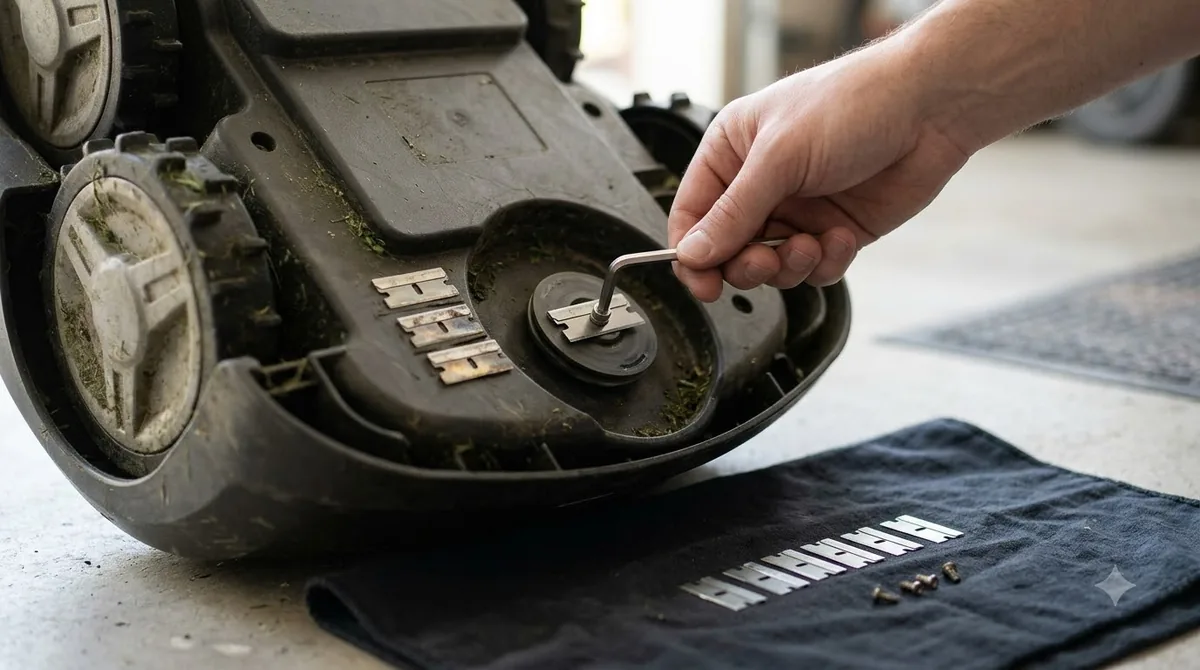
Firmware updates are usually bug fixes, security patches and feature changes for the mower’s software. They are not a cure for a hardware fault such as a worn blade or a dead battery. If the mower stops after an update, record the version numbers and the exact error, then check the release note for your model. A failed install that will not finish is a reason to contact Husqvarna support rather than repeat the install over and over. If you are still deciding on the model itself, the Automower 415X value check weighs its strengths and limits. To compare how another brand handles updates, Luba 3 firmware update steps outline a different process.
Keep in mind that a firmware update can change the app’s behavior too. If a setting moves after an update, check the zones, schedule and boundaries before the next mow. Our reading is that a quick review after every update prevents surprises on the first mow of the week.
Heads up
Do not switch the mower off during the download. If the install is interrupted, follow the on-screen message or contact support rather than unplugging the dock.
Frequently asked questions
Does the Husqvarna 415X support over-the-air updates?
Yes. Husqvarna’s FOTA model list includes the Automower 415X. Check the list for your exact model, since variants such as the 415X AWD are not listed.
How long does a Husqvarna firmware update take?
Husqvarna says the download typically takes 15 to 30 minutes. Keep the mower on the charging station during that time and do not switch it off.
What if my Husqvarna mower does not show a firmware update?
Check that automatic firmware checks are on, the app is up to date, and the mower is charged and parked. If the model is not on Husqvarna’s FOTA list, contact a local dealer for updates.
Can I update Husqvarna firmware without the app?
On FOTA-supported models, the update is installed through the Automower Connect app. For models not on the list, Husqvarna says to contact a local dealer, so the app is the normal route.
Sources
- Which Automower models support FOTA firmware updates (Husqvarna support): the 415X, 415X AWD, 435X AWD and NERA listings, and the dealer instruction for models not on the list.
- How to update your Automower firmware (Husqvarna support): install path, charge and park requirement, app and automatic check settings, and the 15 to 30 minute download time, from research gathered for an earlier Automower guide.
 Up next8 min readLearnHow to Update Husqvarna Automower 430X FirmwareUpdated Nov 11, 2026
 8 min readLearnAnthbot App: Connection, Firmware Updates, and Common FixesUpdated Nov 13, 2026
 7 min readLearnHow to Update Anthbot M5 Firmware: Step-by-Step GuideUpdated Nov 12, 2026
 6 min readLearnHow to Update Ecovacs GOAT O1000 FirmwareUpdated Nov 12, 2026
 7 min readLearnHow to Update Dreame A1 Pro Firmware: Over-the-Air Updates ExplainedUpdated Nov 12, 2026
 6 min readLearnHow to Update Worx Landroid Vision FirmwareUpdated Nov 12, 2026