
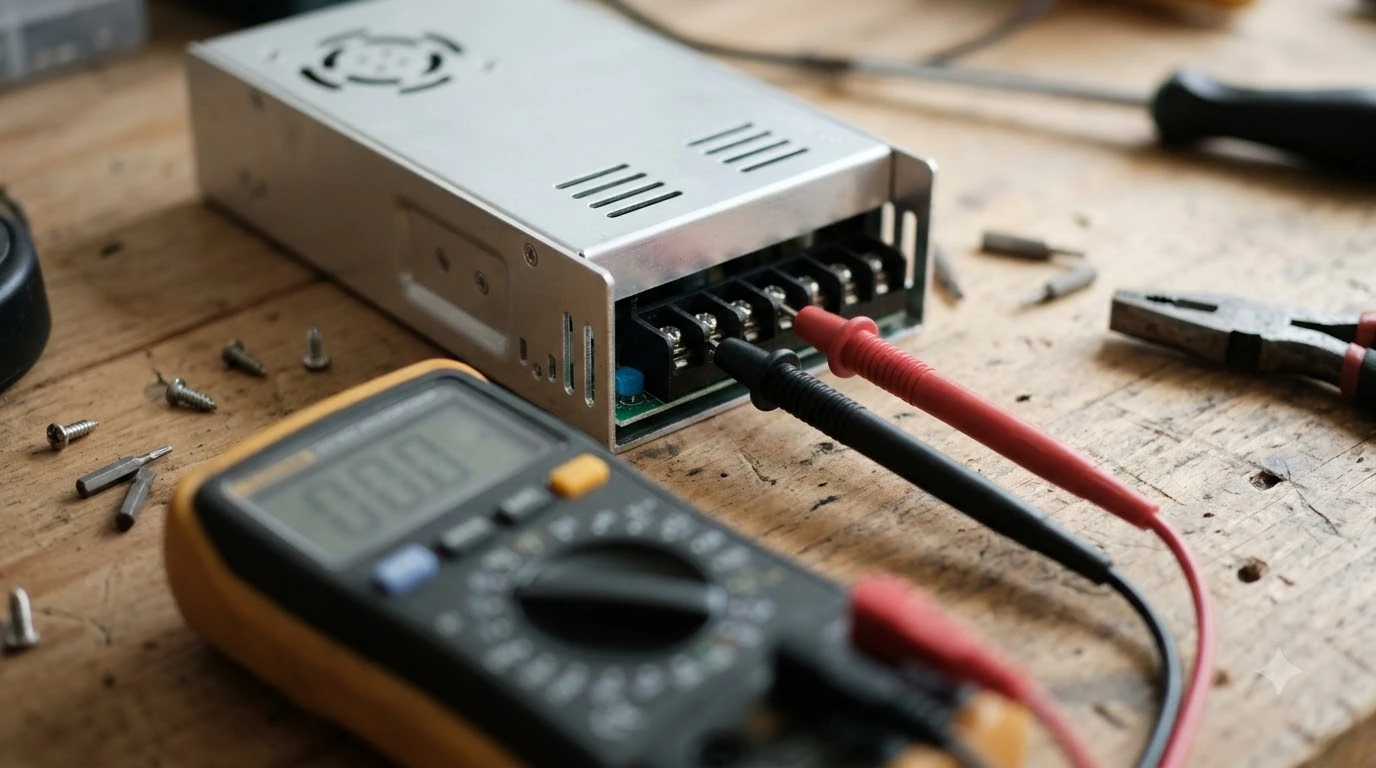

A Husqvarna Automower not charging problem usually starts at the charging station, so check it first: power supply, a blocked docking path, and dirty or damaged charging contacts cause most of these problems. Work through the checks in order, from the simplest to the most involved, and call a Husqvarna dealer if the error stays after the basic fixes. The steps below follow the Husqvarna support pages we read, and they are current as of Nov 2026. Exact menus and error wording can differ by model and region, so match them to your own manual.
The short answer
- Power first: confirm the charging station has power and the outlet works. Check the status light on the station.
- Clear the docking path: a blocked charging station error means the mower cannot reach the station. Remove obstacles and check the ground is level.
- Clean the contacts: dirty or corroded contacts on the mower and the station stop the charge from reaching the battery.
- Check the battery: a battery that is very cold, very hot, or old may refuse to charge or show an empty-battery error.
- Escalate: if the error returns after these steps, contact a Husqvarna dealer rather than opening the mower.
Husqvarna Automower not charging: check the power first
Start at the source. The charging station needs a working outlet and a supply that stays on. Plug a known working device into the same outlet, or use a tester, to confirm there is power. If the outlet is controlled by a switch or timer, make sure it is on during the charging window. For faults that are not specific to this brand, the guide to general robot mower charging fixes lists the steps. The light on the base helps narrow the cause, and reading the charger light codes explains what each pattern usually means. Power supply questions are covered in whether the charger needs its own breaker, including what to check at the outlet.
Look at the charging station’s status light next. The light pattern tells you whether the station has power and whether it is talking to the mower. Husqvarna’s placement guide for the charging station explains the status LED meanings, so keep the manual or the guide open while you check. If the light shows no activity at all, the problem is usually the supply or the connection to the station, not the battery.
Do not try to open the charging station or the mower to test the internals. Husqvarna’s charging station cleaning guide asks you to disconnect the power before any cleaning, and a fault inside the unit is a job for the dealer.
Clear the docking path and check the ground
The charging station error that Husqvarna lists as KA 01449 means the mower cannot reach the station, usually because the docking path is blocked. Its support page points to the same first checks: clear the path, make sure the station sits on level ground, and confirm the mower can drive straight into the station. If the mower looks healthy but keeps heading home, the causes behind a mower returning to the dock repeatedly are worth ruling out as well.
Walk the path from the lawn to the station. Look for leaves, a garden hose, a toy, or a loose stake that the mower could catch on. Check that the ground in front of the station is not sloped enough to tip the mower as it backs in. A mower that misses the contacts will keep trying to dock and will not start charging.
Clean the charging contacts
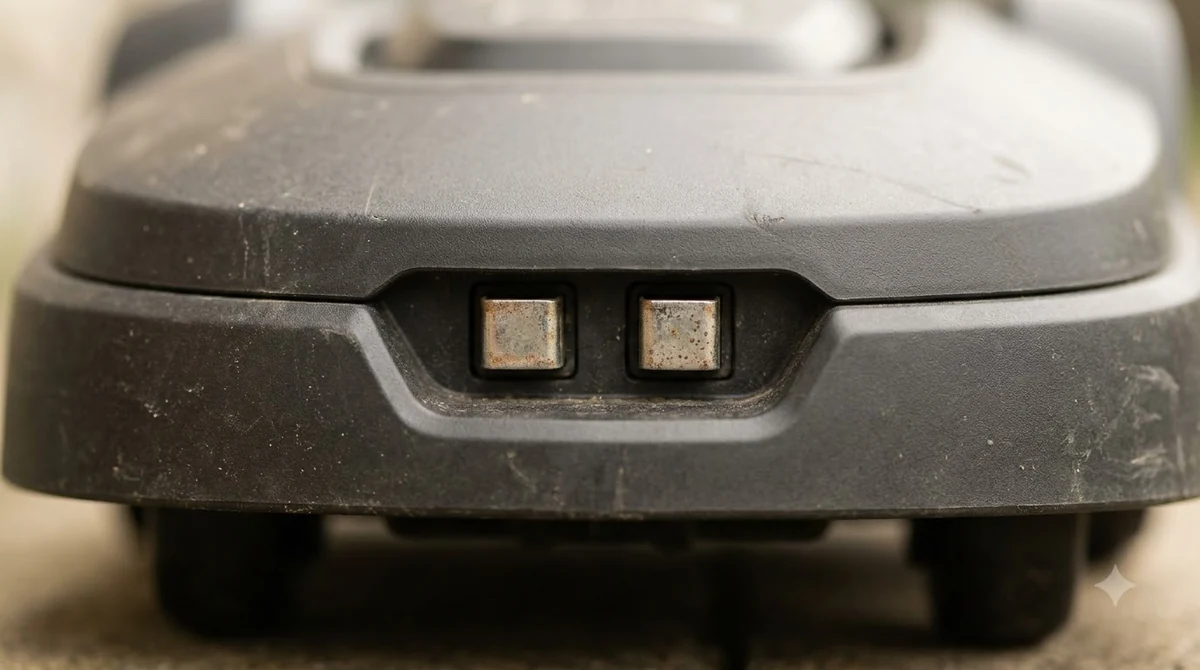
Dirty charging contacts are one of the most common causes of a mower that will not charge. Husqvarna’s support guide for cleaning the charging station says to disconnect the power, then clean the contact plates with fine emery cloth, and it sets limits on running water and solvents near the station. Follow those limits, because water and strong cleaners can damage the electronics.
Check the contacts on the mower as well. Our reading is that a light film of grime or a dull surface on the mower’s contacts is enough to stop a reliable charge, even when the station looks clean. Wipe both sets of contacts with a dry or slightly damp cloth, let them dry fully, and try docking again.
- Power off the station. Disconnect the supply before you touch the contacts.
- Clean the station contacts. Use fine emery cloth on the plates, and avoid soaking the station.
- Wipe the mower contacts. Use a dry or lightly damp cloth, then let everything dry.
- Restore power and dock the mower. Watch whether the mower enters the station and begins to charge.
Check the battery and its condition
The battery can also refuse to charge. Husqvarna’s support page on the automower that will not charge, or shows an empty-battery error, lists contact checks, the meaning of the flashing lights, and battery temperature as the first things to look at, with a baseplate service as the next step. A battery that is very cold or very hot may not accept a charge until it returns to a normal temperature, so bring the mower indoors or into the shade and let it settle before you try again. A pack that runs short can be compared with the Husqvarna 430X battery lifespan figures for the same model family.
Age matters too. Husqvarna’s guide to battery ageing says a battery typically lasts two to five years, depending on use and care, and lists the signs of an ageing battery. If the mower charges briefly and then drops out, or the battery empties faster than it used to, the battery may be near the end of its life. Replacement is a dealer task.
Heads up
Do not leave a suspected faulty battery on charge unattended. If the battery feels hot, swells, or smells unusual, stop charging, move the mower away from the house, and contact the dealer.
Check the station placement and the mower’s position
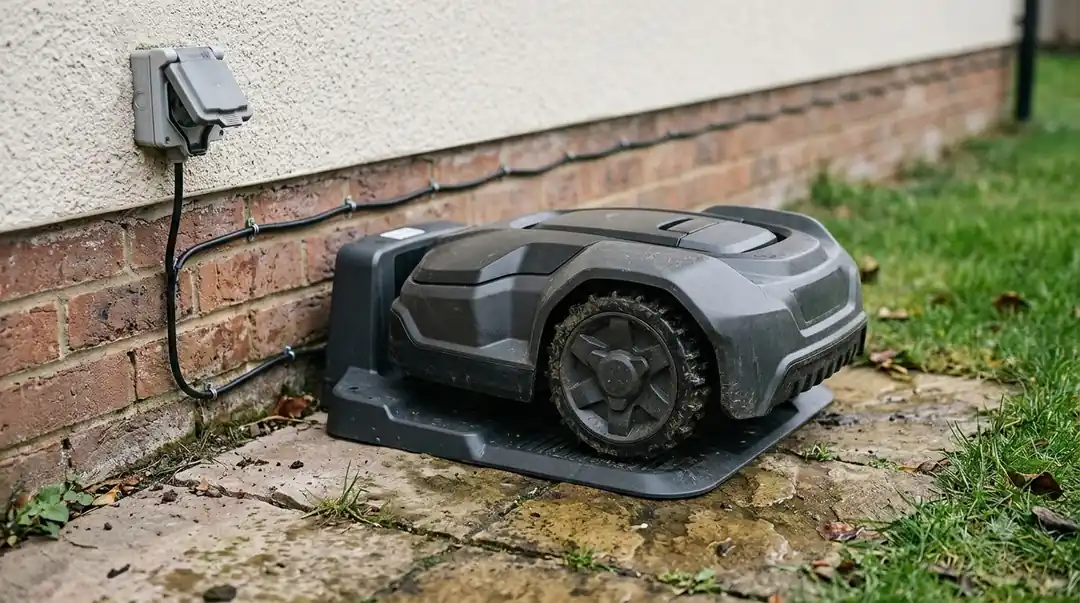
A station that sits in the wrong place can cause charging problems even when the power and contacts are fine. Husqvarna’s placement guide covers where the outlet should be, how the power supply should be enclosed, and how the cover should allow airflow. A station that is too hot, wet, or hemmed in by plants can behave inconsistently. Station placement and replacement are covered in Husqvarna Automower charging station guidance, with tips on clearance.
Also check the mower’s position when it docks. The mower should reach the station on a straight, clear path and stop with its contacts touching the station’s contacts. If it nudges the station, stops short, or bounces off, the placement or the path needs to change before the mower will charge reliably.
When to contact a dealer
Call a Husqvarna dealer when a Husqvarna Automower not charging fault stays after you have checked the power, cleared the path, cleaned the contacts, and confirmed the battery temperature. The support pages leave the battery replacement and the baseplate service to a dealer, so that is the right next step once the owner checks are done. Before you call, note the error code shown on the mower or in the app, the model and serial number, and what you have already tried. If a dealer visit is needed, Automower customer service steps explains how to contact one and what to have ready.
Frequently asked questions
Why does my Husqvarna Automower not charge even though it docks?
A mower can reach the station and still fail to charge if the contacts are dirty, the station has no power, or the battery is too cold or too hot. Check the power, clean the contacts on both sides, and let the battery reach a normal temperature before trying again.
What does the charging station blocked error mean?
Husqvarna lists the blocked charging station error as KA 01449. It means the mower cannot reach the station, usually because the docking path is obstructed or the ground is not level. Clear the path, check the ground, and try docking again.
Can I clean the charging contacts myself?
Yes, with the power disconnected. Husqvarna’s guide recommends fine emery cloth for the plates and limits on water and solvents. Do not open the station or the mower.
How long does an Automower battery last before it stops charging properly?
Husqvarna’s battery guide describes a typical life of two to five years, depending on use and care. Signs of an ageing battery include a shorter run time and a charge that drops out. A dealer can test and replace the battery.
Sources
- Husqvarna support: Automower won’t charge or shows empty battery error (Husqvarna): contact checks, flashing light meanings, battery temperature, and baseplate service.
- Husqvarna support: charging station blocked, error KA 01449 (Husqvarna): the error meaning, docking path, level ground, and dealer escalation.
- Husqvarna support: cleaning the Automower charging station (Husqvarna): power disconnection, emery cloth for contact plates, and limits on water and solvents.
- Husqvarna support: Automower battery signs of ageing (Husqvarna): the two to five year battery life and the signs of an ageing battery.
 Up next7 min readLearnRobot Mower App Not Connecting? Check These Causes FirstUpdated Nov 12, 2026
 7 min readLearnNavimow X430 Setup: Step by Step From Charging Dock to First MowUpdated Nov 13, 2026
 7 min readLearnHusqvarna Automower Customer Service: How to Get HelpUpdated Nov 13, 2026
 7 min readLearnHusqvarna Automower App Problems and FixesUpdated Nov 13, 2026
 7 min readLearnHusqvarna Automower Factory Reset: Steps for Newer and Older ModelsUpdated Nov 13, 2026
 8 min readLearnHow Long Does the Husqvarna Automower 430X Battery Last?Updated Nov 12, 2026