


Anthbot M5 review: is it worth it? It can be a reasonable choice for a small to mid-size lawn with a rated coverage of about 500 m² (1/8 acre) if you want to skip a boundary wire and an RTK base station. The published specs and one independent hands-on review point to a wire-free LiDAR mower with a 45% slope rating and a short runtime, so whether it is worth the money depends on your yard shape, slope and how much mowing time you can spare.
The short answer
- Good fit: a yard around 500 m² or less, with few steep areas, that you want to set up without a perimeter wire.
- Check first: the 40-minute run time per charge, which means a larger or more complex lawn will need several cycles.
- Know the trade-off: the reviewer found LiDAR less precise than RTK in narrow passages, and remote 4G access costs extra after a set period.
- Our reading: buy it if the lawn size and layout match the spec sheet; otherwise compare it with a model that has a larger rated area.
What the Anthbot M5 is and who it is for
The Anthbot M5 is a compact robotic lawn mower aimed at homeowners with small to medium lawns. The version covered by the independent review uses 360-degree LiDAR combined with dual vision for navigation. It needs no perimeter wire and no RTK base station, which is the main reason buyers look at it. The reviewer describes the setup as mapping the yard through the app and then letting the mower work on its own.
Key specifications
The table below lists the figures from the spec table on the review page we read. These are the manufacturer-stated values as the reviewer reproduced them, not measurements made by us.
| Spec | Value on the spec table |
|---|---|
| Cutting height | 30 mm to 70 mm, set in the app |
| Cutting width | 20 cm (7.9 in) |
| Maximum slope | 45% (about 24 degrees) |
| Recommended lawn size | 500 m² (1/8 acre) |
| Navigation | 360-degree LiDAR with dual vision |
| Battery | 2.5 Ah (45 Wh), removable compartment |
| Mowing time per charge | 40 minutes |
| Charging time | 60 minutes |
| Water resistance | IPX6 |
| Noise level | Not stated in the spec table |
Two points stand out. First, the spec table gives no noise figure, so the reviewer’s comment that the mower is quiet is an impression, not a measured value. Second, the 40-minute run time is short for a lawn near the upper end of the recommended size, so the charging dock matters as much as the cutting deck.
Cutting height and cutting width
The cutting height range of 30 to 70 mm covers the usual range for many cool-season and warm-season lawns, and it can be changed from the app rather than by hand on each wheel. The 20 cm cutting width is narrow, which means more passes on a large open lawn and a better fit for narrow beds and paths.
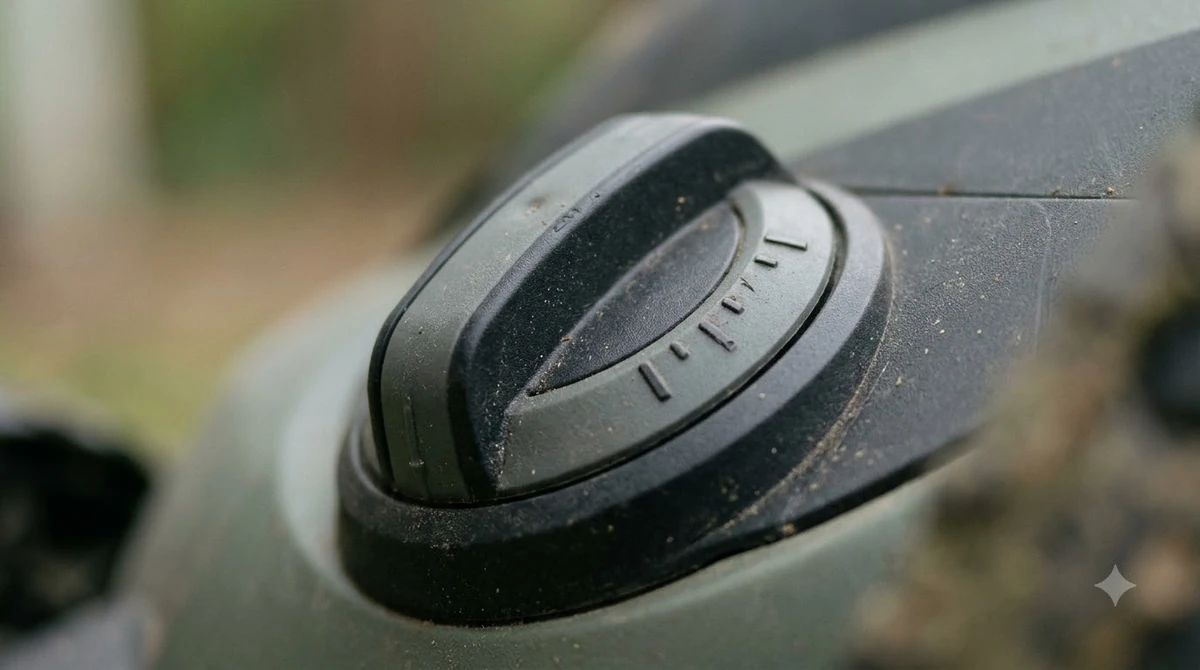
Our reading is that a narrow deck works well in tight spaces, but on a bigger lawn it takes longer to cover the same area. Set the height for the grass you have, not the lowest setting, because a short cut stresses turf in hot weather.
Slope limits compared with other models
The M5 is rated for slopes up to 45%, about 24 degrees. That figure is a maximum rating, and it does not mean the mower will climb every slope equally well. Slope ratings differ widely between brands and model lines. Navimow’s published specs, for example, list a 45% rating for one LiDAR model and 55% (about 29 degrees) for a higher-end LiDAR Pro model, so compare the exact model name rather than the line name.
Our reading is that you should measure the steepest part of your lawn with a level app before you buy. A slope rating is a limit under good grass and dry conditions, so a safety margin is sensible for wet or uneven ground.
Battery, runtime and charging
The spec table gives a 2.5 Ah battery with 40 minutes of mowing per charge and 60 minutes to recharge. Those numbers mean the mower returns to the dock, charges and goes back out, so a yard that needs a long session will take several cycles. The reviewer noted the battery is easy to reach, which helps if you ever need a replacement.
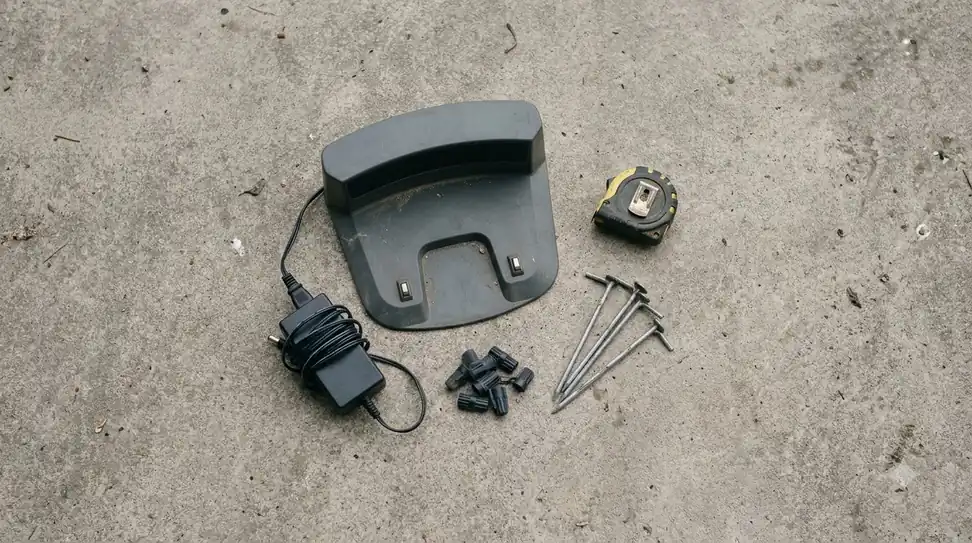
Place the dock on a flat spot with clear space in front, and keep the charging contacts clean. The reviewer said the dock worked even without the recommended clearance, but a larger clearance is the safer setup for repeat docking.
Navigation without a boundary wire
The M5 relies on LiDAR and vision rather than a buried or staked boundary wire. The reviewer says this made setup faster and that obstacle avoidance kept the mower working without leaving large uncut strips. The same review notes that LiDAR is less precise than RTK in narrow passages and can “snake” slightly more, so the trade-off is accuracy in tight spots against a simpler install.
Our reading is that a wire-free mower is most useful where a wire would be hard to run, such as around trees, gardens and irregular borders. Where a precise, straight-edge cut matters most, RTK-based mowers are the usual comparison point. Treat manufacturer navigation claims as starting points and compare them against independent reviews.
What the independent reviewer reported
The review we read is a hands-on account, and the reviewer says they set up, mapped and tested the mower themselves. We are reporting their findings, not testing the mower ourselves.
- Reported strengths: no wire or RTK station needed; reliable under heavy tree cover; handled multiple zones, narrow paths and a ramp; docked successfully; edge tuning; quiet brushless operation; obstacle avoidance without large uncut strips.
- Reported weaknesses: LiDAR is less precise than RTK in narrow passages; remote 4G access costs extra after a limited included period; no four-wheel drive, which may matter on very bumpy lawns or lawns with tree roots.

Anthbot M5 review is it worth it: a checklist
An Anthbot M5 review should end with fit, not a single score. Buying a robot mower is a decision about fit, not a single score. Use this checklist to see whether the M5 matches your yard.
- Measure the lawn. Compare your measured area with the 500 m² recommendation. Leave room for error, because mowing time is limited.
- Measure the slope. Check the steepest section against the 45% rating and allow a margin for wet grass.
- Look at the obstacles. Trees, dense beds and narrow gaps are where the reviewer saw LiDAR trade accuracy for a simpler setup.
- Decide on remote access. If you want to control the mower from your phone away from home, factor in the 4G cost after the included period.
- Confirm the variant. Check the exact name and navigation type on the listing before you compare it with another model.
Heads up
Coverage, slope and runtime figures change between listings and model revisions. The spec table we read is the basis for this article, and the manufacturer page was not available when we checked, so confirm the current numbers before you buy.
Frequently asked questions
Does the Anthbot M5 need a boundary wire?
According to the review and spec table we read, the LiDAR version does not need a perimeter wire or an RTK base station. It uses LiDAR and dual vision to navigate and avoid obstacles.
How big a lawn is the Anthbot M5 rated for?
The spec table gives a recommended lawn size of 500 m² (1/8 acre). Some retailer listings show different figures, so check the exact model and the manufacturer’s own sheet.
What is the maximum slope the M5 can handle?
The spec table lists a maximum slope of 45%, about 24 degrees. It is a rating under suitable conditions, so measure your steepest area and allow a margin for wet or uneven ground.
Is the Anthbot M5 worth it for a small yard?
Our reading is that it is a reasonable fit for a small to mid-size yard with simple obstacles, if you value a wire-free setup and accept the shorter 40-minute run time and the LiDAR trade-off in narrow passages.
Sources
- Easy Lawn Mowing: ANTHBOT M5 LiDAR review (independent review): spec table and reviewer’s pros and cons, used with attribution.
- Navimow i-series specifications (manufacturer): slope ratings by model, used only to show that ratings differ between models.
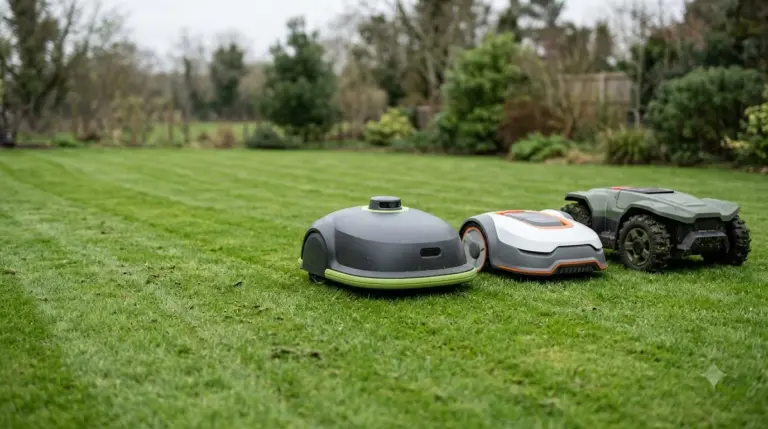 Up next7 min readReviews & CompareSegway Navimow i110N vs Anthbot M5: Specs ComparedUpdated Nov 13, 2026
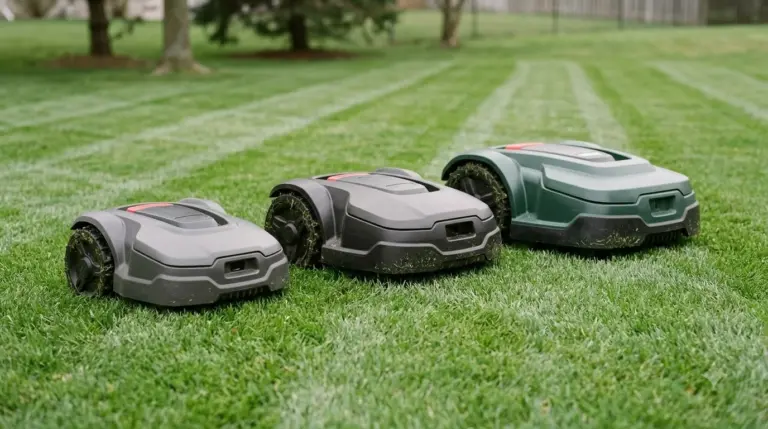 9 min readReviews & CompareAnthbot M5 vs Mammotion YUKA: Specs, Slope and NavigationUpdated Nov 11, 2026
 7 min readReviews & CompareAnthbot M5 Problems and Complaints: Issues and FixesUpdated Nov 14, 2026
 8 min readReviews & CompareAnthbot M5 Alternatives: What to Compare Before You BuyUpdated Nov 11, 2026
 8 min readReviews & CompareAnthbot M5 vs Anthbot Genie: Smart Spec ComparisonUpdated Nov 14, 2026
 9 min readReviews & CompareAnthbot M5 Pros and Cons: What the Reviewer ReportedUpdated Nov 15, 2026