
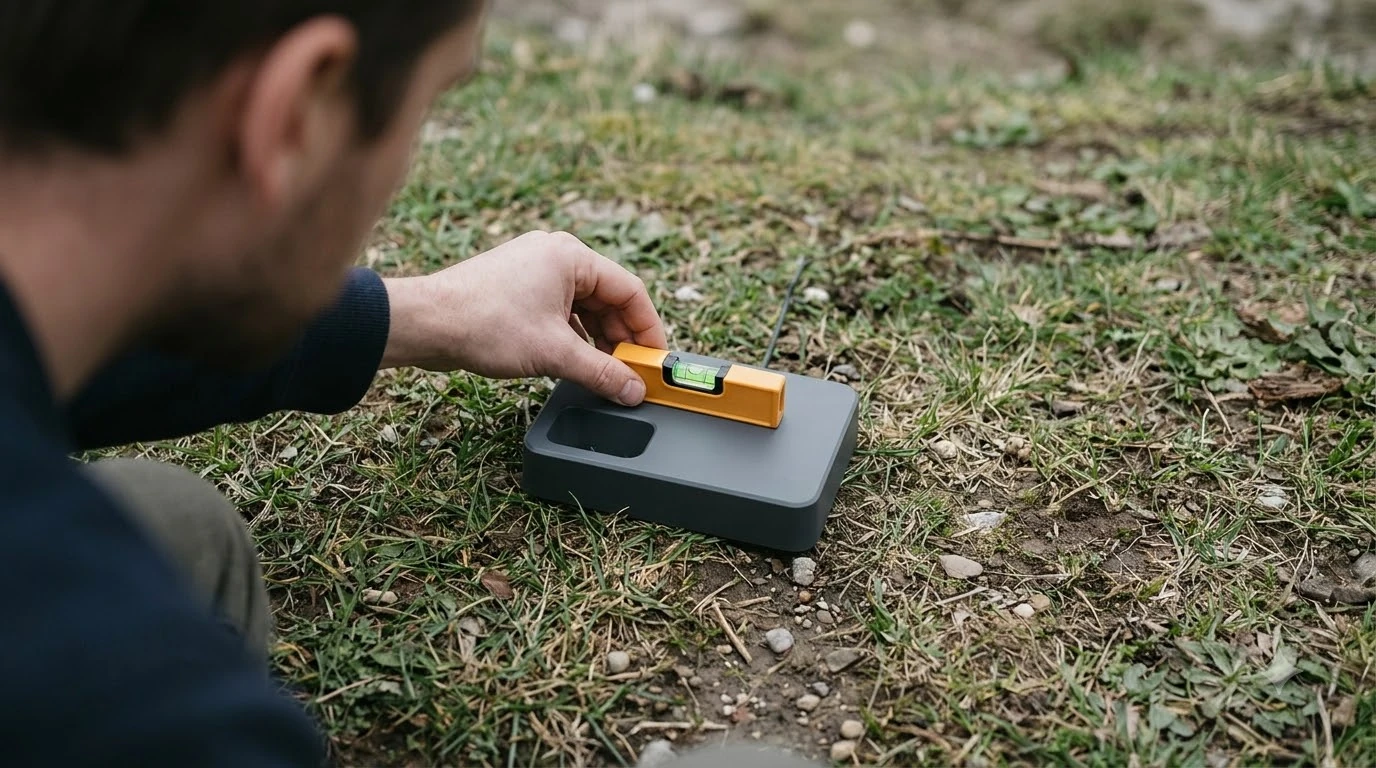

The best outdoor smart plug with energy monitoring for mower docks is a weather-sealed, UL- or ETL-listed 15A unit rated at IP64 or higher that logs real-time wattage without interrupting the boundary loop signal. Tracking power draw at the outlet tells you immediately whether your robotic mower is actively fast-charging, trickle-maintaining its lithium pack, or sitting idle with a tripped power brick. Choosing the right enclosure and wireless protocol ensures reliable telemetry across a yard without risking water intrusion at the exterior wall receptacle.
The short answer
- Weather sealing: Look for an IP64 or IP65 housing rating so rain, lawn sprinklers, and morning dew cannot penetrate the switching relay or metering chip.
- Electrical capacity: Match standard North American 120V circuits with a 15-amp (1800W) ETL- or UL-listed plug, even though mower transformers draw modest wattage.
- Granular telemetry: Prioritize plugs that report live watts, voltage, and exportable kilowatt-hour logs rather than basic on-off timers.
- Wireless reach: Verify 2.4 GHz Wi-Fi or Matter over Thread range at your exterior outlet, where stucco, brick, or siding can block weaker 5 GHz signals.
- Continuous power caution: Avoid scheduling automatic power shutoffs on perimeter-wire docks, as cutting power kills the boundary loop and strands the mower on the lawn.
Why add energy monitoring to a robotic mower dock
Monitoring power consumption at the charging station reveals whether your robot mower is completing charge cycles, drawing standby current, or suffering from a silent power supply failure.
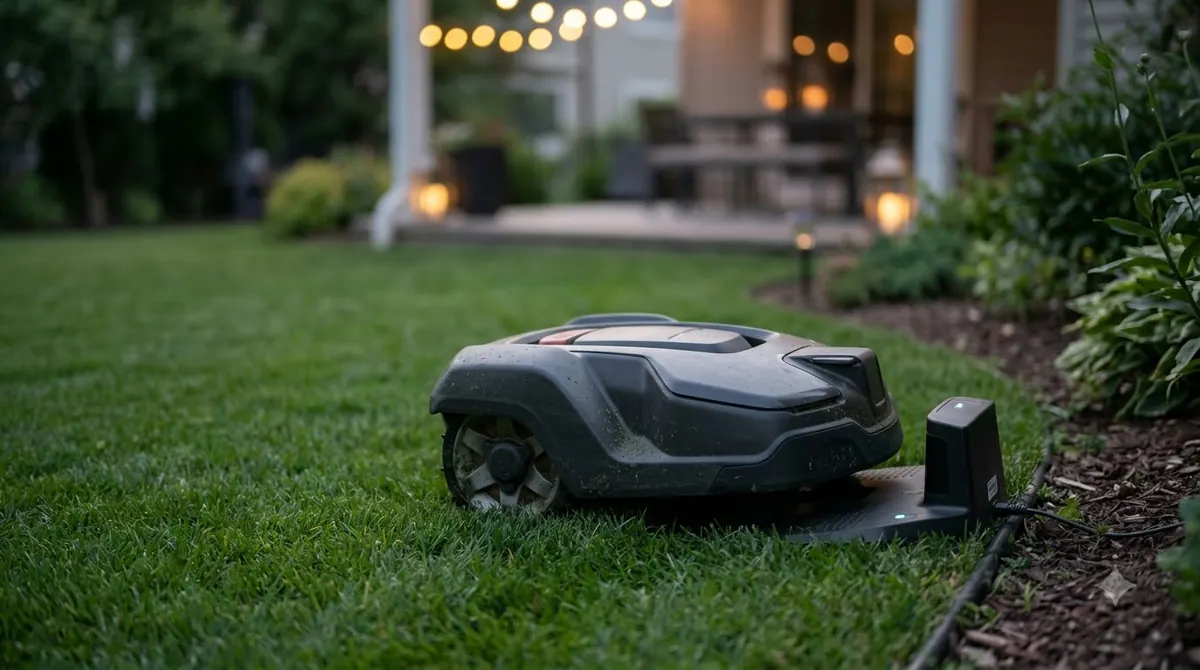
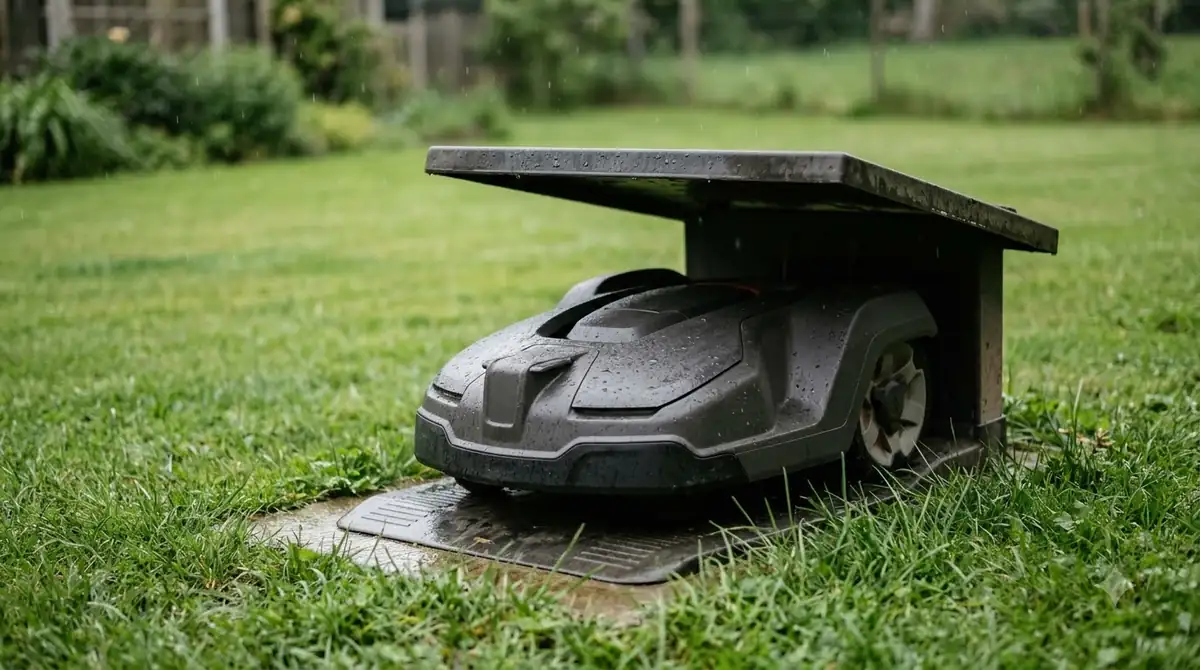
Most robotic lawn mowers park outdoors at the edge of the yard, often tucked behind shrubs or inside a wooden mower garage. When a mower fails to leave the base on schedule, walking out to inspect the status LED on the baseplate is not always convenient. By placing a metering smart plug between the exterior outlet and the low-voltage power transformer, you gain a live wattage feed on your phone that mirrors what the dock is actually doing.
According to manufacturer support documentation from TP-Link Tapo, modern energy-monitoring smart plugs refresh real-time power readings every five seconds and organize historical consumption into daily, monthly, and annual kilowatt-hour charts. On a mower dock, that cadence creates three distinct power signatures you can read at a glance:
- Active charging peak: When the mower docks with a depleted battery, wattage climbs to the transformer’s rated charging draw and holds steady until the cells near capacity.
- Trickle and loop standby: Once charged, wattage drops sharply to a low baseline that powers the dock’s control board, status LED, and perimeter loop generator.
- Zero-watt fault state: A sudden drop to zero watts indicates a tripped GFCI outlet, an unplugged transformer, or a failed power brick—alerting you before the battery discharges completely.
Beyond diagnostics, tracking seasonal kilowatt-hours helps homeowners quantify actual lawn-care electricity usage over a mowing season and spot abnormal power spikes caused by corroded charging contacts.
Types of outdoor energy-monitoring smart plugs
Outdoor metering plugs fall into three main hardware categories based on wireless protocol, outlet count, and physical form factor.
Not every weather-resistant smart plug includes a power-metering chip; several popular dual-outlet outdoor models offer scheduling and voice control without wattage tracking. When shopping specifically for dock telemetry, you will encounter three primary configurations on the US market:
| Plug architecture | Typical wireless protocol | Ingress rating | Best fit for mower docks |
|---|---|---|---|
| Dual-outlet pigtail Wi-Fi plug | 2.4 GHz Wi-Fi (Bluetooth setup) | IP64 | Docks sharing an exterior duplex outlet with landscape lighting; hangs downward to shed rain. |
| Single-outlet Matter outdoor plug | Matter over Thread or Wi-Fi | IP54 to IP65 | Multi-platform smart homes using Apple Home, Google Home, or SmartThings with local automation. |
| Z-Wave Long Range outdoor plug | Z-Wave 800 Series | IP65 | Docks located far from the home router where sub-GHz mesh range outperforms standard Wi-Fi. |
Dual-outlet Wi-Fi pigtails—such as the Wyze Plug Outdoor—use a short heavy-duty cord that lets the sealed housing hang vertically below the wall receptacle. In our reading of manufacturer installation guides, this hanging orientation keeps water from pooling around the socket faces while leaving the second receptacle available for low-voltage yard lights or a camera.
Compact single-outlet Matter plugs, including newer IP65-rated Matter over Thread models released in late 2026, plug directly into the wall box without a dangling cord. They integrate natively across Apple Home, Alexa, Google Home, and SmartThings without relying on a proprietary cloud account, though they require a compatible Thread border router or Matter controller within range.
Key specifications to check before buying
Evaluating ingress protection, electrical certification, operating temperature, and data export options prevents premature hardware failure outdoors.
An exterior outlet next to a lawn faces harsher conditions than a covered patio. Sprinkler overspray, blowing grass clippings, summer sun, and freezing shoulder-season nights all stress plastic housings and internal relays. Focus on five technical specifications when comparing units:
- IP64 or IP65 weather rating: Look for at least an IP64 rating, which seals the enclosure against dust ingress and splashing water from any direction. IP65 adds protection against low-pressure water jets, making it safer near automated irrigation heads. Avoid indoor-only IP20 plugs even inside a plastic mower house.
- NRTL safety listing and 15A rating: Verify that the plug carries an ETL or UL listing for North American 120V circuits and supports a 15-amp (1800W) resistive load. Even though robotic mower power supplies typically draw under 150 watts, a 15A relay handles inductive transformer inrush current with less heat buildup.
- Wide operating temperature window: Check the rated ambient range on the spec sheet. Quality outdoor units operate down to -4°F (-20°C) and up to 120°F (50°C), ensuring the plug survives direct afternoon sun against a south-facing wall.
- 2.4 GHz Wi-Fi or sub-GHz reach: Exterior walls made of brick, stone, or foil-backed insulation attenuate 5 GHz Wi-Fi heavily. Plugs that use 2.4 GHz Wi-Fi, Z-Wave, or Thread penetrate exterior walls much more reliably at distances up to 300 feet in open air.
- Overload protection and data export: App features such as configurable watt thresholds, push notifications on power loss, and CSV or local usage export turn raw metering into an actionable maintenance log.
Heads up
Never use a smart plug’s timer or “anti-overcharging” shutoff to cut power to a boundary-wire mower dock overnight. Cutting AC power de-energizes the perimeter wire loop; if the mower is out on the lawn or wakes up for a scheduled cut, it will report a missing loop signal and stop mid-yard.
How to install and weatherproof the connection
Proper mounting height, downward socket orientation, and GFCI compliance protect both the smart plug and your mower’s low-voltage power supply.
Under National Electrical Code (NEC) rules for residential wet locations, exterior 120V receptacles must have GFCI protection and an extra-duty “in-use” weatherproof bubble cover that closes over plugged-in cords. Before connecting your smart plug, inspect the wall box to confirm the hinged cover closes freely without pinching the smart plug’s cord or housing.
- Pair the plug indoors first. Plug the unit into an indoor outlet near your router, complete firmware updates in the companion app, and verify that live wattage readings appear when you plug in a small lamp.
- Test wireless signal at the exterior outlet. Carry the paired plug outside, insert it into the GFCI receptacle, and confirm strong signal bars in the app before connecting the mower transformer.
- Orient the sockets downward. Position the smart plug housing so the outlet faces point toward the ground, preventing rain or sprinkler spray from running down the transformer prongs into the contacts.
- Maintain ground clearance. Ensure the bottom of the smart plug hangs at least 6 inches above soil, mulch, or turf so heavy rain puddles cannot submerge the seam.
- Seal unused receptacles and coil excess cable safely. Push the attached rubber weather cap firmly into the second outlet if unused, and keep the mower’s low-voltage DC cable uncoiled and away from metal edging as recommended by Husqvarna installation manuals.
Routine maintenance across the mowing season
Inspecting gaskets, clearing grass debris, and resetting seasonal kilowatt-hour counters keep telemetry accurate from spring startup to winter storage.
Once installed, an outdoor smart plug requires minimal upkeep, though lawn equipment creates unique grime around exterior outlets. Every month during peak growing season, unplug the transformer and wipe dust, spiderwebs, and dried grass clippings off the rubber outlet gaskets so they seal tightly against the plug face.
Check the smart plug’s app every few weeks for firmware updates, which often refine power-reporting accuracy and wireless stability. When you bring your robotic mower indoors for winter storage, unplug both the low-voltage power supply and the smart plug, export your annual kilowatt-hour log for your records, and store the electronics in a dry garage or basement until spring.
Frequently asked questions
Can I plug a smart plug into an outdoor extension cord for my mower dock?
No. Outdoor smart plug manufacturers explicitly warn against connecting their plugs to extension cords, as unsealed cord joints create a water-intrusion and shock hazard and typically void the product warranty. Plug the smart plug directly into a GFCI-protected exterior wall outlet, and use the manufacturer’s low-voltage DC extension cable to reach the dock instead.
Will an energy-monitoring smart plug interfere with my mower’s boundary wire signal?
A properly functioning smart plug will not interfere with the boundary wire signal as long as its internal relay stays switched on continuously. However, if you enable an auto-shutoff schedule or a low-wattage “anti-overcharge” cutoff, the plug will cut power to the base station once the battery finishes charging, shutting down the perimeter loop signal.
What IP rating does an outdoor smart plug need near lawn sprinklers?
Choose an outdoor smart plug rated at least IP64, or IP65 if irrigation heads spray near the wall outlet. IP64 protects against dust and splashing water from any angle, whereas IP65 withstands low-pressure water jets; neither rating allows the plug to sit submerged in puddles on the ground.
Do I need a 15-amp or 20-amp smart plug for a robotic lawn mower charger?
A standard 15-amp (1800W) outdoor smart plug provides plenty of electrical headroom for residential robotic lawn mower docks. Most mower charging transformers draw between 30W and 150W during active charging, well below the continuous load limit of a UL- or ETL-listed 15A smart plug.
Sources
- Tapo Plug Energy Monitoring: Complete Feature Guide (TP-Link Support): Reference for five-second real-time wattage refresh intervals, kWh historical charts, data export, and overload shutoff parameters.
- Wyze Plug Outdoor Specifications and Quick Start Guide (Wyze): Reference for IP64 weather resistance, 15A/1800W electrical ratings, -4°F to 120°F operating temperatures, downward socket orientation, and 6-inch ground clearance rules.
- Automower Charging Station and Mower House Guide (Husqvarna Support): Reference for charging station LED diagnostics, power supply ventilation, and avoiding coiled low-voltage cables near the base.
- Best Outdoor Smart Plugs for 2026: Ready for Any Weather (CNET): Reference for 2026 US outdoor smart plug IP64/IP65 ratings, 15A standards, and Matter compatibility across smart home ecosystems.
 Up next8 min readGearSmart Plug for Robot Mower Charging Station: 5 Safe RulesUpdated Nov 10, 2026
 10 min readGearBest Waterproof GPS Tracker Tag for Non-Cellular Robot Mowers: Buyer’s GuideUpdated Nov 19, 2026
 8 min readGearBest anti-static lens wipes for lidar robot mowers: buyer’s guideUpdated Nov 19, 2026
 8 min readGearWhere to Buy Robot Mower Parts in the US: A Buyer’s GuideUpdated Nov 19, 2026
 8 min readGearBest Rubber Threshold Ramp for Sliding Glass Door Tracks: Buyer and Fit GuideUpdated Nov 19, 2026
 6 min readGearRobot Mower Blade Storage Case: 4 Smart Storage TipsUpdated Nov 14, 2026