
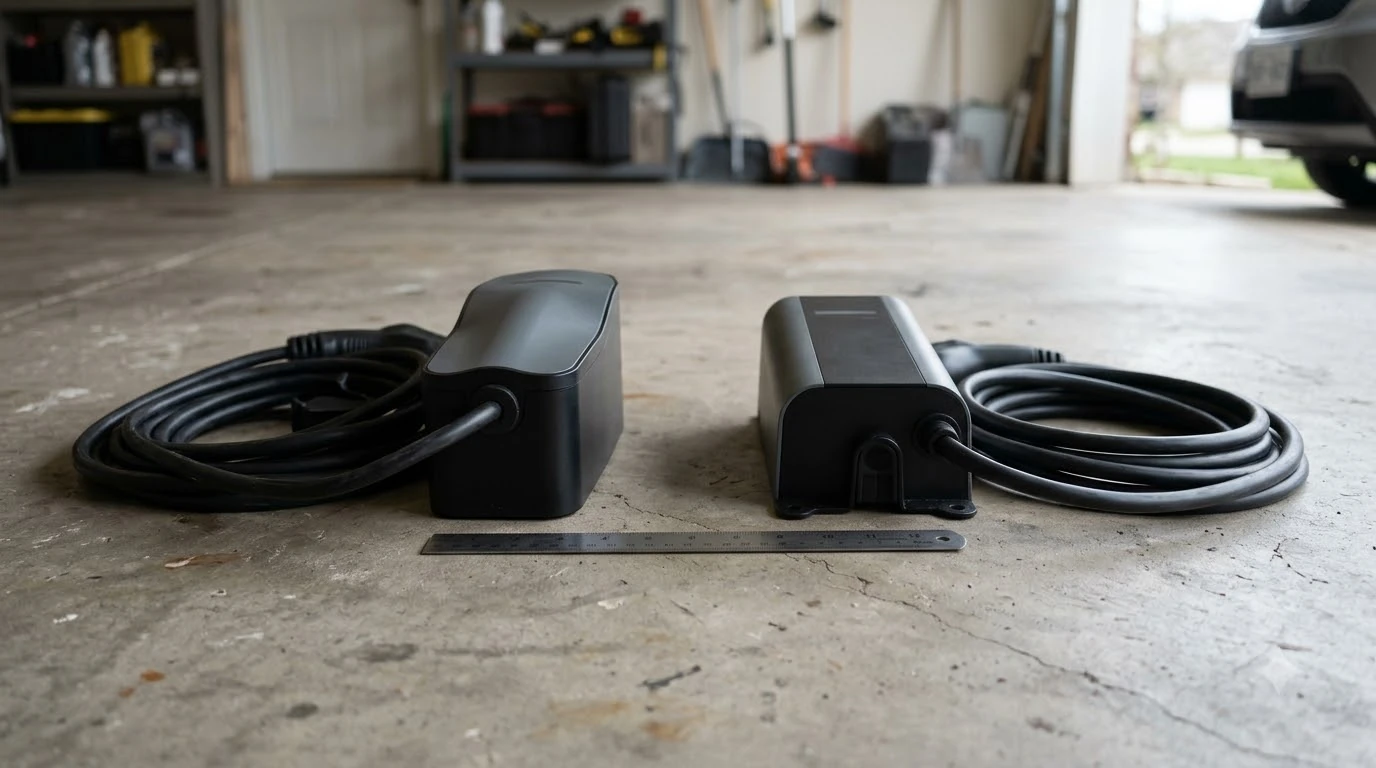

A smart plug for robot mower charging station setups works only as a simple on-off switch for the outlet. Use an outdoor-rated plug that is rated well above the station’s draw, plug the station’s power supply directly into it, and never use it with a power strip or extension cord. Check the station’s indicator light after every power cycle.
The short answer
- Role. A smart plug for a robot mower charging station only switches the outlet on and off. It does not change how the charging station works.
- Rating. Pick an outdoor-rated plug with a load rating far above the station’s input (Toro’s professional unit draws up to 360 W at 120 VAC).
- Connection. Plug the station’s power supply straight into the smart plug. Manufacturers say no power strips or extension cords.
- Check. After any power cut, confirm the station’s light is on before you rely on automatic mowing.
What a smart plug for robot mower charging station can and cannot change
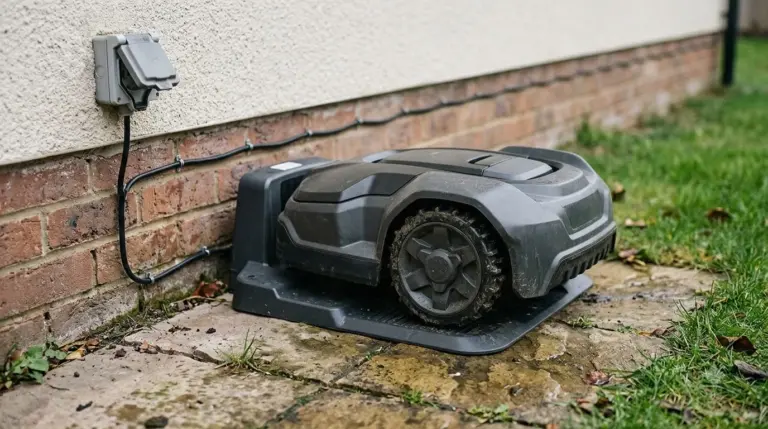
A robot mower charging station is simple electrically. A wall transformer or power supply turns household power into low voltage, and that low voltage runs through a boundary cable to the base. The mower charges when its contacts sit on the base. A smart plug placed in front of the transformer controls only whether power reaches that transformer.
That makes the plug useful for two jobs: switching power off when you do not need the station, and recording or scheduling when the outlet is live. It does not replace the station’s own controls, and it does not change where the mower goes. Our reading is that any automation which depends on the plug should be tested once with the mower on the base before you trust it.
Smart plug for robot mower charging station: check the rating first
Every smart plug for robot mower charging station use lists a maximum load, and it is easy to read the wrong number. As an example, the Kasa outdoor smart plug KP400 lists 125 V, 15 A maximum input, and 1,875 W maximum total load. Its environment is listed as outdoor and indoor, with an IP64 rating for protection against dust and splashing water.
The charging station is much smaller. Toro’s professional Turf Pro station is rated at 120 VAC, 60 Hz, 3.5 A input, which is 360 W at most. Home units are different, so compare your own model’s label or manual. The point for a plug is headroom: a plug rated far above the station’s input leaves margin, and a plug rated near the station’s draw does not.
| Item | Example figure | What it means for the plug |
|---|---|---|
| Smart plug load (KP400) | 15 A, 1,875 W maximum total | Headroom is large for a station |
| Toro Turf Pro input | 120 VAC, 3.5 A, 360 W maximum | Check the station’s own label first |
| Outdoor rating (KP400) | IP64, listed for outdoor and indoor | Use it only where it is listed for outdoor use |
Why a power strip or extension cord does not belong in the chain
This is the rule that matters most. Toro’s charging station manual says: “Do not plug the charging station into a power strip or an extension cord.” Robomow says a nearby power outlet is important so the charging station can be operated with a low-voltage cable, and that the cable should not be too long or extended.
A smart plug is a plug-in device, so it sits in the same category as a power strip. Our reading is that the plug should go straight into a wall outlet, and the station’s power supply should plug directly into the smart plug. Do not add a splitter, a multi-outlet strip, or a second extension cord behind it. Each extra connection is one more point of failure in an outdoor circuit.
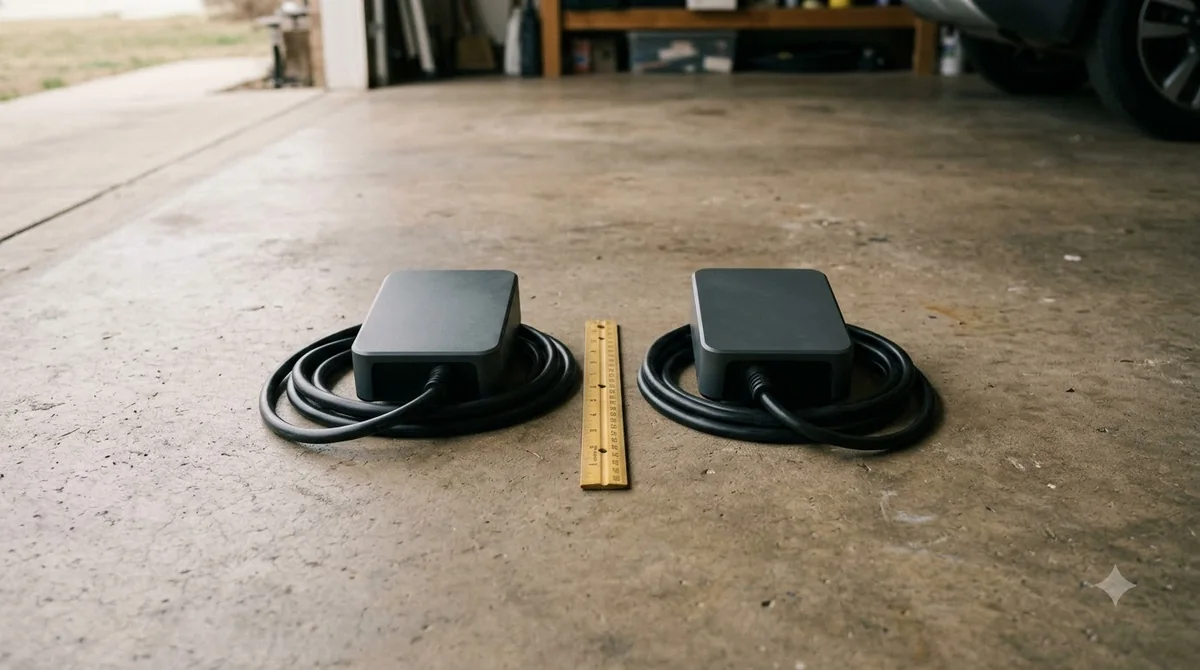
What happens when the outlet loses power
If the plug cuts power, the station stops working until the outlet is live again. Husqvarna’s support note on a dark charging-station light lists two common causes: no power in the outlet, and low-voltage cable ends that are not properly connected to the power adapter or the station. Its suggested fix is to disconnect and reconnect both ends of the low-voltage cable.
So after any scheduled or remote power cycle, look at the station’s light before you assume the mower will charge. A dark light means check the outlet, the plug and the cable connections. Our reading is that a power cut and restore is the moment to check that the station comes back cleanly, by looking at its light and reconnecting the low-voltage cable ends if the light stays dark.
Avoid timing the plug so the outlet is off while the mower is expected to charge. The sources we read do not describe a timer or app-based power schedule, so test any schedule with the mower on the base before you trust it.
Keep the outlet and power supply dry and ventilated
A smart plug placed outdoors needs the same protection as any other outdoor outlet. Husqvarna says: “Do not put the power supply in an enclosed box.” Robomow says the outdoor socket should be suitable and weatherproof, and that the station and transformer need protection from full sun and splashing water.
Our reading is that a smart plug should sit inside a weatherproof cover that stays closed while the plug is in use, not just when it is unplugged. The Kasa KP400 page says its sockets should stay capped with the included weather-resistant cover when not in use, which is a useful reminder that the plug itself needs protection too.

Why GFCI protection matters for the outlet
The U.S. Consumer Product Safety Commission says a GFCI detects a current difference as small as 0.006 A and cuts power quickly. The NEC has required GFCI protection on outdoor receptacles since 1973, and the CPSC recommends portable GFCIs for garden equipment such as mowers when an outlet has no protection.
A smart plug is not a GFCI. If the outlet has no GFCI protection, adding a smart plug does not change that. Check the outlet’s protection first, and treat any new outlet work as a job for a licensed electrician.
When a professional installation is the right choice
Toro’s professional Turf Pro manual states that installation must be performed by a qualified professional and that the installer must follow national and local codes. It lists 14 AWG wire and 1/2-inch liquid-tight conduit for the AC feed, and notes that wire and conduit are not included.
Home stations usually plug into a standard outlet, so most owners do not need a hardwired feed. If the outlet is missing, or the spot is far from power, have an electrician install the outlet rather than running an extension cord to the station.
What to check before you buy a smart plug
A smart plug is a small addition, so the checks are short. Our reading of the sources points to five items:
- Station label. Read the input voltage and current on your station’s power supply, not the marketing description.
- Plug rating. Confirm the plug’s maximum load is well above the station’s input and that it is listed for outdoor use.
- Weather protection. Look for an IP rating and a cover that keeps the plug dry while in use.
- Direct connection. Make sure the plug can take the power supply directly, with no strip or extension cord needed.
- Outlet protection. Confirm the outlet has GFCI protection, and test it according to the GFCI instructions.
Heads up
Electrical work outdoors carries shock risk. Follow your mower and station manuals and your local electrical code. If the outlet is missing or needs changes, use a licensed electrician.
Frequently asked questions
Can I use a smart plug for robot mower charging station power?
Yes, as a simple on-off switch, if the plug is outdoor-rated and its load rating is well above the station’s input. Plug the station’s power supply directly into the smart plug, and do not add a power strip or extension cord.
Will a smart plug damage the charging station?
Not by itself, when the plug is rated above the station’s draw and used outdoors correctly. Problems come from weak connections, a strip or extension cord, or an unprotected outlet. After any power cut, check the station’s light before you rely on it.
Can I schedule the charging station to turn off at night?
A timer can cut power, but it can also stop the mower from charging when it needs to. Our reading is to test the schedule with the mower on the base, and to confirm the station’s light comes back on after the plug turns on.
Does a smart plug need to be weatherproof?
Yes, if it is outdoors. Choose a plug listed for outdoor use, keep the weather cover closed while the plug is in use, and do not enclose the station’s power supply in a box.
Sources
- Husqvarna charging station placement guide (Husqvarna): outlet near the station, and do not enclose the power supply.
- Husqvarna support: charging station light is off (Husqvarna): outlet power and low-voltage cable connection checks.
- Toro Turf Pro charging station installation manual (Toro): 120 VAC, 3.5 A input; no power strip or extension cord; qualified installer.
- Robomow charging station installation guide (Robomow): nearby outlet, weatherproof socket, cable not extended.
- Kasa Smart Wi-Fi Outdoor Plug KP400 (TP-Link Kasa): 15 A and 1,875 W maximum load, IP64, outdoor use.
- CPSC GFCI fact sheet (U.S. Consumer Product Safety Commission): 0.006 A trip detection, outdoor receptacle GFCI, portable GFCI for mowers.
 Up next9 min readGearBest Outdoor Smart Plug with Energy Monitoring for Mower Docks: Buyer’s GuideUpdated Nov 19, 2026
 7 min readGearRobot Mower Charging Station Base Plate: Setup RulesUpdated Nov 19, 2026
 7 min readGearBest Outdoor Power Strip for RTK Base Station: 5 ChecksUpdated Nov 16, 2026
 7 min readGearRobot Mower Charging Station Extension Cable Outdoor: What to CheckUpdated Nov 19, 2026
 7 min readGearRobot Mower Charging Station Anchor Screws: What to UseUpdated Nov 19, 2026
 8 min readGearRobot Mower Cover for Charging Station: What the Manuals SayUpdated Nov 19, 2026