
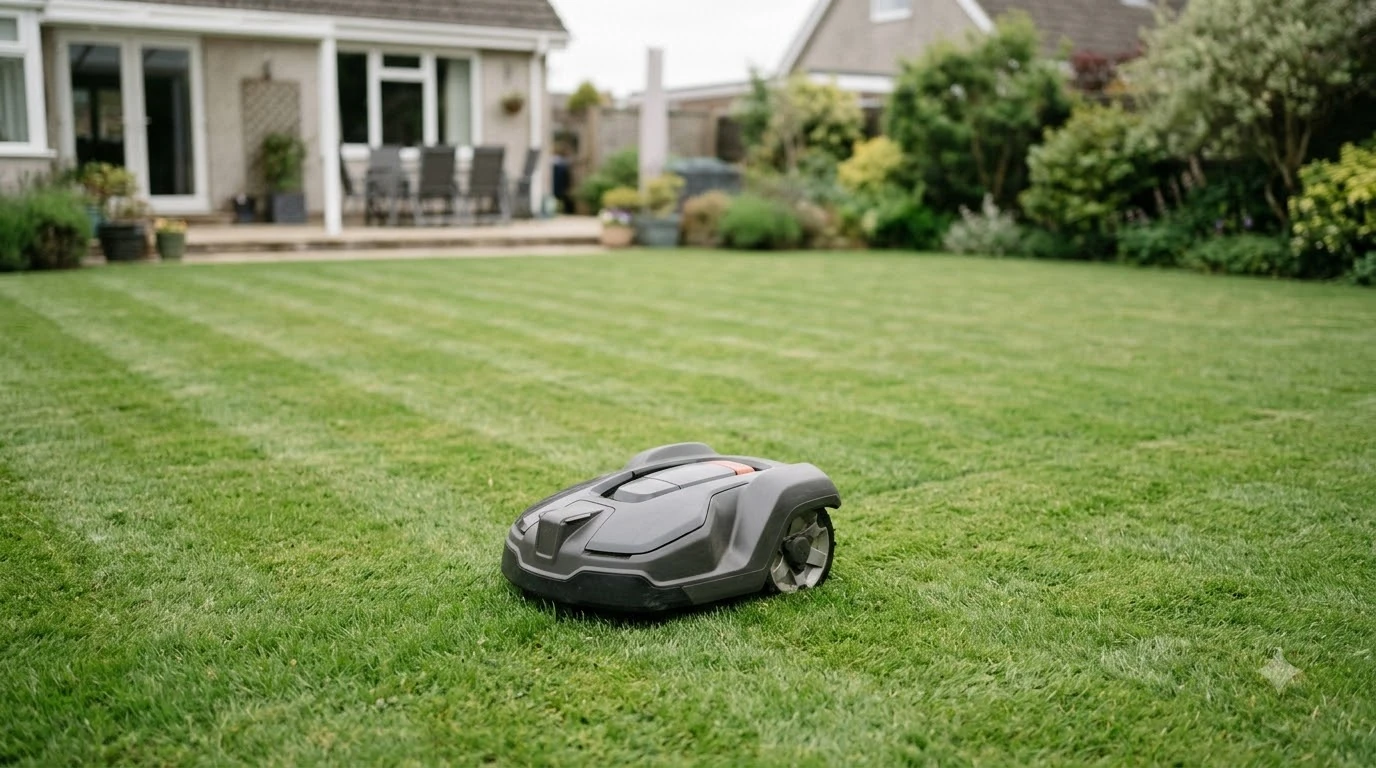

Here is how to get stripes with a robot mower: turn on its systematic (or selectable) pattern so the mower cuts in parallel rows instead of a random path. Random mowing is the most common pattern on robot mowers and usually leaves no clear stripes. Whether your model can do it depends on its hardware and app, and it works best on flat, open lawns.
The short answer
- Turn on the pattern setting: Husqvarna calls it systematic or selectable mowing, and says it cuts “in parallel tracks, creating a striped effect on the lawn.”
- Pick a pattern: parallel gives bold stripes, checkerboard gives a grid, and triangle gives subtler lines.
- Keep the lawn open: Husqvarna says systematic mowing suits flat, open areas with few obstacles.
- Set direction in the app, not in the middle of a session, because changing the pattern interrupts the current job.
Why stripes appear on a lawn
Stripes come from light reflecting off grass blades that lean in different directions. Blades bent toward you look darker, and blades bent away from you look lighter, according to GardenSeeker, a lawn-care publication. The stripe is therefore an effect of blade angle, so the same cut can look striped or flat depending on the light and which way the grass leans.
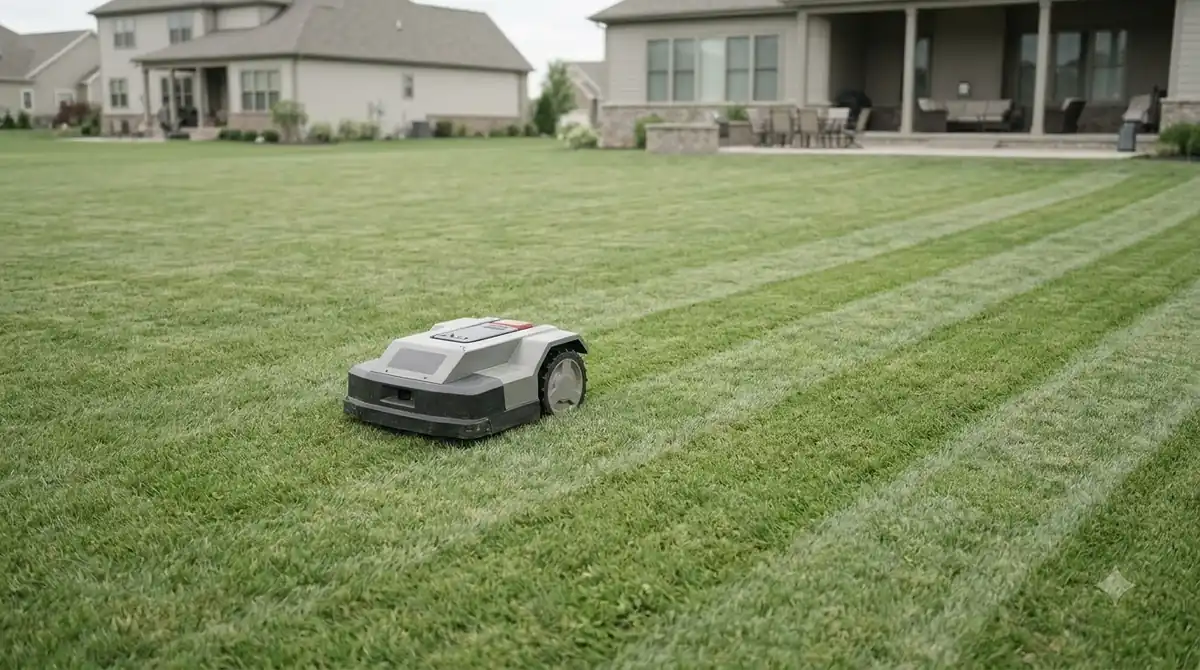
Walk-behind and ride-on mowers create that lean in two ways. A roller bends the grass in the direction of travel, and alternating passes bend the blades in opposite directions. GardenSeeker notes that without a roller, the cutting deck itself flattens the grass to create the effect. For how to get stripes with a robot mower, the logic is different: its stripes come from the path it takes, which the pattern setting controls. That is our reading of how the mechanism carries over, and none of the sources we read tested it on a robot.
How systematic mode creates stripes on a robot
Systematic mode is the core of how to get stripes with a robot mower, because it replaces the robot’s wandering path with organized rows. The default is the opposite. Mammotion describes random mowing as the most common pattern, in which the mower runs straight until it meets a boundary wire, an obstacle, or a sensor alert, then turns.
Mammotion describes systematic mowing as “far more efficient, reducing overlap and completing mowing tasks faster,” although it gives no figures. The basics of path planning are in how robot lawn mowers work. Husqvarna lists the feature on its EPOS-equipped Automower models, including the 430X and 450X NERA. If your model’s app or spec sheet does not list a pattern or selectable mode, a random-path mower will not make stripes, and you should check that before you buy.
Parallel, checkerboard and triangle patterns
Each pattern changes the angle between one session and the next, and that angle sets how strong the stripes look.
| Pattern | How the mower runs | Stripe look | Notes from the sources |
|---|---|---|---|
| Parallel | Same direction each session, starting from one corner | Bold stripes | Husqvarna warns it can leave edges uncut on EdgeCut mowers |
| Checkerboard | Alternates direction, 90 degrees to the previous session | Grid of squares | Husqvarna describes the 90-degree change |
| Triangle | Cuts at 60 degrees to the previous session | Subtle lines | Husqvarna says stripes are less visible than parallel or checkerboard |
Parallel is the choice when you want the strongest look, but Husqvarna’s warning about edges matters more on a lawn with borders. Triangle is the right pick when you want a pattern without strong contrast. Mammotion describes its zigzag and chessboard patterns in similar terms, with the app controlling path spacing, cutting angle, and start location.
Mammotion also advises switching the mowing direction each week for even coverage. That is a useful habit even when the mower is set to one pattern, because it keeps the grass from leaning the same way for months.
How to get stripes with a robot mower in the app
Learning how to get stripes with a robot mower comes down to the app. Set the pattern and direction before the first session, then check the lawn after one full run. Husqvarna says the direction is chosen by moving the orange dots on the map, and Mammotion’s app exposes path spacing, cutting angle, and start location. The steps below follow those settings.
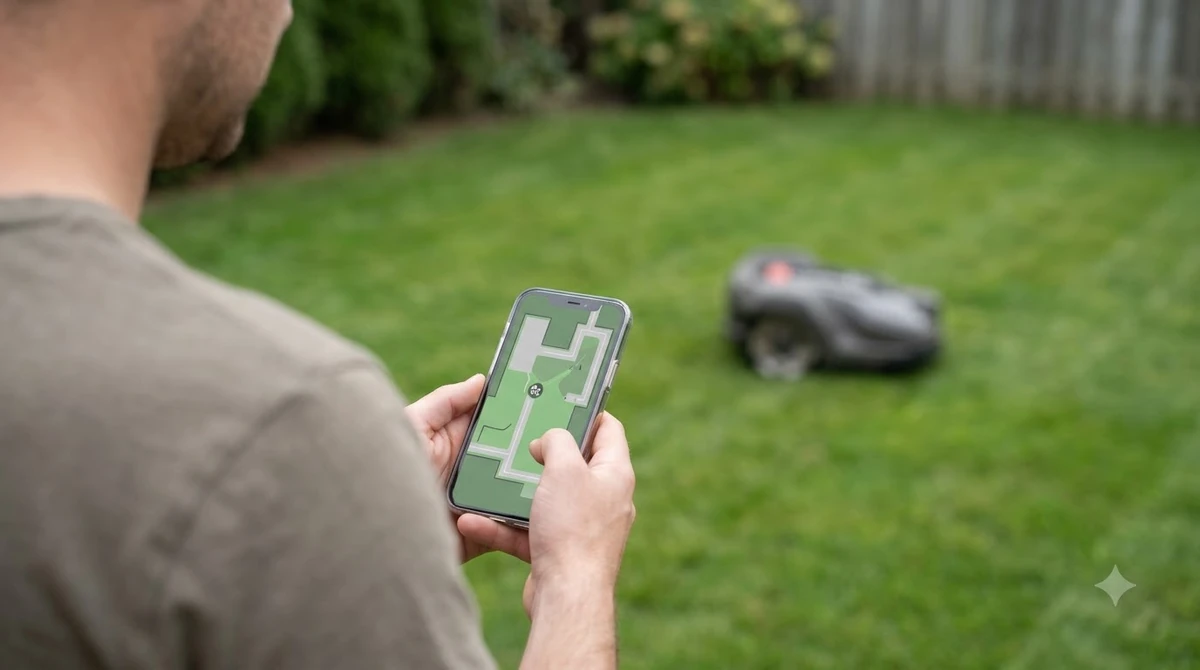
- Confirm the model supports it. Look for systematic, selectable, or pattern mode in the app or spec sheet. Husqvarna lists it on specific EPOS models only.
- Map the boundary and no-go zones first. Husqvarna warns that any area under 1 meter (3.3 feet) between an unexpected obstacle and the virtual boundary stays uncut, so keep obstacles clear of the edge. The map steps are in no-go zone setup for a robot mower.
- Choose the pattern. Parallel for the boldest stripes, checkerboard for a grid, triangle for subtle lines.
- Set the direction. On a slope, Husqvarna recommends mowing straight up the slope, which is a better guide than a fixed compass angle.
- Change settings between sessions. Husqvarna says a session is interrupted when the virtual map or pattern settings change, so make edits when the mower is docked.
- Check after one full cycle. Look at the lawn in side light. If the stripes are weak, adjust the angle or the direction rather than lowering the cut.
When a robot mower will not make stripes
Stripes need open ground and a pattern that the mower can follow, so how to get stripes with a robot mower depends on the yard as much as the settings. Husqvarna says systematic mowing is most suitable for flat, open areas with few obstacles, and it recommends irregular mowing where there are slopes, complex work areas, or many obstacles. How the mower reads obstacles is explained in how robot mowers avoid obstacles.
Random mowing is not a failure. Mammotion says random mowing “eventually achieves full coverage when performed frequently,” so for a tree-lined or irregular yard it may be the better setting even though it produces no stripes. Our reading is that a yard with many obstacles gains more from even coverage than from a look. See robot mowers on irregular-shaped lawns for how they cope.
Corners are the usual gap. Husqvarna says that on the 435X AWD NERA, uncut grass can occur in sharp corners because of the mower’s size. Sharp corners and narrow passages need extra attention when you draw the map, because they are where the stripe pattern breaks down. Narrow side passages raise the same issue, since the 1 meter gap rule applies to any spot where an obstacle sits close to the boundary.
Keeping stripes sharp after setup
The last part of how to get stripes with a robot mower is keeping them, because stripes fade when the pattern is changed often or the grass is kept too short. GardenSeeker warns, “You must never mow too short,” and that advice applies to a robot mower as well. Our reading is that a taller cut gives each blade more length to lean, so the light difference shows more clearly. Cutting height is covered in mowing height for a robot-mowed lawn.
Mammotion advises changing the cutting angle slightly between passes, which it says promotes upright grass growth. Combined with a weekly change of direction, that approach spreads the wear across the lawn instead of stacking it on one line.
Frequently asked questions about robot mower stripes
Can every robot mower make stripes?
No, so how to get stripes with a robot mower starts with the model. Husqvarna lists systematic mowing on specific EPOS models, and Mammotion describes random mowing as the most common default. Check the app or spec sheet for a pattern or selectable mode before you buy if stripes matter to you.
Why do the stripes look different in different light?
Stripes depend on how light reflects off blades that lean toward or away from you. GardenSeeker says blades bent toward the viewer look darker and blades bent away look lighter, so the same lawn can look striped in low sun and flat in full overhead light.
Do stripes harm the lawn?
We did not find a source in the pages we read that says stripes damage grass. Mammotion’s advice is to change the cutting angle between passes and to switch direction each week, which it says supports upright growth and even coverage.
Why does my robot leave a strip uncut?
Husqvarna says any area under 1 meter (3.3 feet) between an unexpected obstacle and the virtual boundary stays uncut. On some models, sharp corners and a parallel pattern on EdgeCut mowers can also leave grass uncut at the edges.
Sources
- What is systematic mowing? (Husqvarna): parallel, checkerboard and triangle patterns, angles, supported models, limits and the 1 meter rule.
- Lawn mowing patterns for robotic lawn mowers (Mammotion): random versus systematic patterns, app settings, weekly direction change.
- How to Create a Spectacularly Striped Lawn (GardenSeeker): light reflection and blade direction, the roller and deck explanation, the mowing height warning.
 Up next8 min readLearnDo Robot Lawn Mowers Get Stolen? What the Evidence ShowsUpdated Nov 11, 2026
 8 min readLearnWhat Temperature Can a Robot Mower Work In?Updated Nov 11, 2026
 9 min readLearnDo Robot Mowers Collect Data?Updated Nov 11, 2026
 9 min readLearnShould You Fertilize a Lawn Mowed by a Robot Mower?Updated Nov 11, 2026
 8 min readLearnHow to Set Up No-Go Zones on a Robot MowerUpdated Nov 11, 2026
 7 min readLearnDo Robot Mowers Work in Hot Weather? Temperature Limits ExplainedUpdated Nov 11, 2026